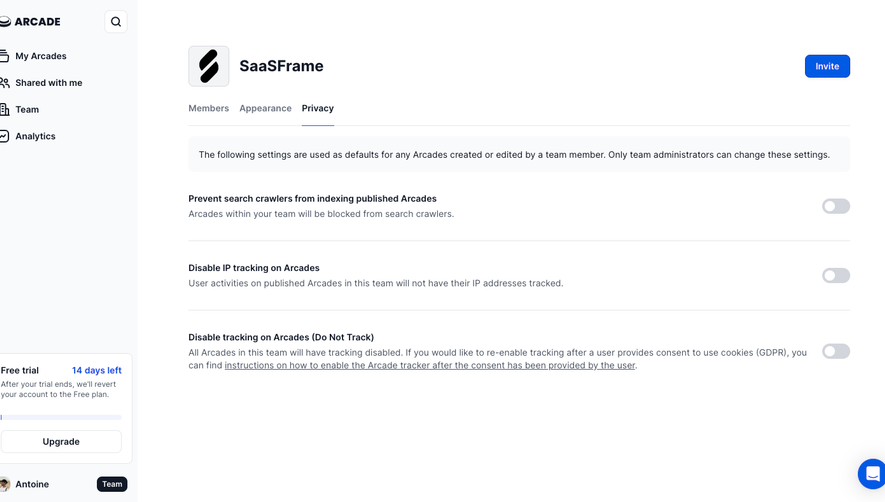
SaaSFrame
Part of Gravity Organization Settings
MindCloud Gravity Account Settings
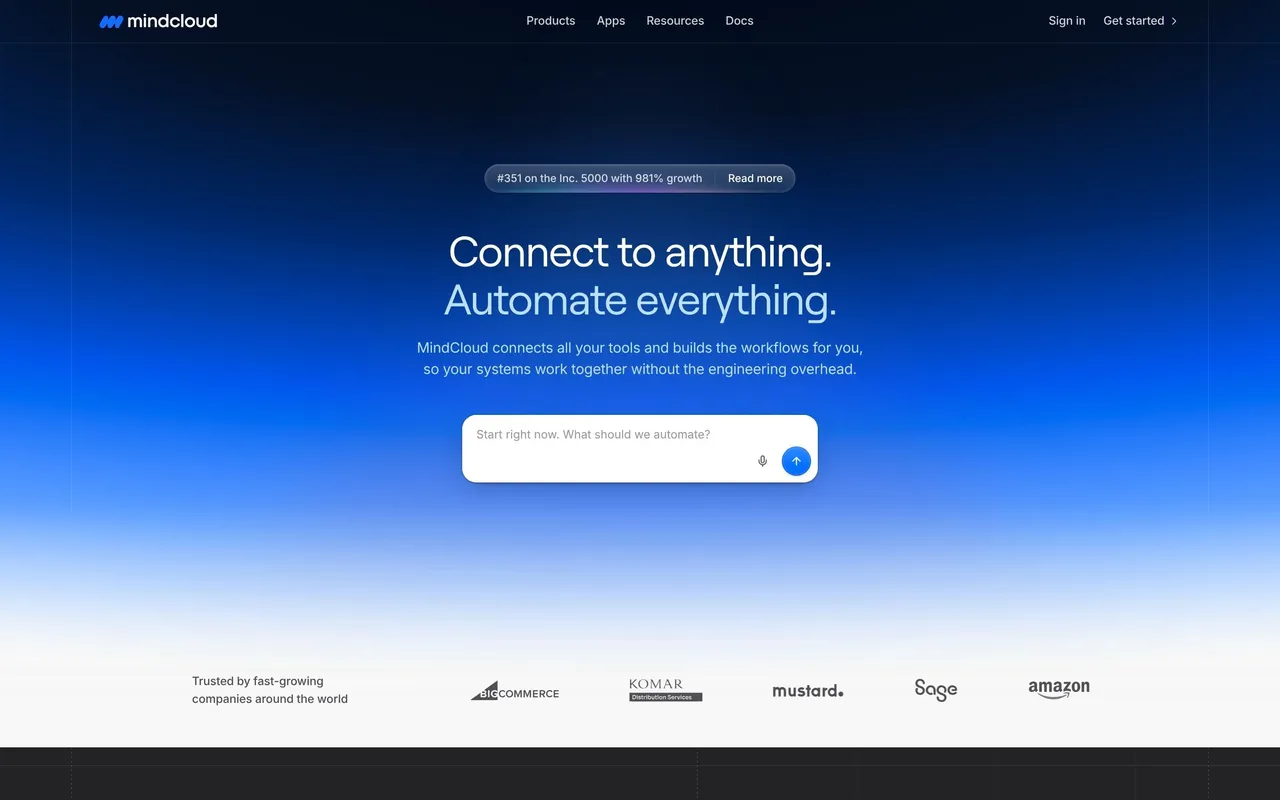
 MindCloudIntegrations and workflow automation
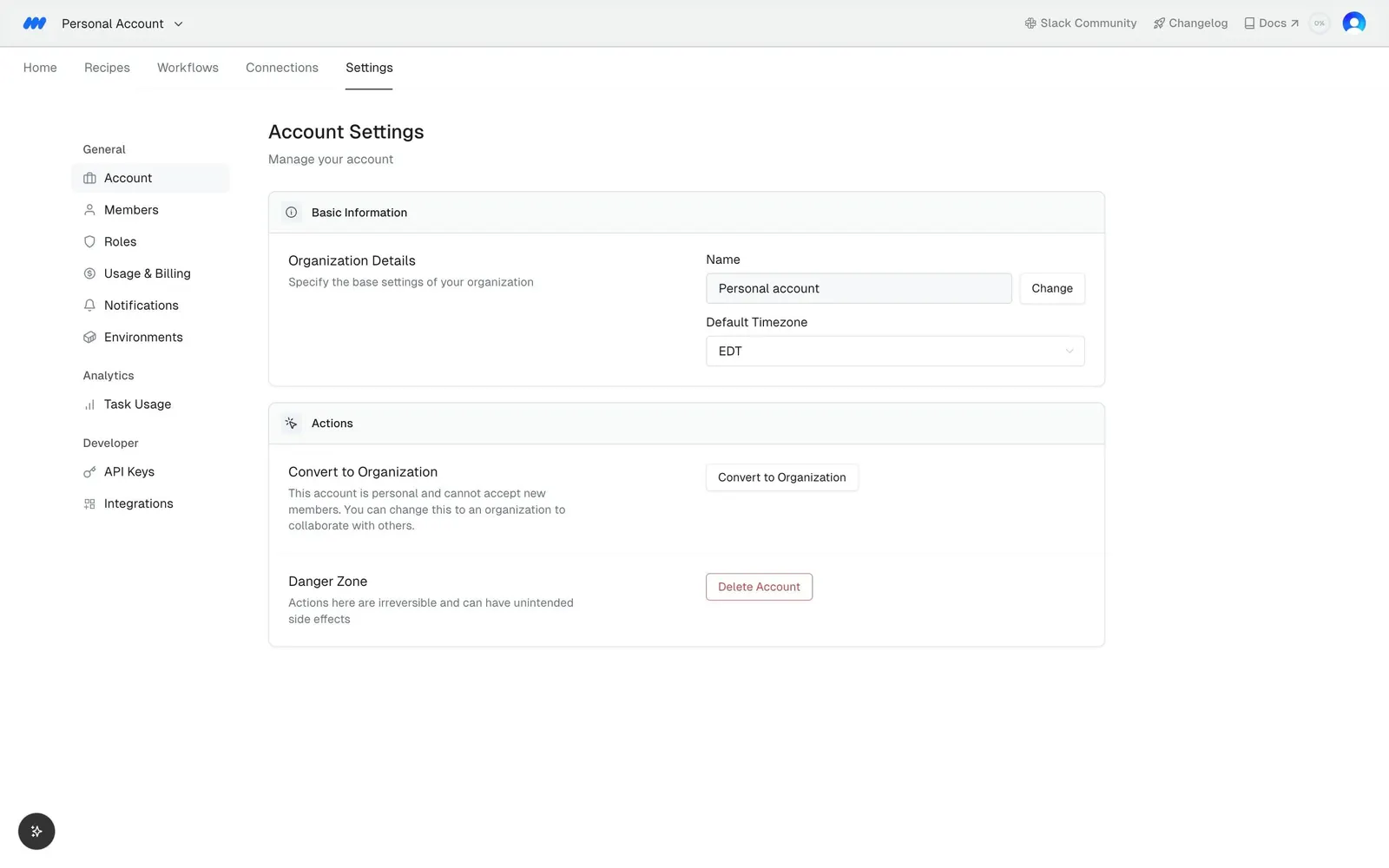
About this screen
Settings sidebar
A left menu groups General (Account, Members, Roles, Usage & Billing, Notifications, Environments), Analytics (Task Usage) and Developer (API Keys, Integrations), with Account selected.
Basic information
"Account Settings" opens on "Organization Details" with a "Name" field set to "Personal account", a "Change" link and a "Default Timezone" value.
Actions
An "Actions" card offers "Connect to Organization" and a "Danger Zone" row with a red-outlined delete button.