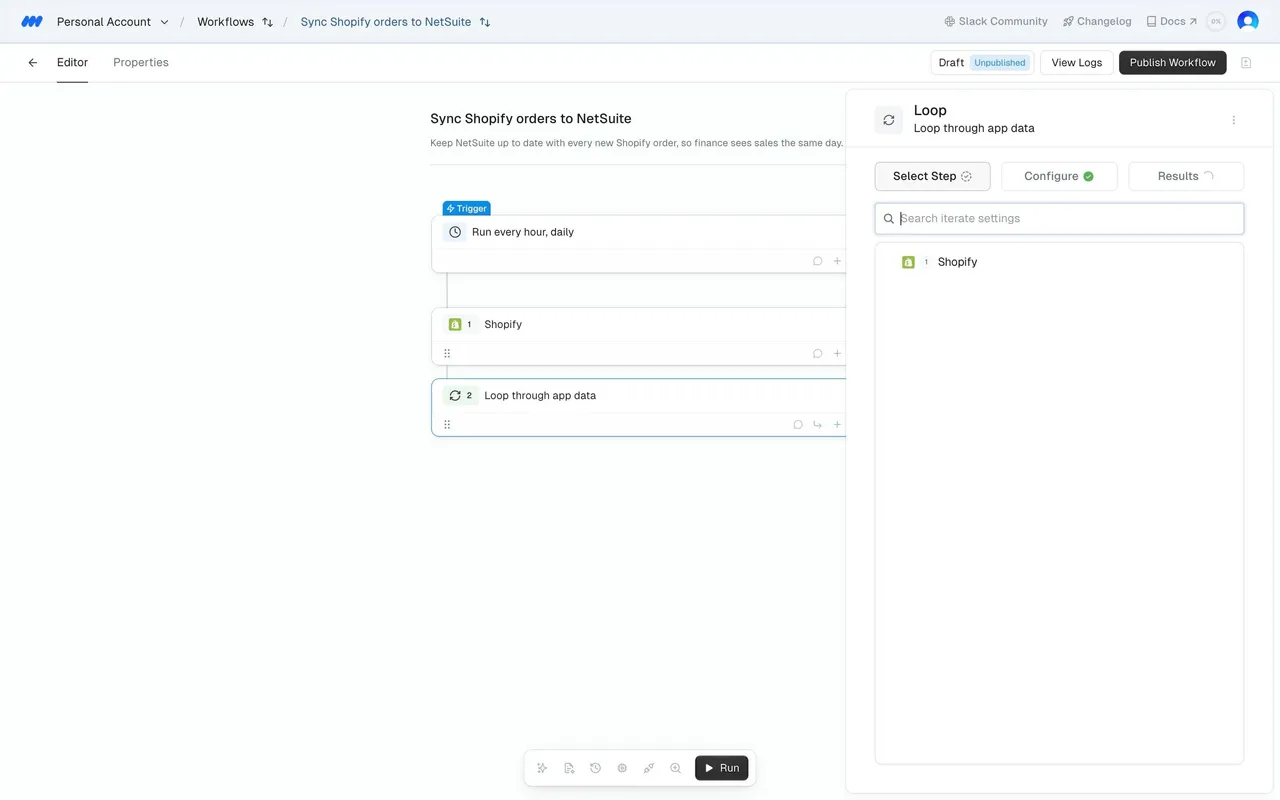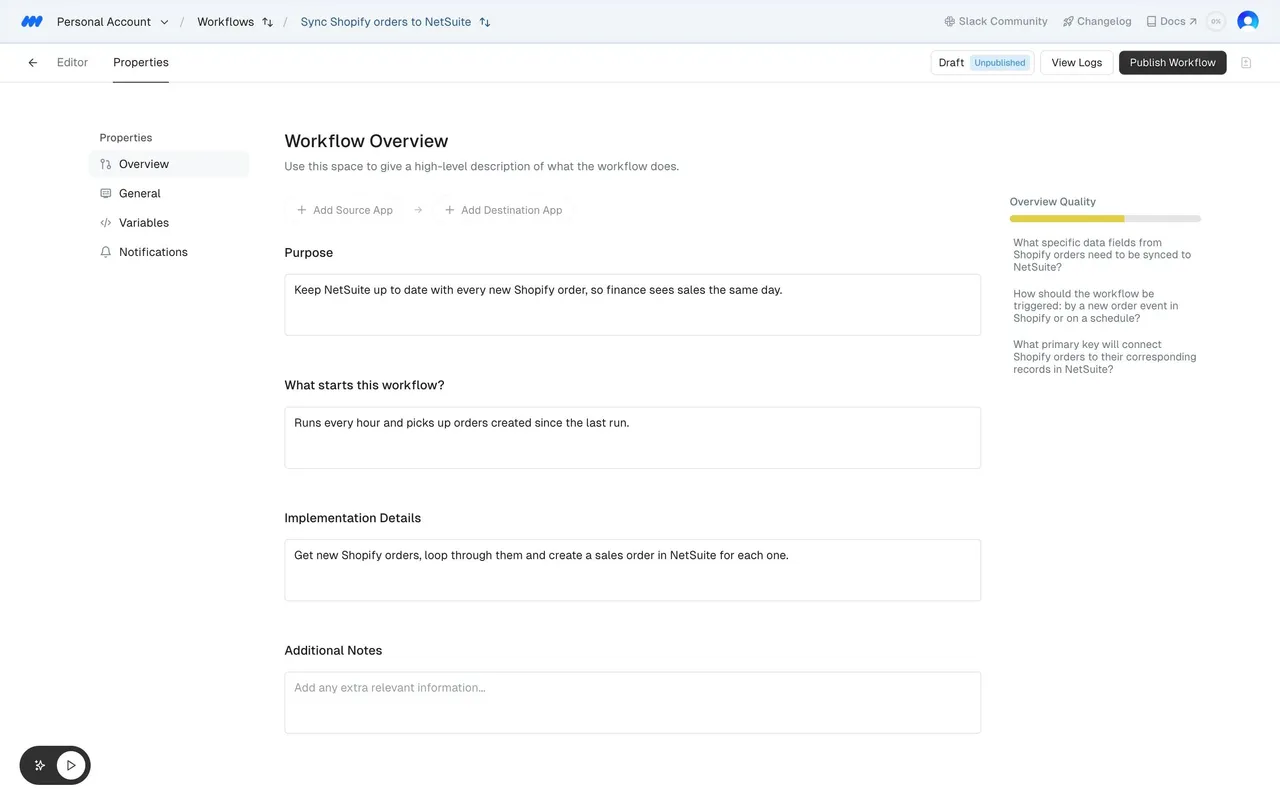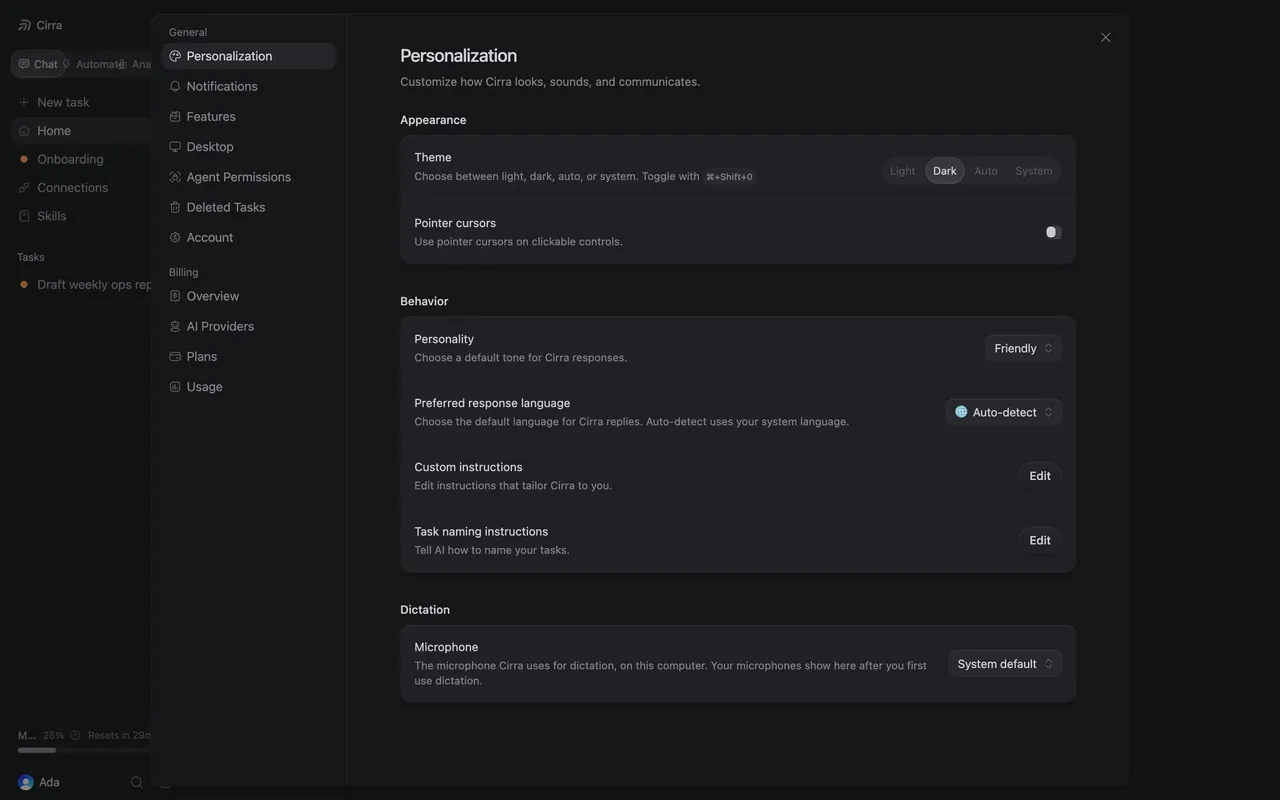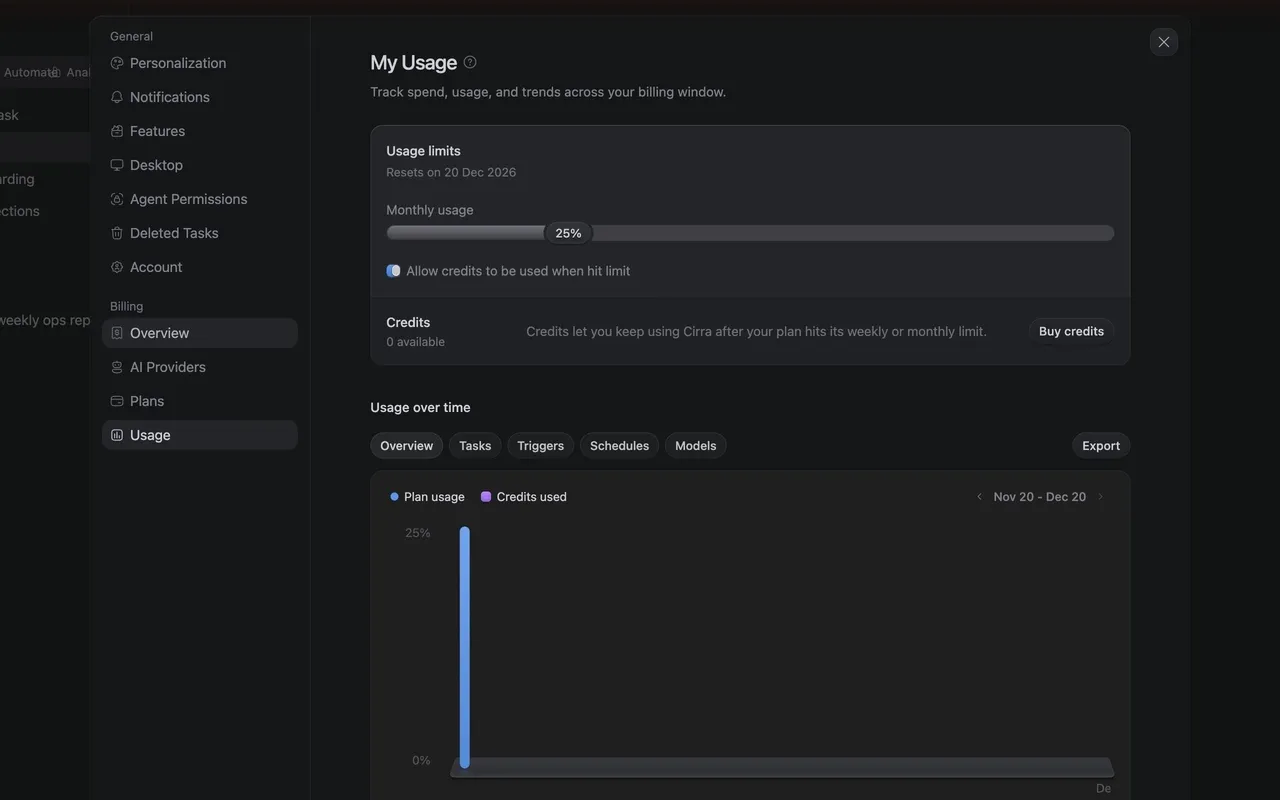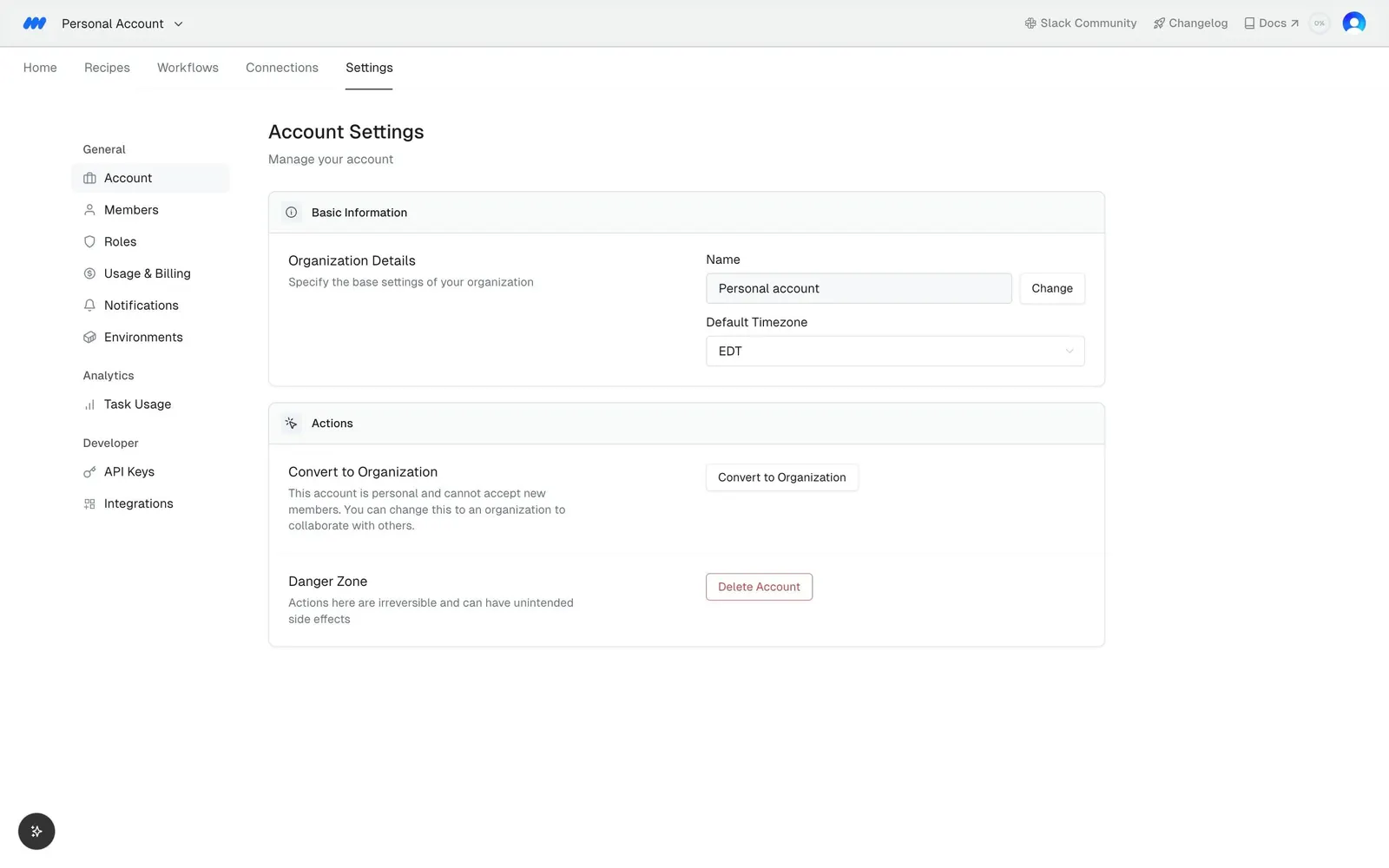
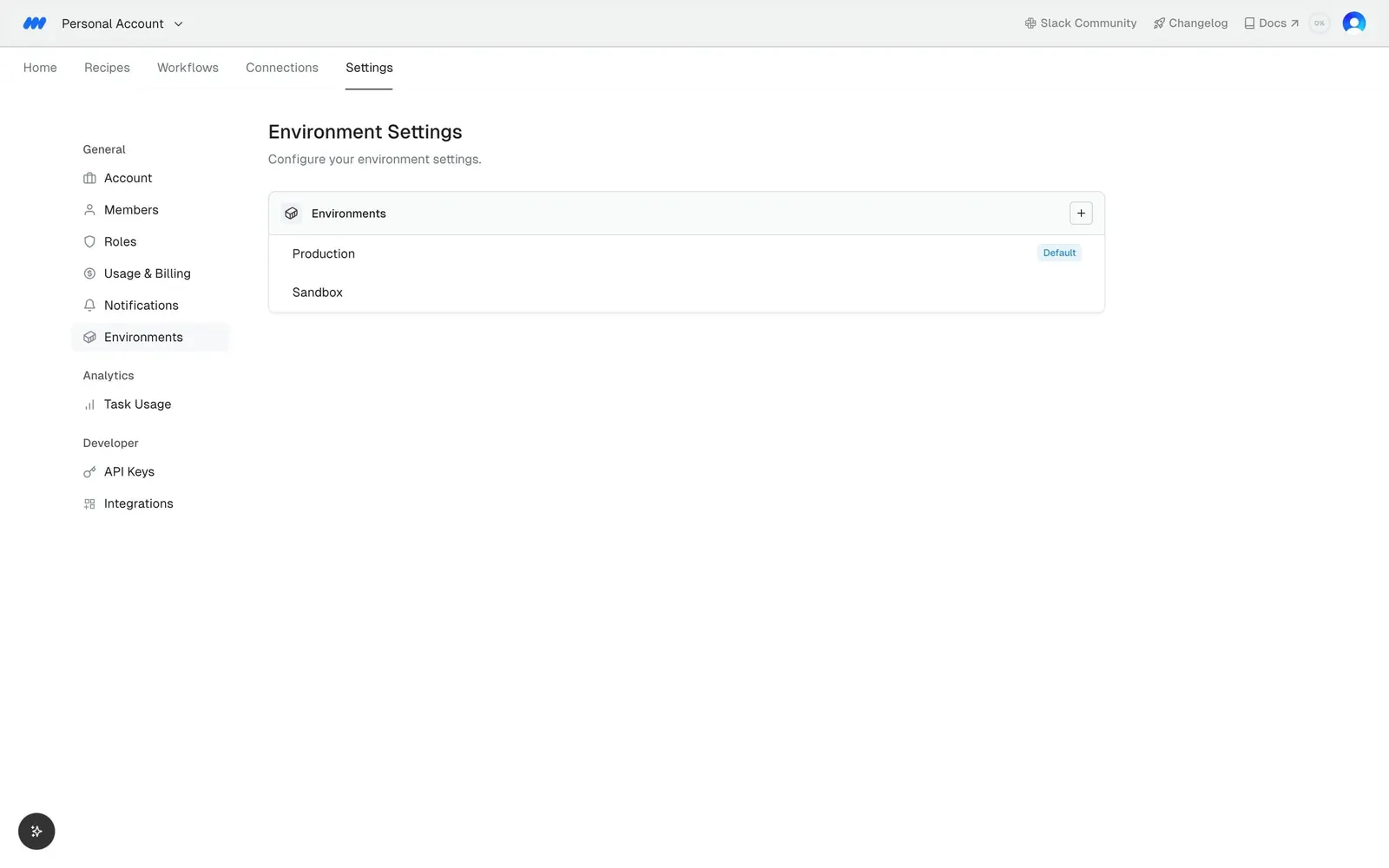
MindCloud Gravity Account Settings
1 Gravity Account Settings
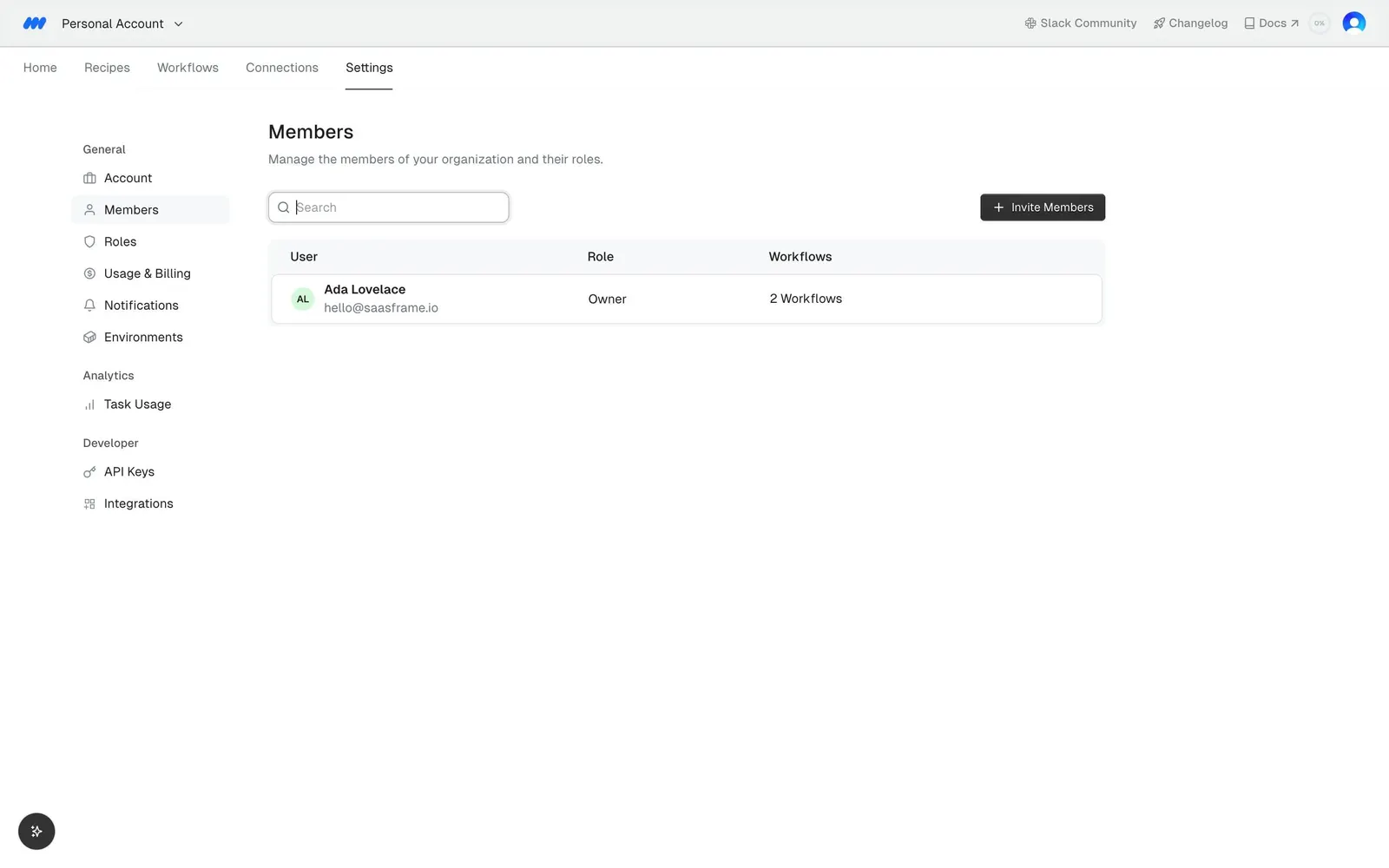
MindCloud Gravity Members
2 Gravity Members
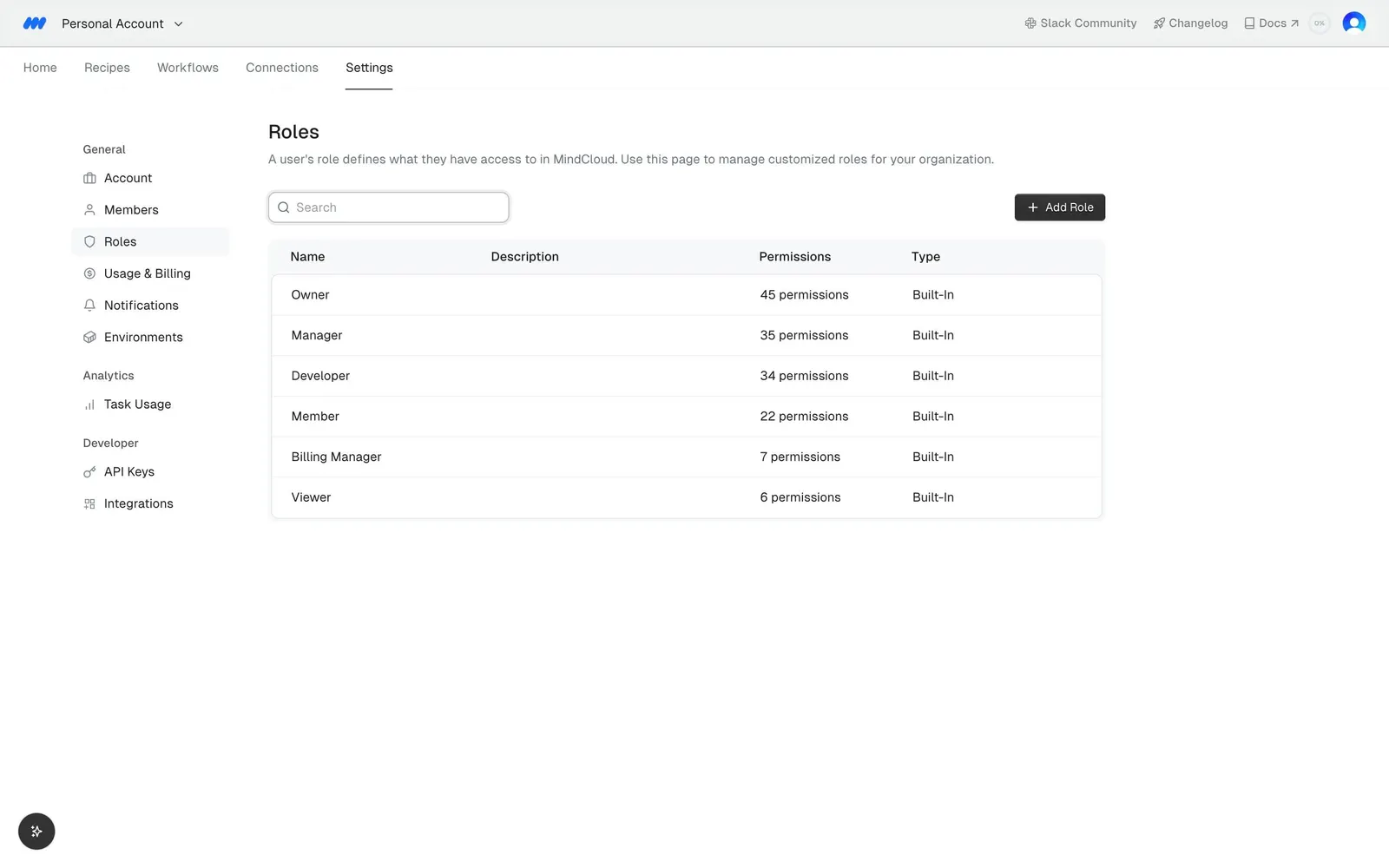
MindCloud Gravity Roles
3 Gravity Roles
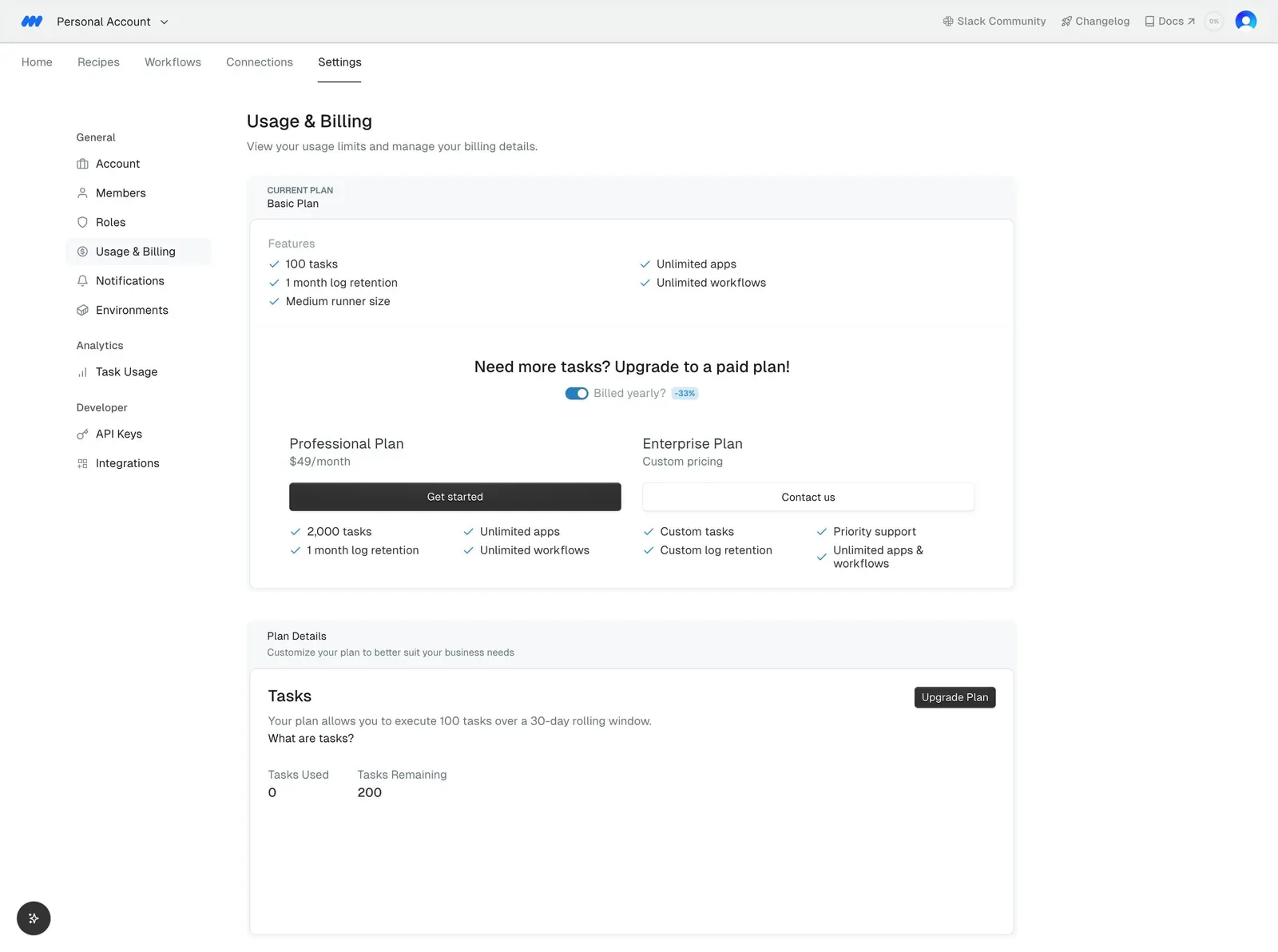
MindCloud Gravity Usage & Billing
4 Gravity Usage & Billing
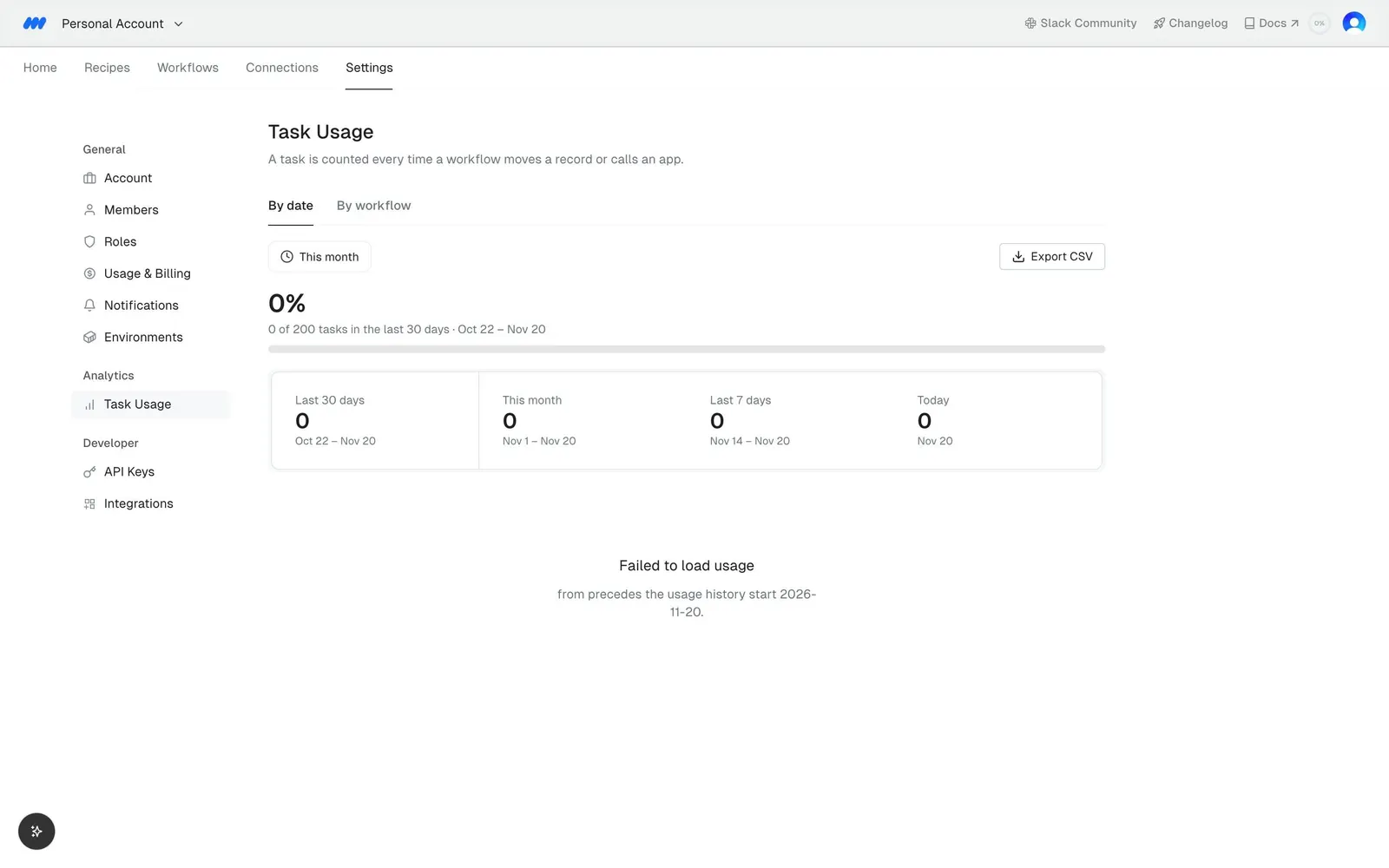
MindCloud Gravity Task Usage
5 Gravity Task Usage
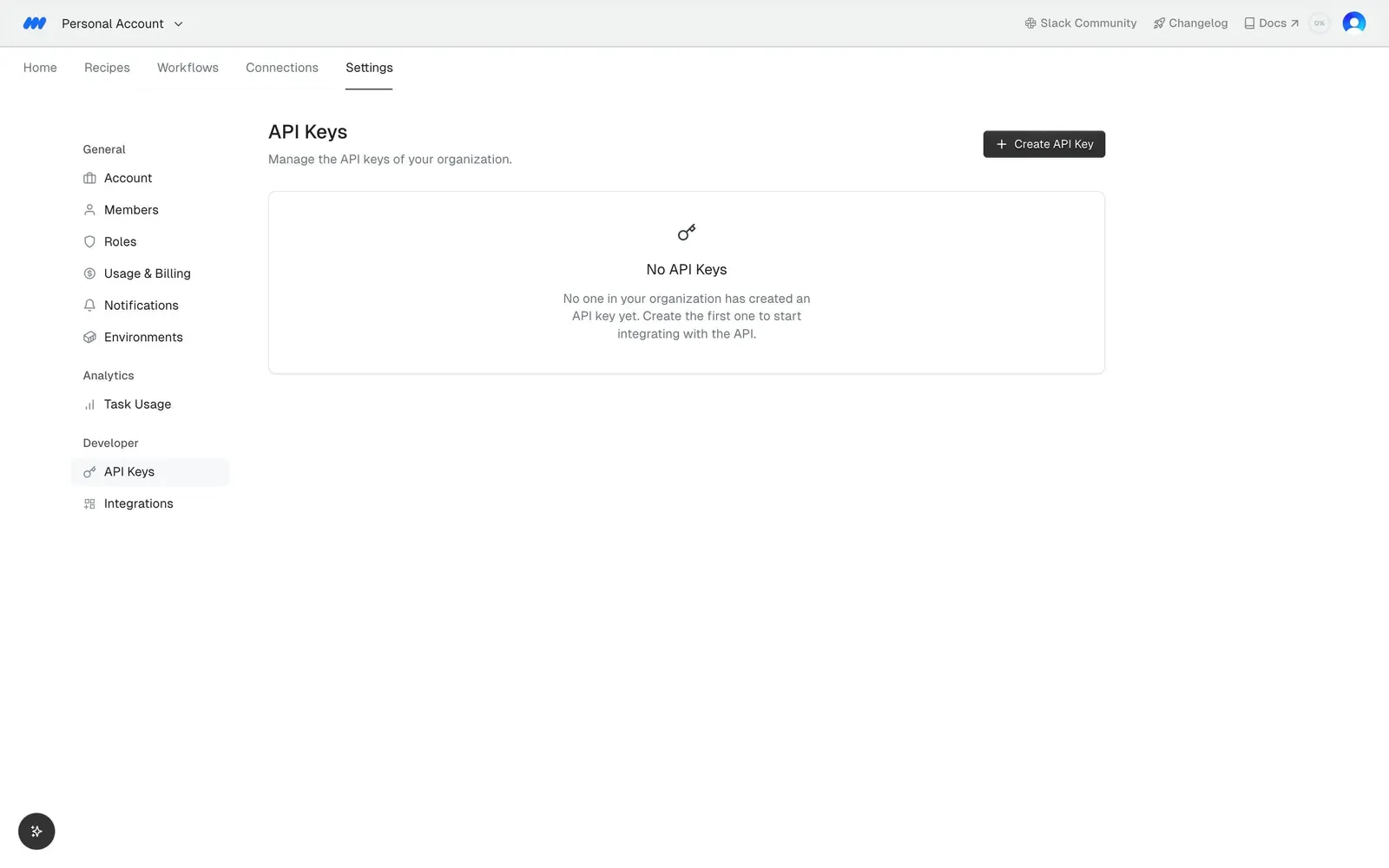
MindCloud Gravity API Keys
6 Gravity API Keys
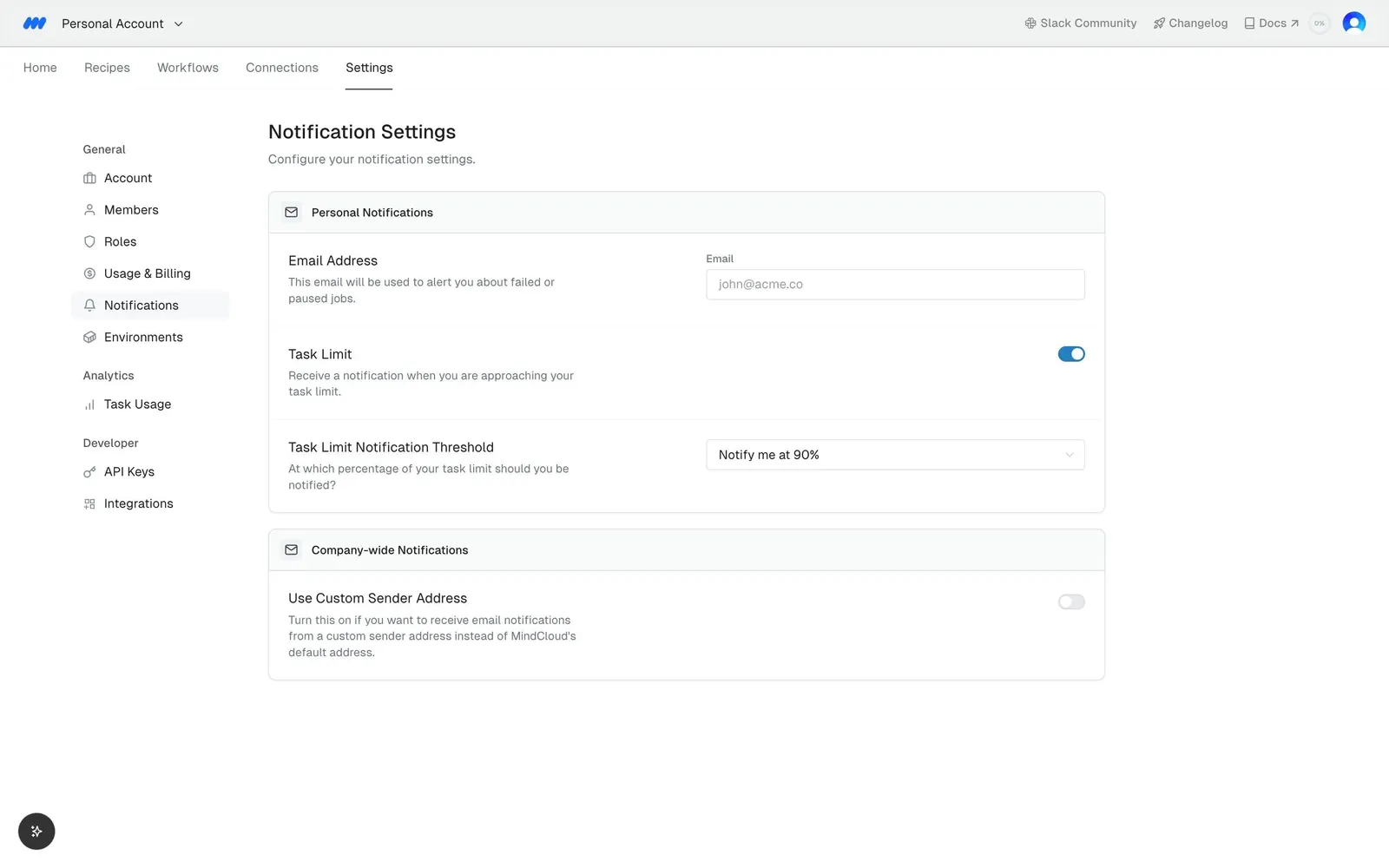
MindCloud Gravity Notifications Settings
7 Gravity Notifications Settings
MindCloud Gravity Environments
8 Gravity Environments

MindCloud Gravity Organization Settings

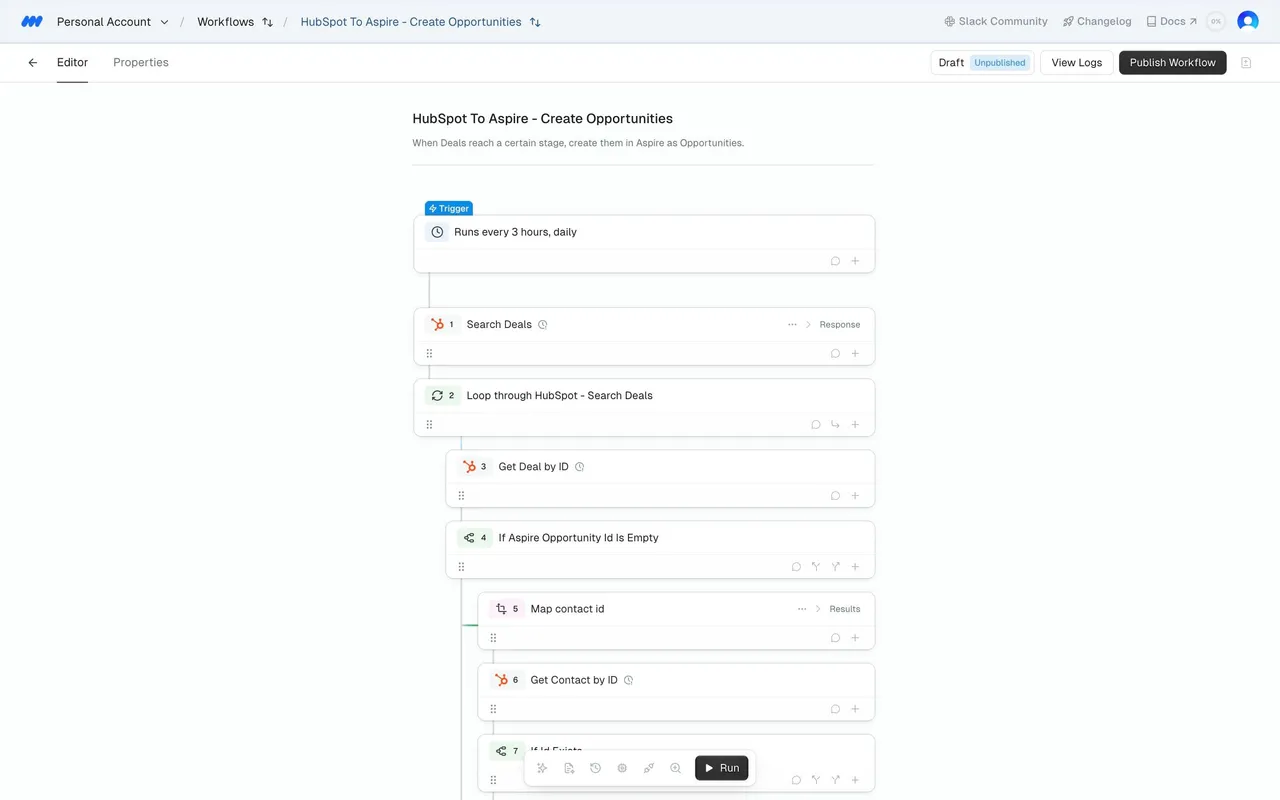
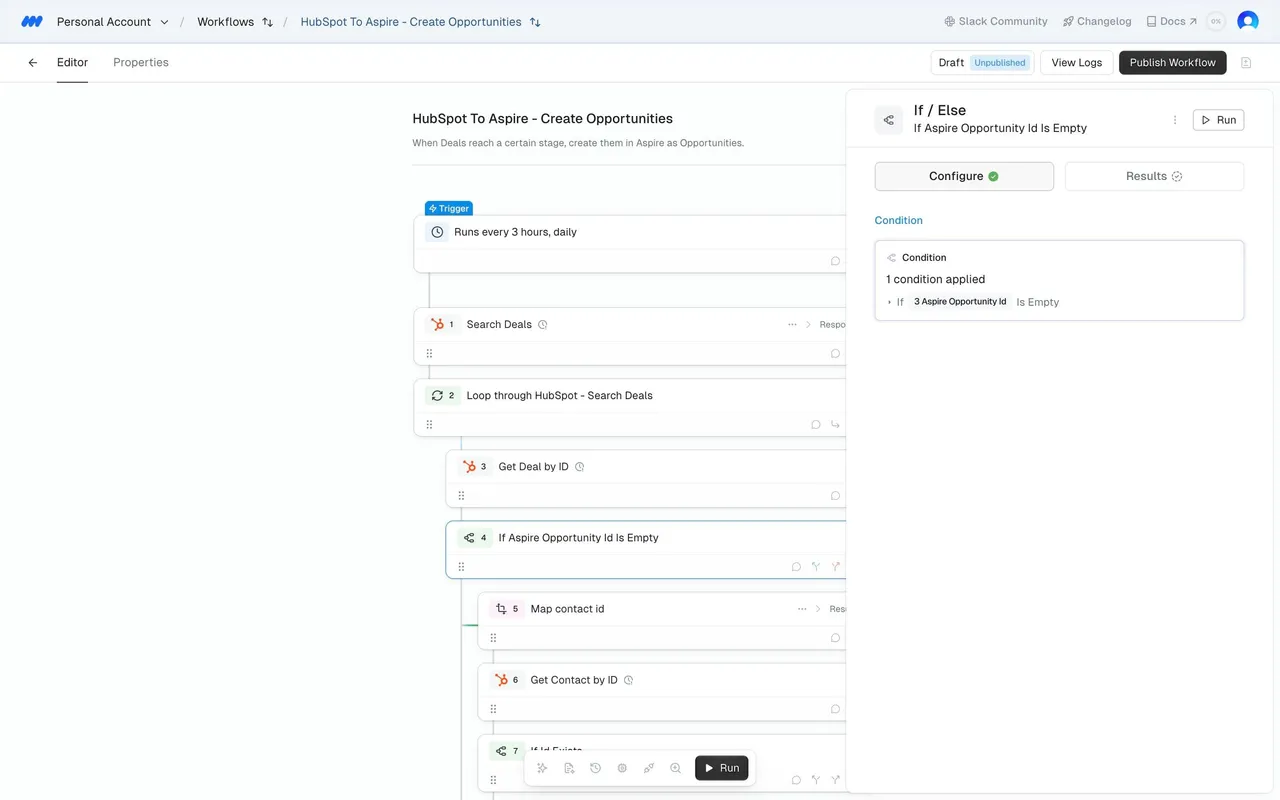
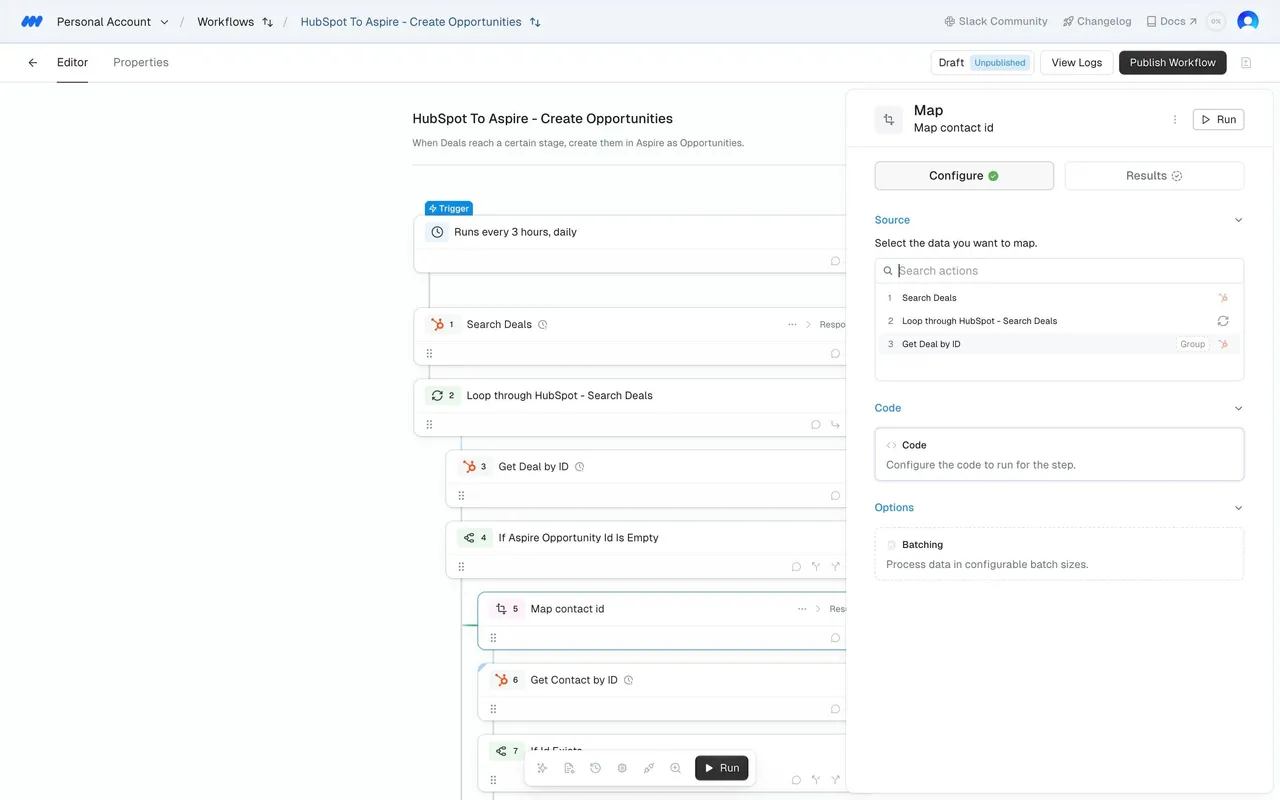
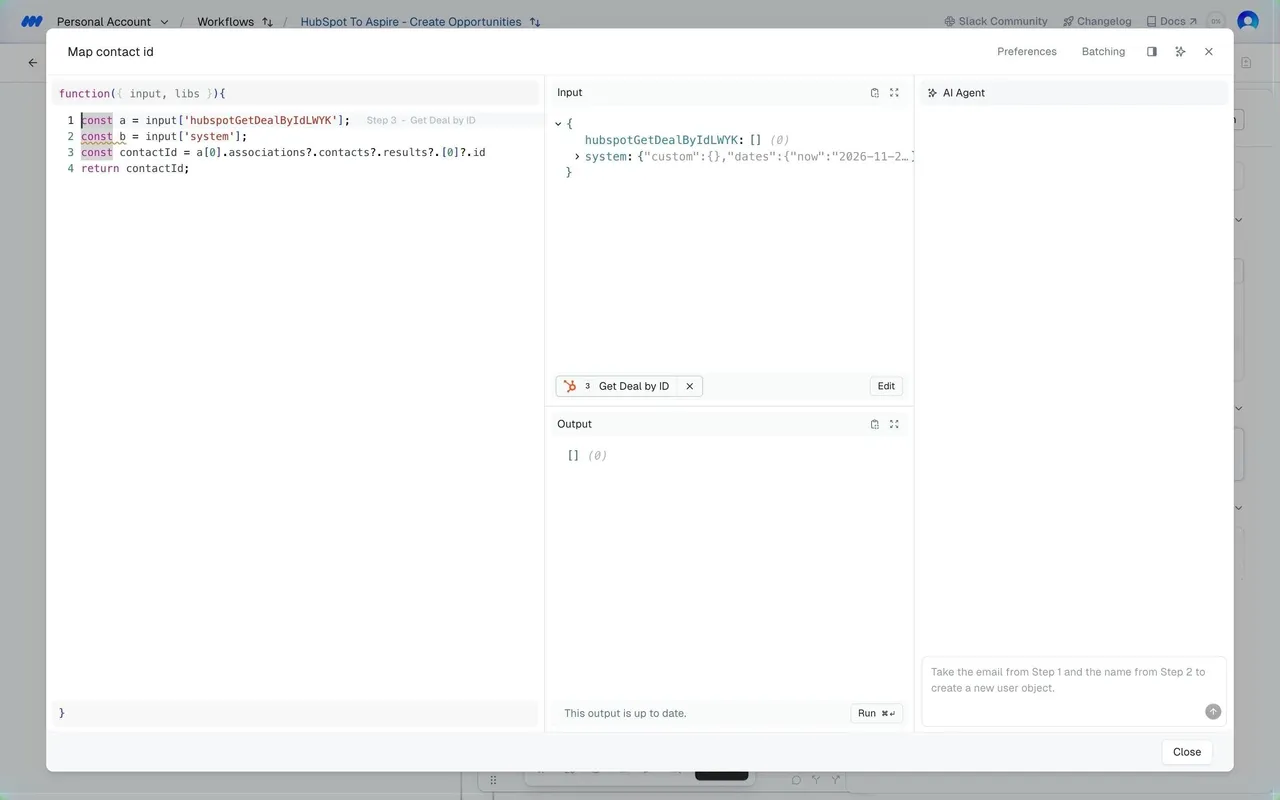
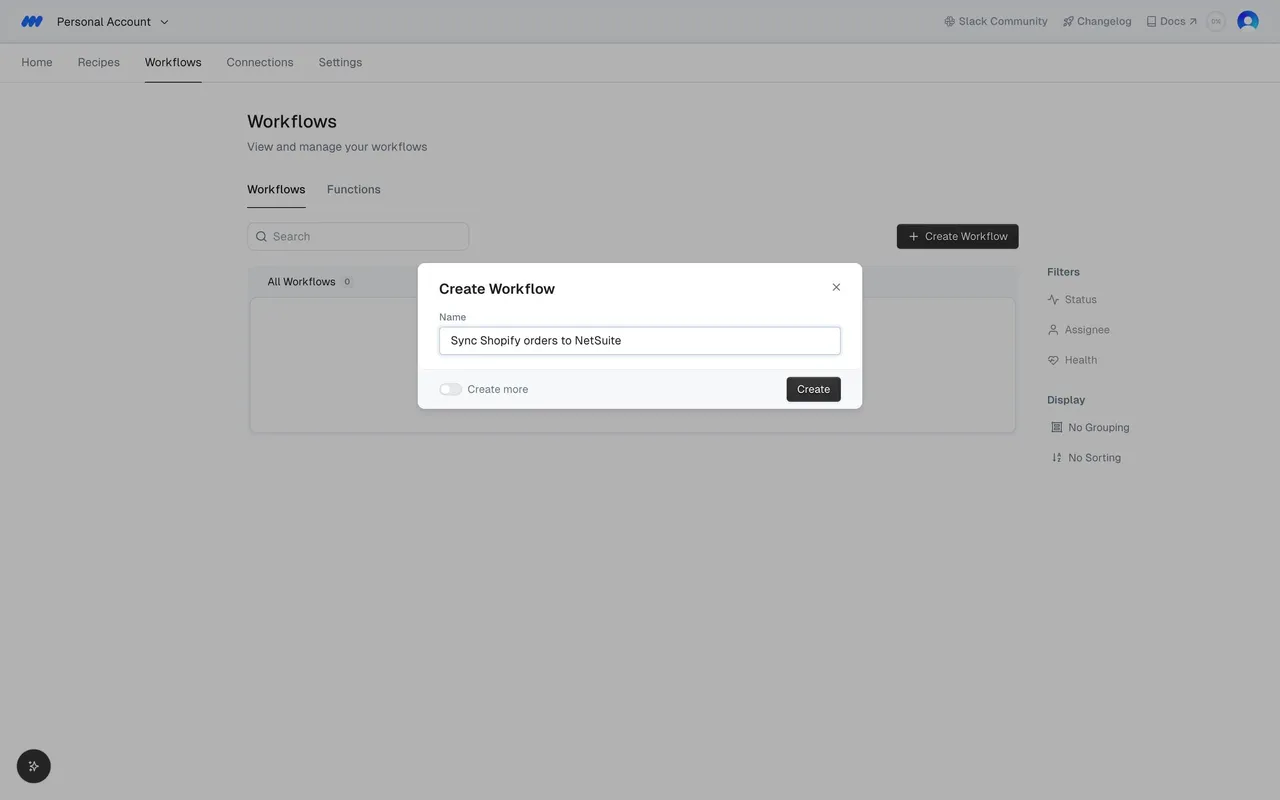
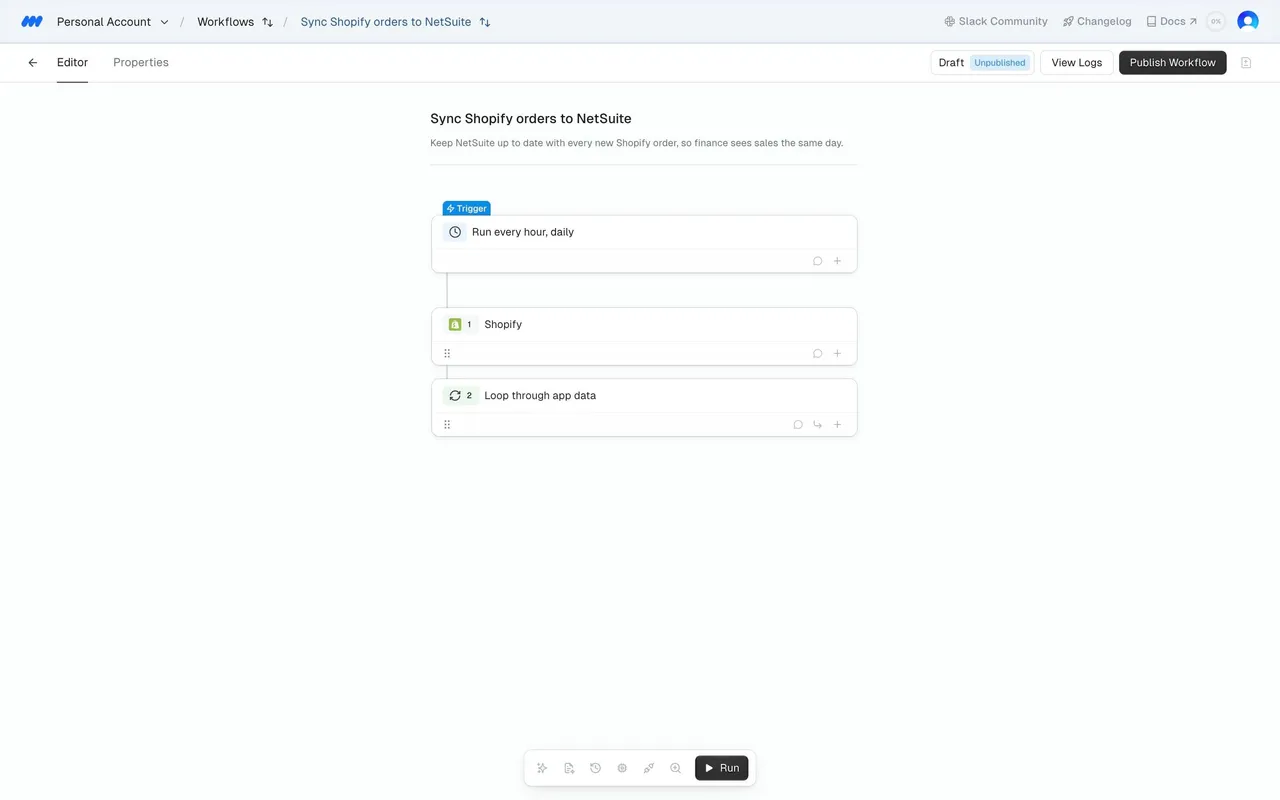
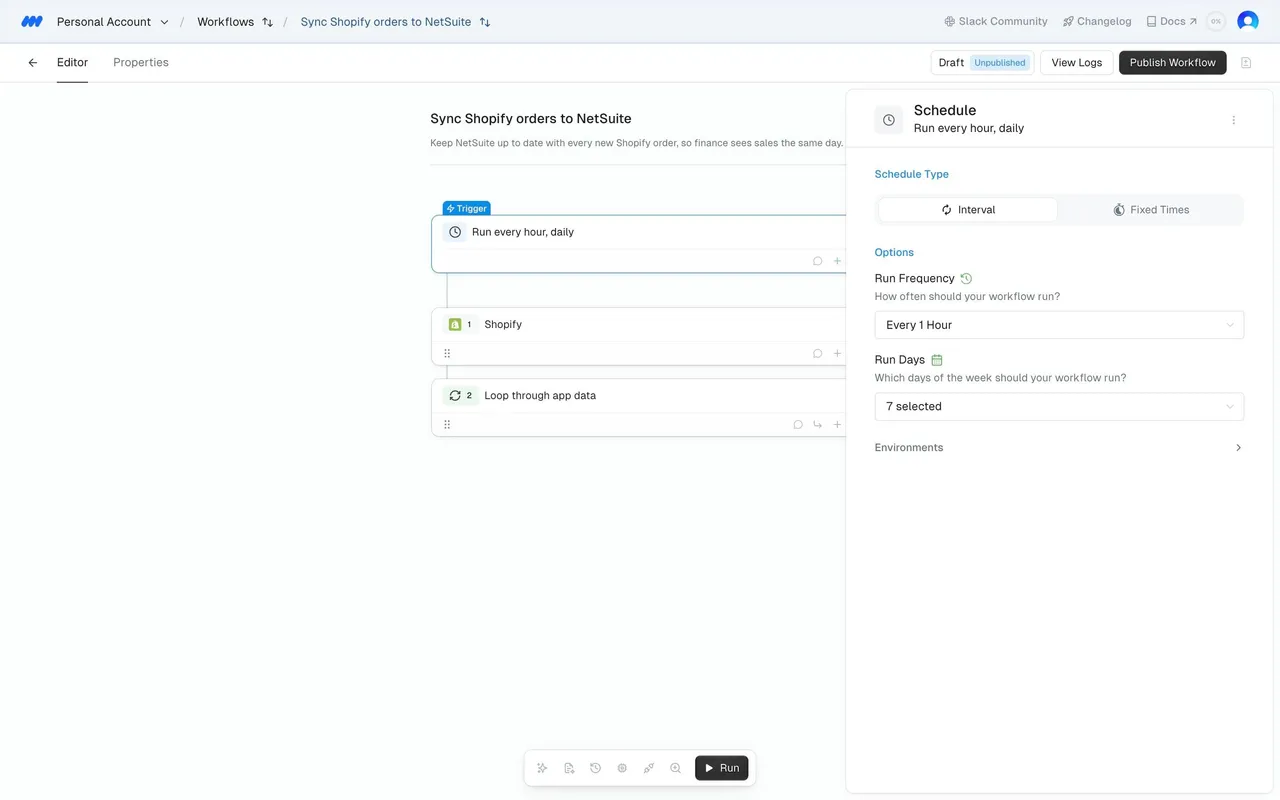
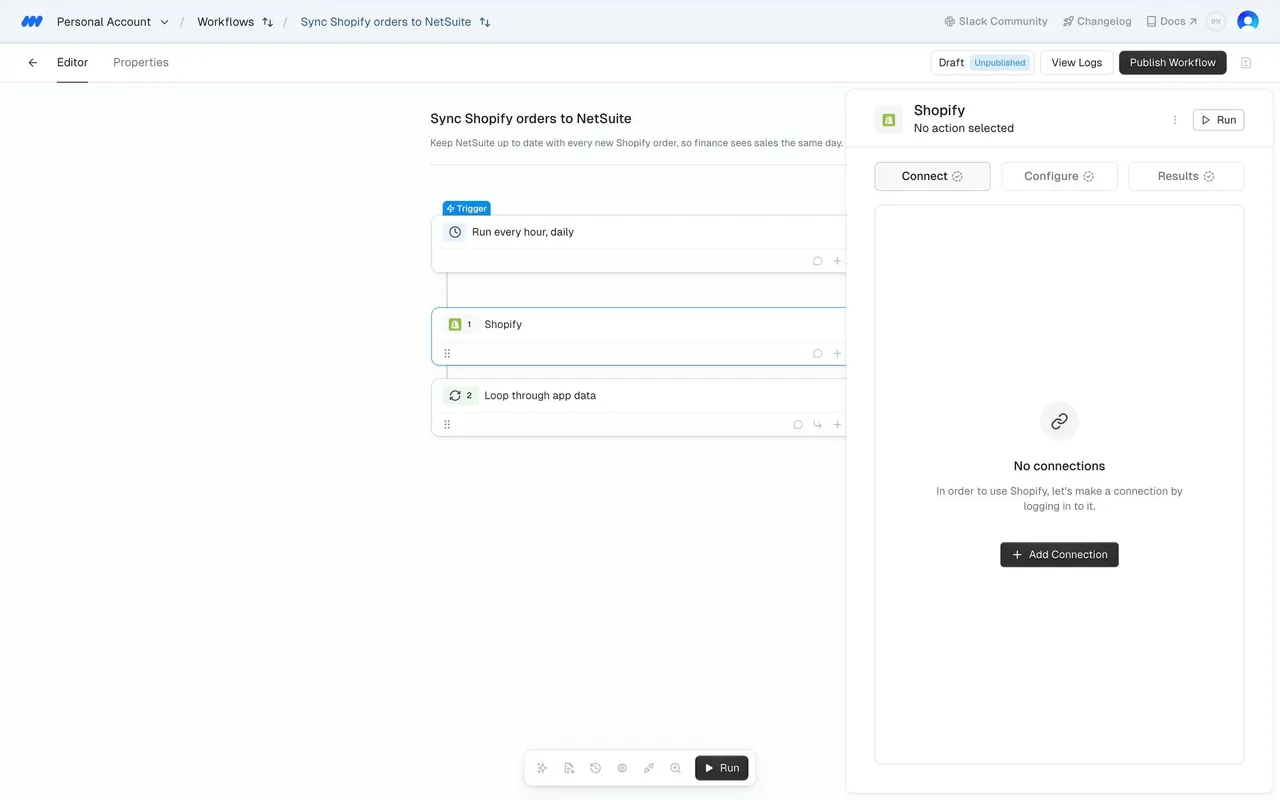
Follow MindCloud’s gravity organization settings flow step by step: 8 real screens captured from the live product, from gravity account settings to gravity environments. Use ← → to move between steps, and open any screen to see it in full.

Steps in this flow

  1. 1Gravity Account Settings
  2. 2Gravity Members
  3. 3Gravity Roles
  4. 4Gravity Usage & Billing
  5. 5Gravity Task Usage
  6. 6Gravity API Keys
  7. 7Gravity Notifications Settings
  8. 8Gravity Environments

More flows from MindCloud

All MindCloud

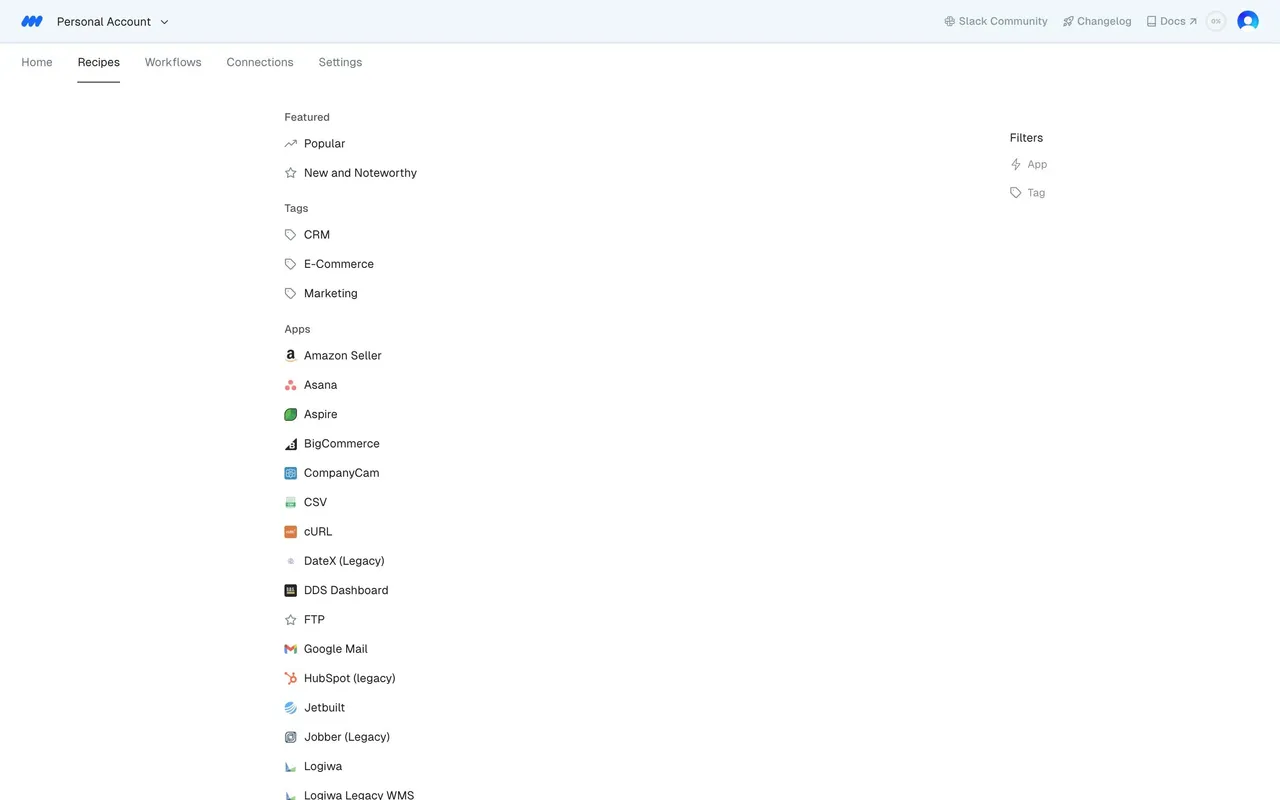
MindCloud Gravity Recipe Workflow

5 screens
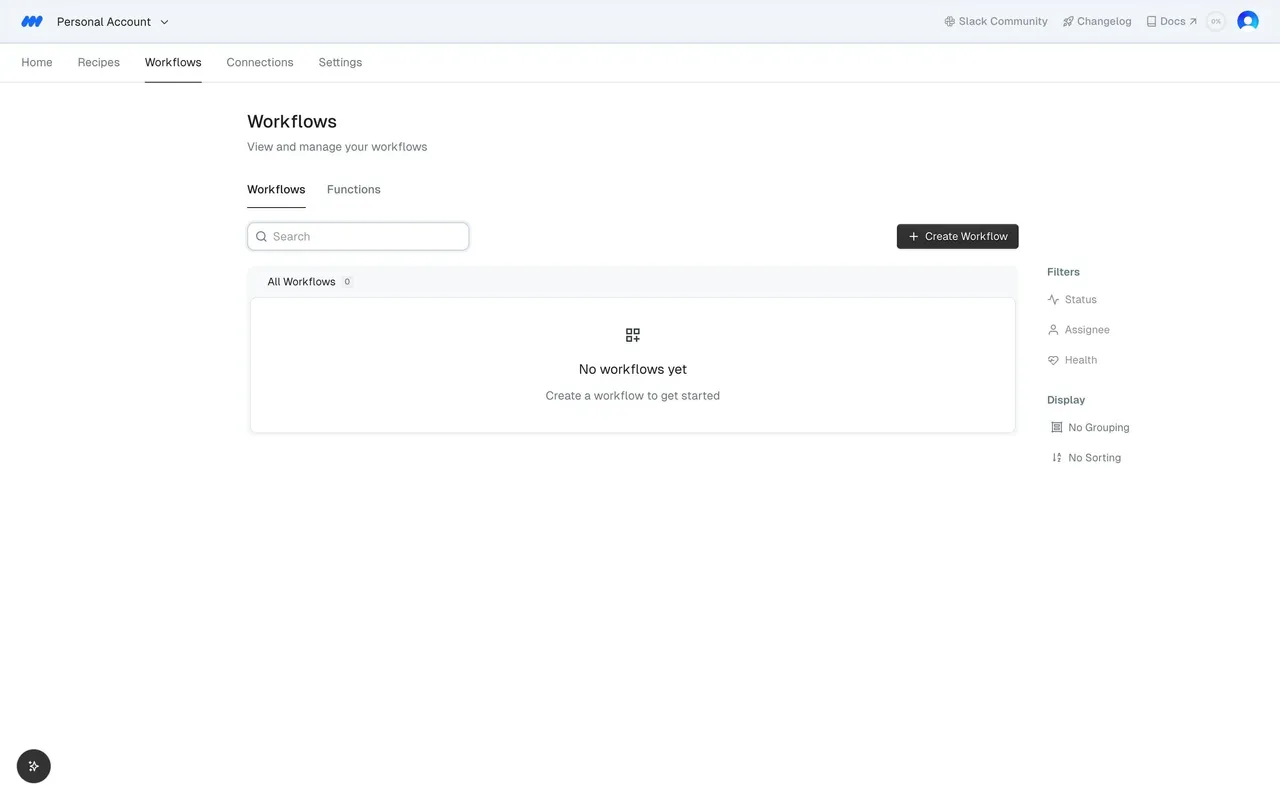
MindCloud Gravity Workflow Building

7 screens
MindCloud Cirra Settings

3 screens