SaaSFrame
Part of Gravity Organization Settings
MindCloud Gravity Environments
 MindCloudIntegrations and workflow automation
About this screen
Environment settings
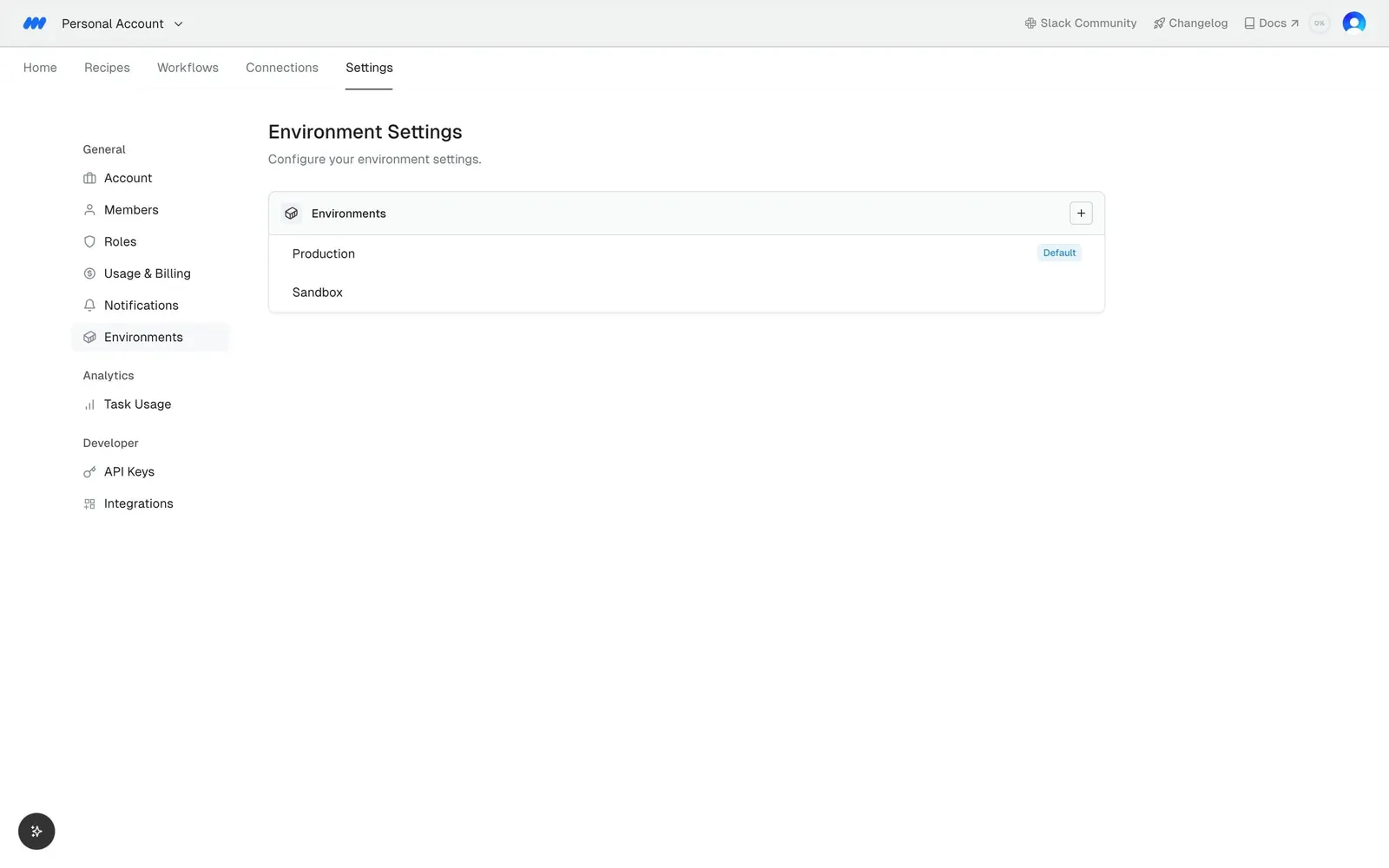
"Environment Settings" with the subline "Configure your environment settings." is selected in the left settings menu.
Environments list
A single collapsible "Environments" card with a caret lists two rows, "Production" and "Sandbox".
Default marker
"Production" carries a small blue "Default" label at the right edge; the rest of the page is empty.