SaaSFrame
Part of Create Application
Clerk Sign-in Options Setup
 ClerkAuthentication and user management for apps
About this screen
Choose sign-in options
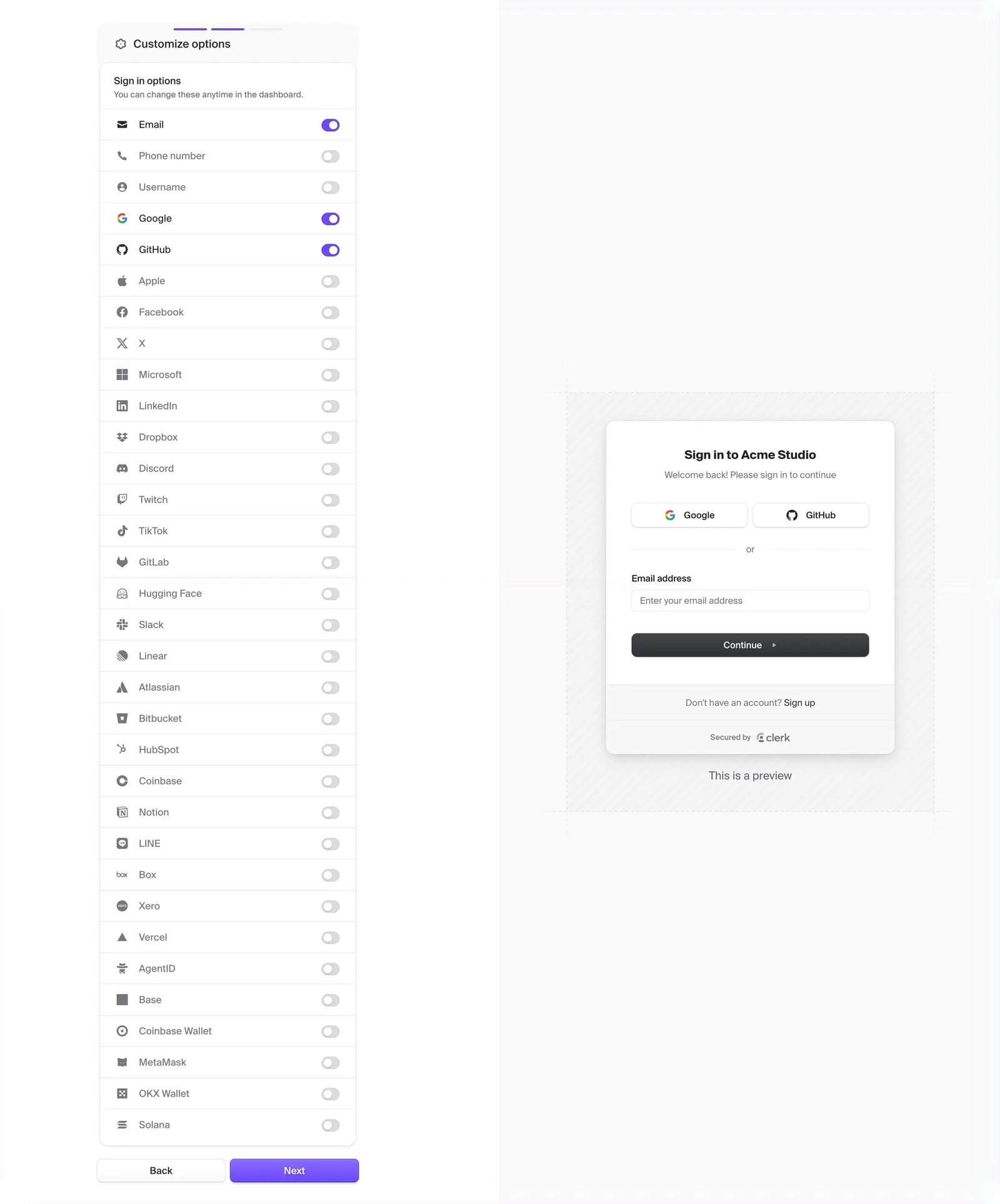
The second step, "Customize options", lists "Sign in options" with the note "You can change these anytime in the dashboard." Each method has an icon and a toggle: Email, Phone number, Username, then a long list of providers such as Google, GitHub, Apple, Microsoft, LinkedIn, Discord, Slack, Linear, Notion, Vercel and more.
Preview that follows the toggles
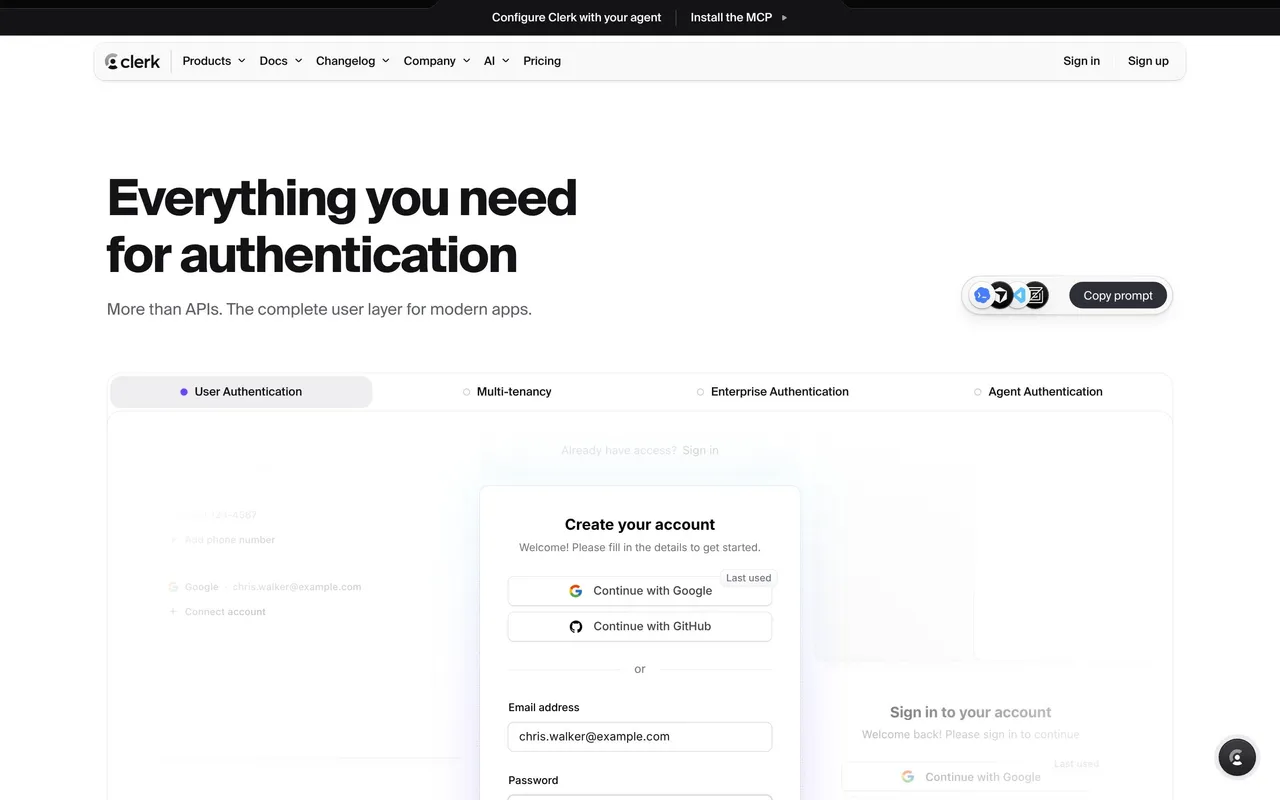
Turning on Google and GitHub immediately updates the preview card on the right, "Sign in to Acme Studio", which now shows two social buttons above the email field.
Steps and navigation
A three-step indicator (Application, Authentication, Organizations) sits on top, with Back and a violet Next button at the bottom of the list.