SaaSFrame
Cal.com Working Hours
 Cal.comOpen-source scheduling platform
About this screen
Weekly hours editor
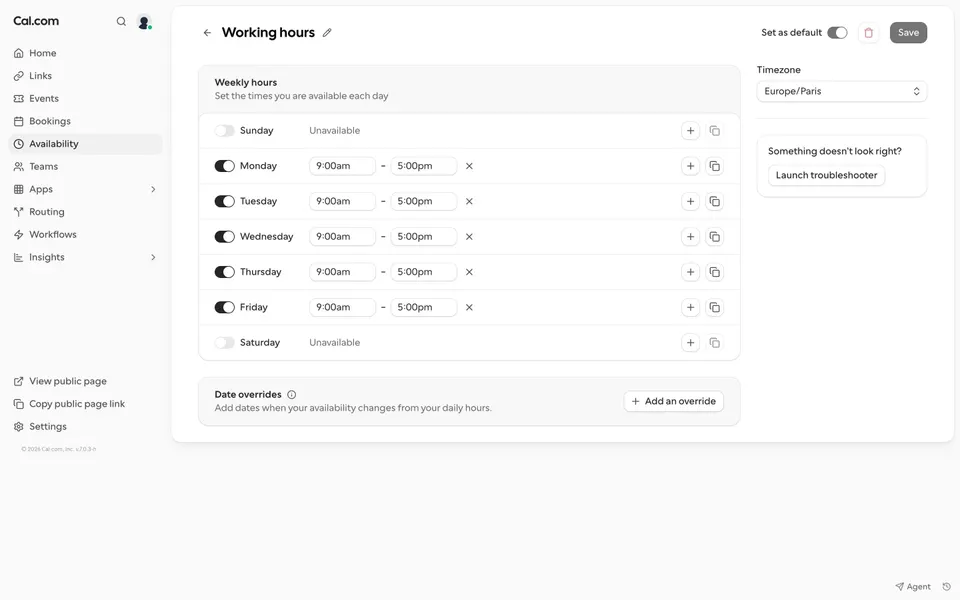
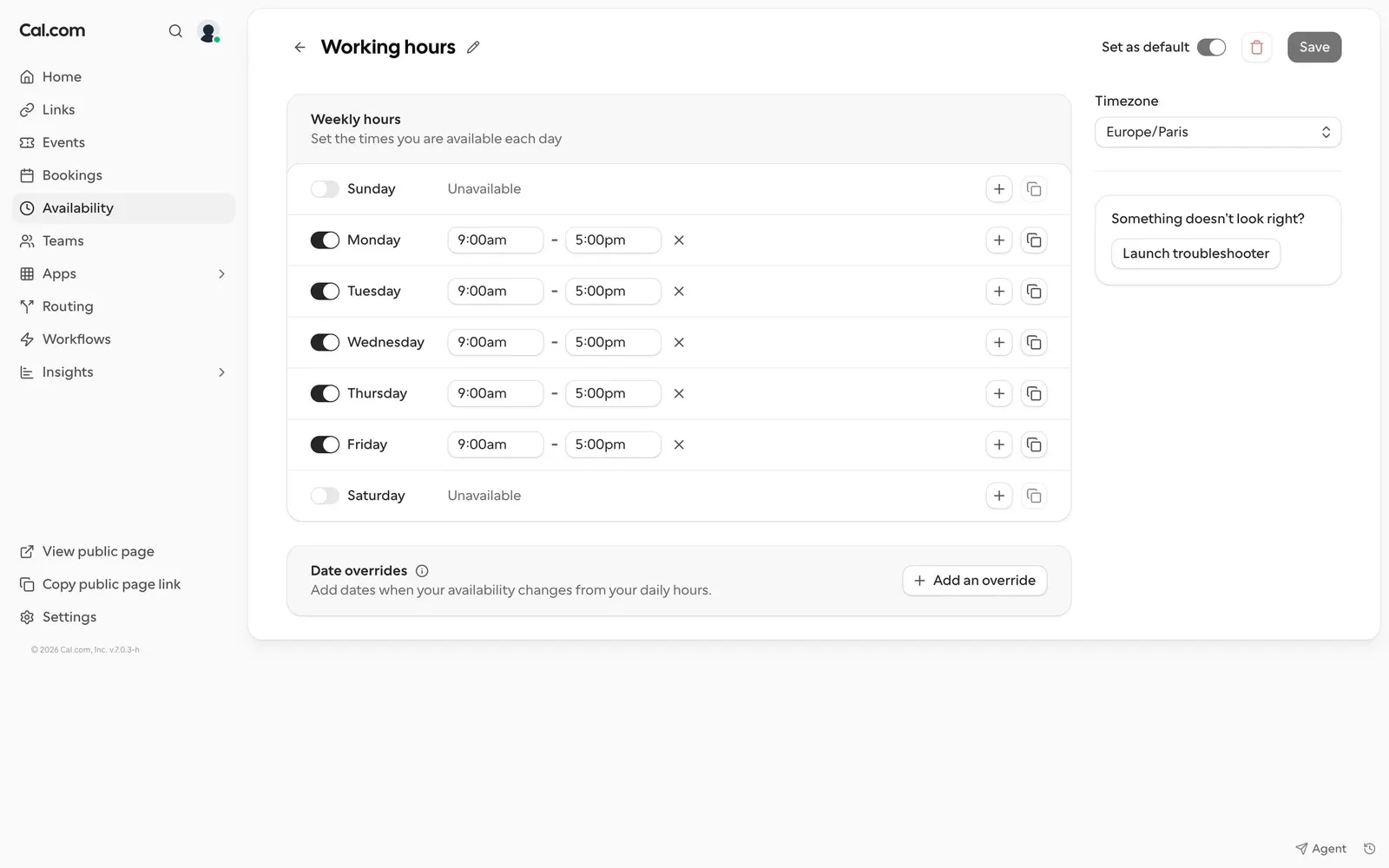
The "Working hours" schedule opens with an editable title, a "Set as default" toggle and a dark Save button. "Weekly hours: Set the times you are available each day" lists Sunday to Saturday with a switch, start and end time selects (9:00am to 5:00pm) and icons to add a range or copy times.
Date overrides
Below, "Date overrides" lets you "Add dates when your availability changes from your daily hours" with an "+ Add an override" button.
Side settings
A right column holds the Timezone select (Europe/Paris) and "Something doesn't look right? Launch troubleshooter".
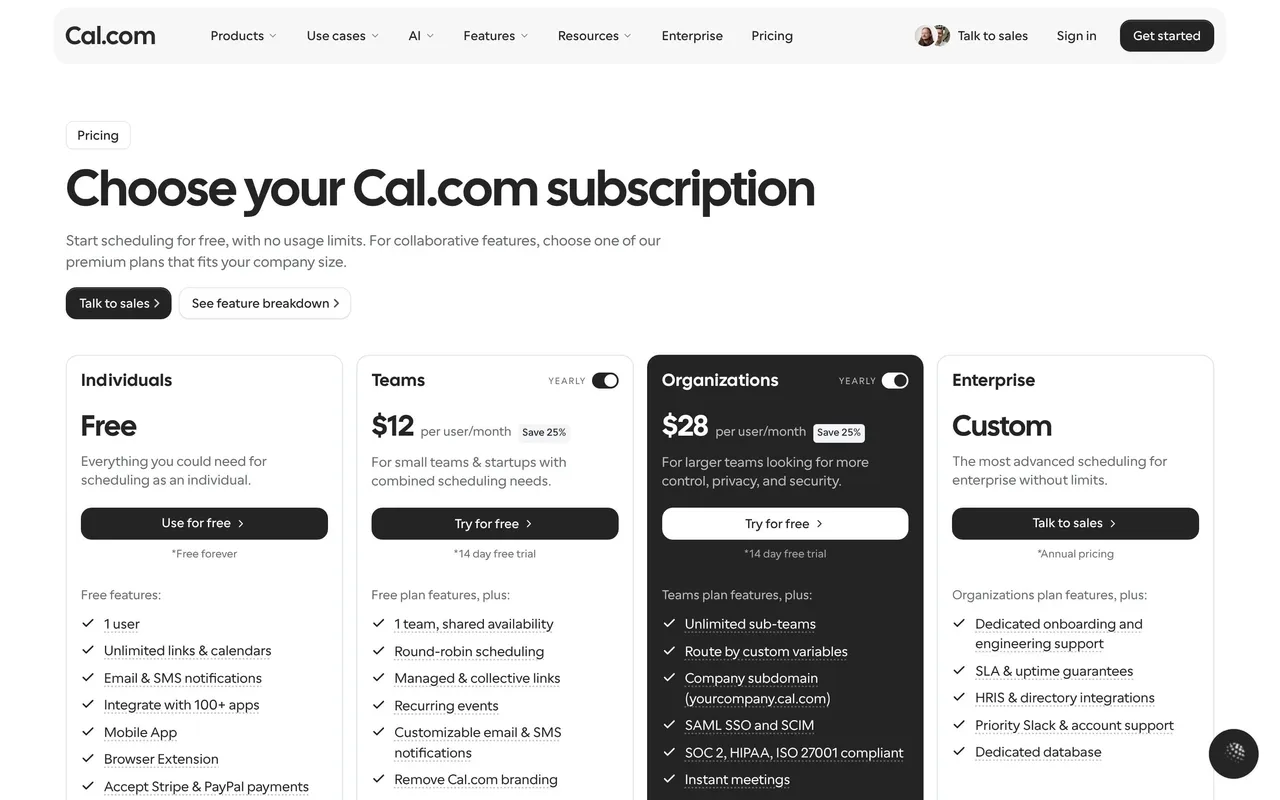
Before and after
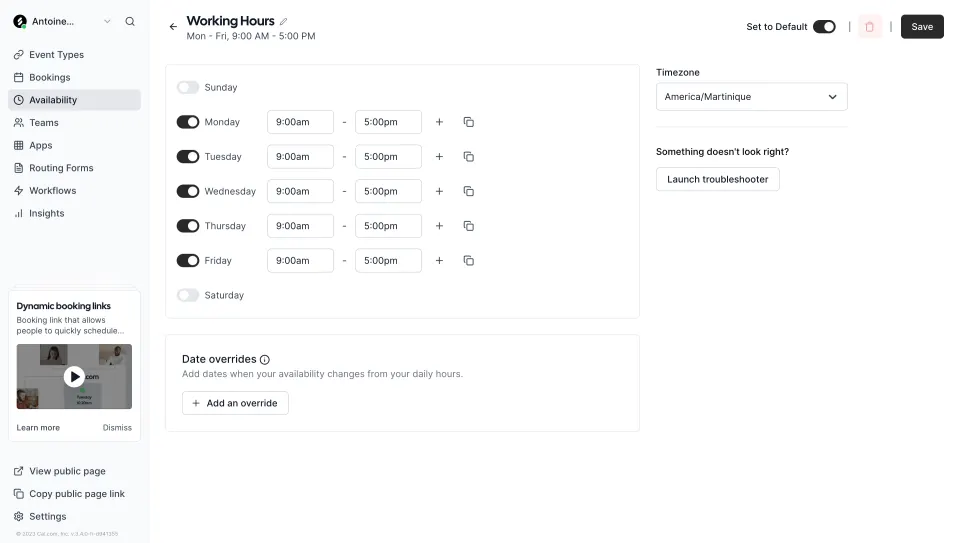
How Cal.com redesigned this screen between October 2023 and November 2026.