SaaSFrame
Cal.com Profile Settings
 Cal.comOpen-source scheduling platform
About this screen
Settings with a grouped sidebar
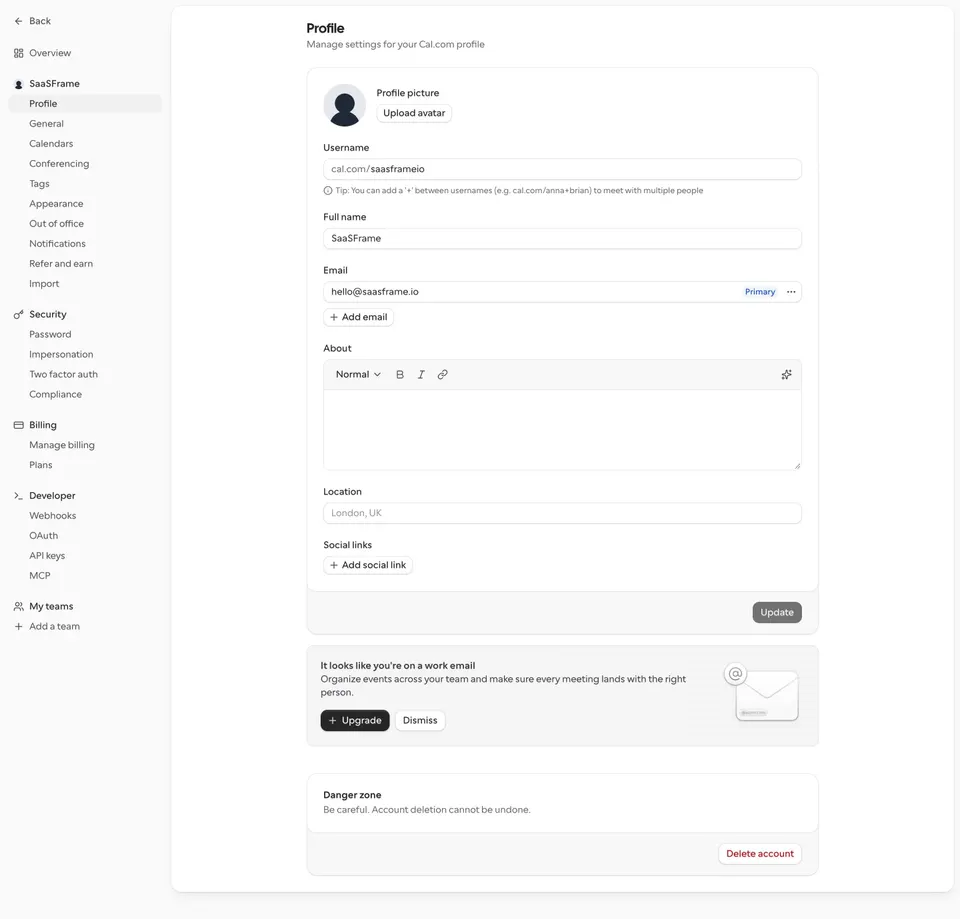
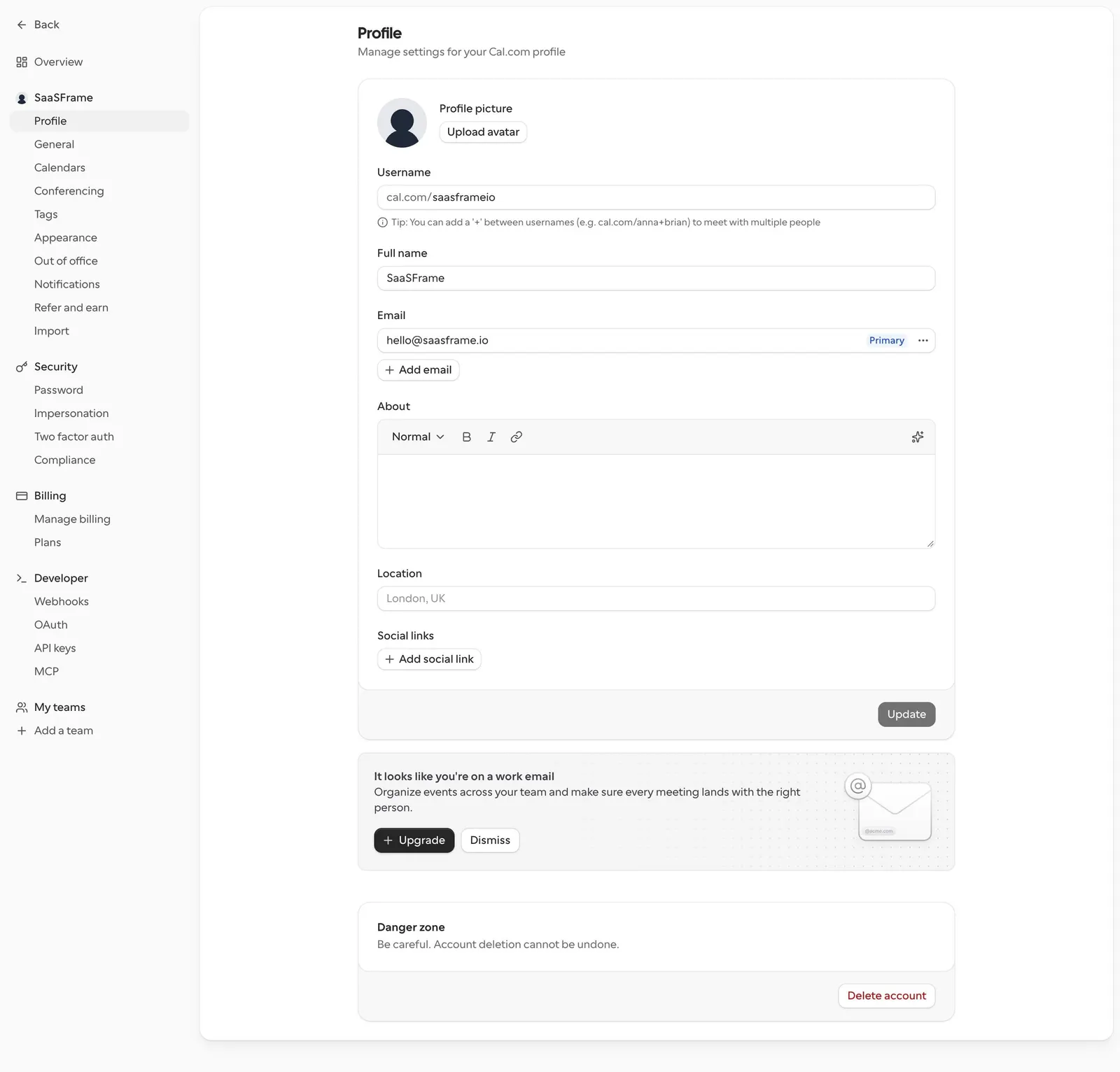
Settings swap the main navigation for a dedicated sidebar with Back and Overview, then groups: the account (Profile, General, Calendars, Conferencing, Tags, Appearance, Out of office, Notifications, Refer and earn, Import), Security, Billing, Developer (Webhooks, OAuth, API keys, MCP) and My teams.
Profile form
"Profile: Manage settings for your Cal.com profile" has a profile picture with Upload avatar, Username (cal.com/) with a tip, Full name, Email with a Primary badge and "+ Add email", an About editor, Location and Social links, and an Update button.
Upsell and danger zone
A card notes it looks like you're on a work email and suggests upgrading, and a Danger zone ends with Delete account.
Before and after
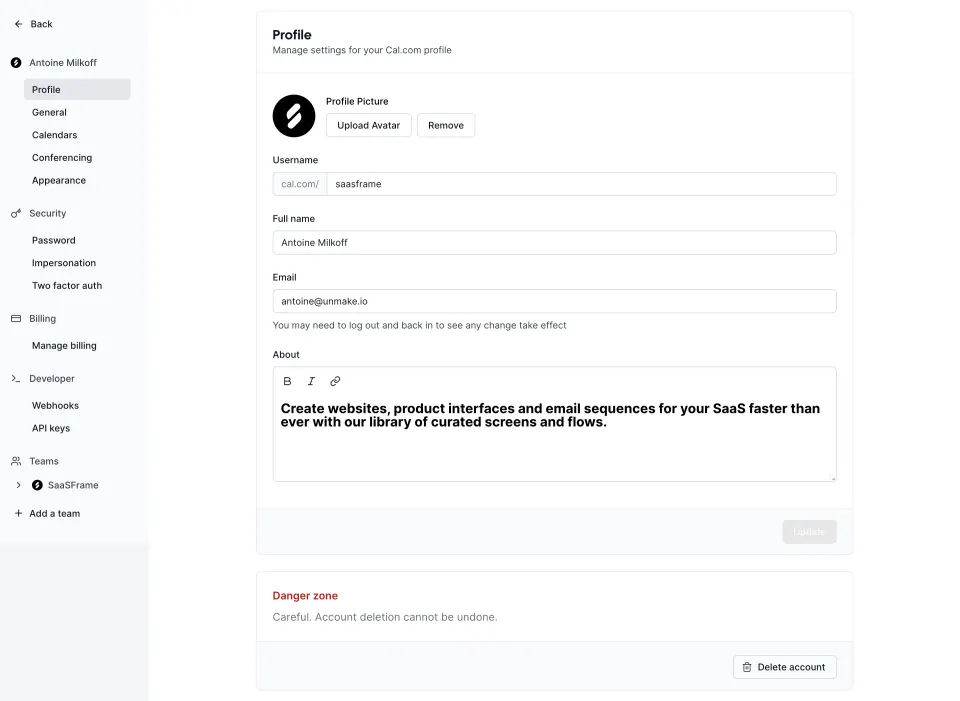
How Cal.com redesigned this screen between October 2023 and November 2026.