SaaSFrame

About this screen
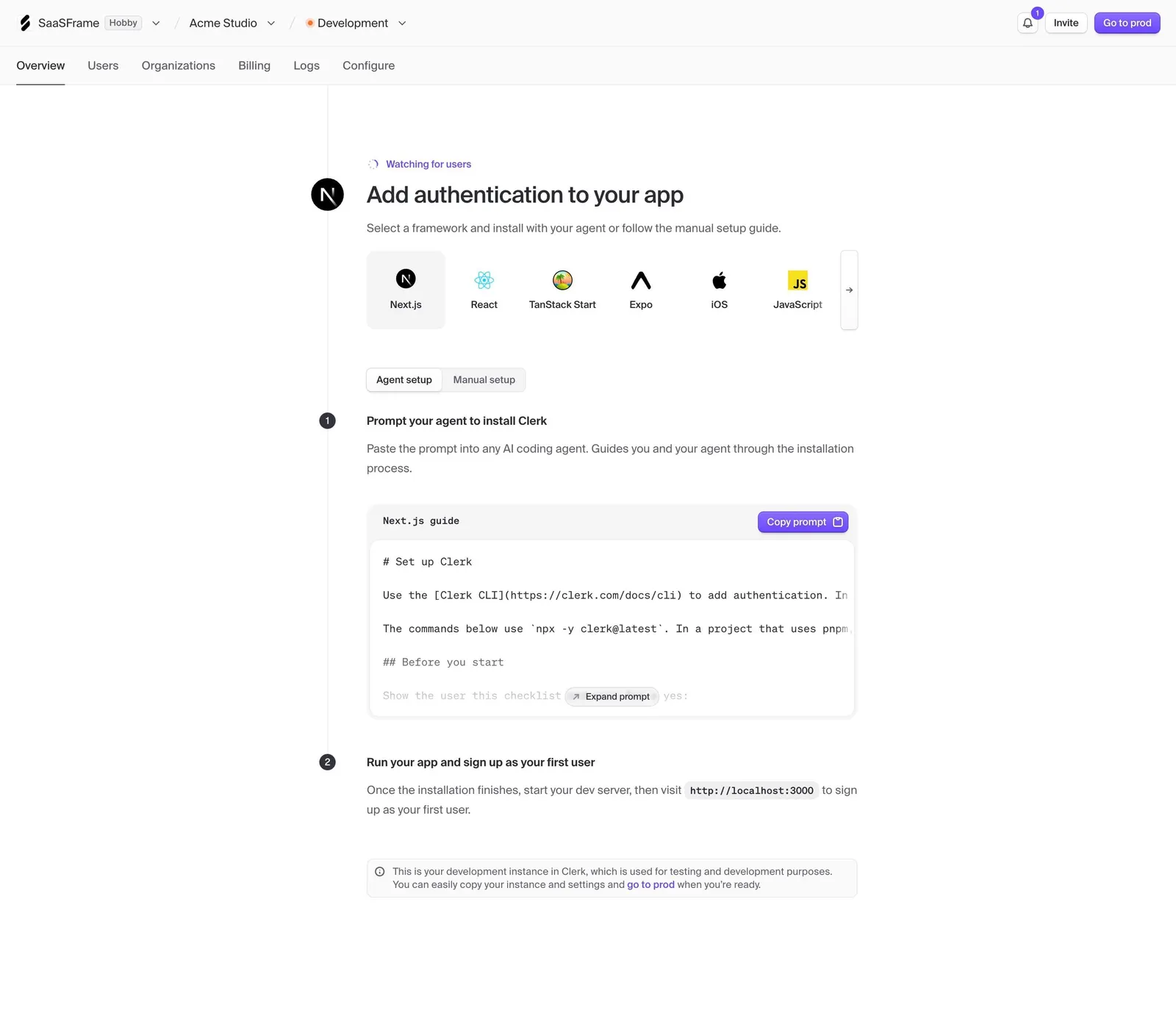
Add authentication to your app
Once the application exists, its Overview tab shows a quickstart: "Add authentication to your app. Select a framework and install with your agent or follow the manual setup guide." A row of framework logos (Next.js, React, TanStack Start, Expo, iOS, JavaScript…) selects the stack.
Agent or manual setup
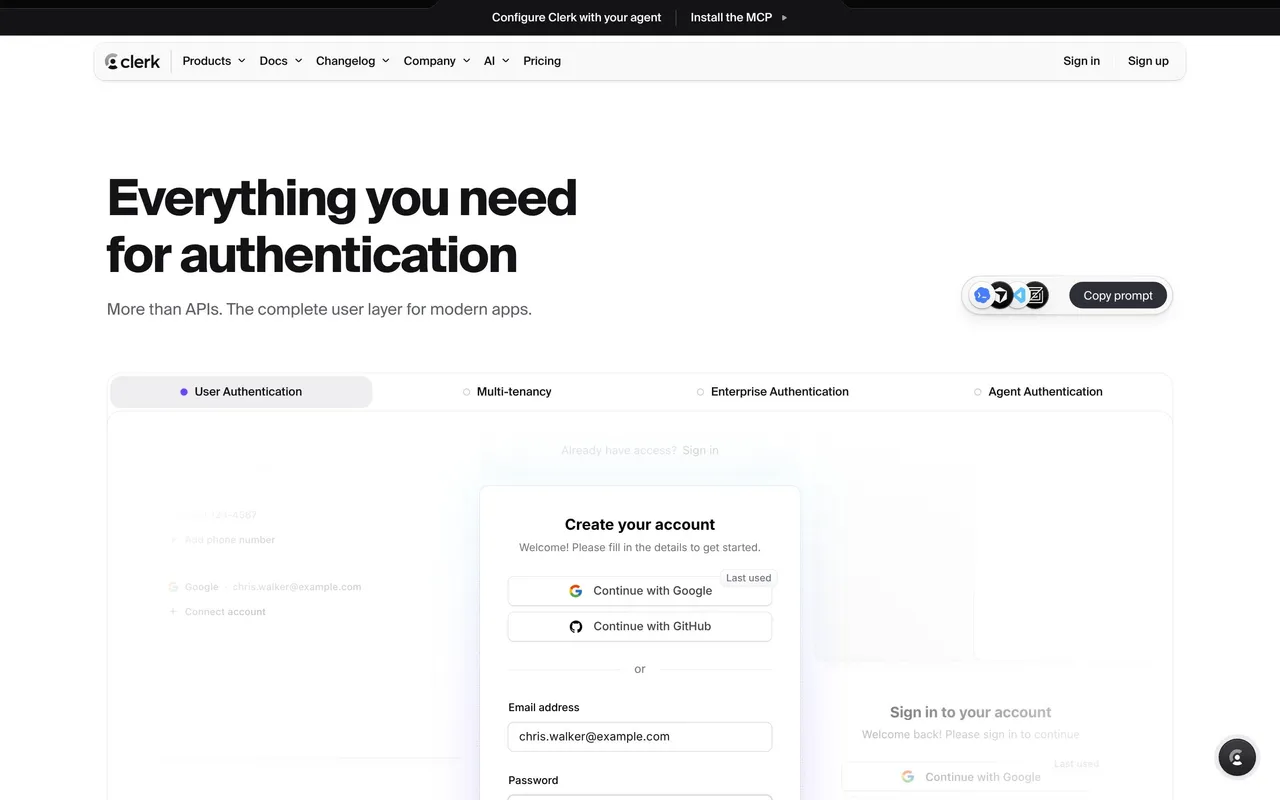
Tabs switch between Agent setup and Manual setup. The agent path asks you to prompt your agent to install Clerk, with a code-like prompt block and a violet "Copy prompt" button.
Watching for the first user
The last step, "Run your app and sign up as your first user", comes with a small "Watching for users" status, and a note reminds that this is a development instance.