SaaSFrame

About this screen
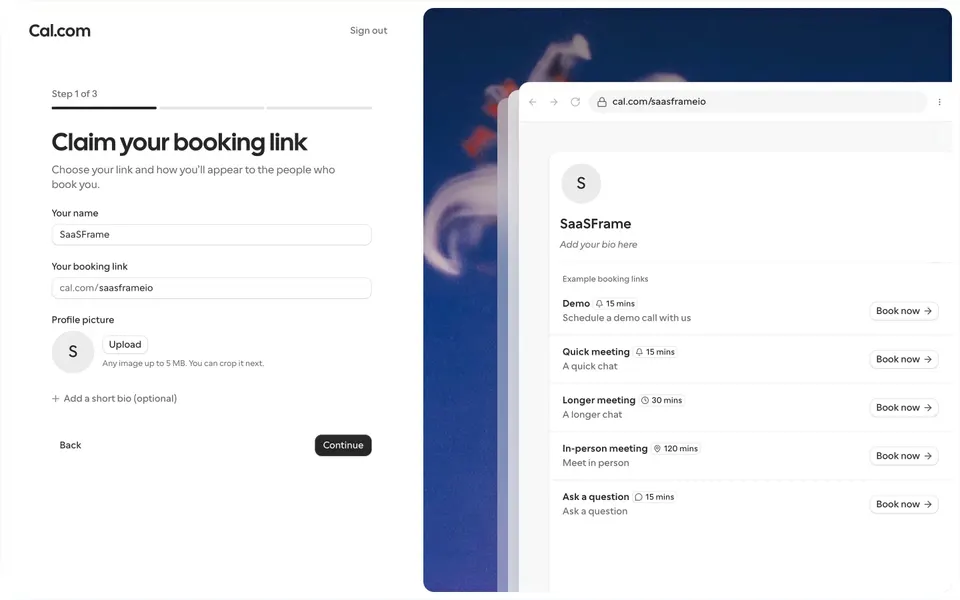
Claim your booking link
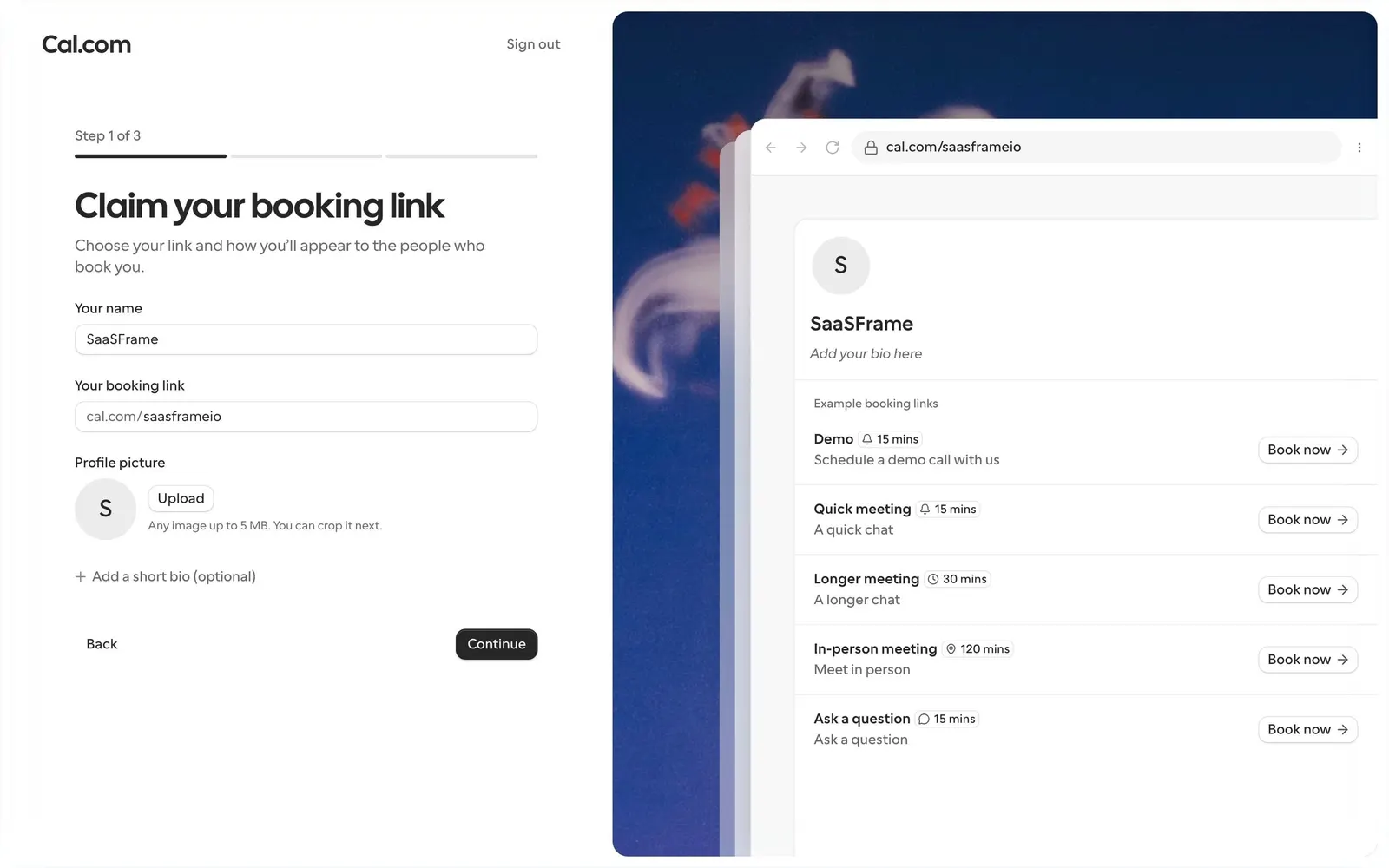
Step 1 of 3 asks you to "Claim your booking link. Choose your link and how you'll appear to the people who book you." Fields cover Your name, Your booking link (prefixed with cal.com/), a Profile picture with Upload ("Any image up to 5 MB. You can crop it next.") and an optional short bio.
Your public page, previewed live
On the right, a browser window mockup at cal.com/saasframeio shows the public profile updating as you type: initial avatar, name, "Add your bio here" and example booking links such as Demo, Quick meeting, Longer meeting, In-person meeting and Ask a question, each with a duration pill and a Book now button.
Progress and actions
A three-segment progress bar sits under "Step 1 of 3", with Back and a dark Continue button at the bottom of the form.
Before and after
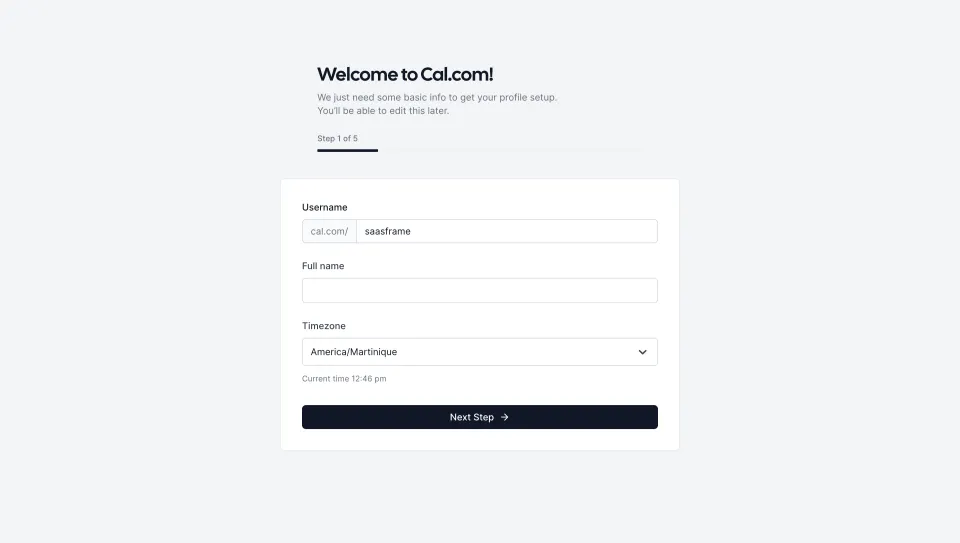
How Cal.com redesigned this screen between October 2023 and November 2026.