SaaSFrame
6 more steps in this flow
Free accounts see the first 3 steps of each flow. Pro unlocks every step of every flow, plus every screen, section and Copy in Figma.
Narrative BI Onboarding
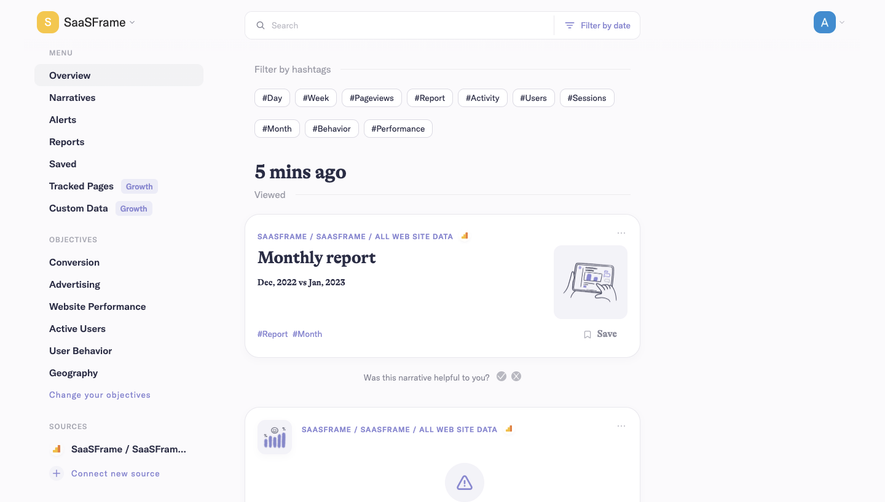
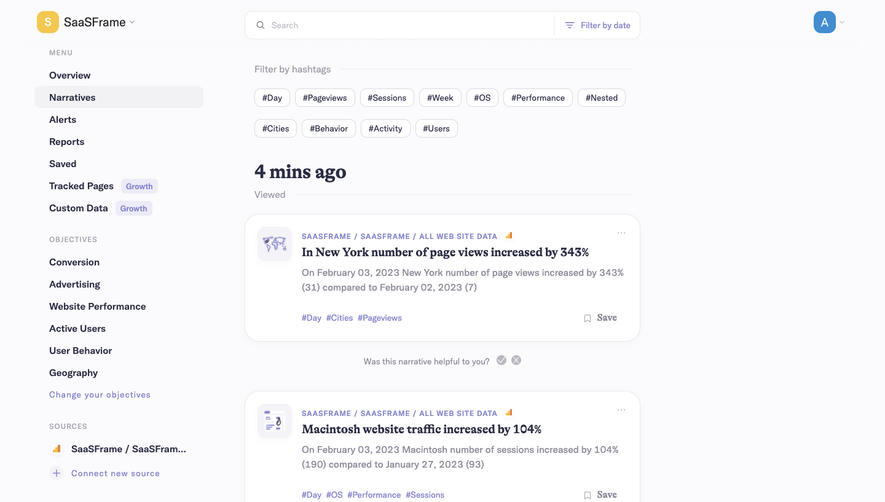
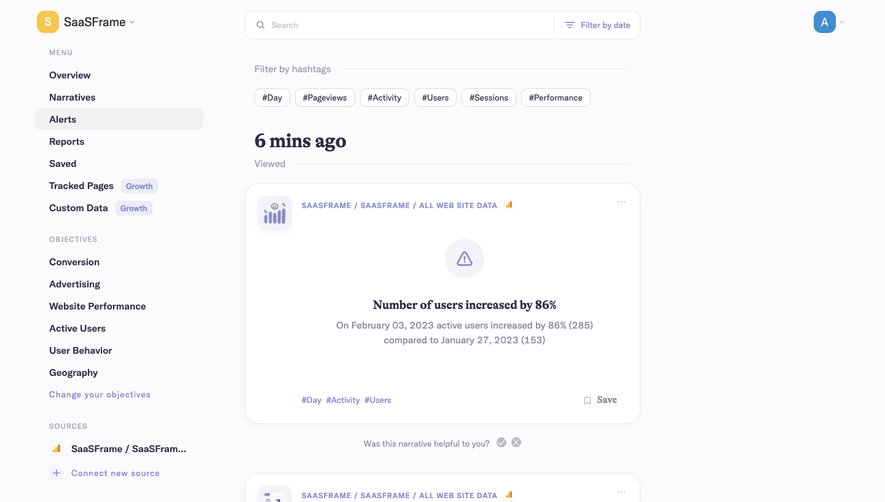
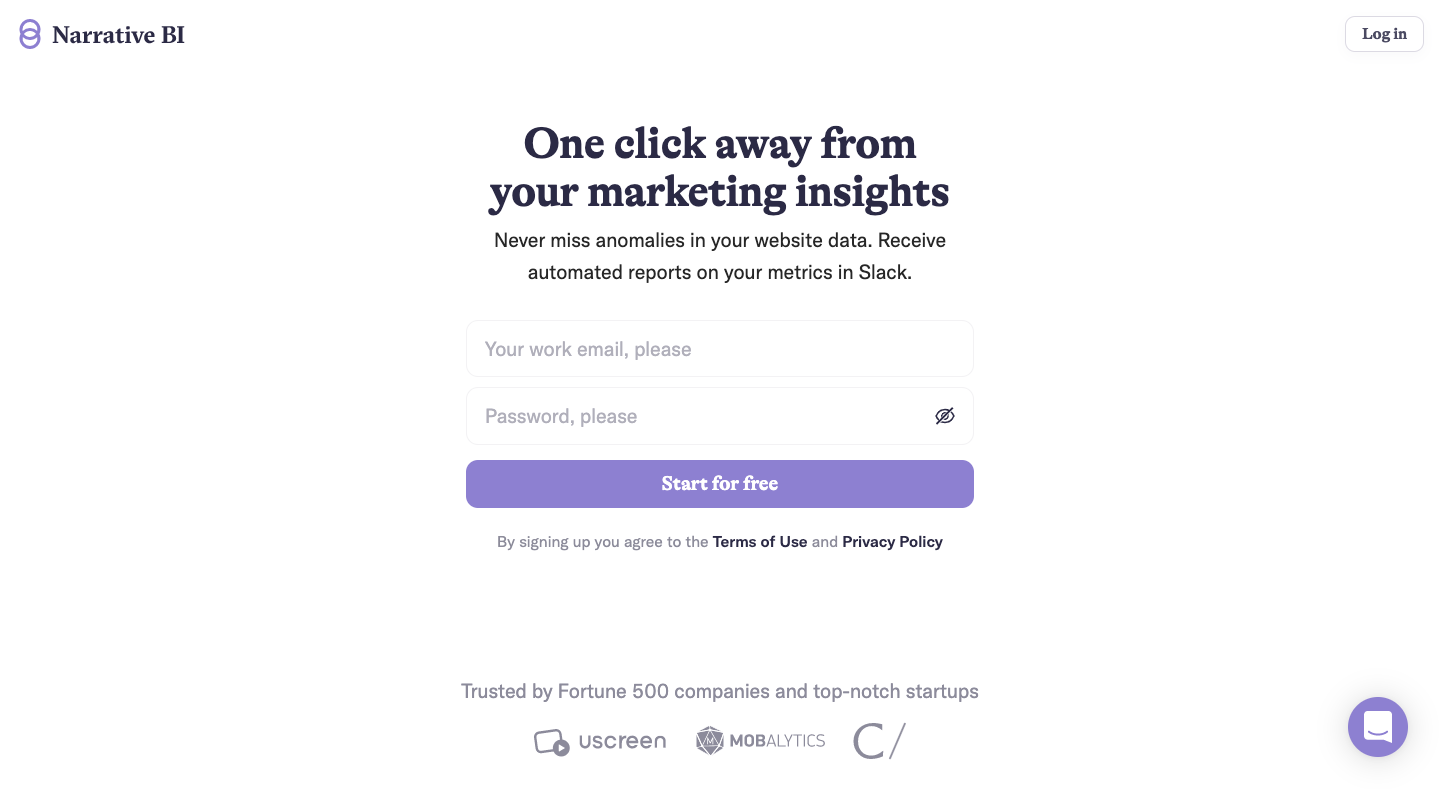
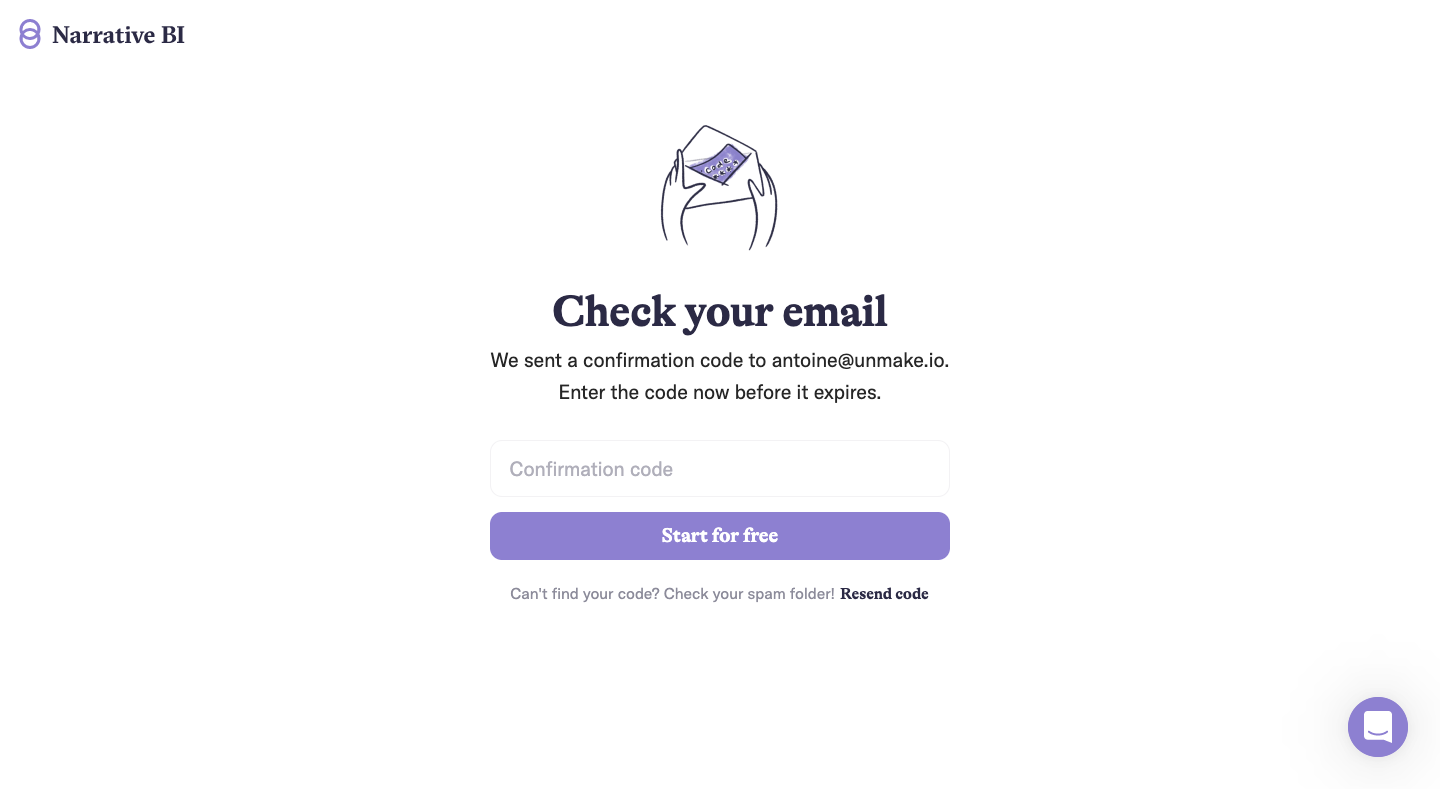
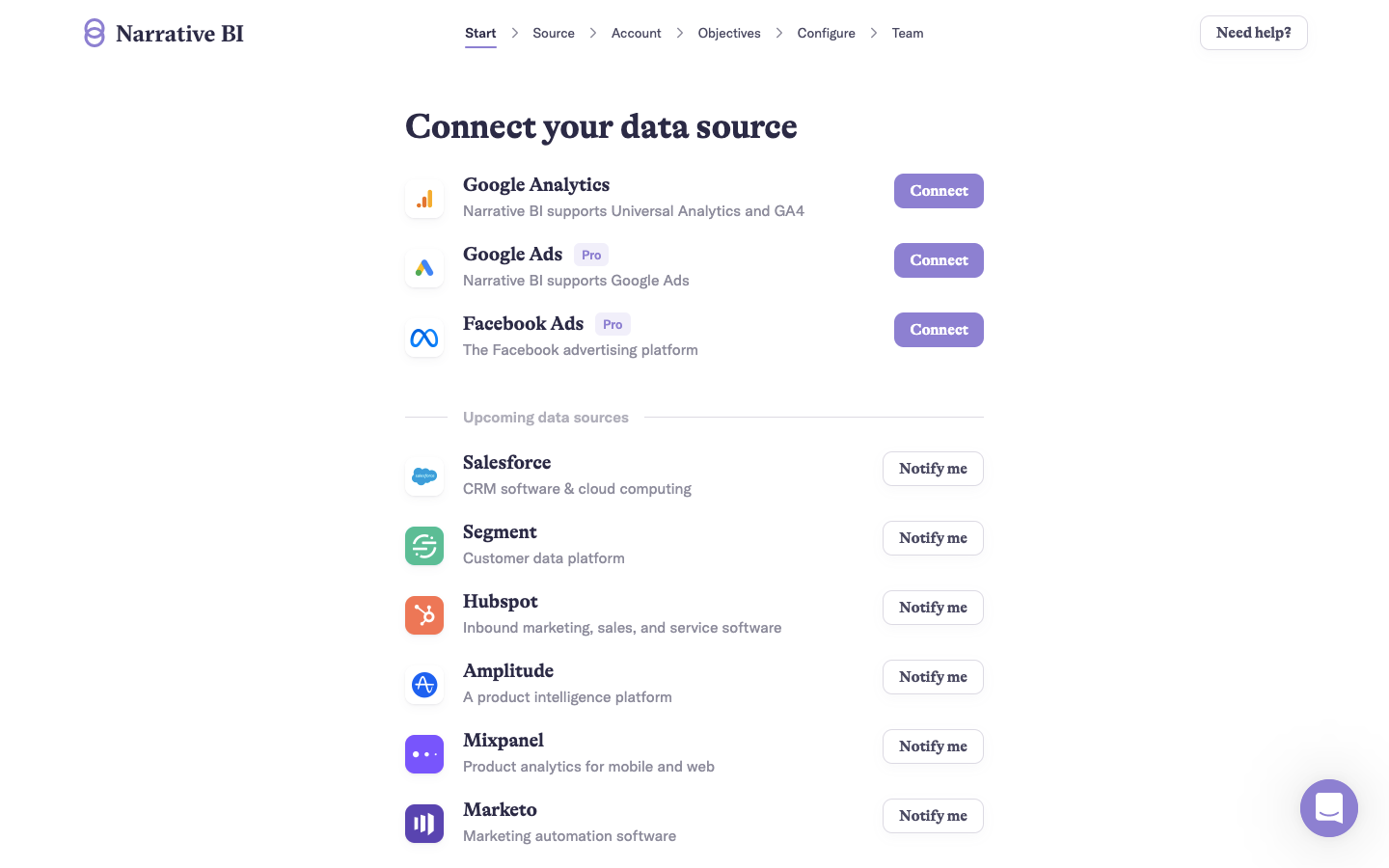
Narrative BI's onboarding takes you from sign-up to your first narratives in nine calm, lavender-accented screens with a breadcrumb stepper. After a centered sign-up and code verification, a top breadcrumb tracks source, account, objectives, configure and team. Data sources come with connect buttons, objectives are checkable illustrated cards, and a corner spinner says what is loading.
Follow Narrative BI’s onboarding flow step by step: 9 real screens captured from the live product, from sign up flow to user onboarding: first narratives. Use ← → to move between steps, and open any screen to see it in full.
Steps in this flow
More flows from Narrative BI
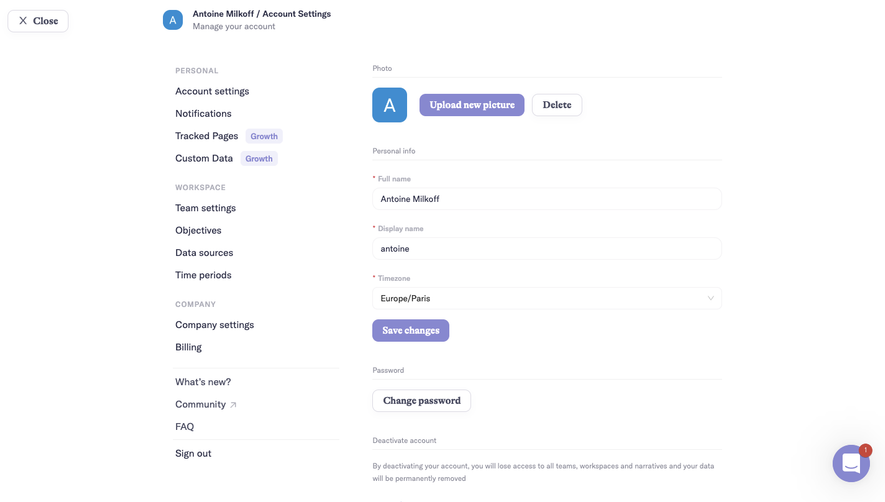
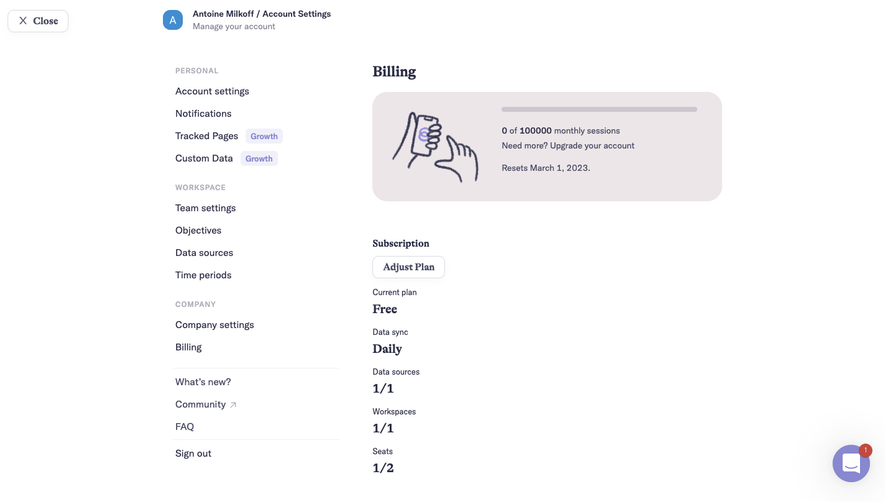
All Narrative BI Narrative BI Settings
3 screens
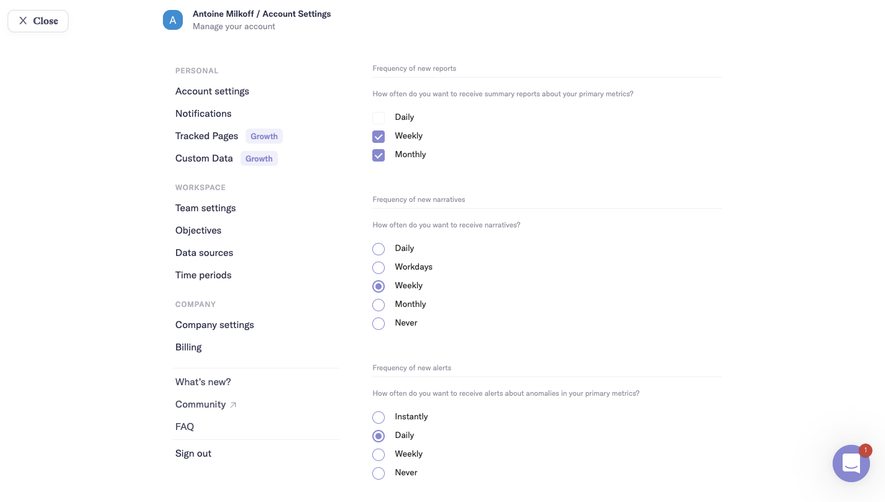
Narrative BI Analytics
3 screens
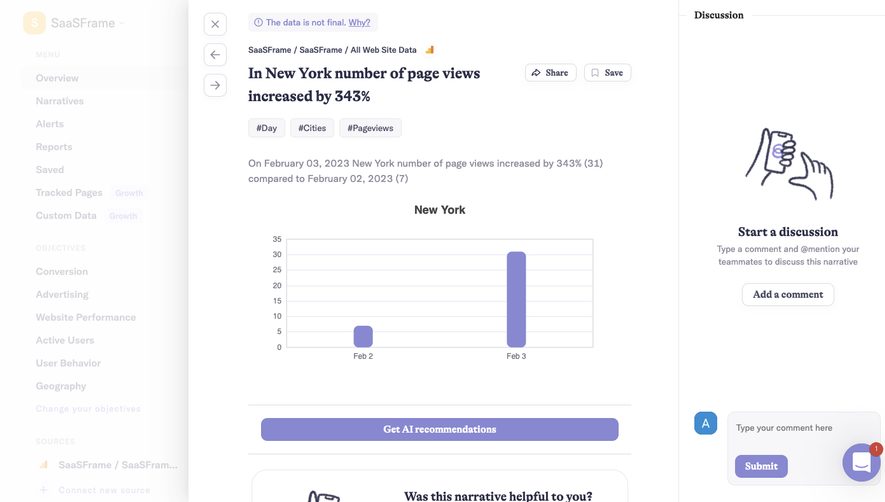
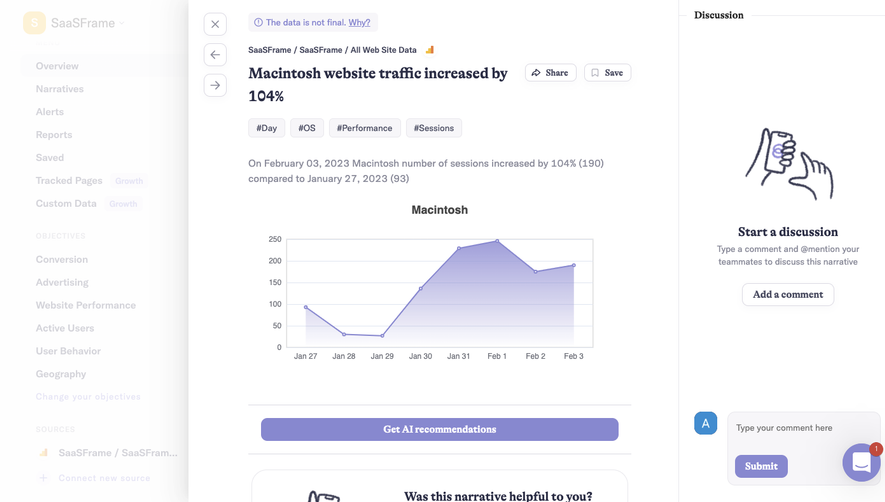
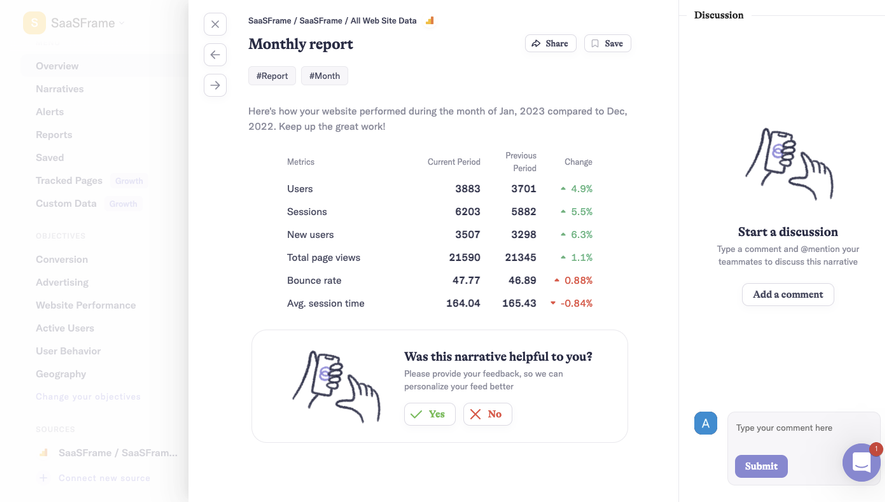
Narrative BI Dashboard
6 screens