SaaSFrame
Narrative BI Settings
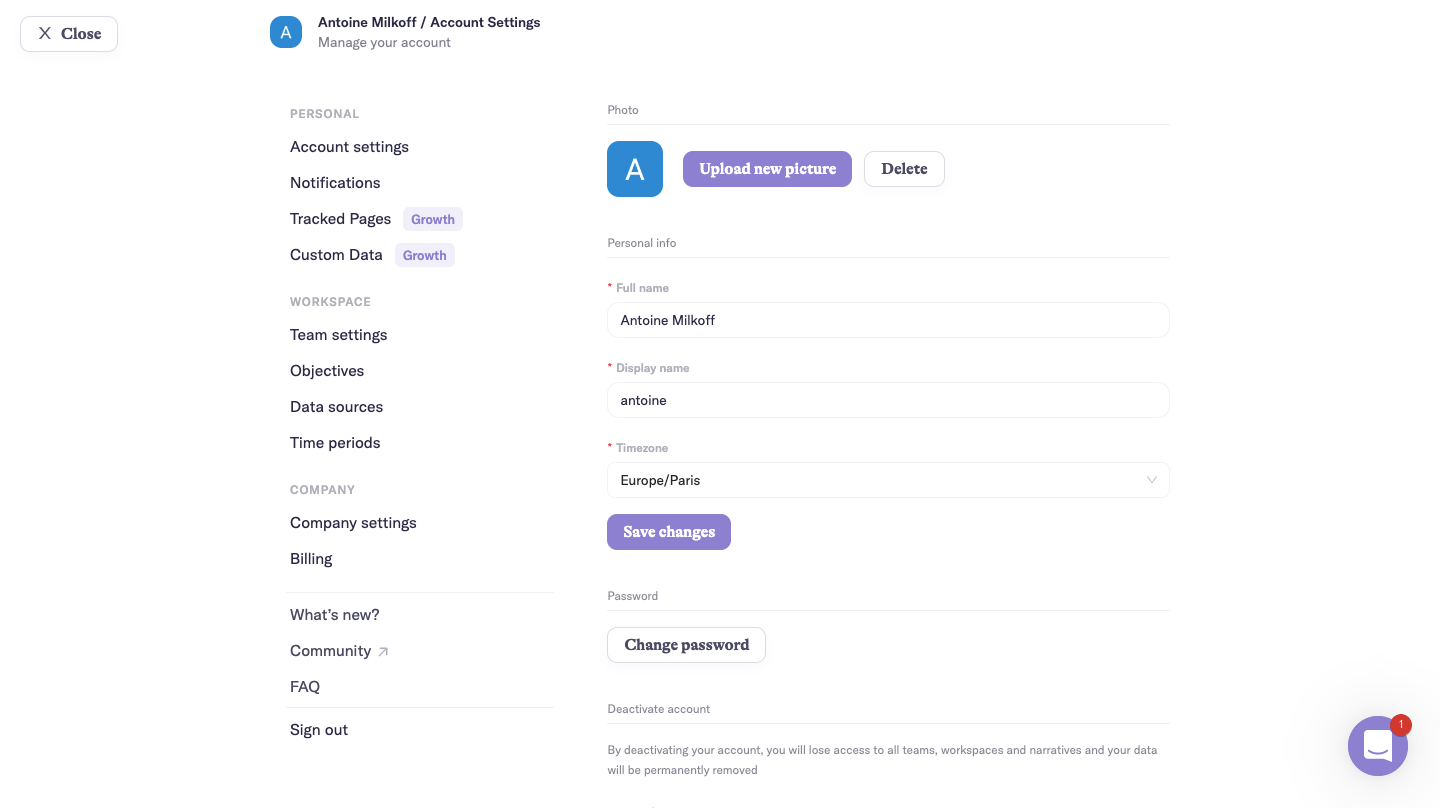
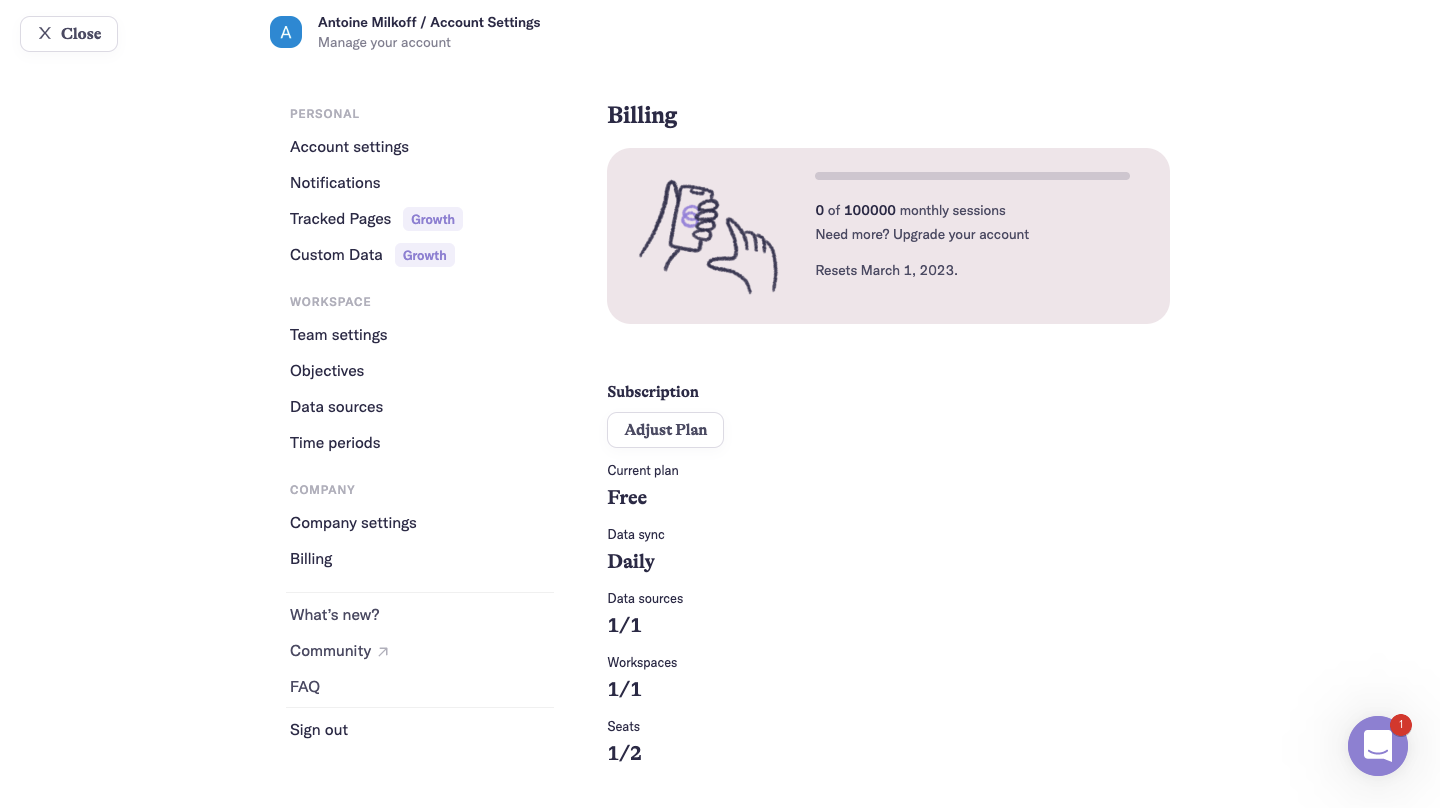
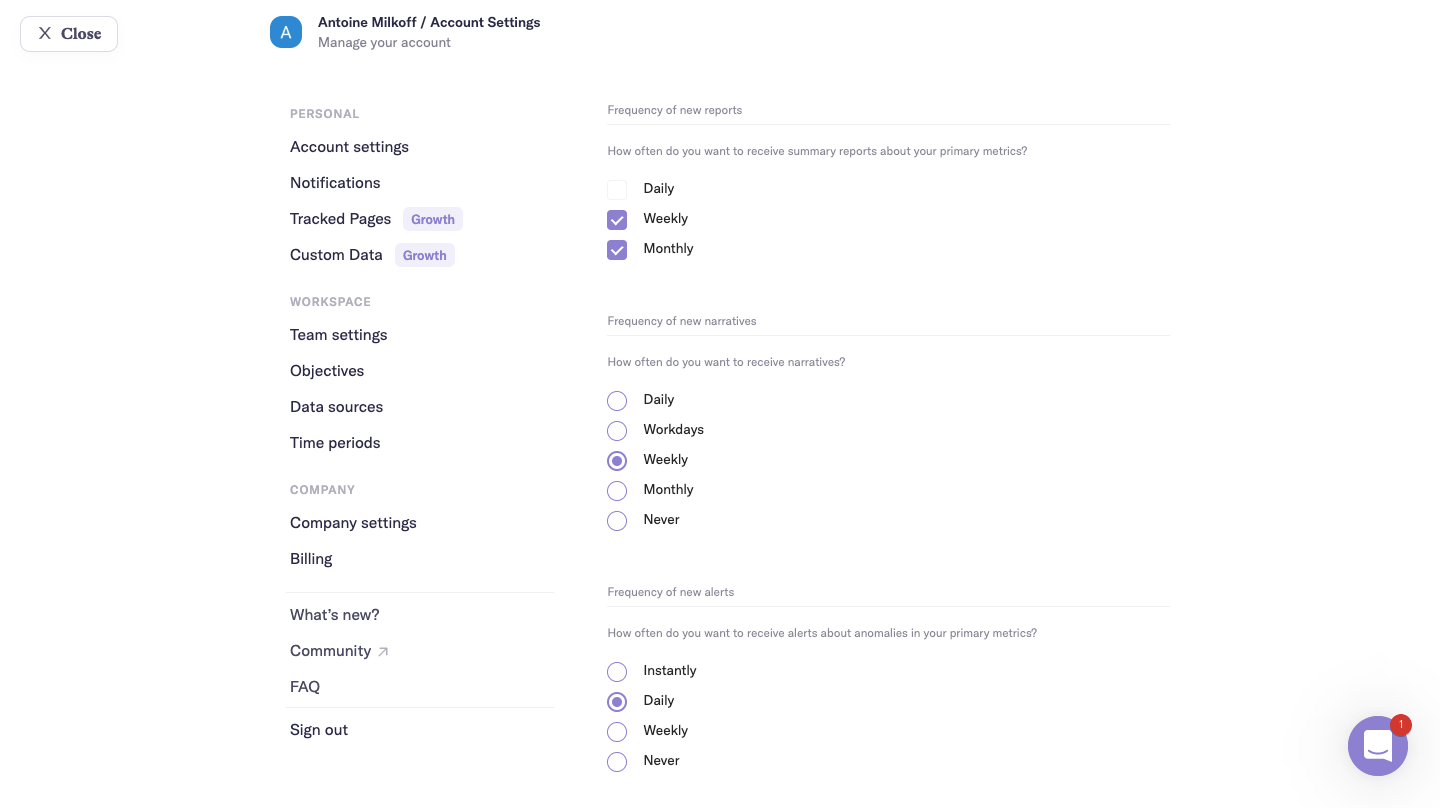
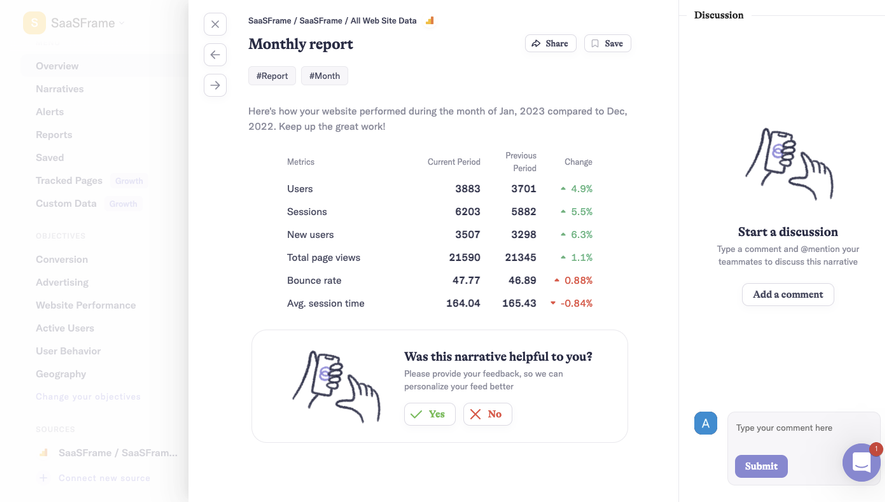
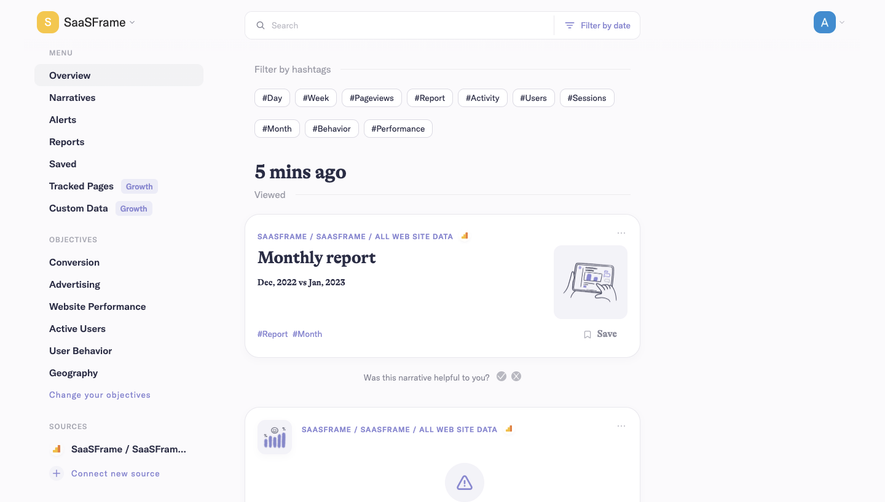
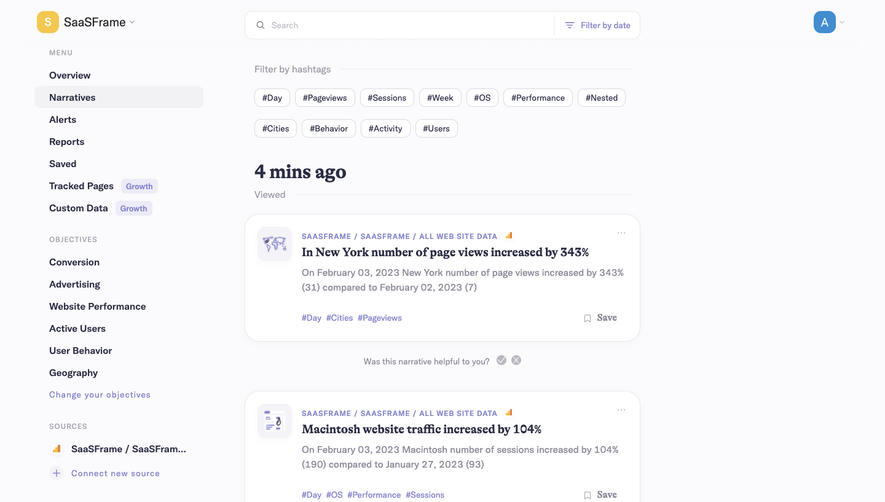
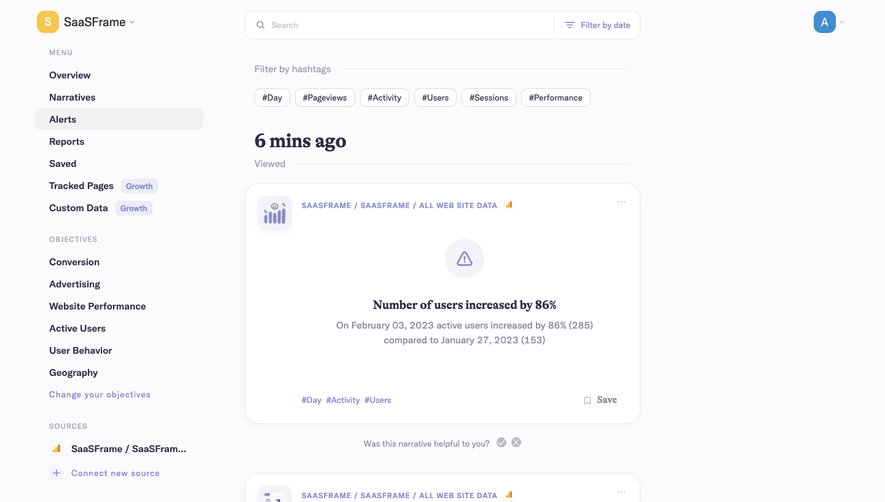
Narrative BI's settings flow covers account, billing and notification preferences in three full-page screens with a grouped left menu. The menu splits personal, workspace and company items, with badges on upsell entries. Account uses stacked fields and a lavender save button, billing shows usage in an illustrated grey card above plan figures, and notifications rely on checkbox and radio lists for each digest.
Follow Narrative BI’s settings flow step by step: 3 real screens captured from the live product, from account settings to notifications settings. Use ← → to move between steps, and open any screen to see it in full.
Steps in this flow
More flows from Narrative BI
All Narrative BI Narrative BI Analytics
3 screens
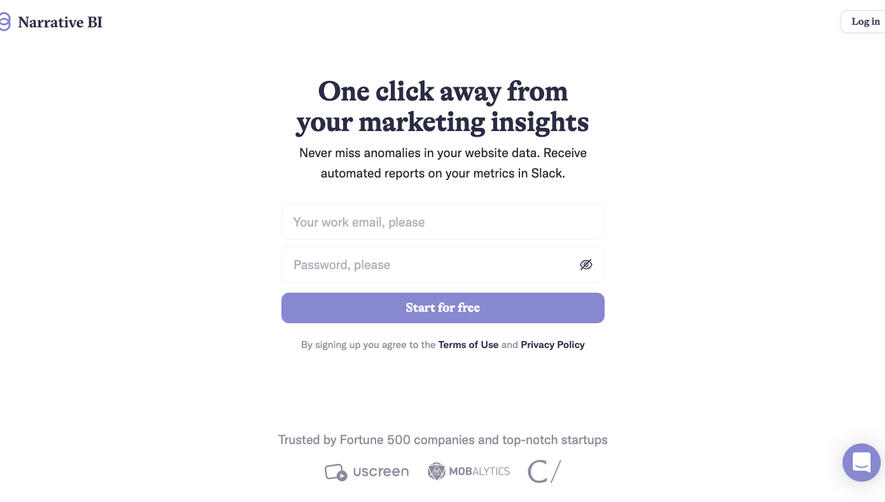
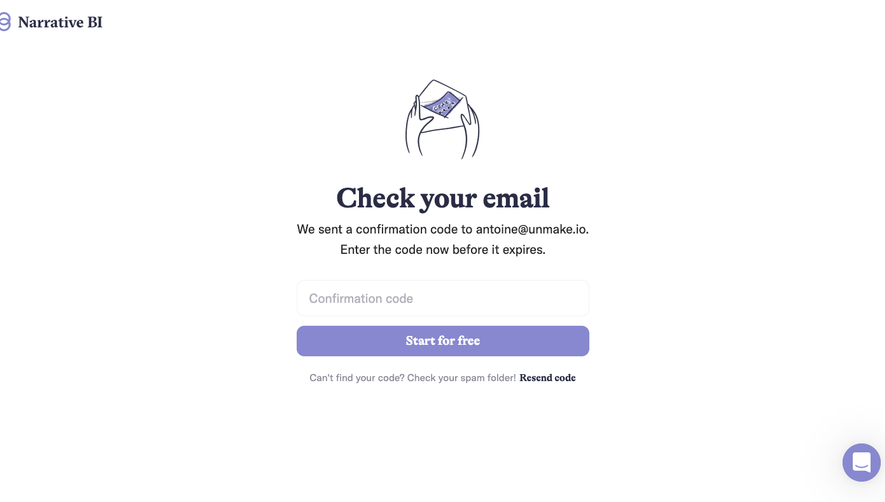
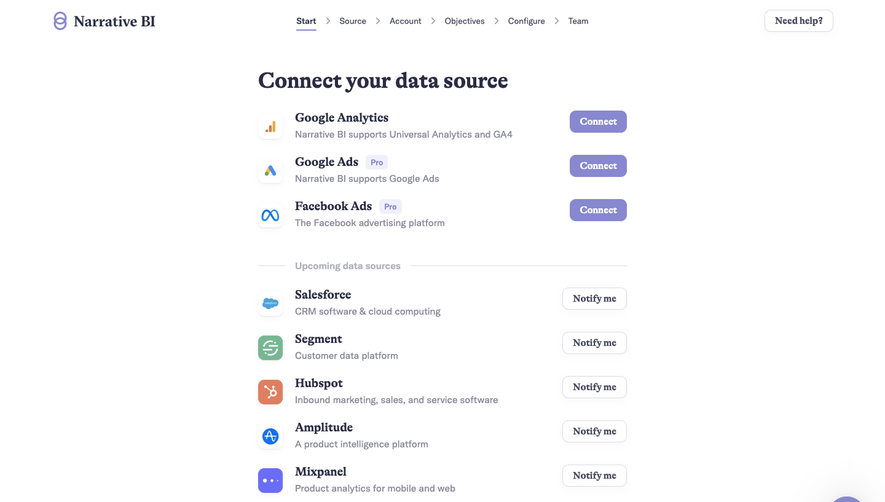
Narrative BI Dashboard
6 screens
Narrative BI Onboarding
9 screens