SaaSFrame
3 more steps in this flow
Free accounts see the first 3 steps of each flow. Pro unlocks every step of every flow, plus every screen, section and Copy in Figma.
Narrative BI Dashboard
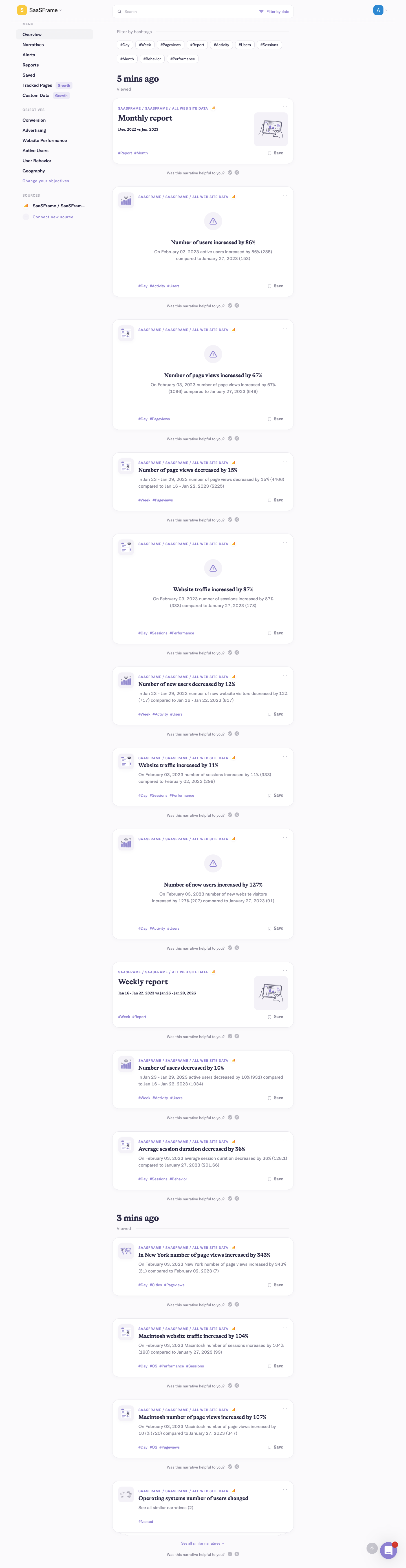
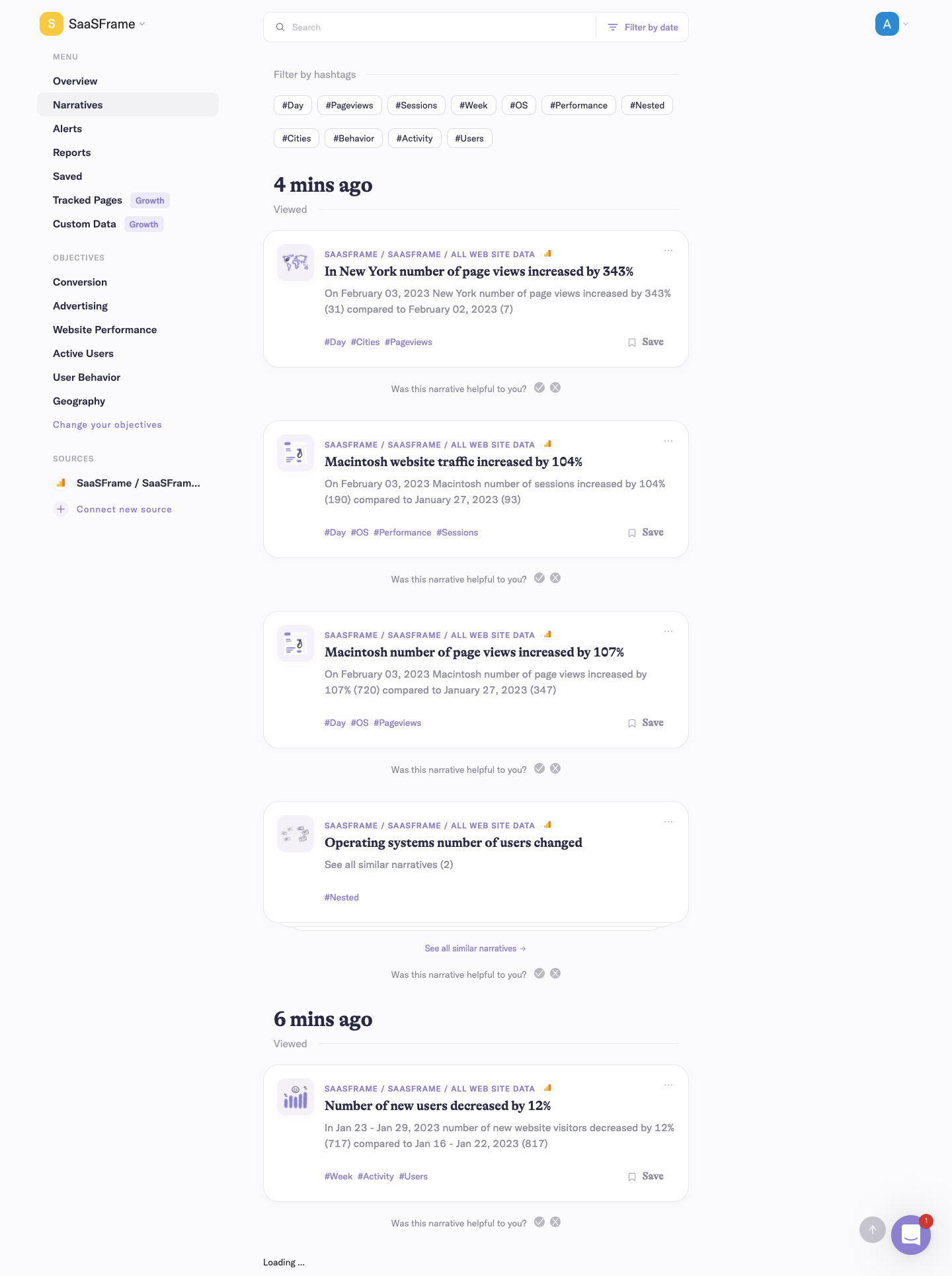
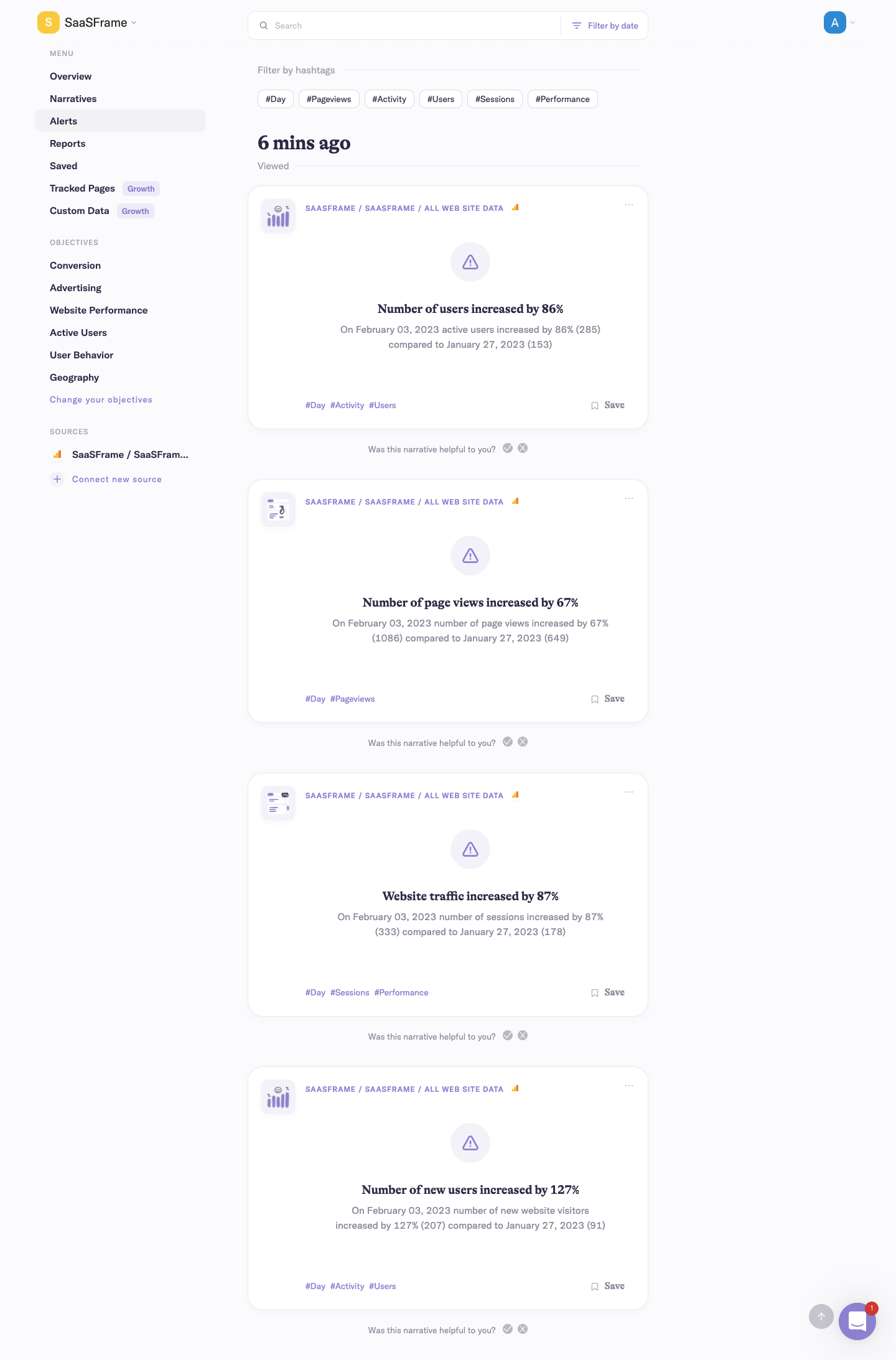
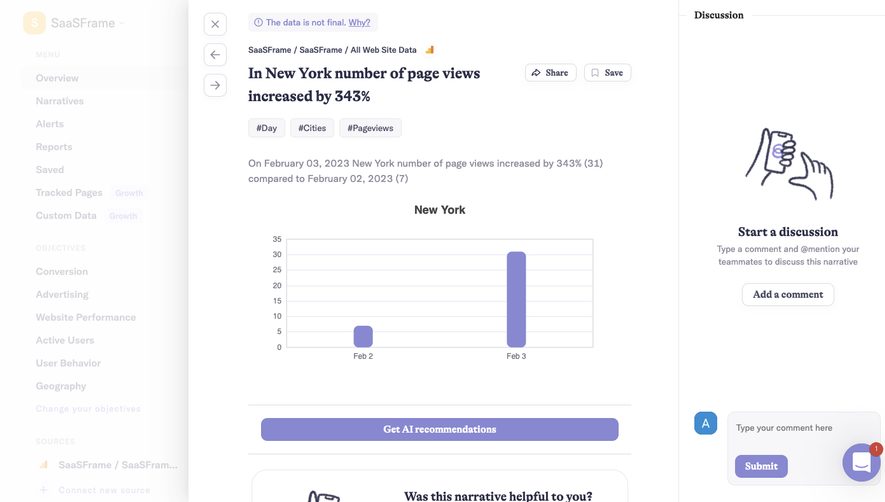
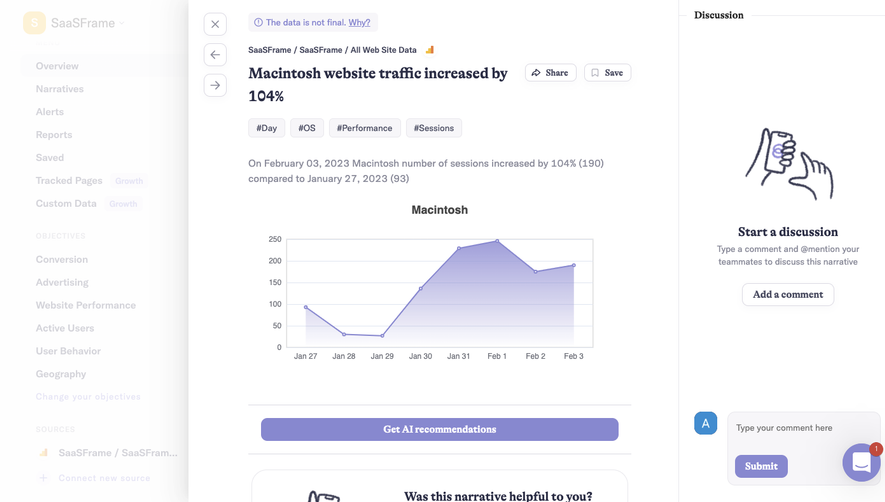
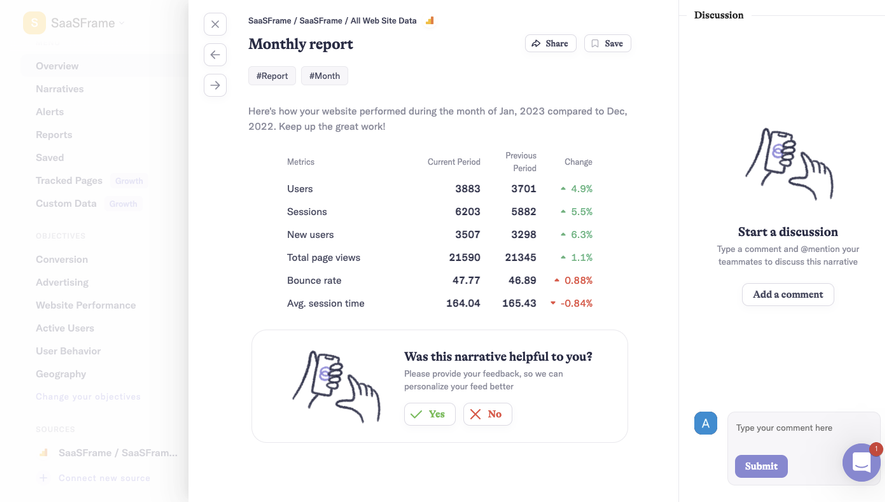
Narrative BI's dashboard flow walks through overview, narratives, alerts and reports feeds, plus empty and upsell states, in six screens. A light sidebar lists views, objectives and sources, while the main column stacks time-stamped narrative cards with hashtag filters and small illustrations. The saved view shows a centered empty state, and tracked pages swaps in a hand-drawn illustration with an upgrade button.
Follow Narrative BI’s dashboard flow step by step: 6 real screens captured from the live product, from dashboard: overview feed to dashboard: tracked pages upsell. Use ← → to move between steps, and open any screen to see it in full.
Steps in this flow
More flows from Narrative BI
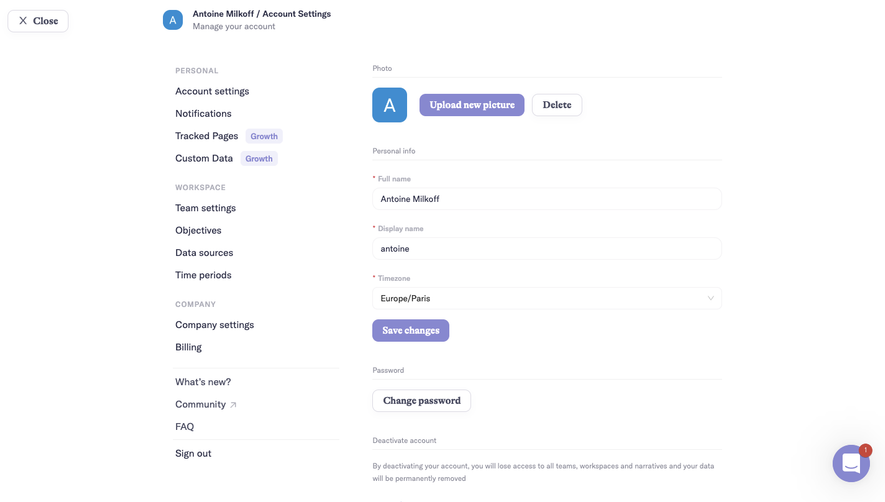
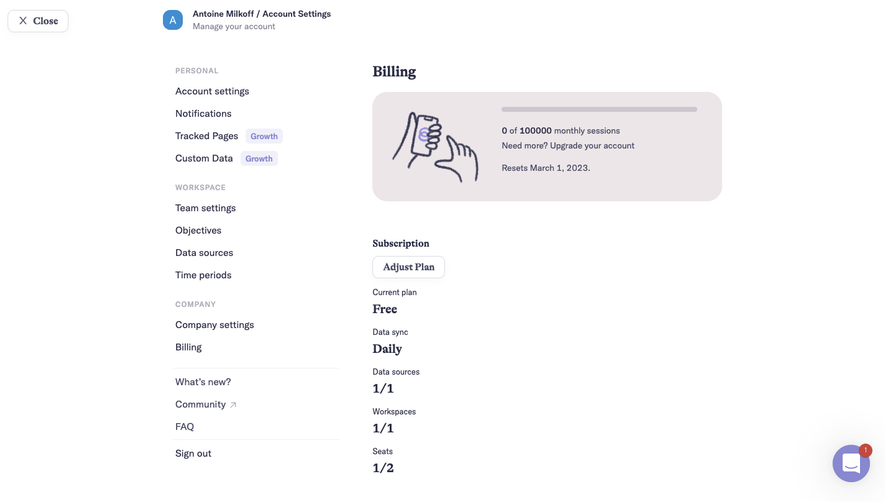
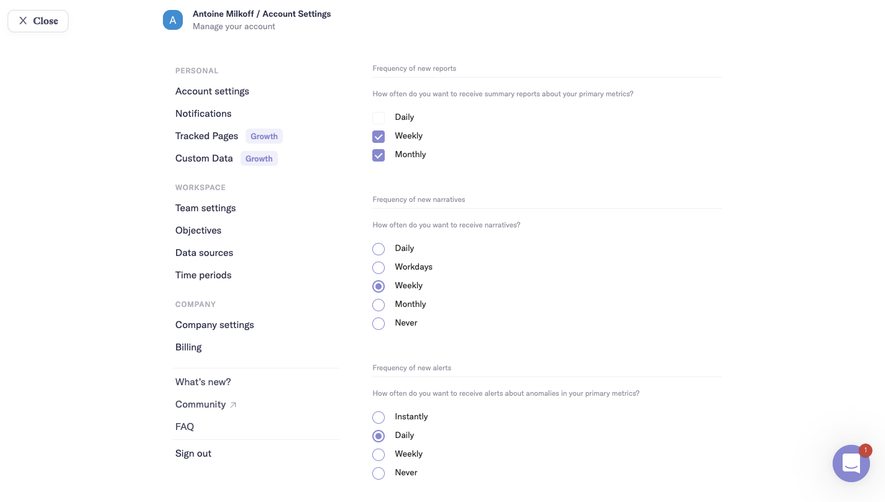
All Narrative BI Narrative BI Settings
3 screens
Narrative BI Analytics
3 screens
Narrative BI Onboarding
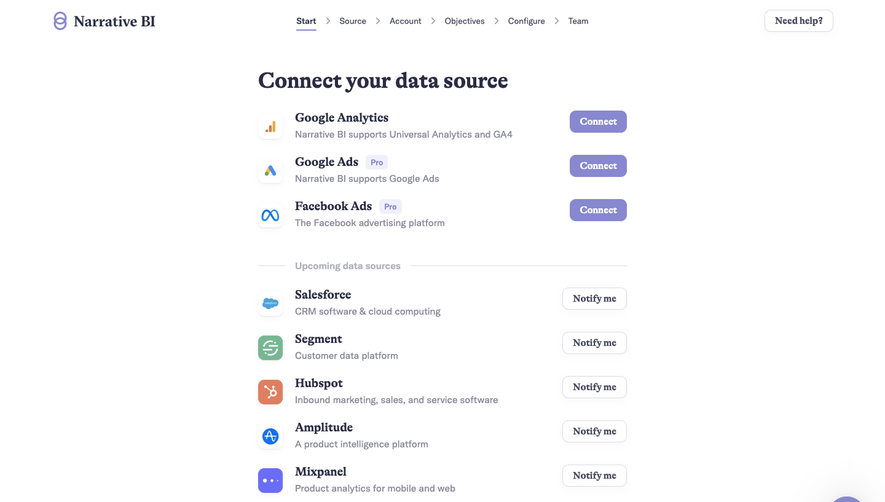
9 screens