SaaSFrame Pro
8 more steps in this flow
Free accounts see the first 3 steps of each flow. Pro unlocks every step of every flow, plus every screen, section and Copy in Figma.

Didit Onboarding
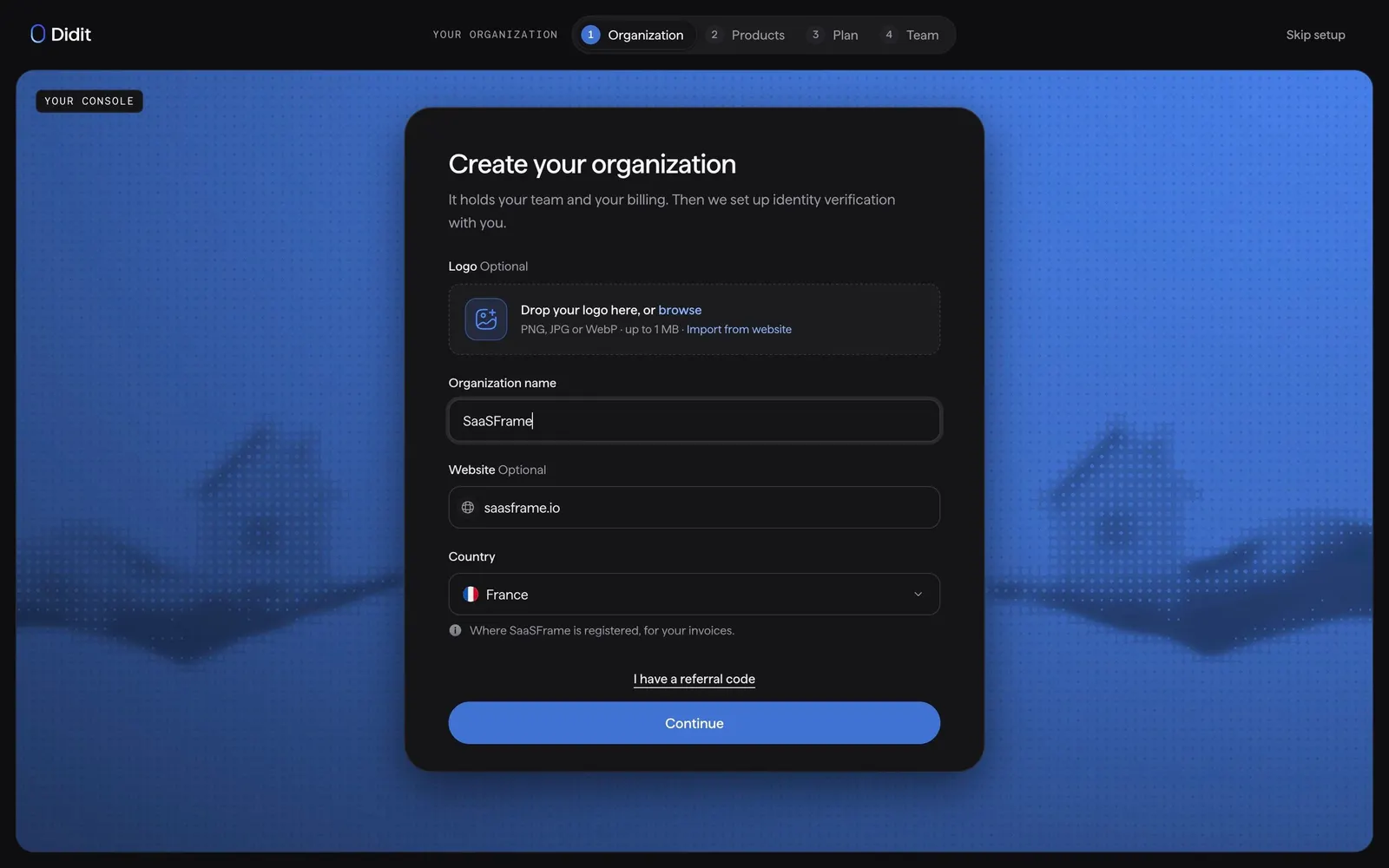
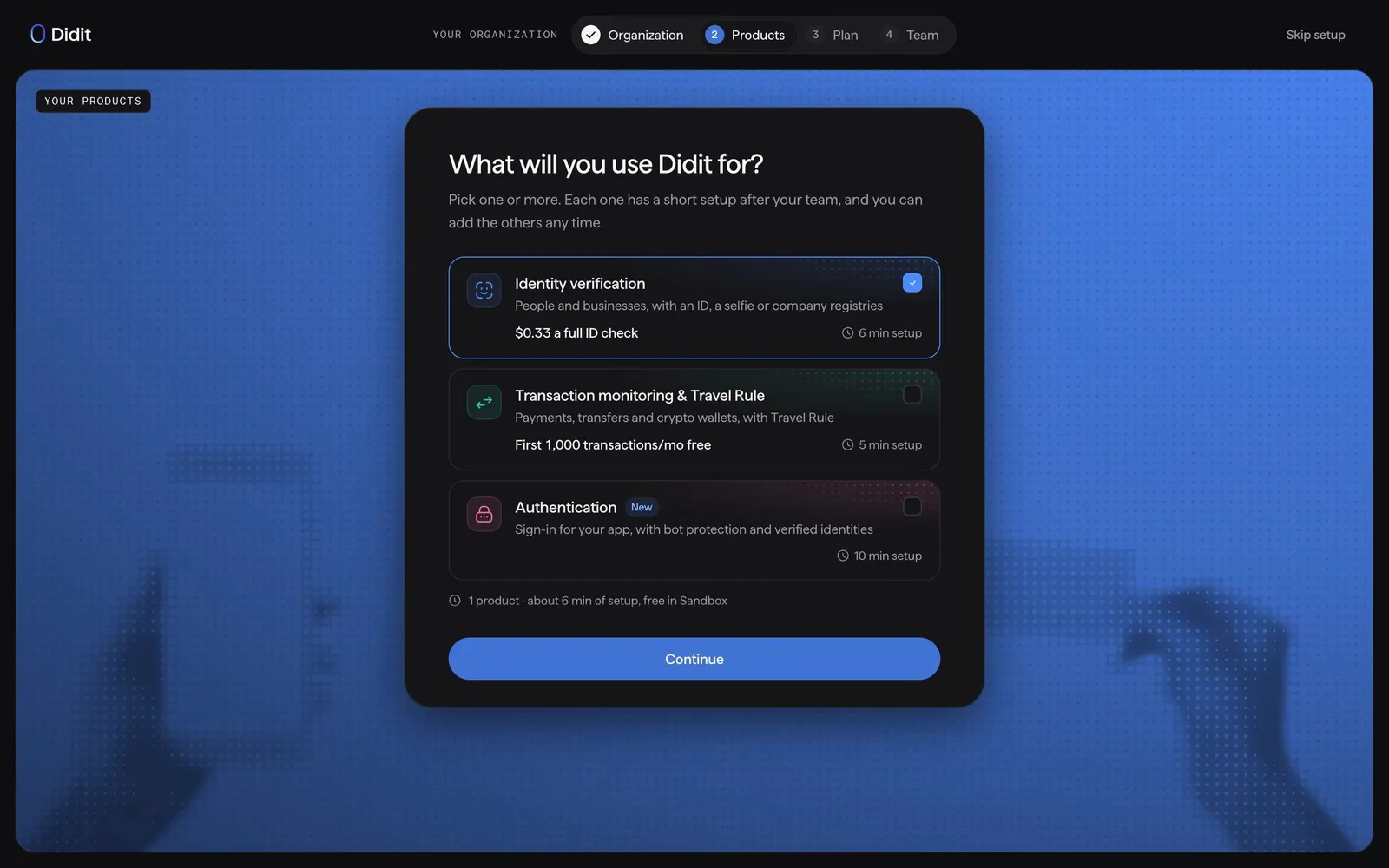
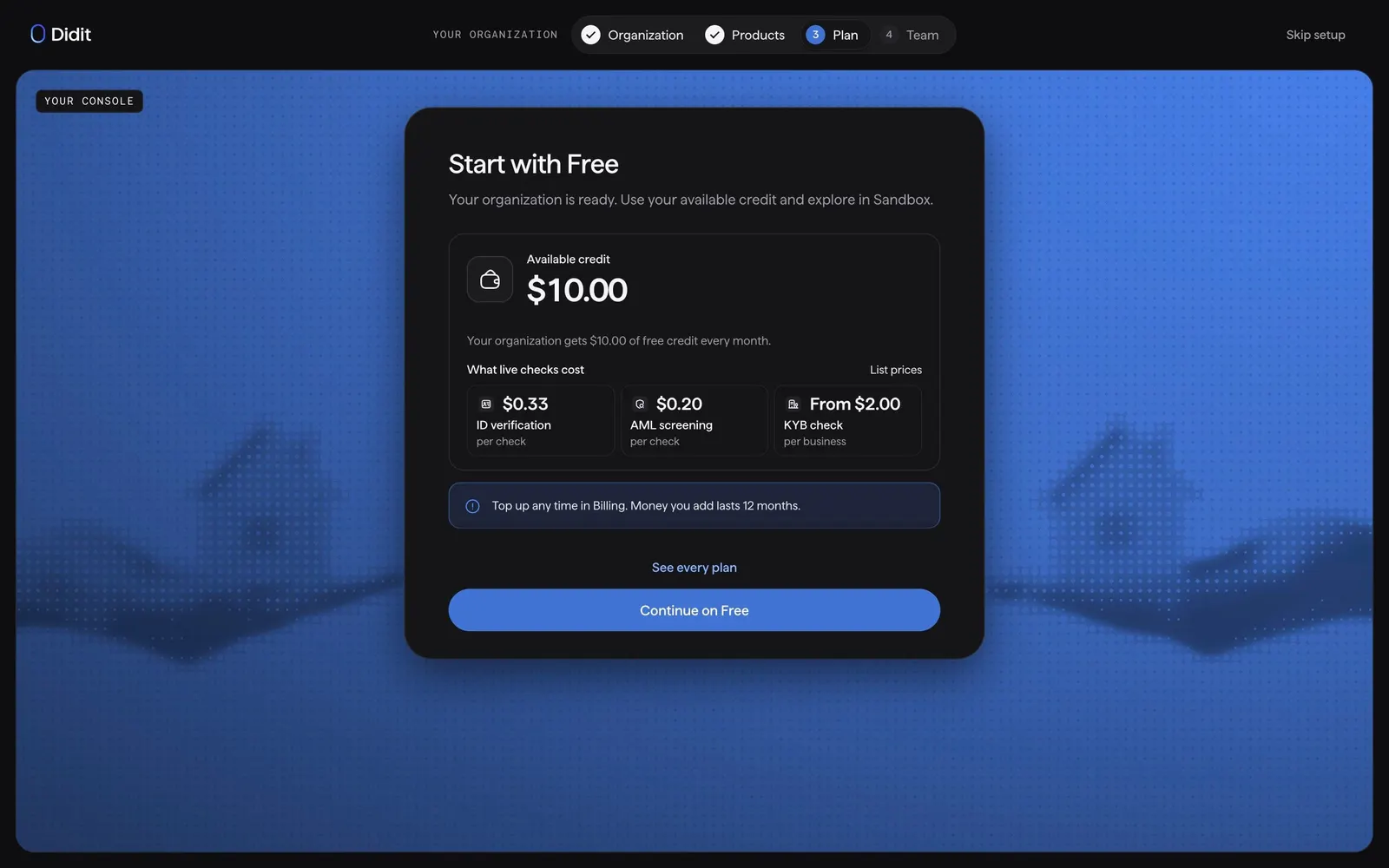
Didit onboarding from creating an organization to landing in the console with a first sandbox verification. Each step pairs a short form with a live preview card on a blue halftone image, then a second stepper sets up and tests a KYC workflow.
Follow Didit’s onboarding flow step by step: 11 real screens captured from the live product, from create organization to home. Use ← → to move between steps, and open any screen to see it in full.