 SaaSFrame
Give your AI agent real SaaS references. It sees them, then builds.
Connect SaaSFrame to Claude, ChatGPT, Cursor or VS Code. Your agent searches 6,349 real screens from 339 SaaS, shows them in the chat and gets the measured styles to build from a proven reference, not a blank page.
 SaaSFrame
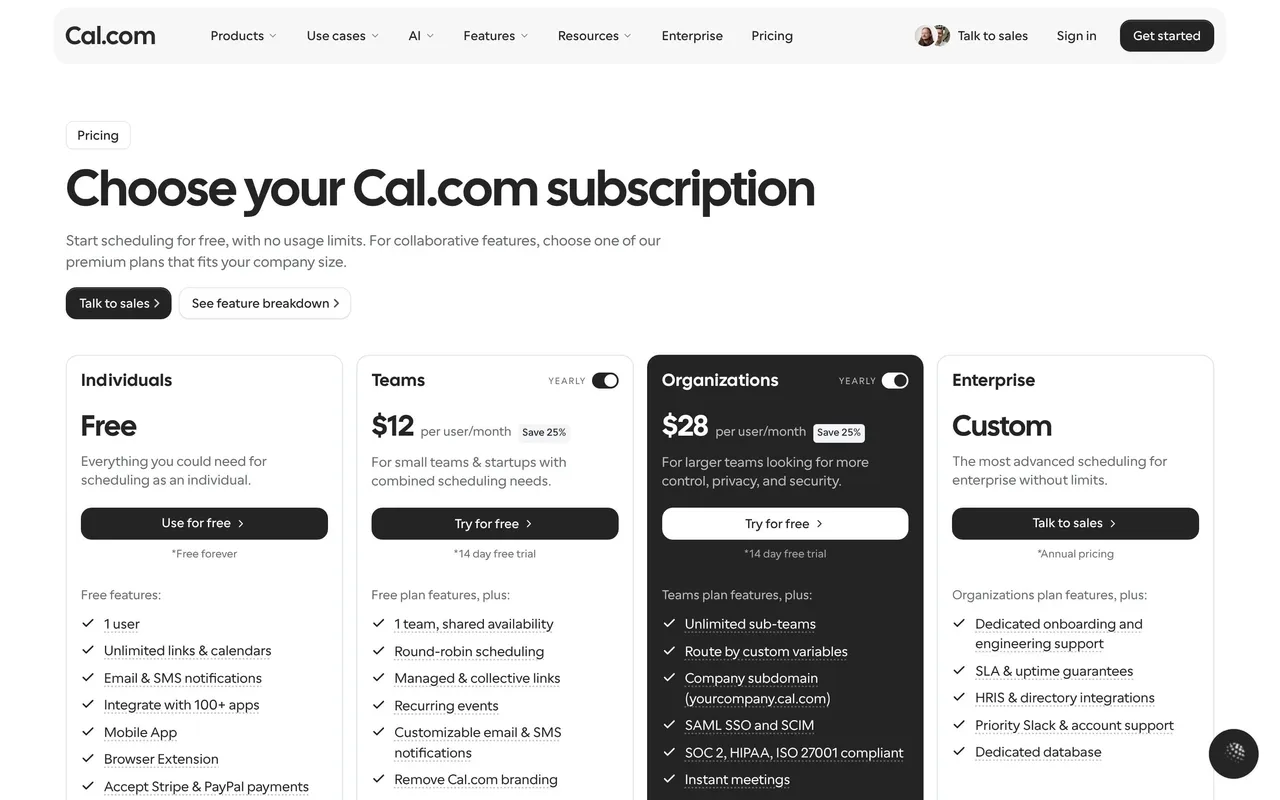 Cal.comPricing Page
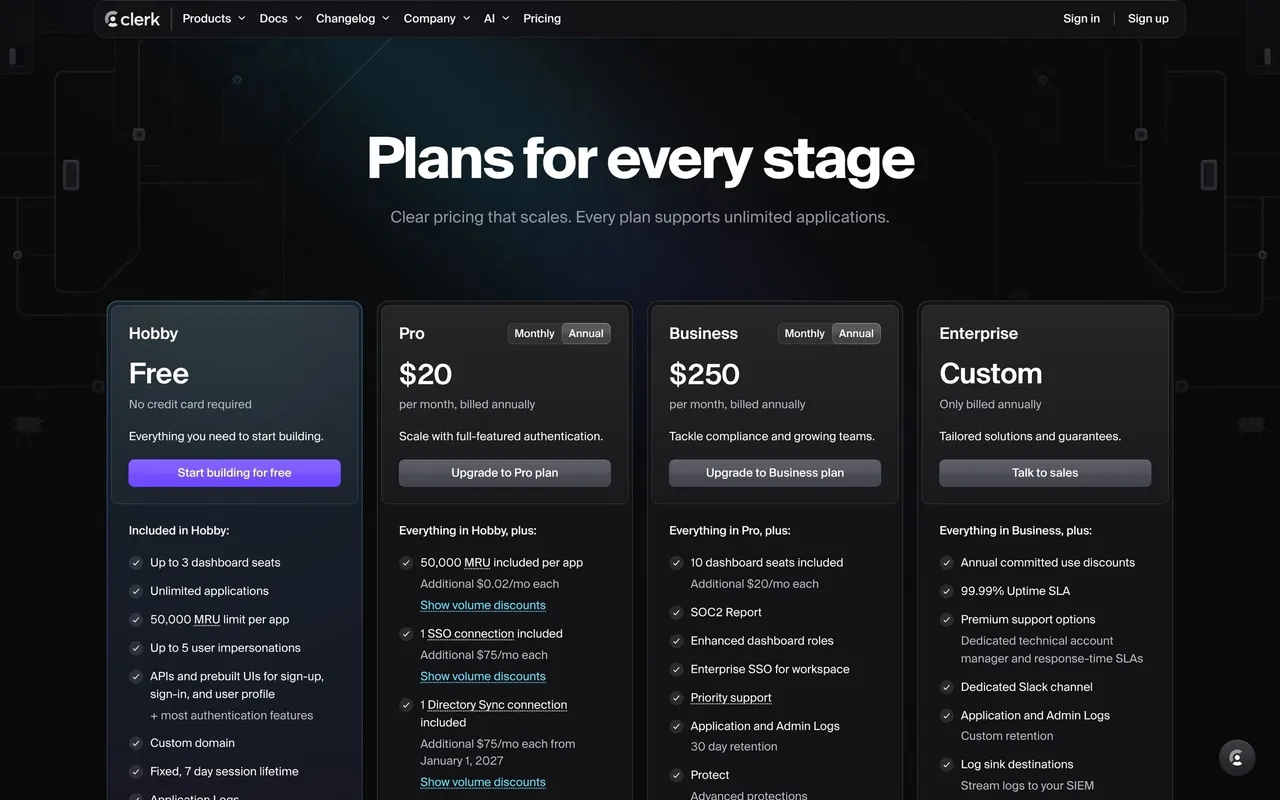 ClerkPricing Page
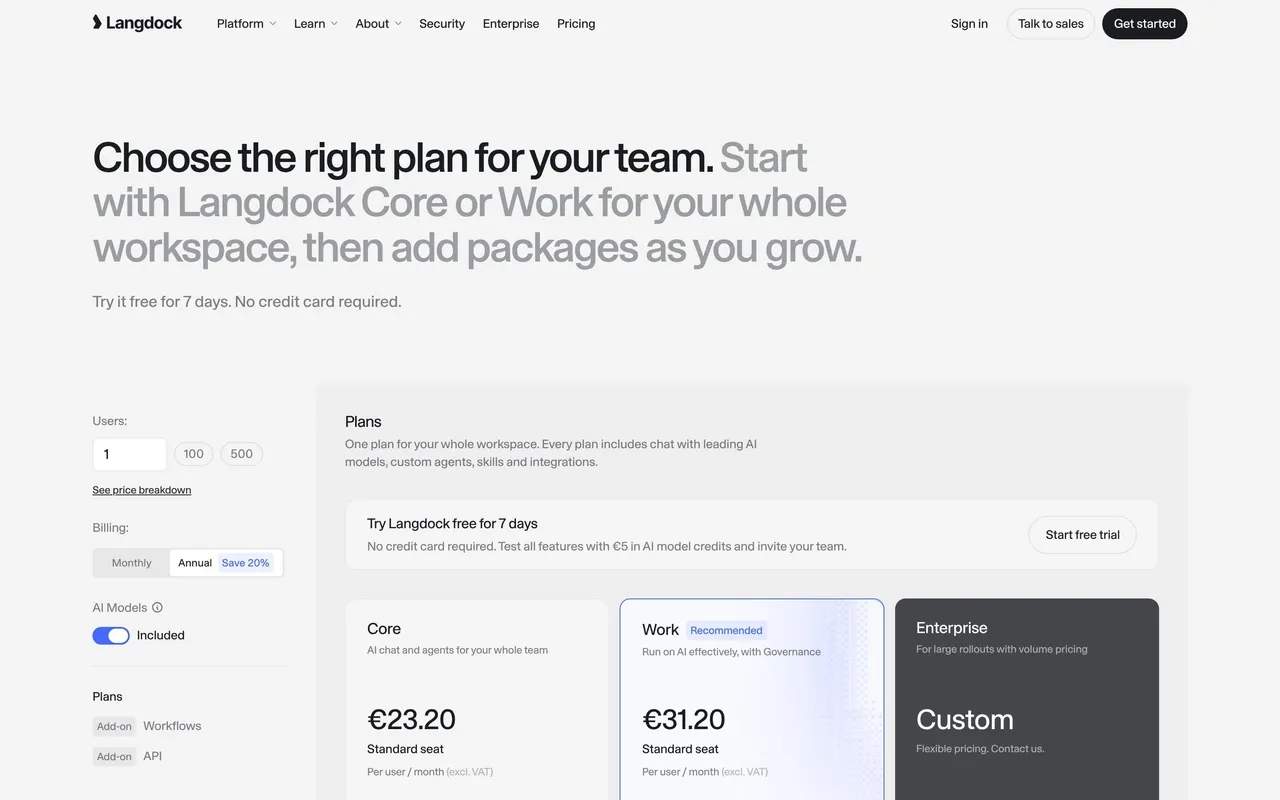 LangdockPricing Page
What your agent gets
Search what screens say
Every word inside every screenshot is searchable. Your agent looks for “invite your team”, not just “settings”.
Measured styles, not guesses
Colors, fonts, type sizes and radii measured on the live page, with a written design context for each screen.
Screens in the chat
In Claude and ChatGPT, results appear as SaaSFrame thumbnails and full screenshots, right in the conversation.
Connect in a minute
Add the server, then sign in with your SaaSFrame account. Server URL: https://www.saasframe.io/api/mcp/pro
- Open Settings → Connectors and choose Add custom connector.
- Name it SaaSFrame and paste the server URL.
- Select Connect, then sign in to your SaaSFrame account and allow access.
https://www.saasframe.io/api/mcp/proThe first time, your AI tool asks permission before each SaaSFrame tool. Choose Always allow. Building with a coding agent? Add the SaaSFrame for agents skill too: it tells your agent how to design with these tools, gives it a style and checks the page it builds.
Tools
- design_guide
- How to design a type of screen: the method, what to decide first, and benchmarks measured on real SaaS pages of that type.
- search_screens
- Finds screens by the words inside the screenshots, by type, category, UX pattern, SaaS or theme.
- get_screen
- The full reference of a screen: the screenshot, its visual design context, measured colors, fonts, sizes and radii, its structure and text.
- get_section
- The same for one website section (hero, pricing table…): its image, patterns and the measured style of its page.
- search_sections
- Isolated website sections: heroes, pricing tables, testimonials, footers.
- search_flows
- Multi-screen journeys, step by step: onboarding, signup, upgrade, invite.
- get_saas
- A SaaS’s site-wide style and every screen of it in the library.
- list_collections, get_collection
- Your bookmarks and collections, so your agent designs from the references you saved, with the style they share.
- list_categories, list_patterns
- The categories and UX patterns to filter by, with their number of screens.
Pro and Team
Pro Pro
- Every result
- 100 full screen references a day
- 300 calls a day
- The SaaSFrame for agents skill and every style
Team
- Everything in Pro, for each member
- 300 full screen references a day
- 1,000 calls a day
Questions
Which AI tools work with SaaSFrame?
Claude, Claude Code, ChatGPT, Cursor, VS Code, Codex and any tool that supports remote MCP servers over HTTP with OAuth. Claude and ChatGPT also show the screens visually in the chat; coding tools get them as data and images.
Why does my AI tool ask for permission?
AI tools ask before using a tool from a connector you added yourself, and before opening a link. Choose Always allow for SaaSFrame’s tools so it stops asking.
Can the agent change anything in my account?
No. The SaaSFrame MCP server is read-only: it searches and reads the library, nothing else.
Is the MCP free?
No. The SaaSFrame MCP is part of Pro and Team, with the SaaSFrame for agents skill that builds on it: every result, 100 full screen references a day with Pro (300 with Team). A free account can connect, but each tool answers with the Pro offer.
Can I use it to build a dataset or train a model?
No. The MCP server is for your own design and build work. Extracting the library at scale, building datasets or training AI models is not allowed by our terms.
Step-by-step setup for each tool in the docs. Read our terms. Questions? Contact us.