About this screen
Layout
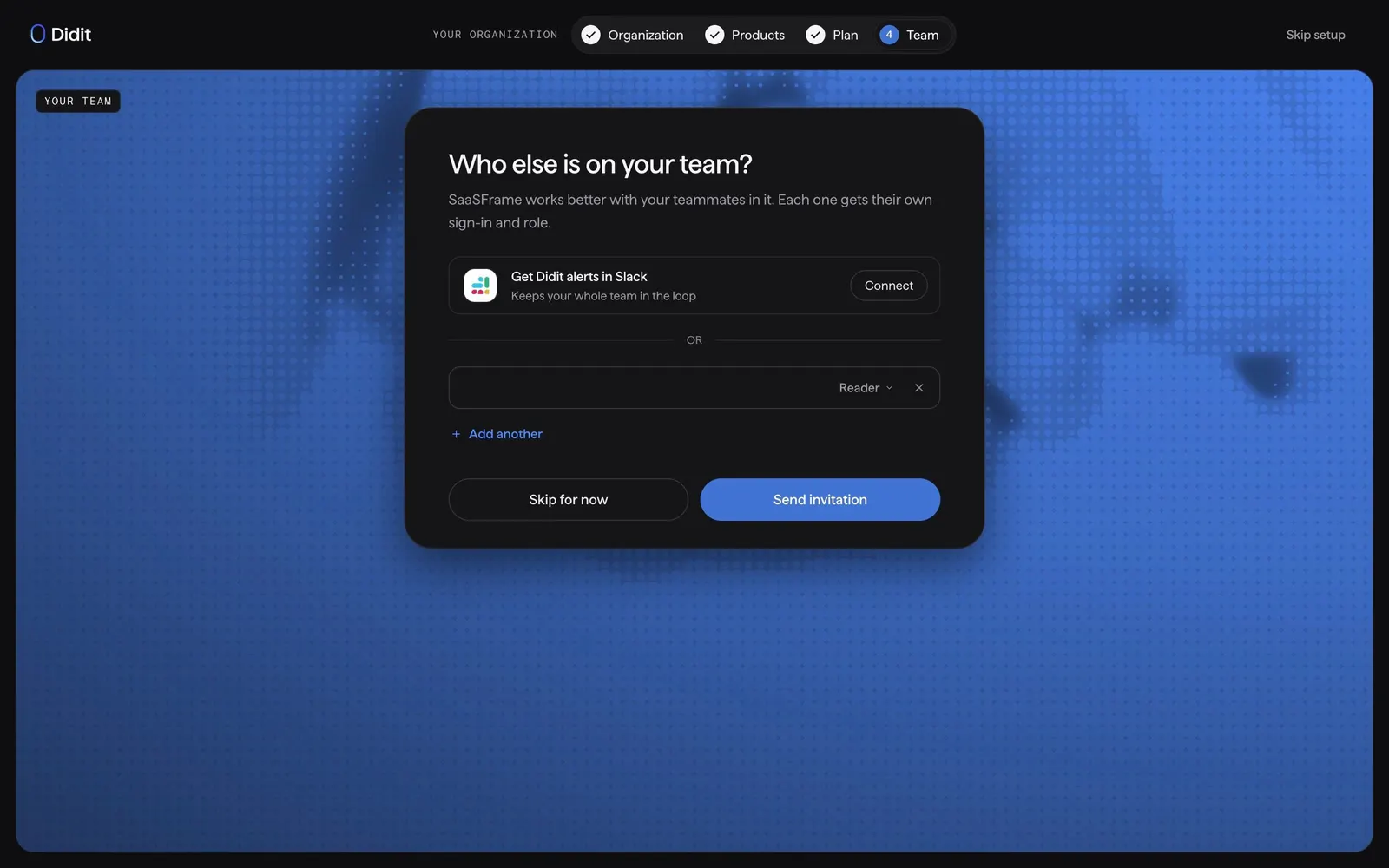
Split layout with invite form left and team preview card right.
Content
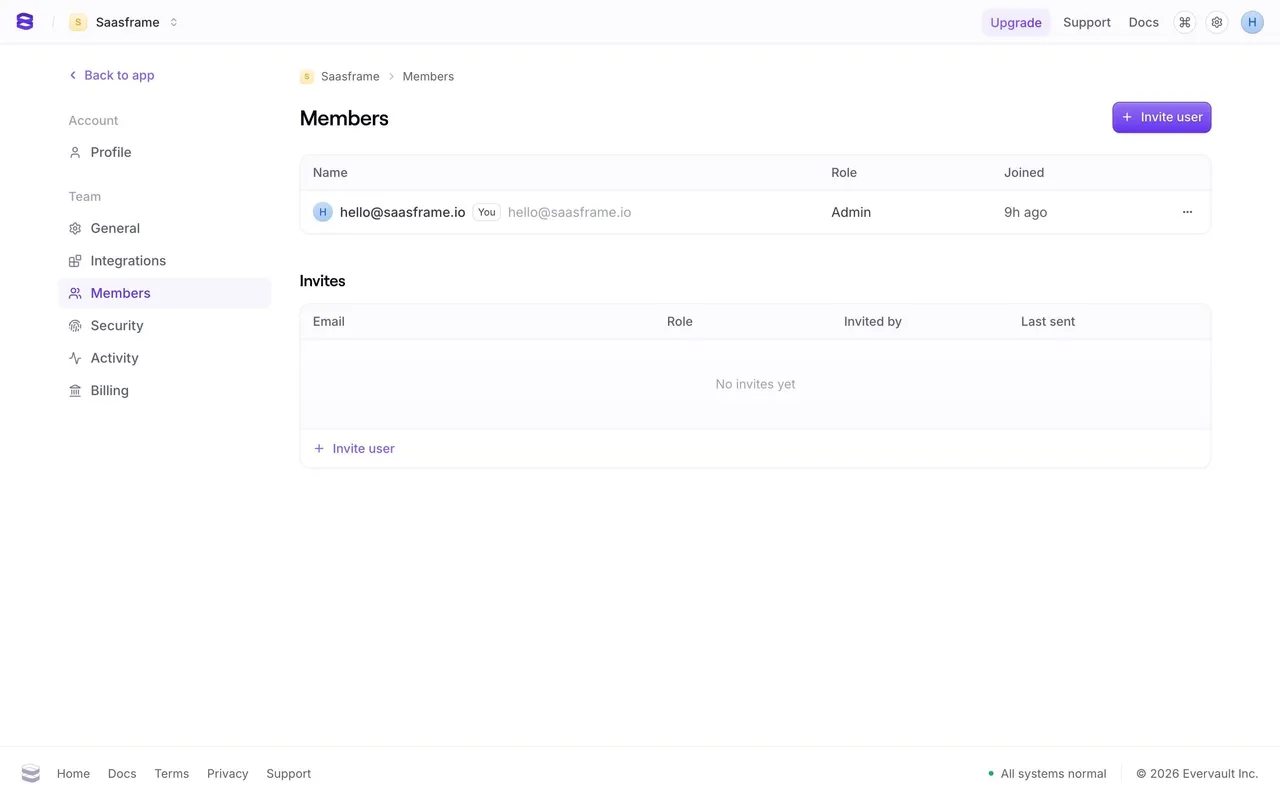
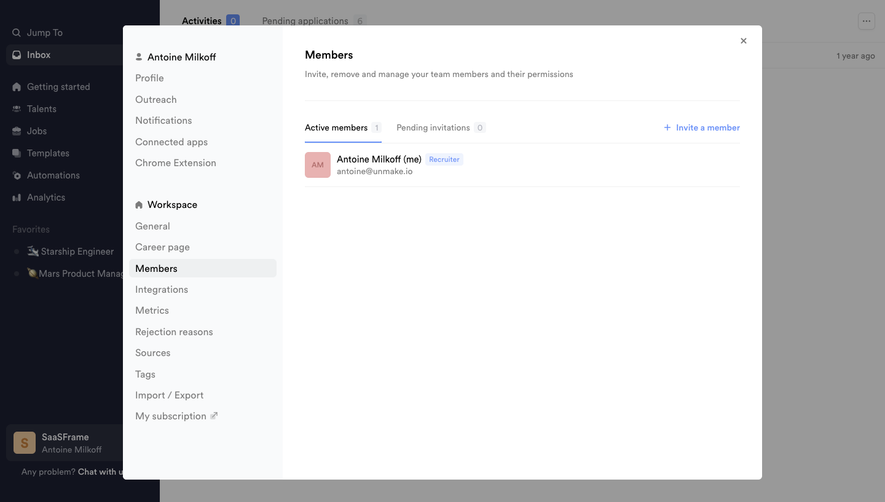
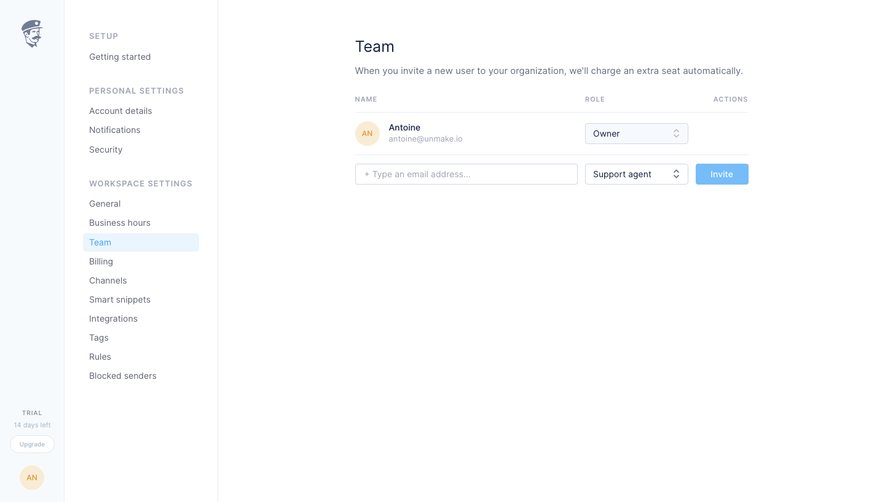
Who else is on your team: connect Slack for alerts, or invite by email with a role selector, Add another, Skip for now and Send invitation; the preview lists the owner.
Notable details
Slack alert connection is offered before email invites. The copy argues for inviting colleagues, each one getting a personal sign-in and role. The role select sits inside the email row and defaults to Reader, and rows can be removed with a small cross. The footer of the page lists ISO 27001, SOC 2 and GDPR, a reassurance that is useful on a step that asks for other people addresses.