About this screen
Layout
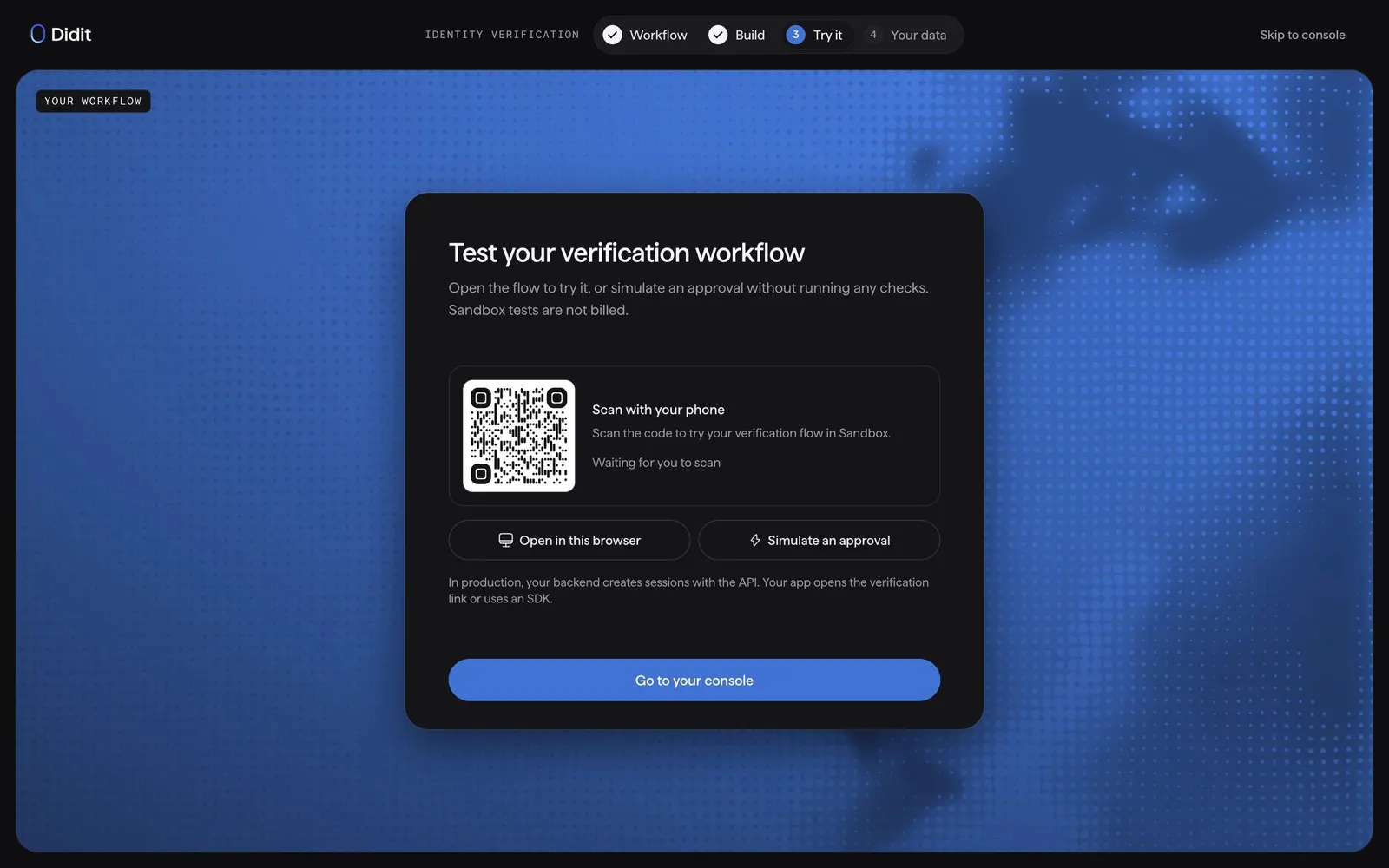
Centered card with a QR code block and two secondary actions.
Content
Test your verification workflow: scan with your phone, Open in this browser or Simulate an approval, a note on API sessions, and Go to your console.
Notable details
Three ways to test are offered at once, including a simulated result that needs no document. The helper text explains that sandbox tests are not billed. Under the QR code a status line reads Waiting for you to scan, which implies a live connection with the phone. A short note at the bottom explains how production differs: the backend creates sessions with the API and the app opens the verification link or uses an SDK.