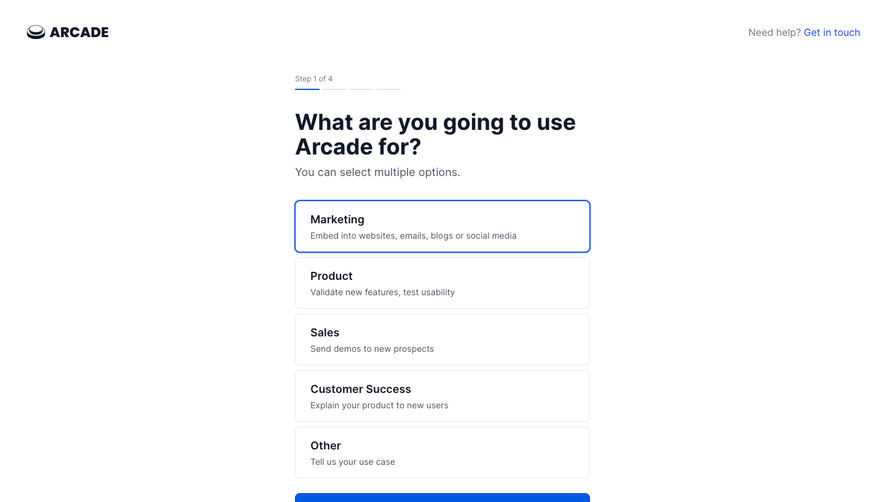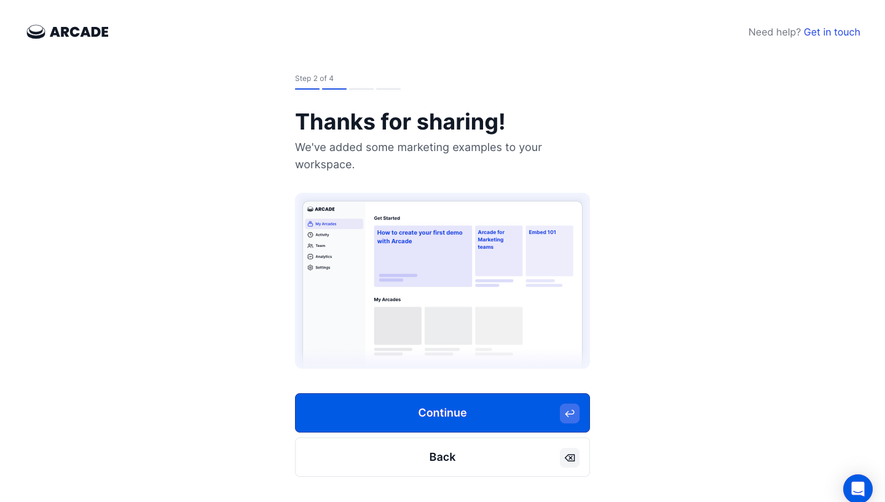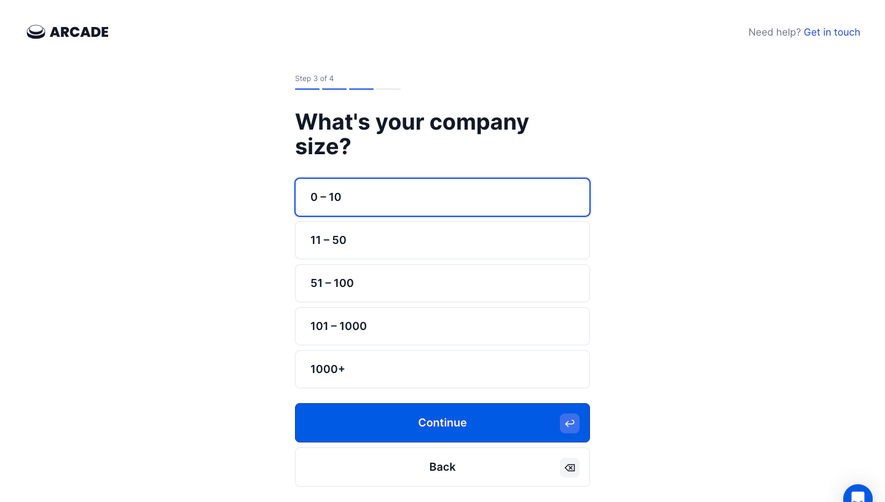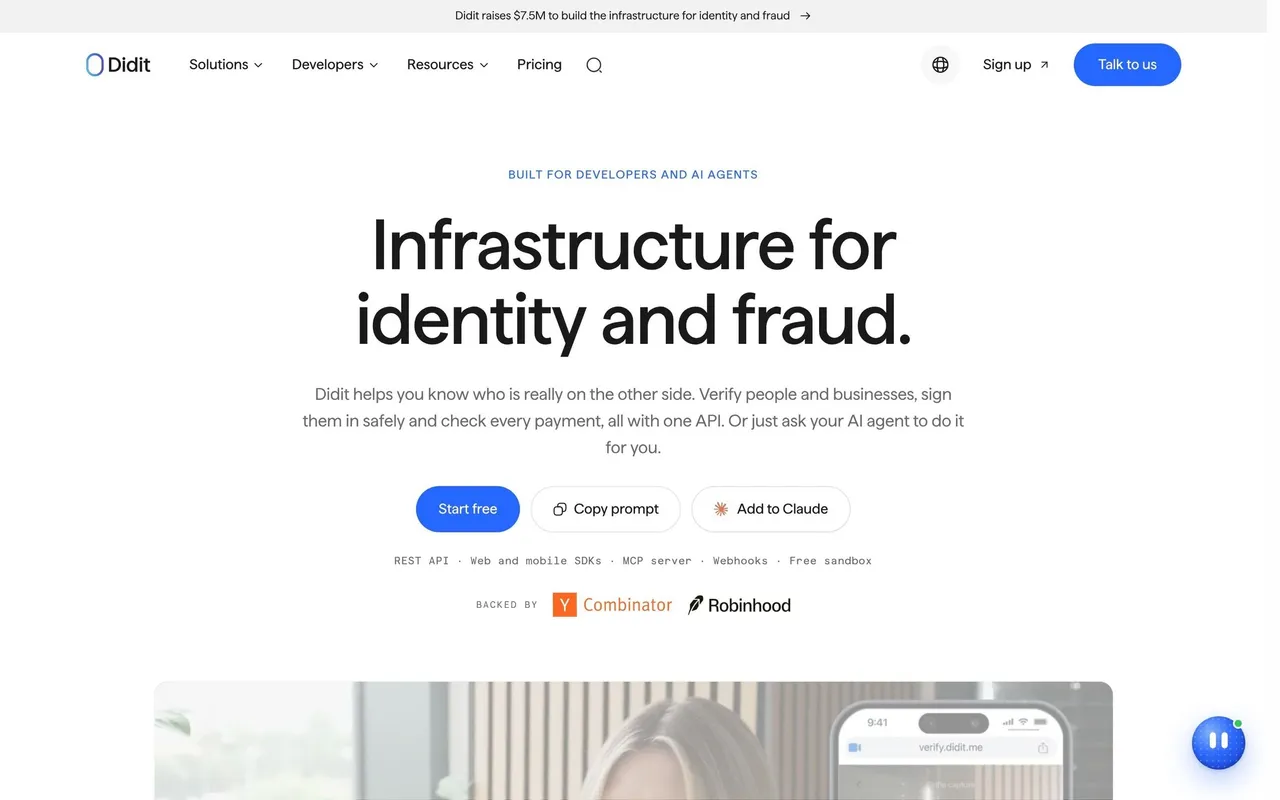
About this screen
Layout
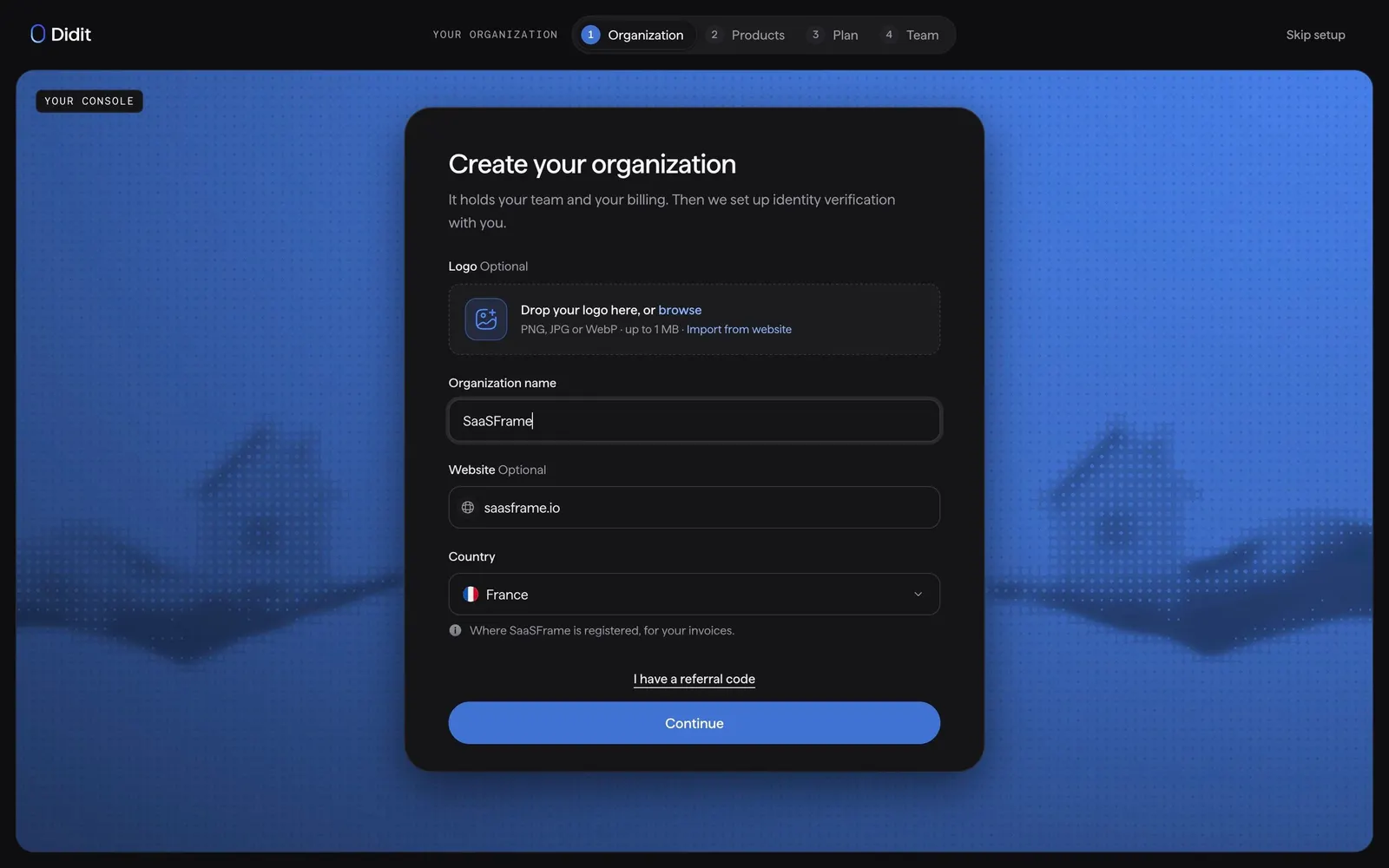
Split onboarding screen: form on the left, live preview card on a blue halftone image on the right, stepper in the top bar.
Content
Create your organization with logo upload, organization name SaaSFrame, website, country France and a referral link; the preview card mirrors the name, country, Free Sandbox plan and team.
Notable details
The preview updates as you type, so the form feels like building the console itself. A label above the title reads Step 1 of 4, and the helper sentence explains why the organization matters: it holds the team and the billing. The logo field accepts PNG, JPG or WebP up to 1 MB and offers Import from website as a shortcut. A Skip setup link stays in the top right corner for users who want to reach the console directly.