Chronicle Sharing and Exporting a Deck
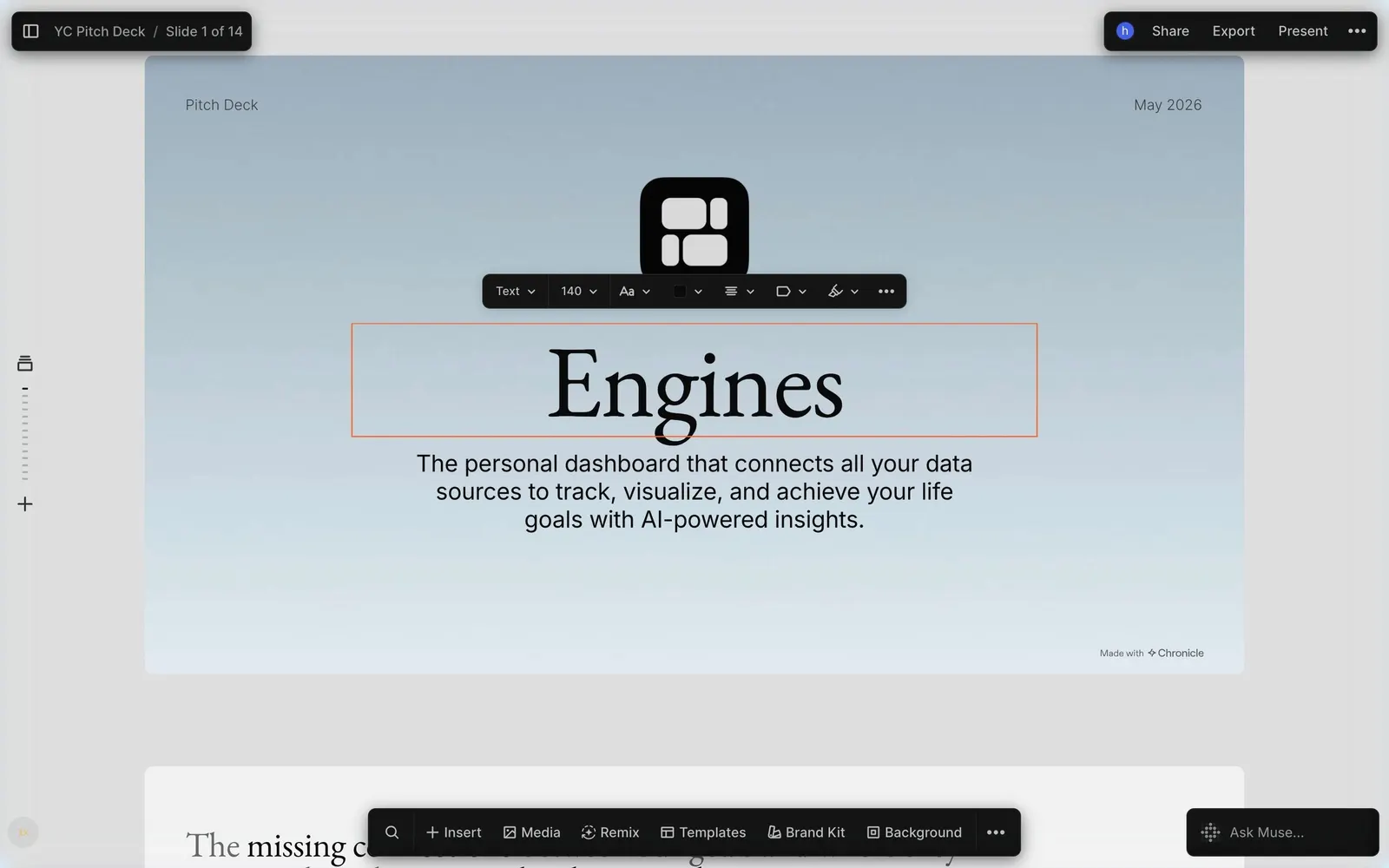
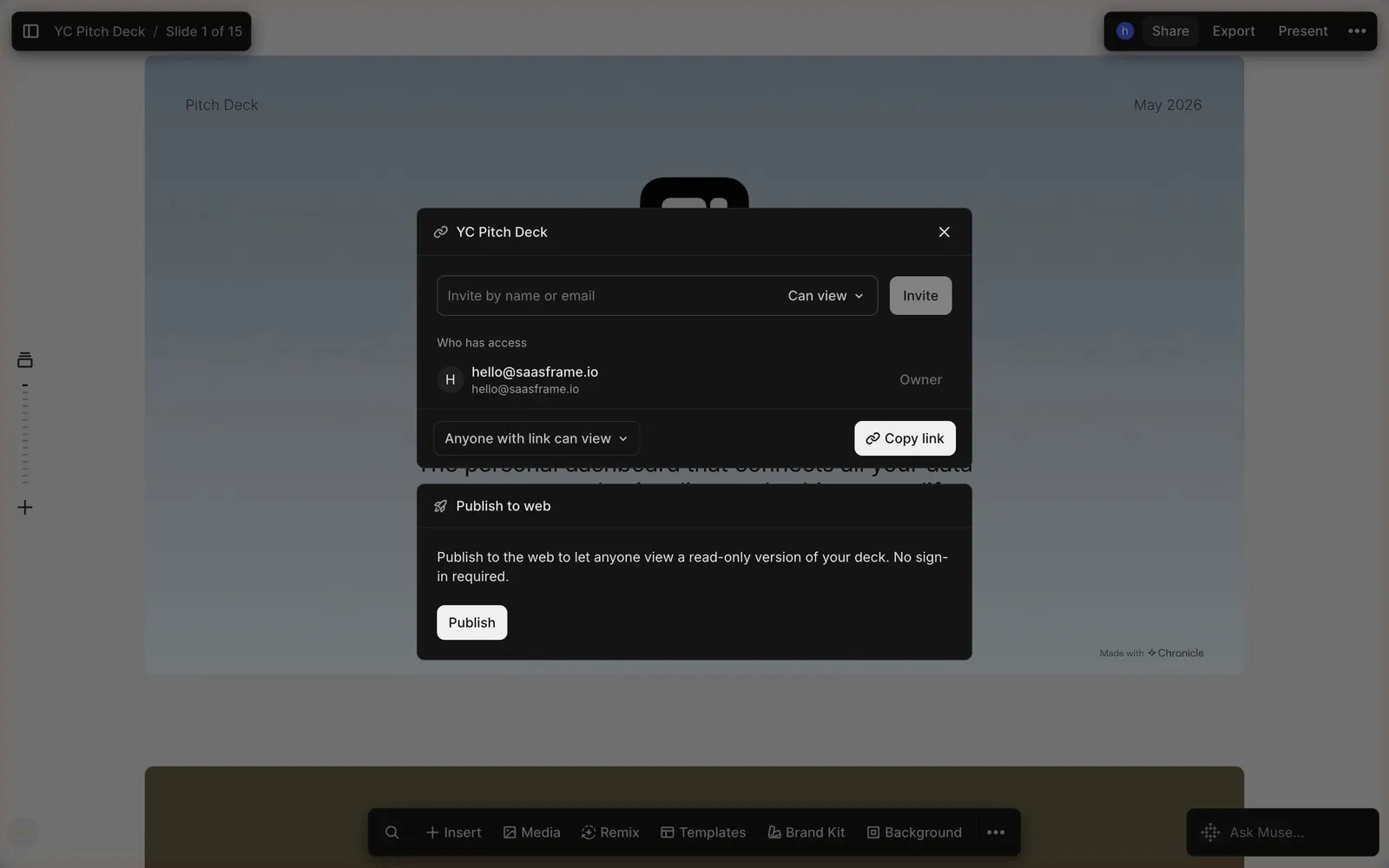
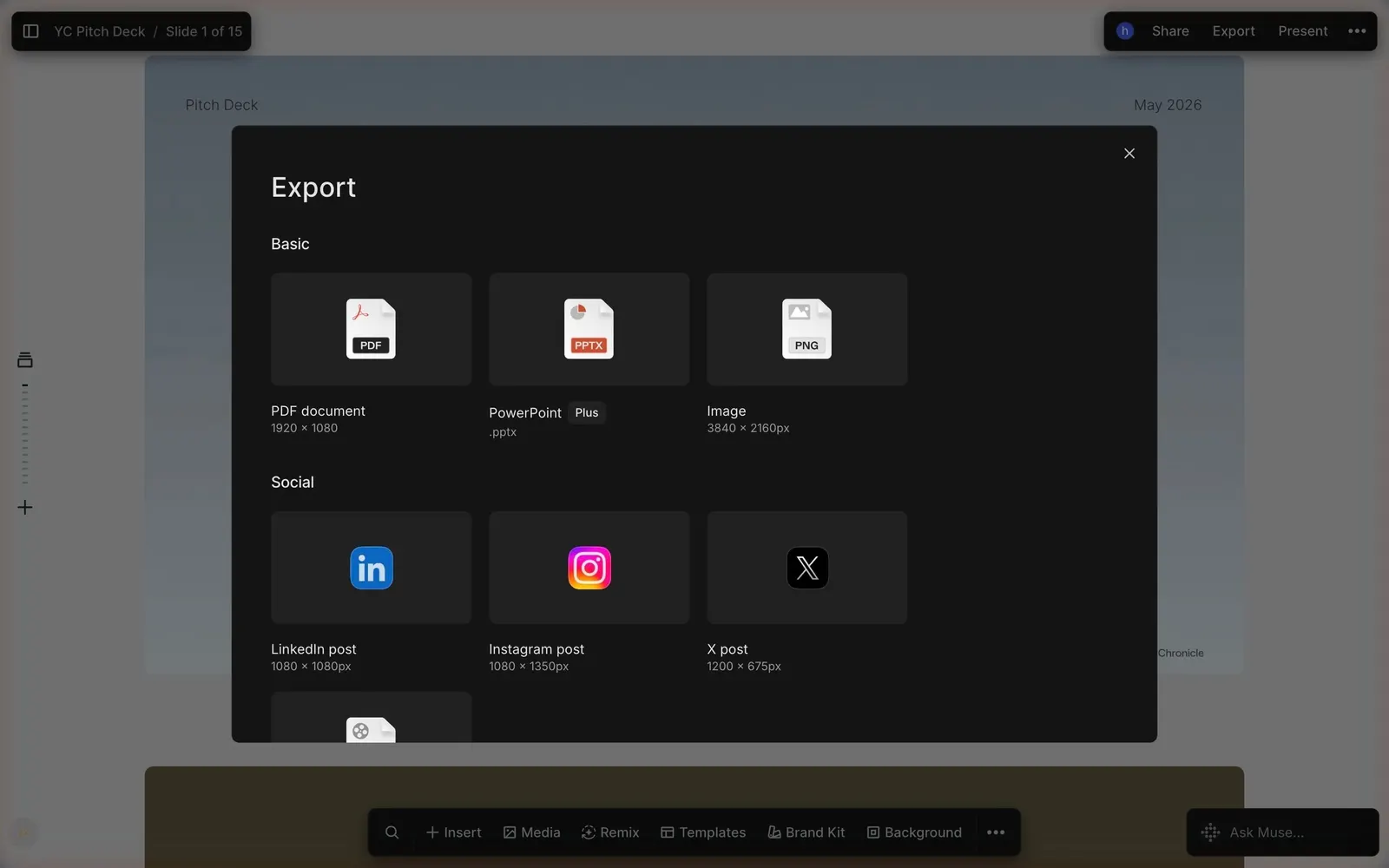
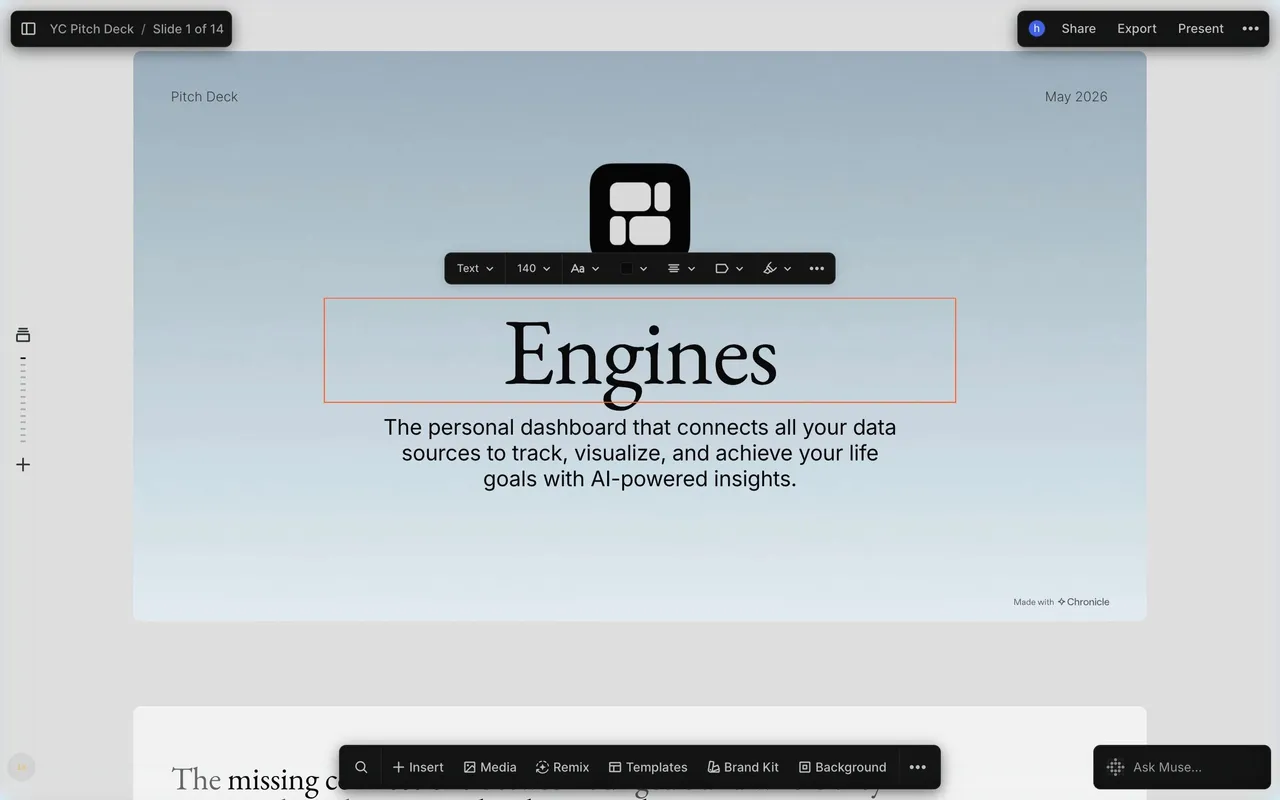
From the Chronicle editor, Share opens a dialog that separates inviting people from publishing to the web, and Export shows a gallery of formats from PDF to social post sizes. Both are dark dialogs over the dimmed canvas.
Follow Chronicle’s sharing and exporting a deck flow step by step: 3 real screens captured from the live product, from deck editor to export options. Use ← → to move between steps, and open any screen to see it in full.
Steps in this flow
More flows from Chronicle
All Chronicle Chronicle Creating a Deck from a Template
6 screens
Chronicle Onboarding
4 screens