Part of Sharing and Exporting a Deck
Chronicle Share Deck
 ChronicleAI presentations with interactive blocks
About this screen
Sharing in two cards
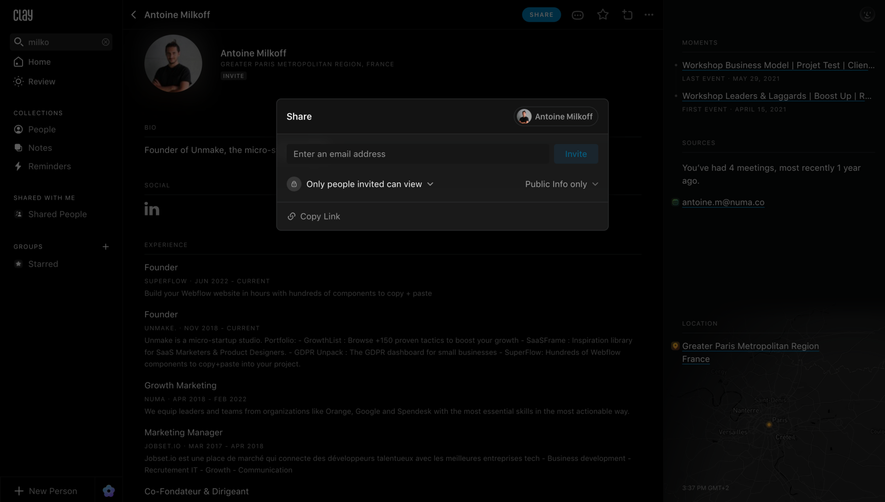
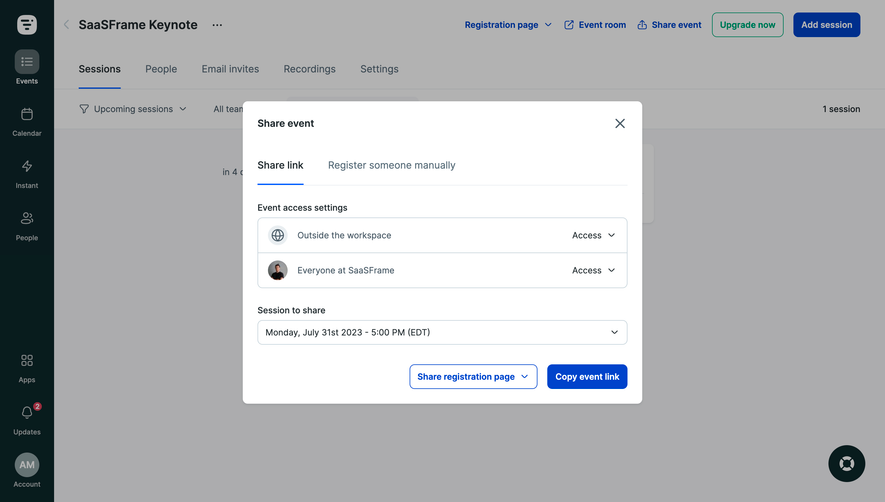
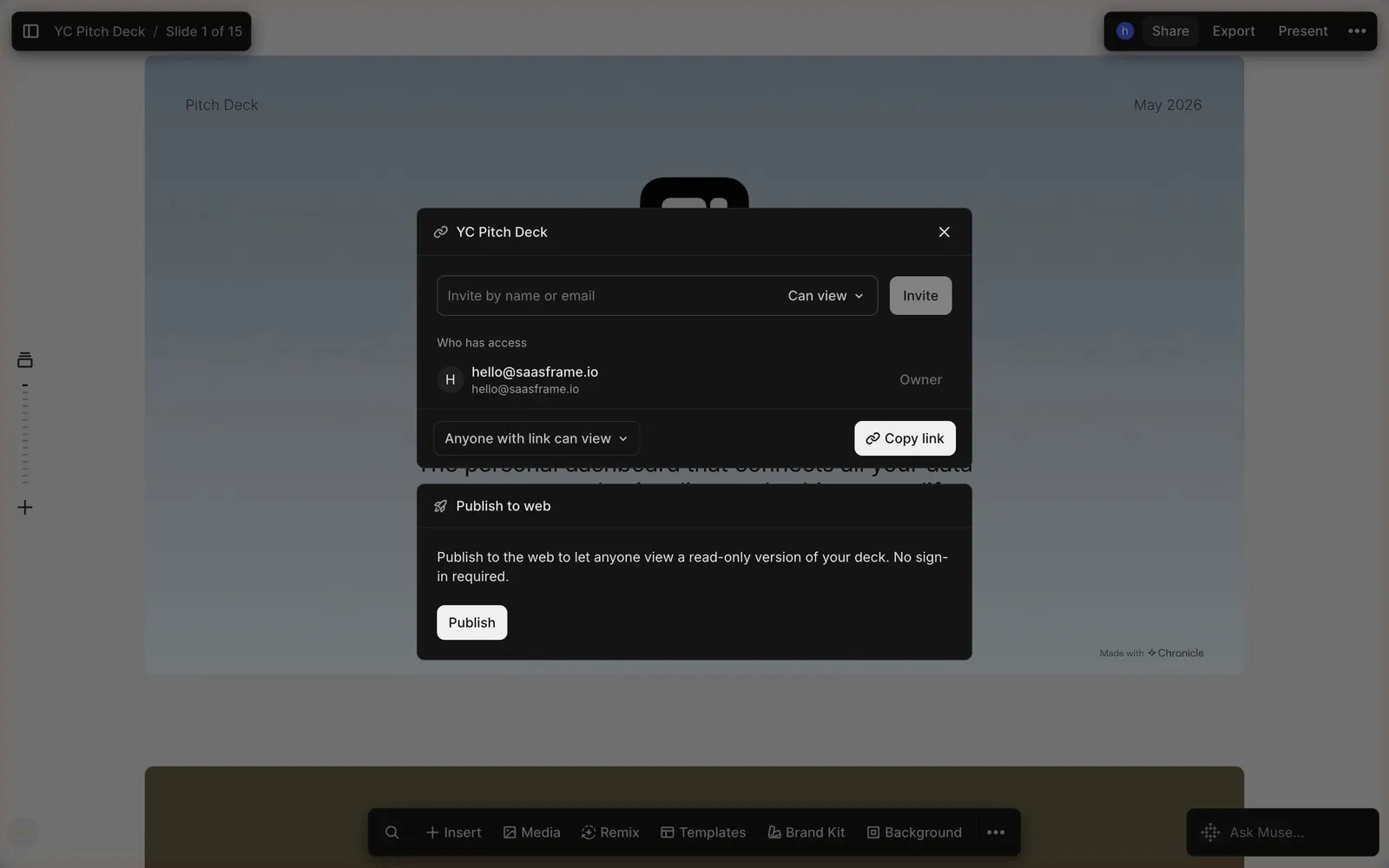
"Share" opens a dialog named after the deck. The first card invites people by name or e-mail with a permission select ("Can view") and lists who has access.
Link access spelled out
A select reads "Anyone with link can view" next to a white "Copy link" button.
Publishing kept separate
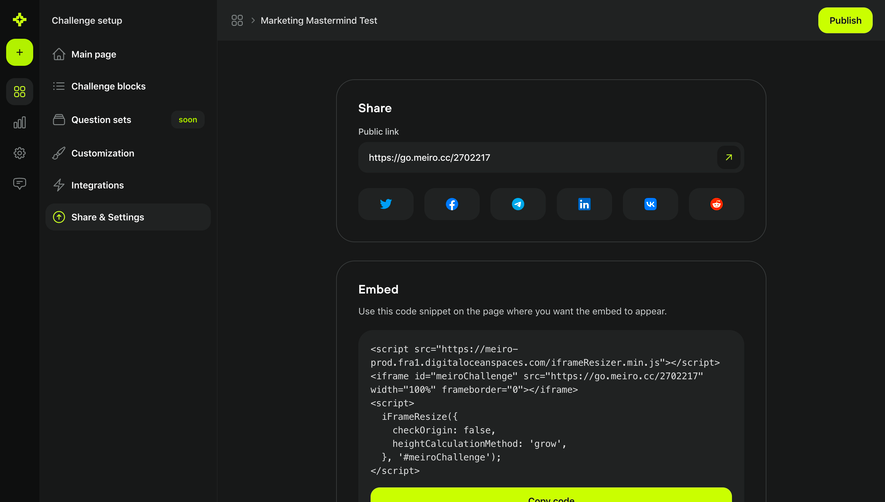
A second card, "Publish to web", explains that anyone can then view a read-only version without signing in, with its own "Publish" button.