
SaaSFrame Pro
3 more steps in this flow
Free accounts see the first 3 steps of each flow. Pro unlocks every step of every flow, plus every screen, section and Copy in Figma.
Chronicle Creating a Deck from a Template
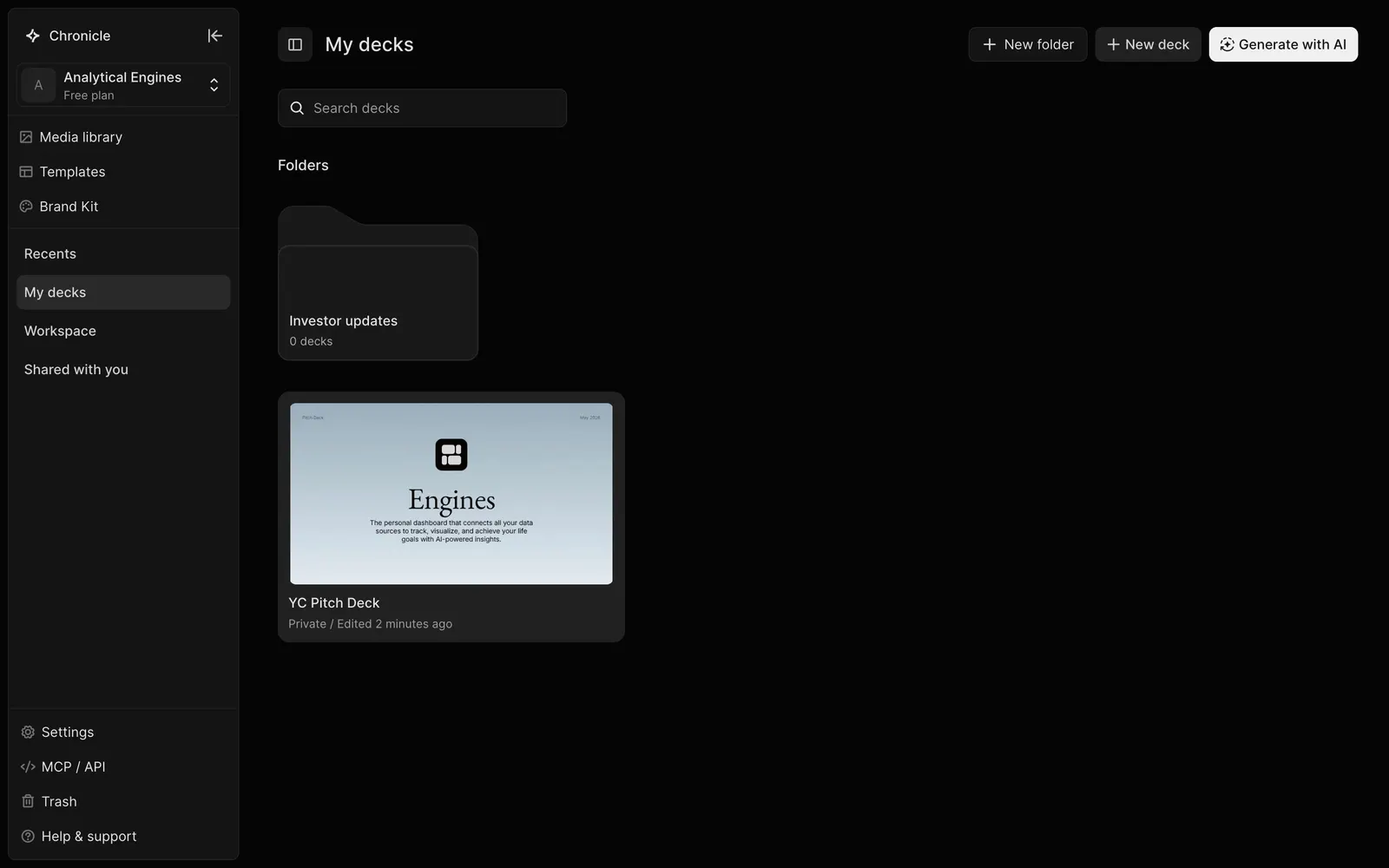
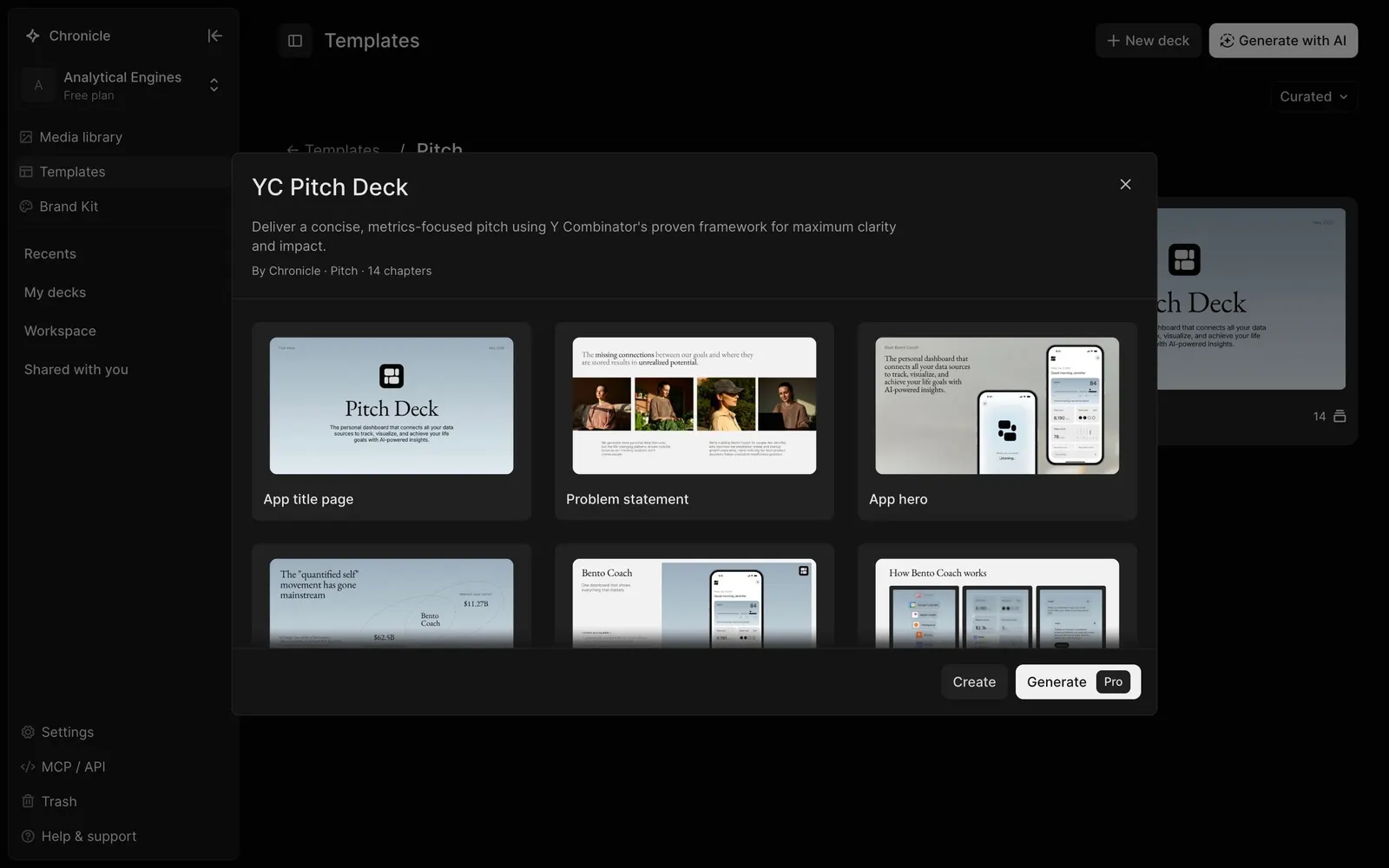
This flow starts in My decks, previews the YC Pitch Deck template slide by slide, then edits the result: retitling a slide, opening the insert menu, editing chart data in a grid and browsing slides in the navigator. The editor keeps a light canvas under small dark floating toolbars.
Follow Chronicle’s creating a deck from a template flow step by step: 6 real screens captured from the live product, from my decks to slides navigator. Use ← → to move between steps, and open any screen to see it in full.
Steps in this flow
More flows from Chronicle
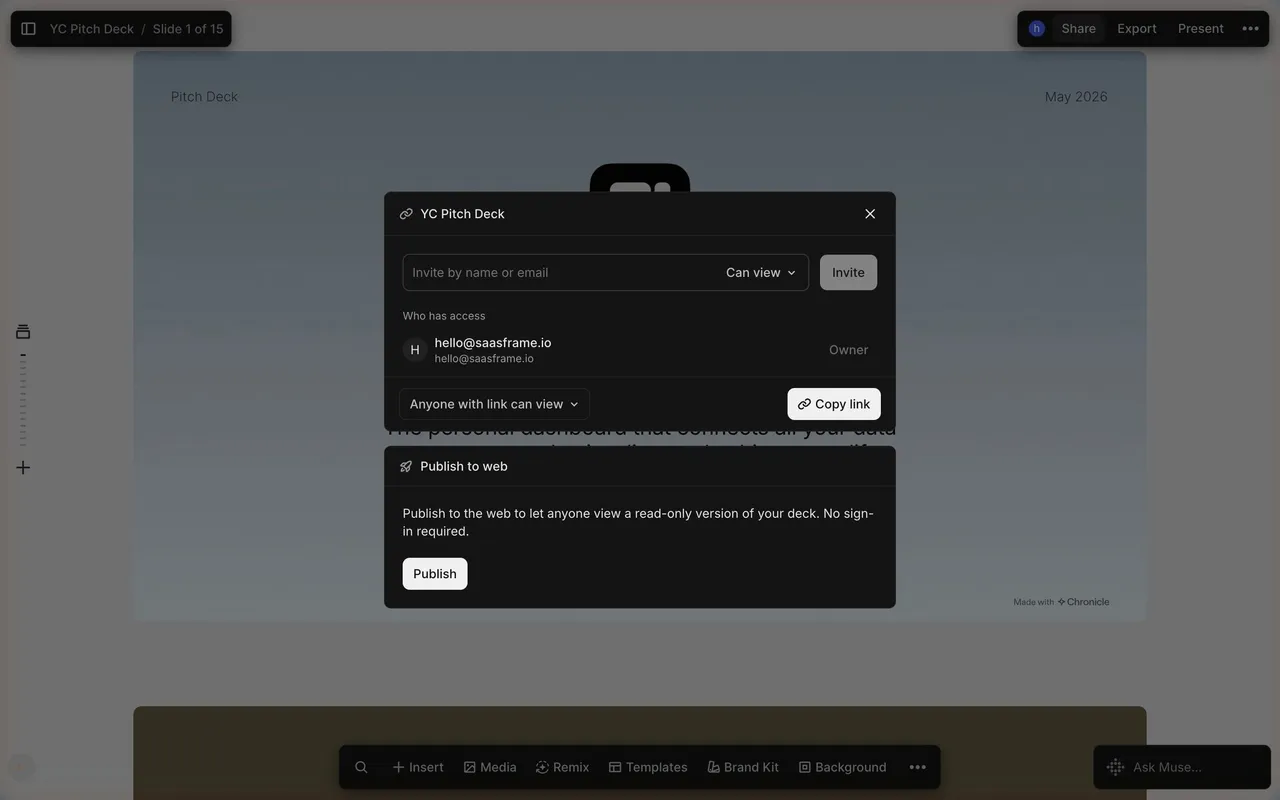
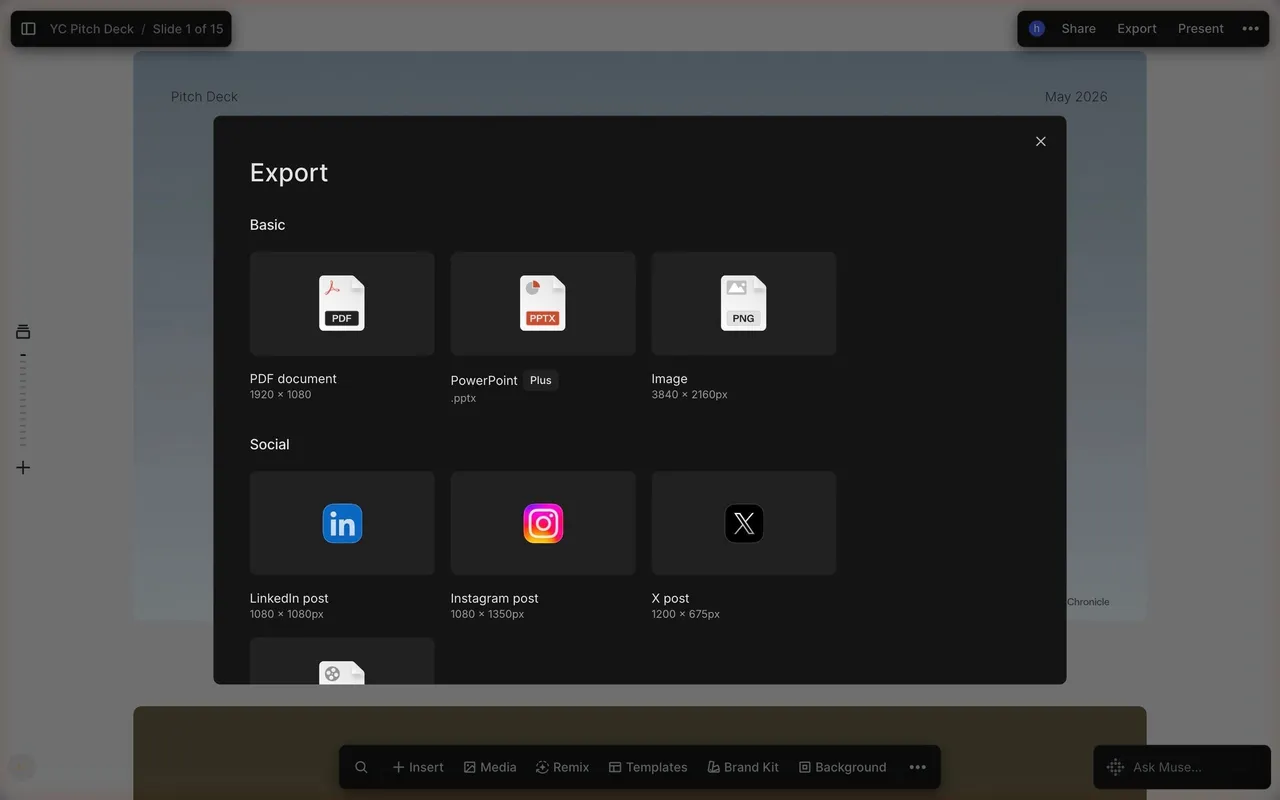
All Chronicle Chronicle Sharing and Exporting a Deck
3 screens

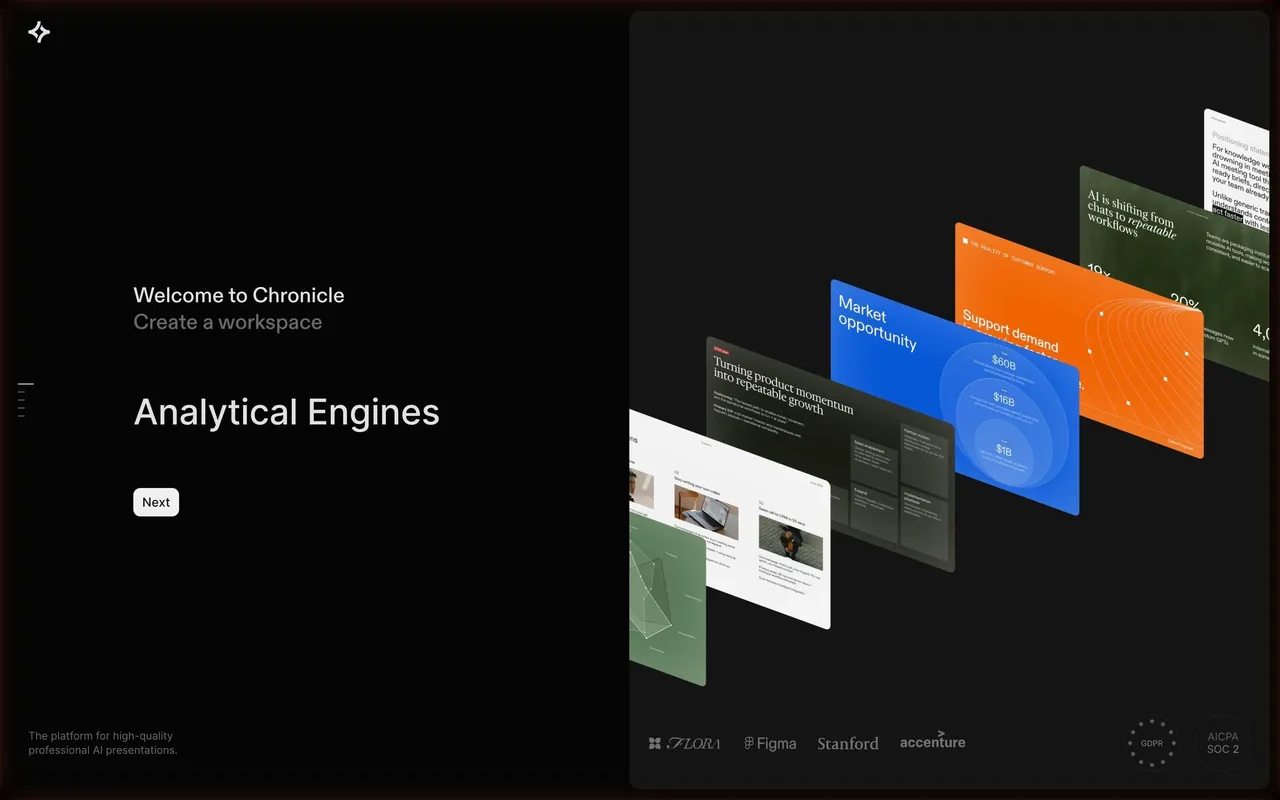
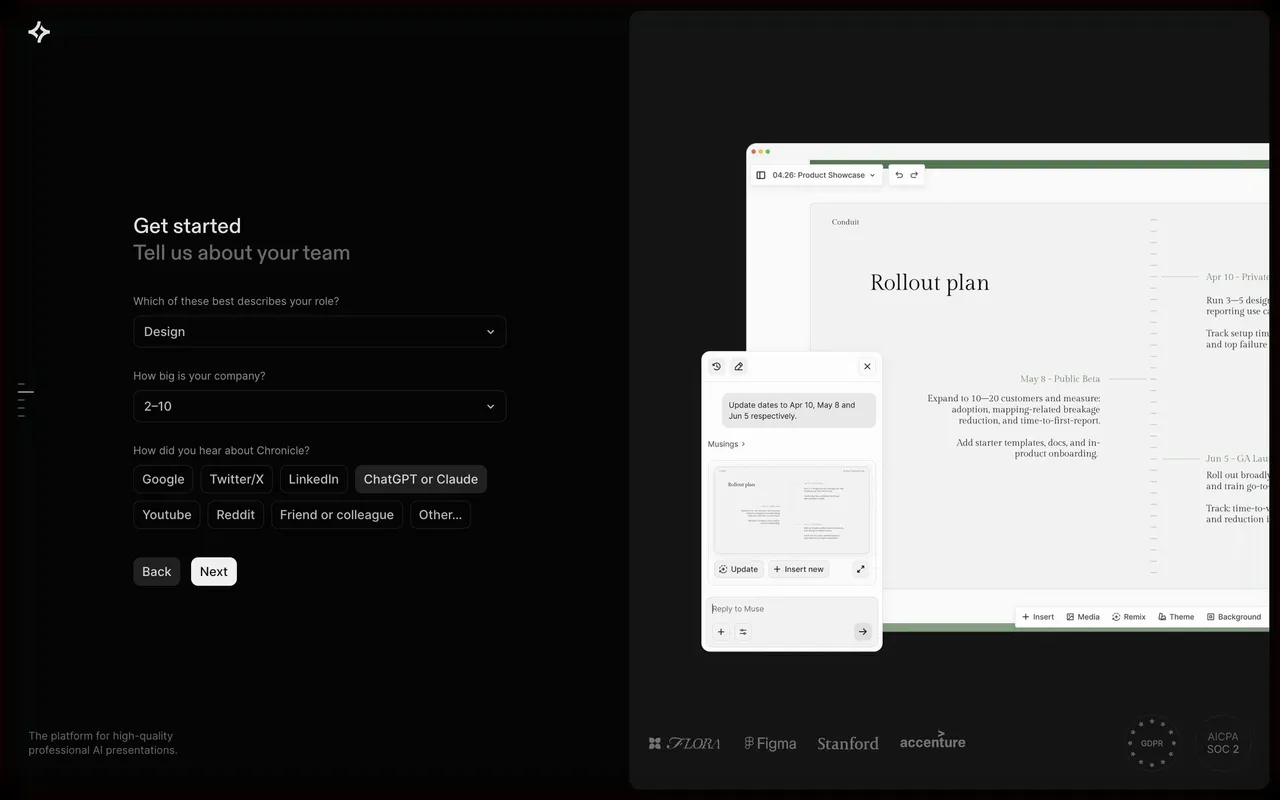
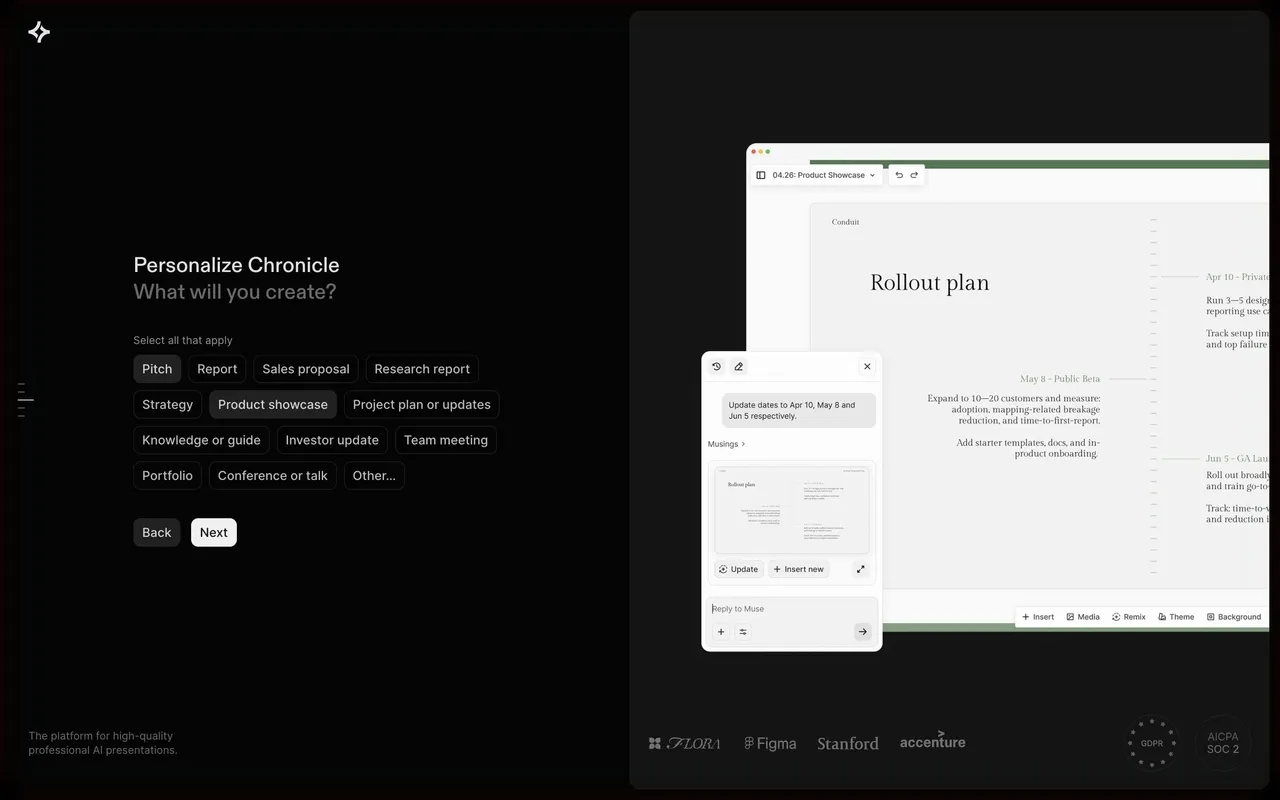
Chronicle Onboarding
4 screens