SaaSFrame Pro
1 more step in this flow
Free accounts see the first 3 steps of each flow. Pro unlocks every step of every flow, plus every screen, section and Copy in Figma.
Chronicle Onboarding
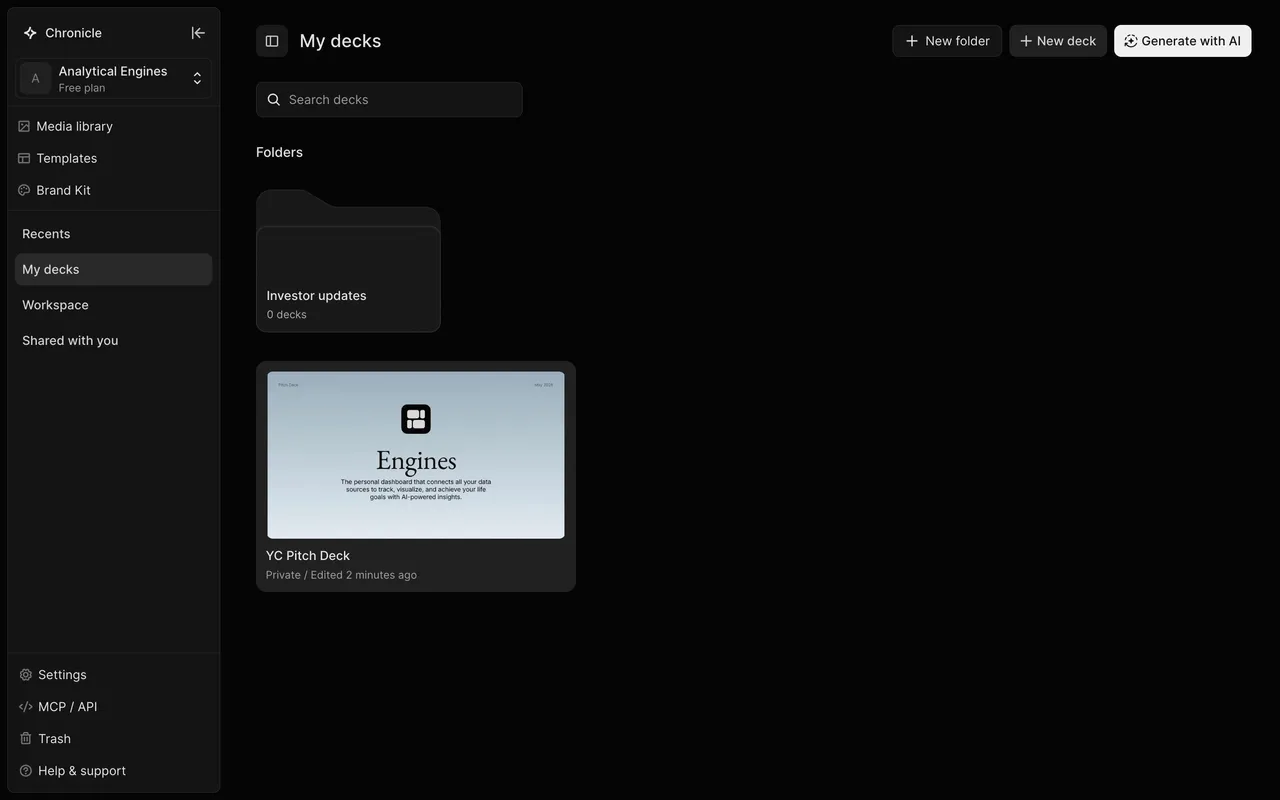
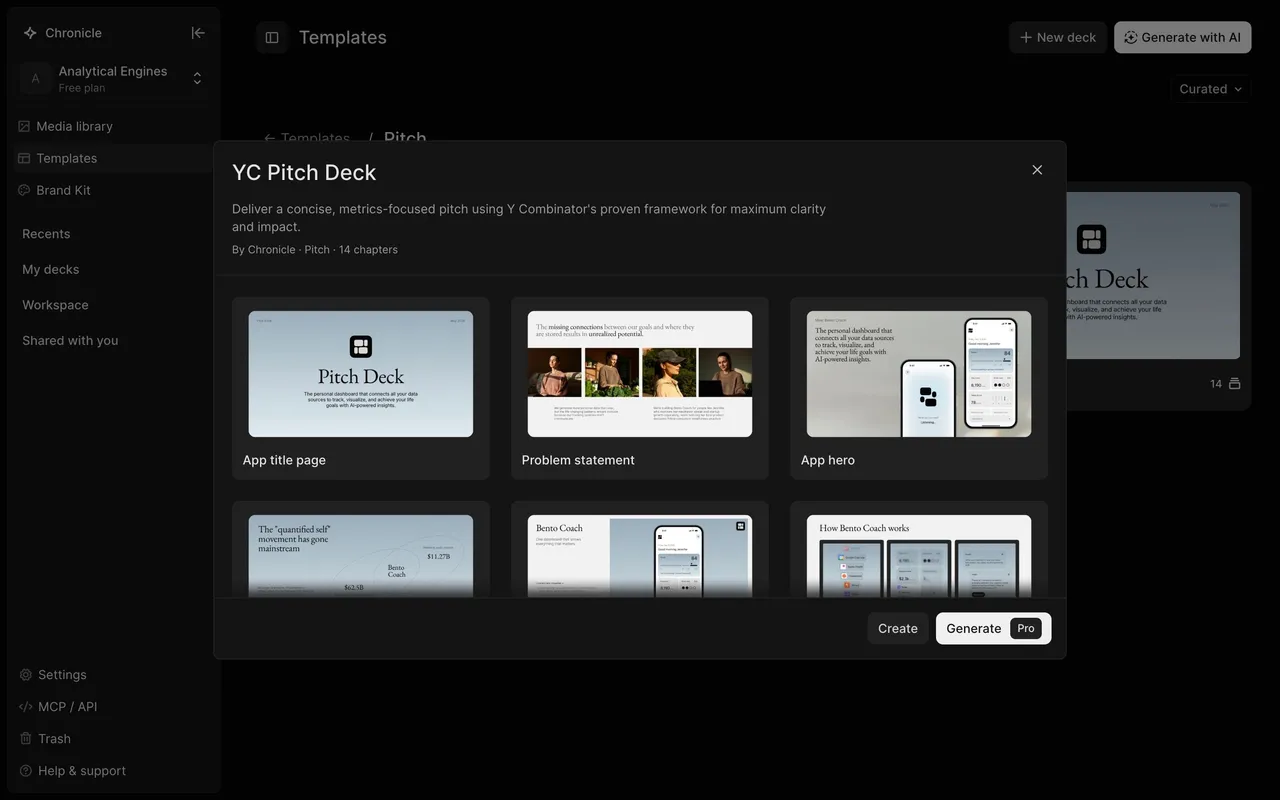
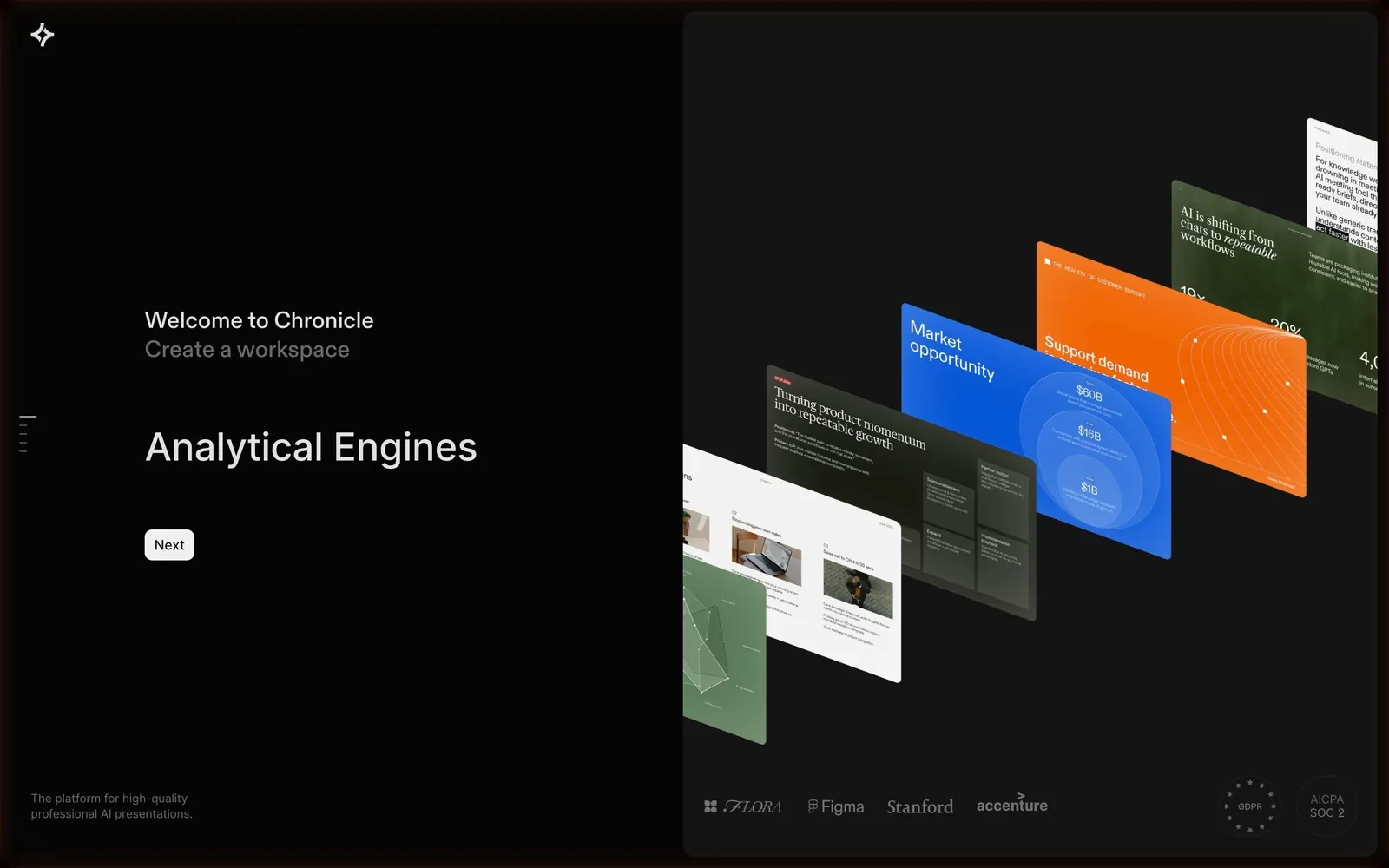
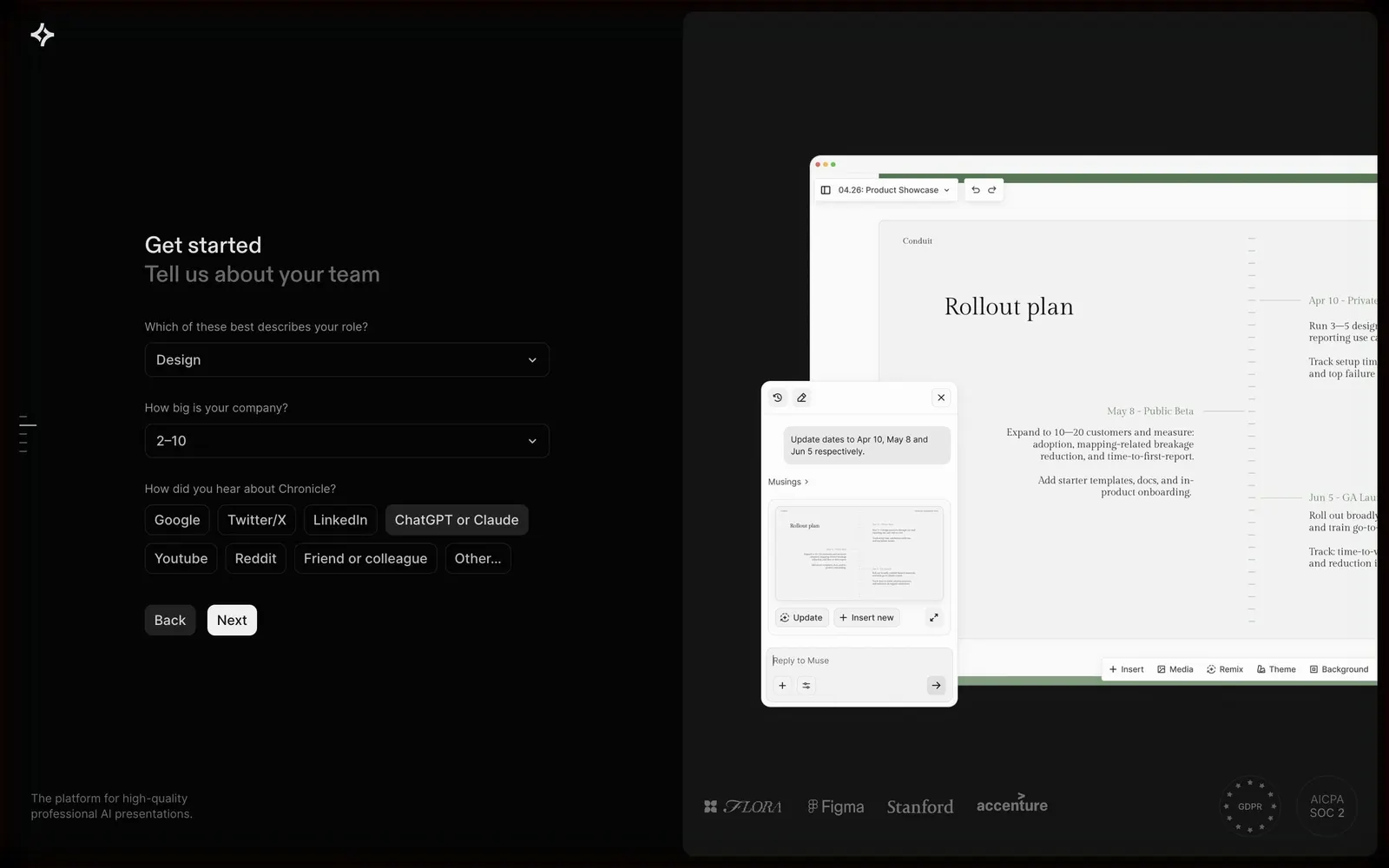
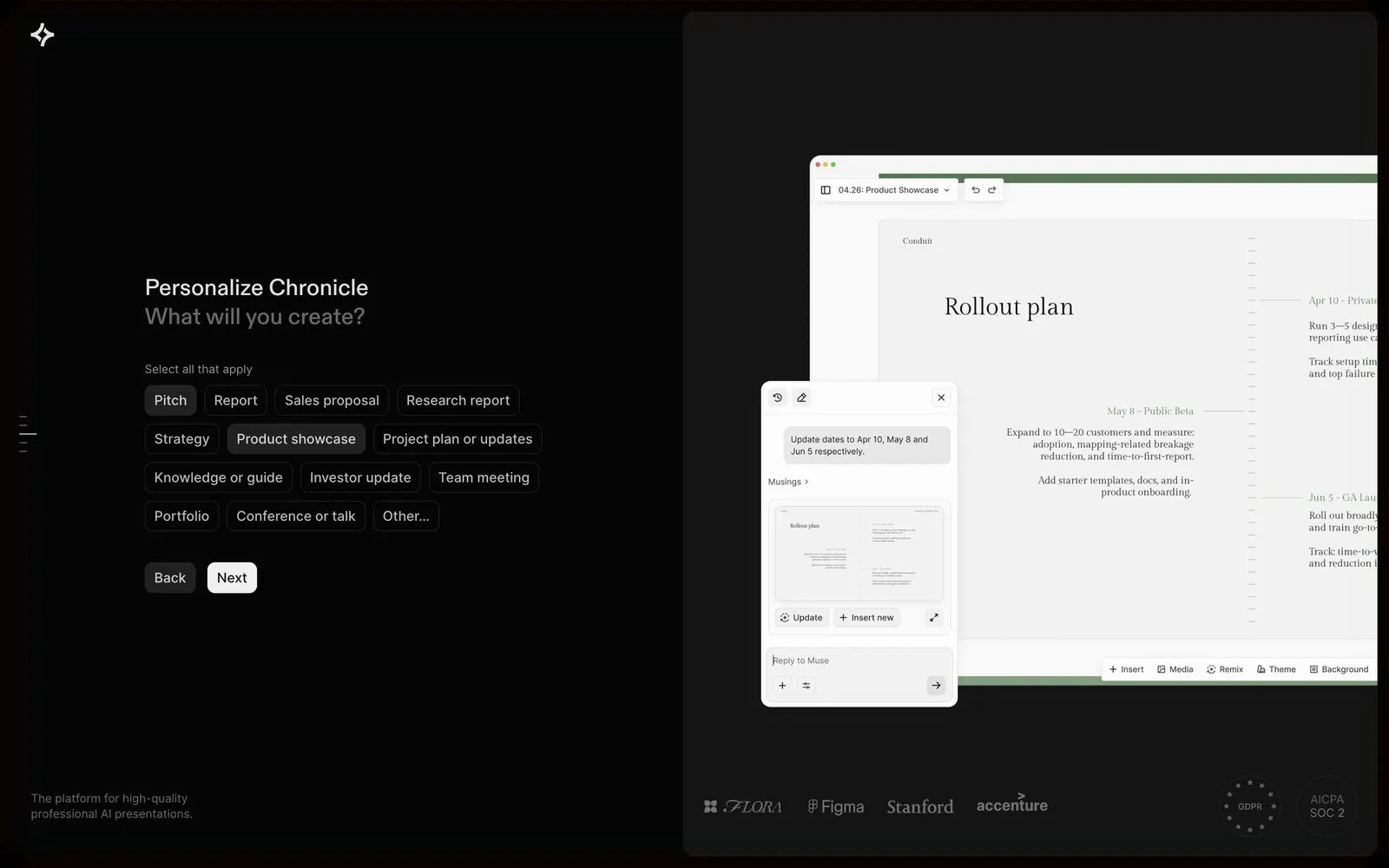
Chronicle's onboarding names the workspace, asks about role, company size and what the user will create, then ends on a plan choice where Free has its own button. Each dark split screen pairs one short form with a preview of slides or the editor.
Follow Chronicle’s onboarding flow step by step: 4 real screens captured from the live product, from onboarding create workspace to onboarding plan selection. Use ← → to move between steps, and open any screen to see it in full.
Steps in this flow
More flows from Chronicle
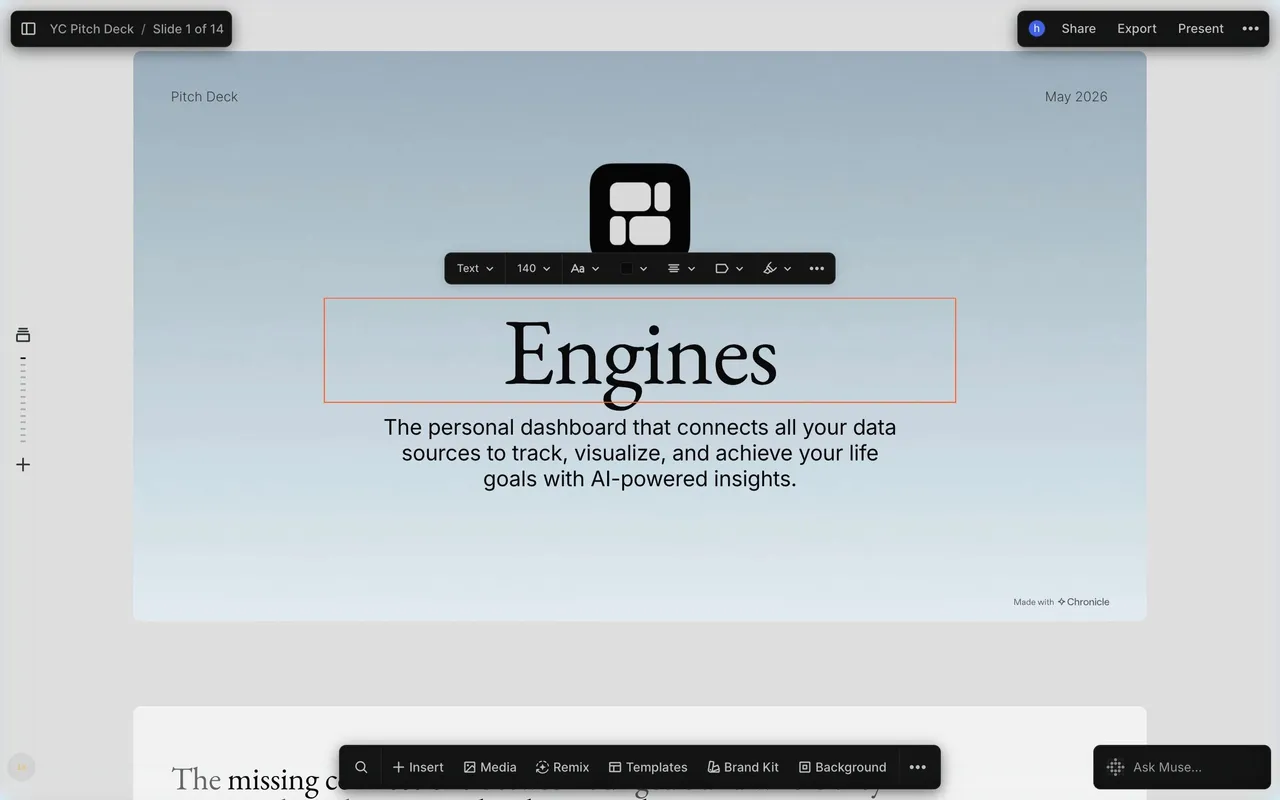
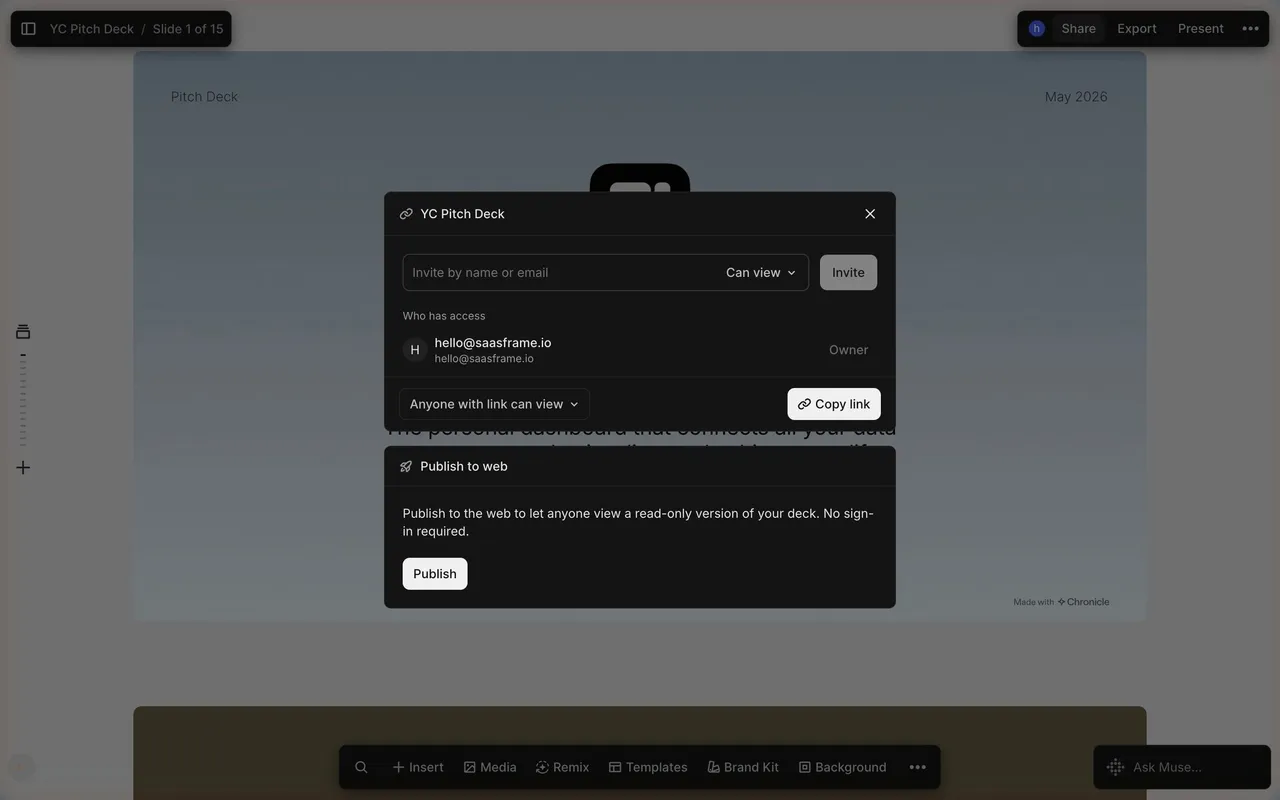
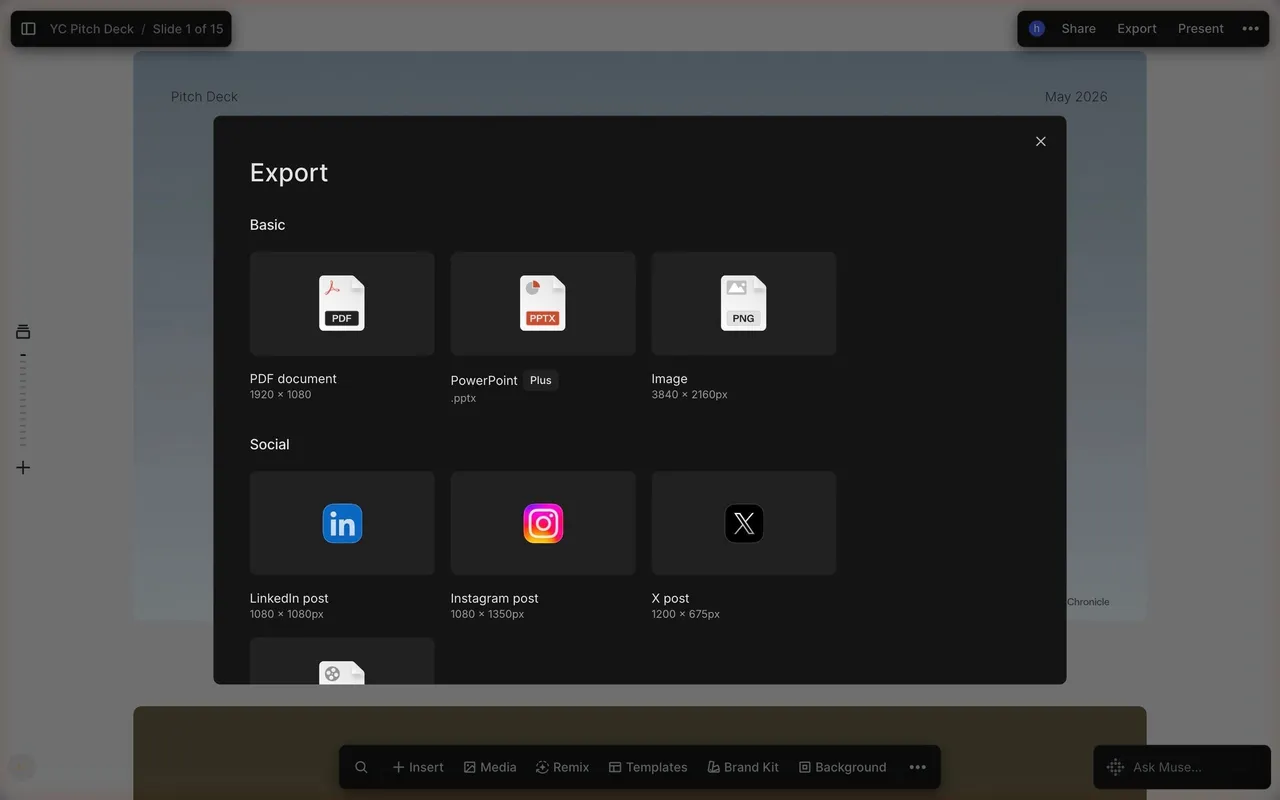
All Chronicle Chronicle Sharing and Exporting a Deck
3 screens
Chronicle Creating a Deck from a Template
6 screens