Part of Creating a Deck from a Template
Chronicle Slides Navigator
 ChronicleAI presentations with interactive blocks
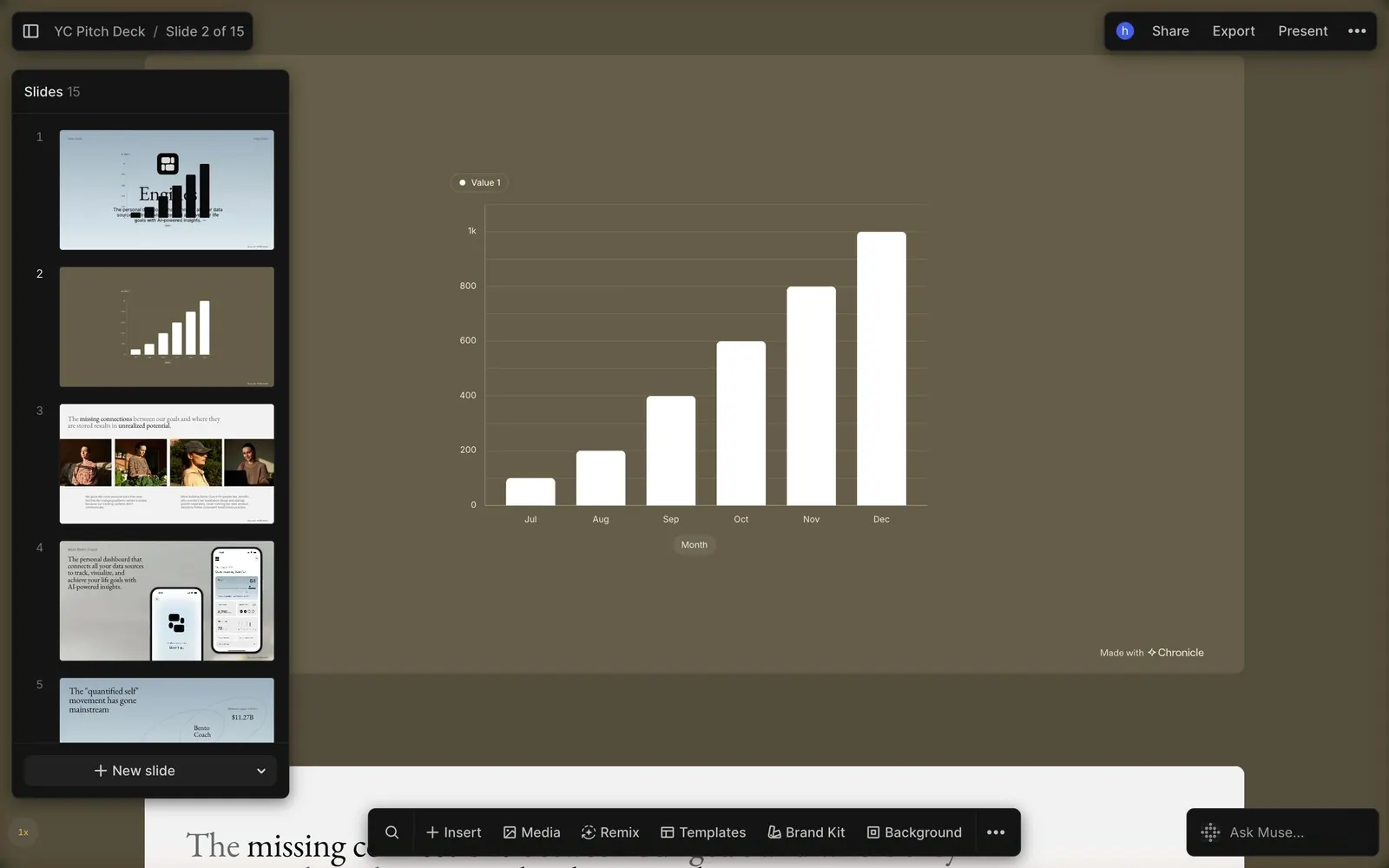
About this screen
Slides on demand
The slide list is hidden by default; a small control on the left opens a floating panel titled "Slides 15" with numbered thumbnails.
The deck's rhythm at a glance
Thumbnails show the title slide, the dark chart slide and photo layouts, with the current slide highlighted. "New slide" at the bottom has a menu for other ways to add one.
Canvas stays in charge
The panel overlaps the workspace instead of resizing it, so the slide keeps its size.