SaaSFrame Pro
3 more steps in this flow
Free accounts see the first 3 steps of each flow. Pro unlocks every step of every flow, plus every screen, section and Copy in Figma.
Calendly Onboarding
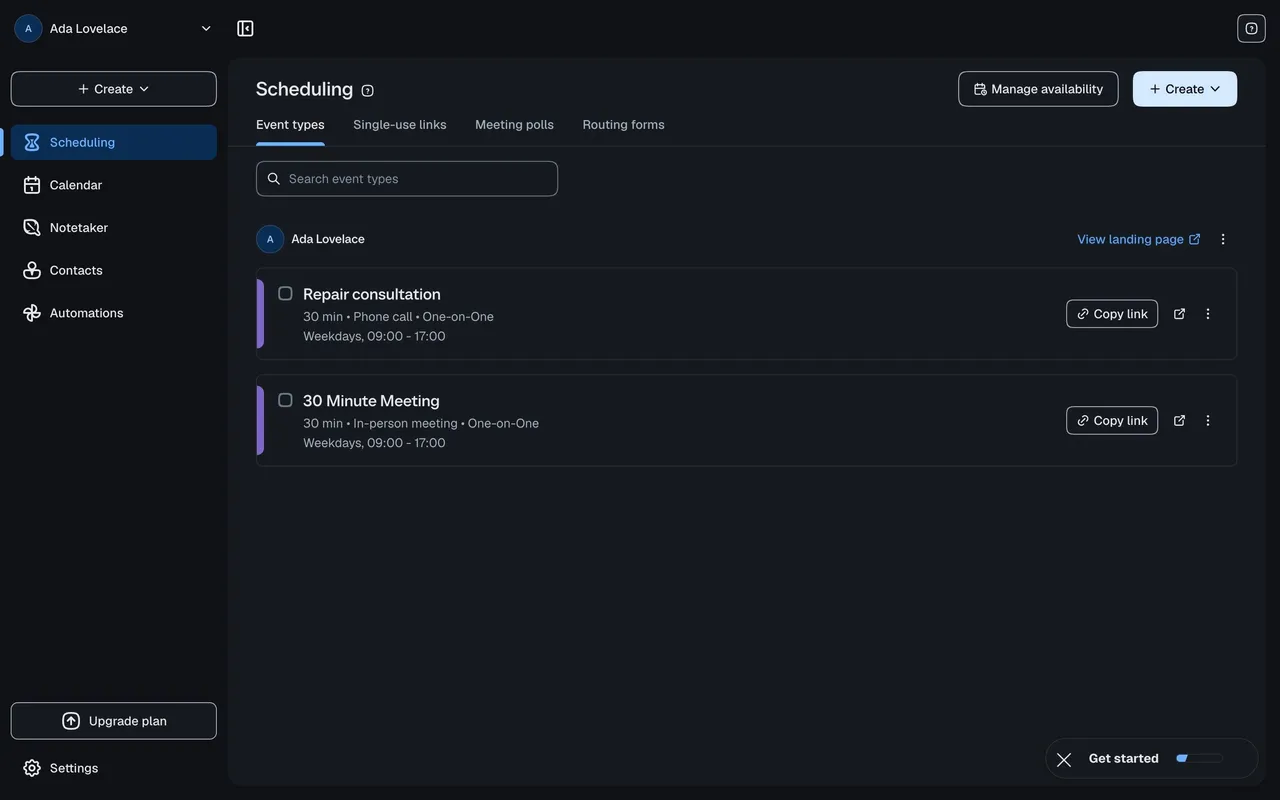
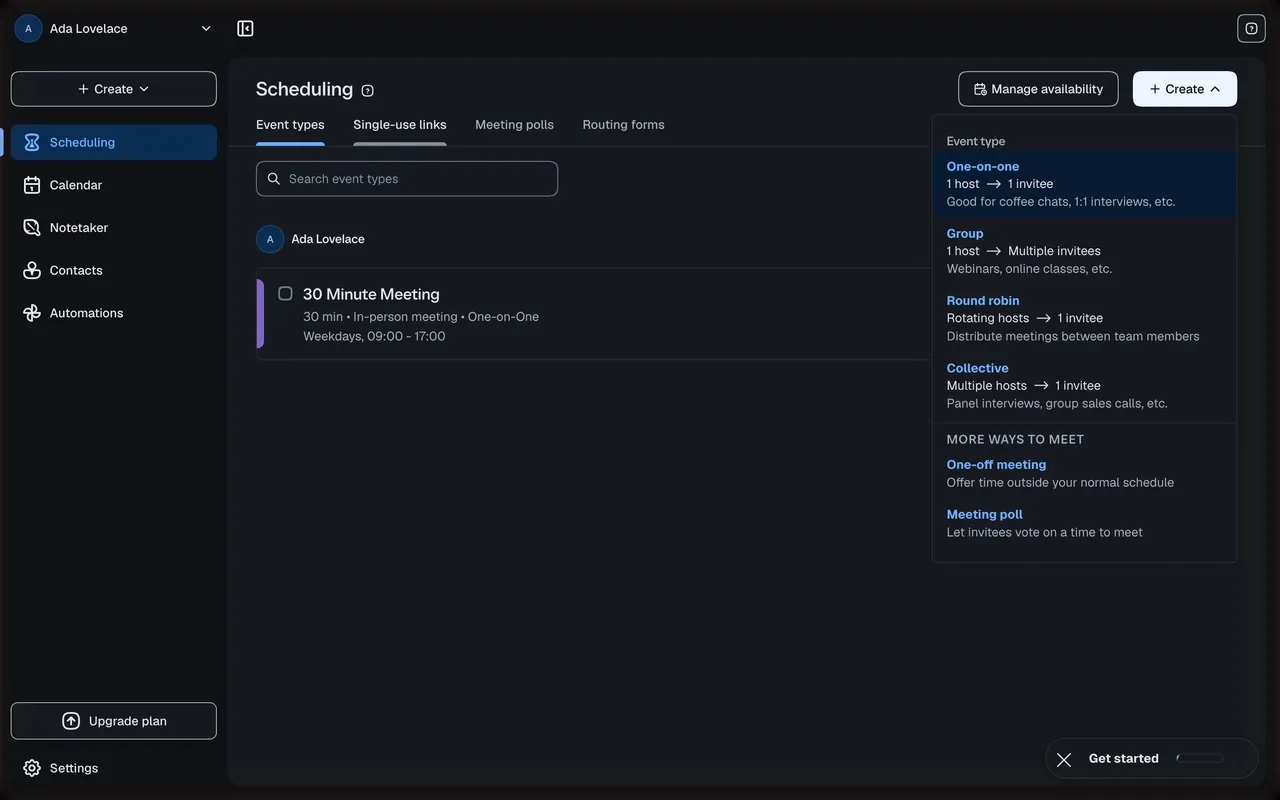
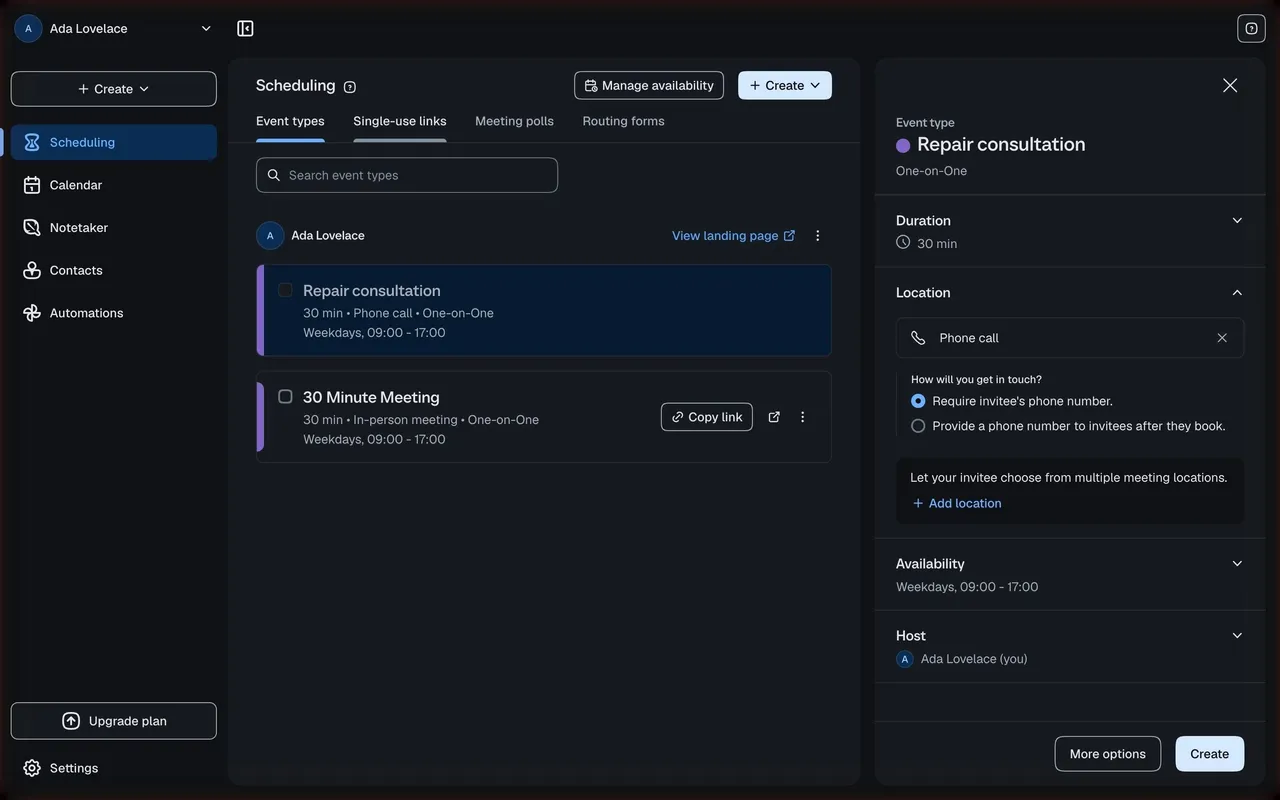
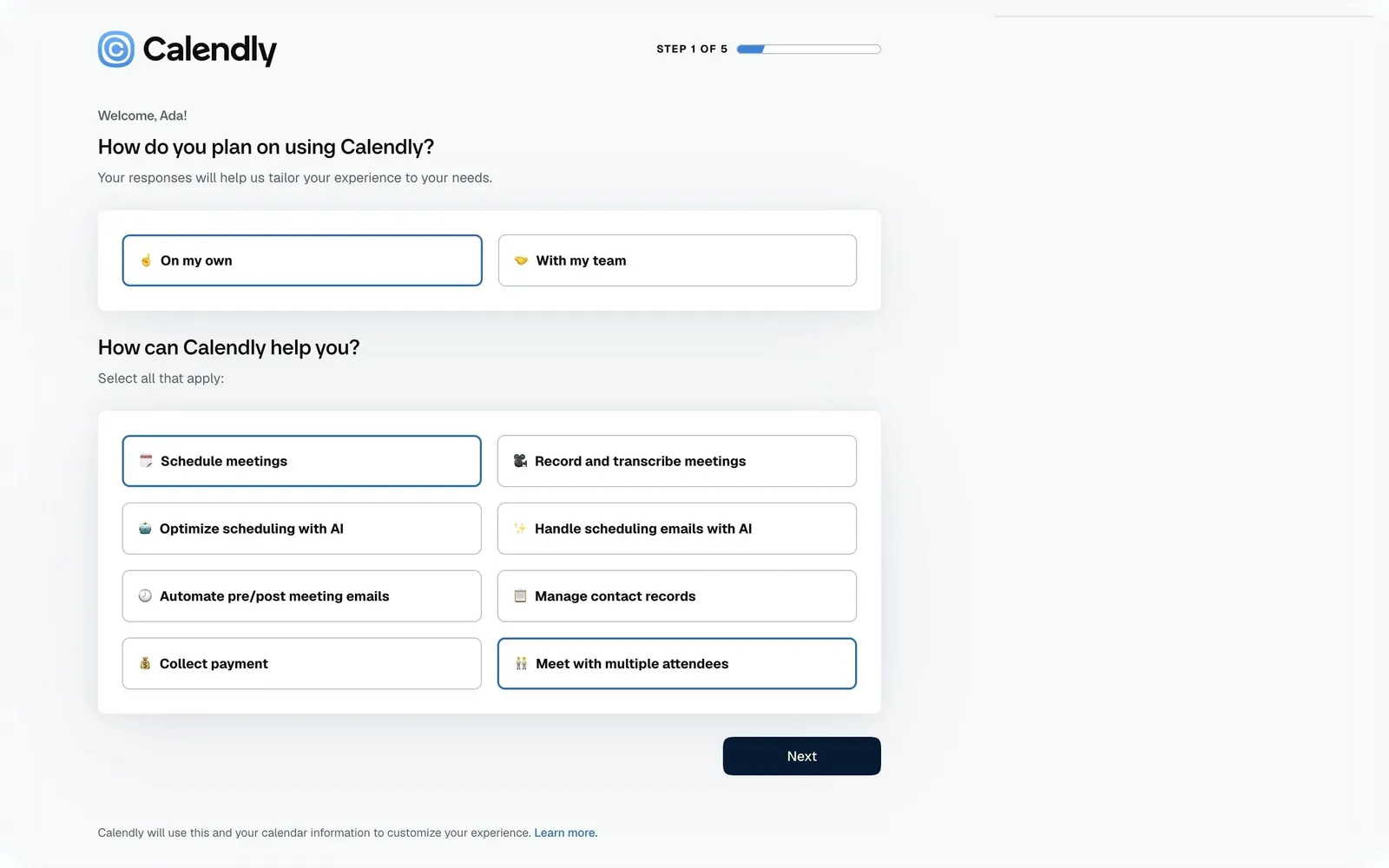
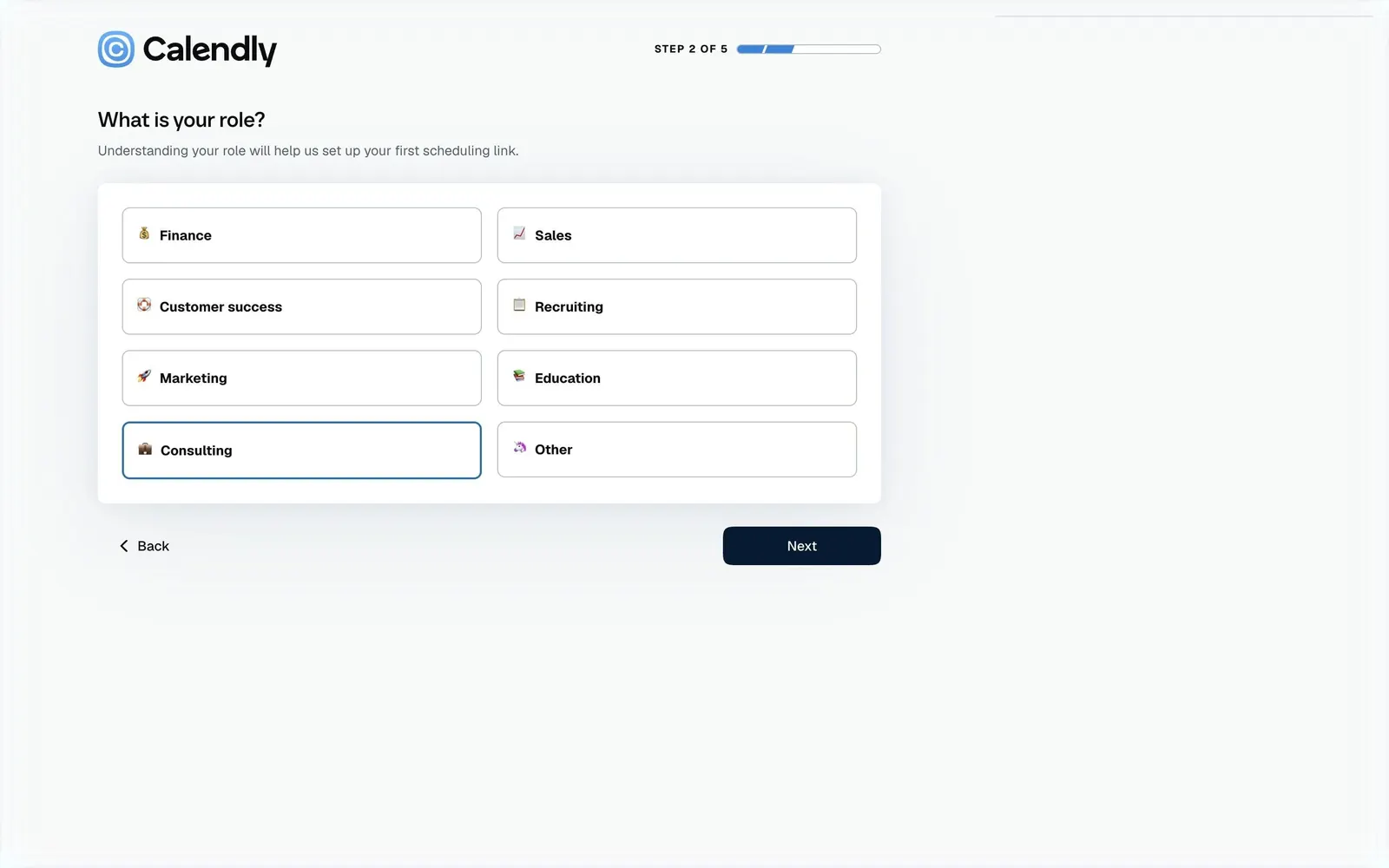
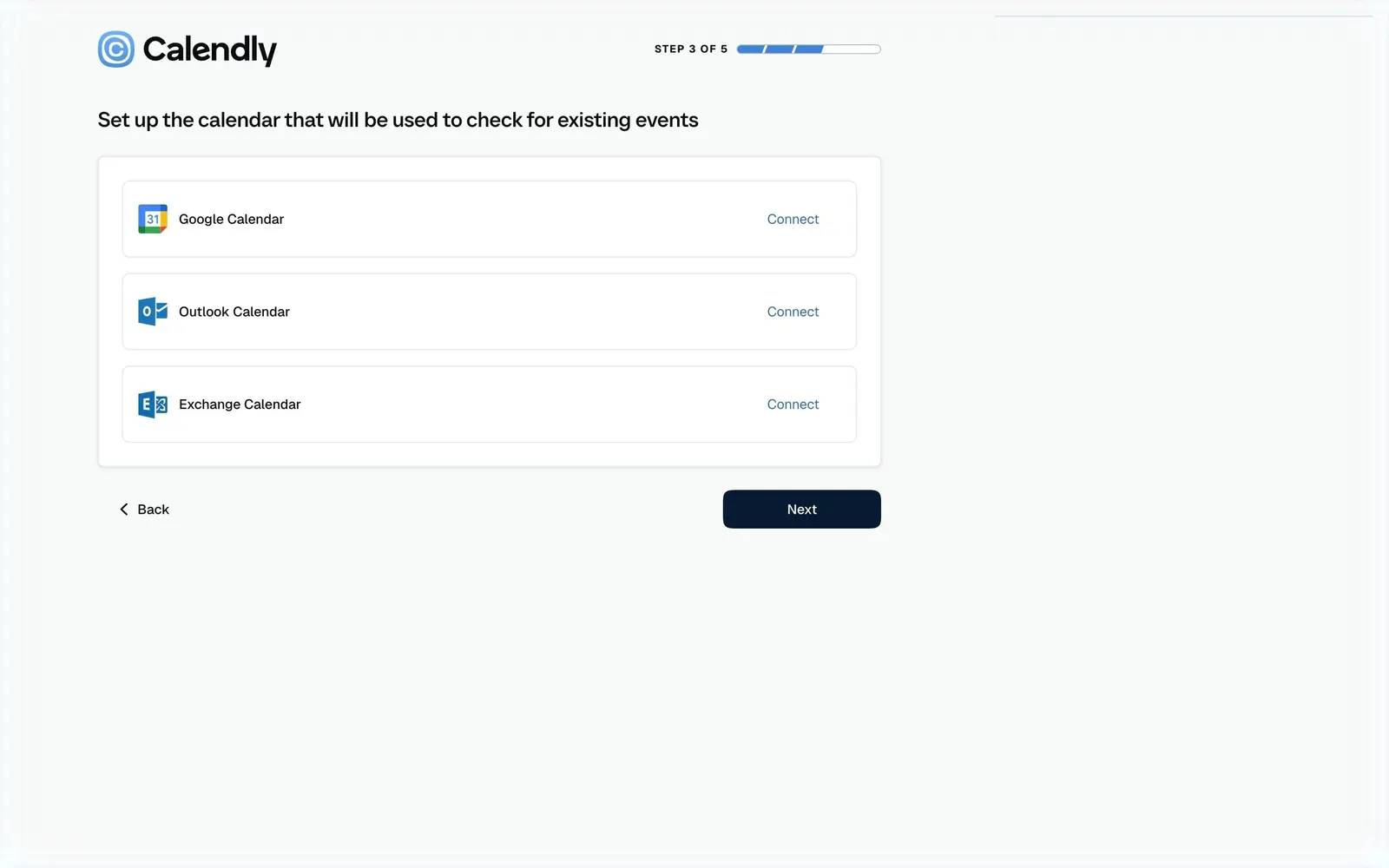
Calendly's five-step onboarding asks how the product will be used, the user's role, which calendar to connect, weekly availability and where meetings happen, then lands in the app with a first event type and a getting started checklist. The steps are white cards of emoji tiles with a segmented progress bar; the app that follows is deep navy.
Follow Calendly’s onboarding flow step by step: 6 real screens captured from the live product, from onboarding usage questions to get started checklist. Use ← → to move between steps, and open any screen to see it in full.
Steps in this flow
More flows from Calendly
All Calendly Calendly Booking a Meeting
5 screens
Calendly Creating an Event Type
4 screens