SaaSFrame Pro
1 more step in this flow
Free accounts see the first 3 steps of each flow. Pro unlocks every step of every flow, plus every screen, section and Copy in Figma.
Calendly Creating an Event Type
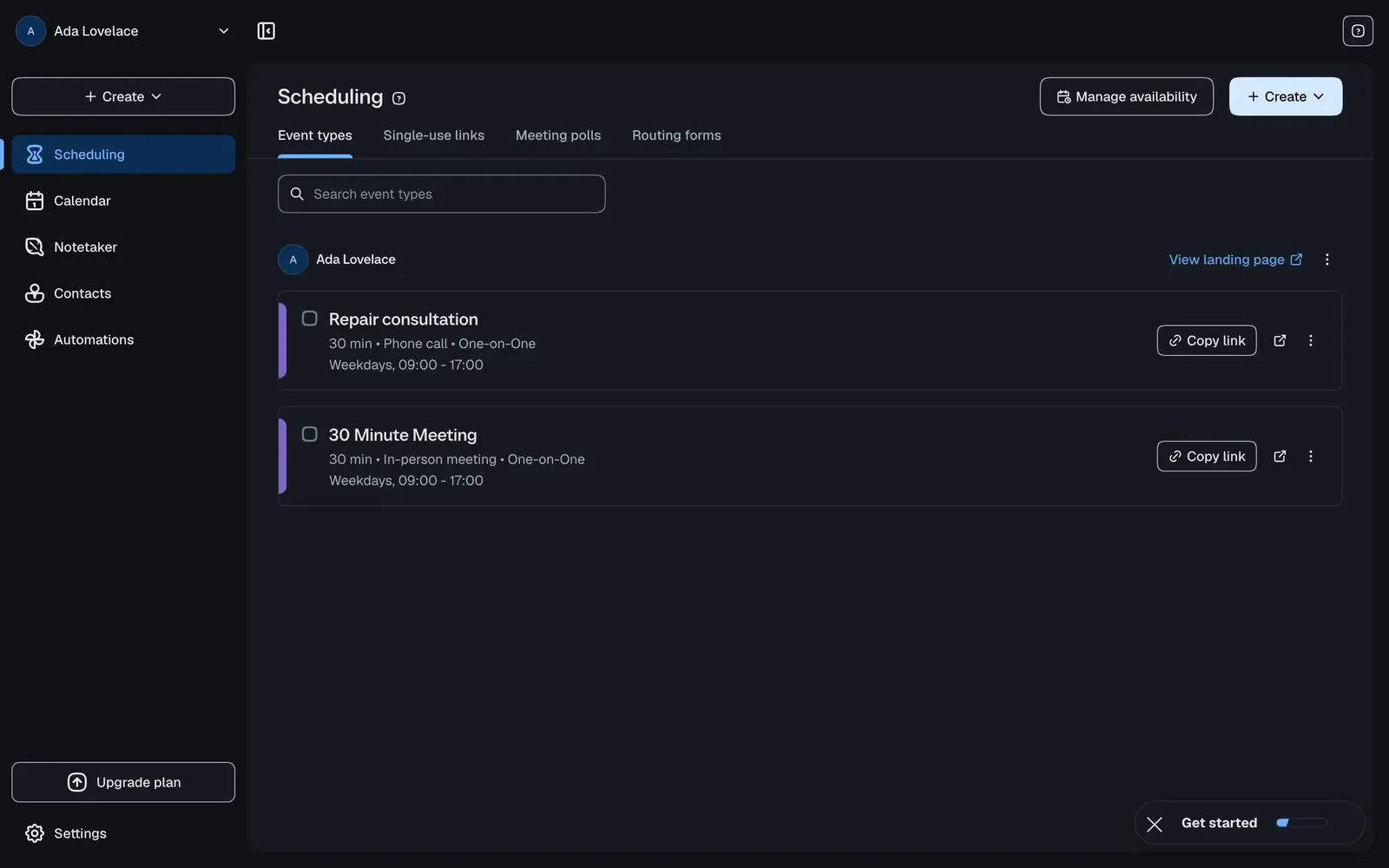
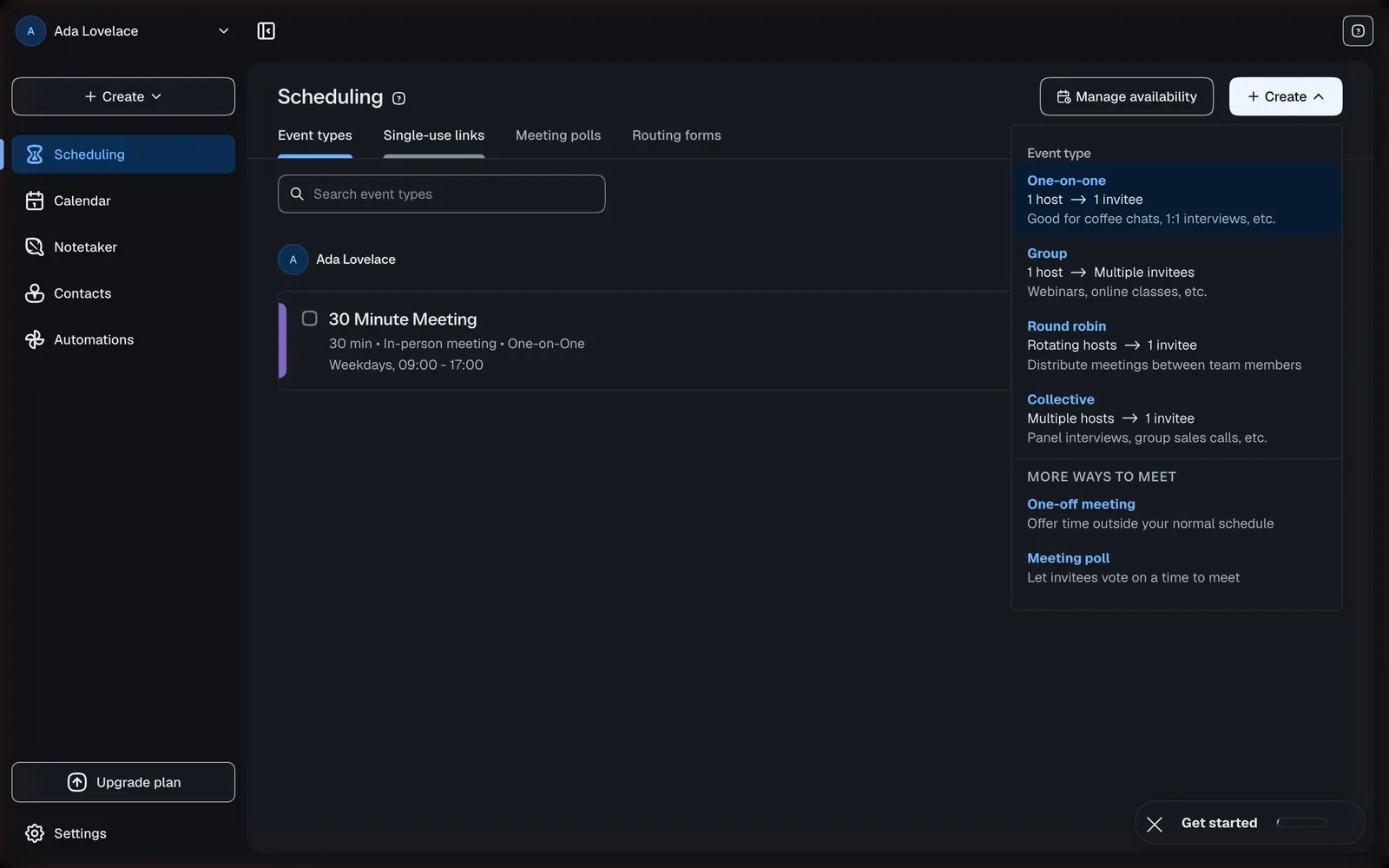
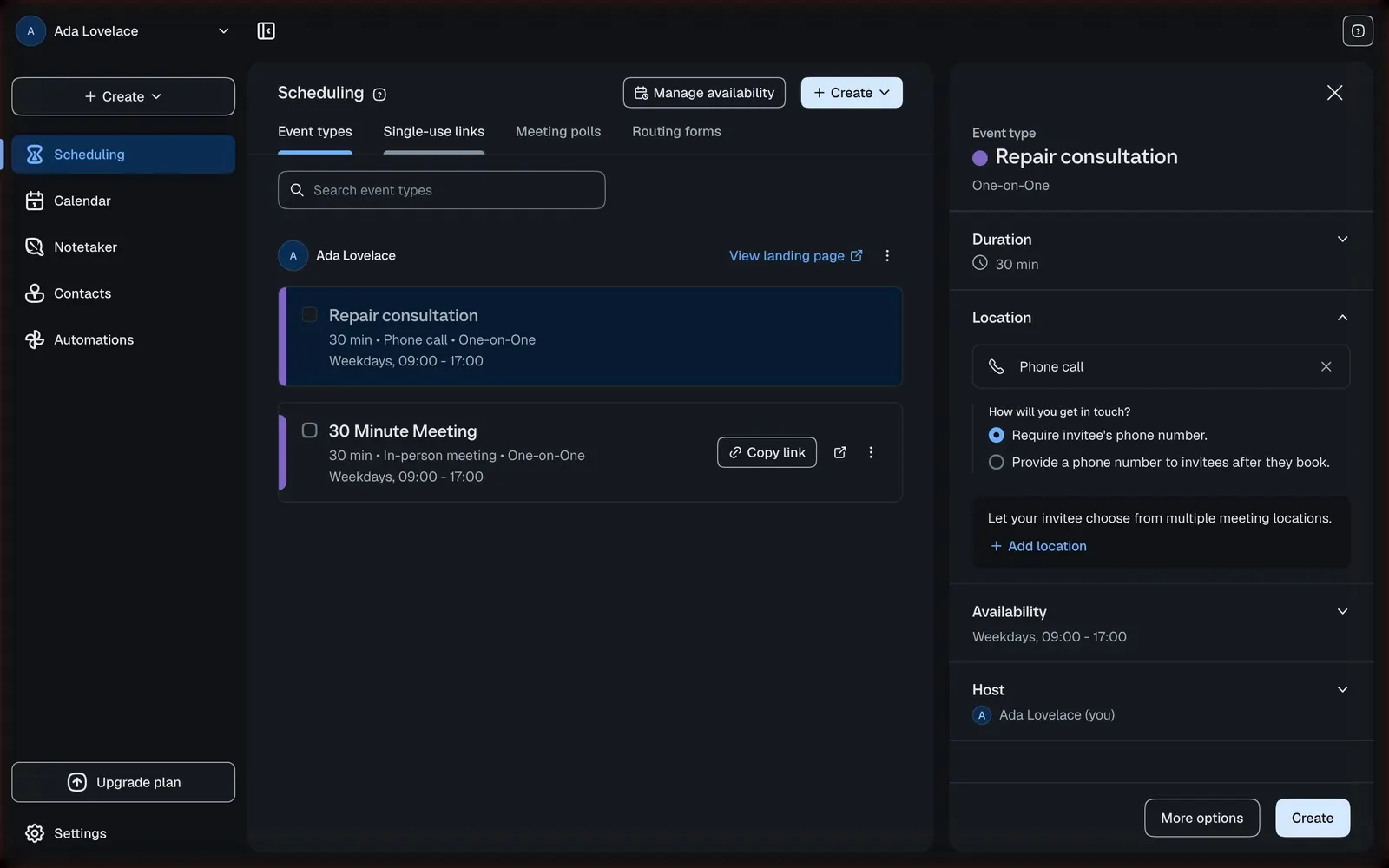
From the event types list, the Create menu explains each meeting format, a side panel sets duration, location and availability for a new "Repair consultation", and a preview shows the booking page beside its settings. Everything happens in panels over the navy list, without leaving the page.
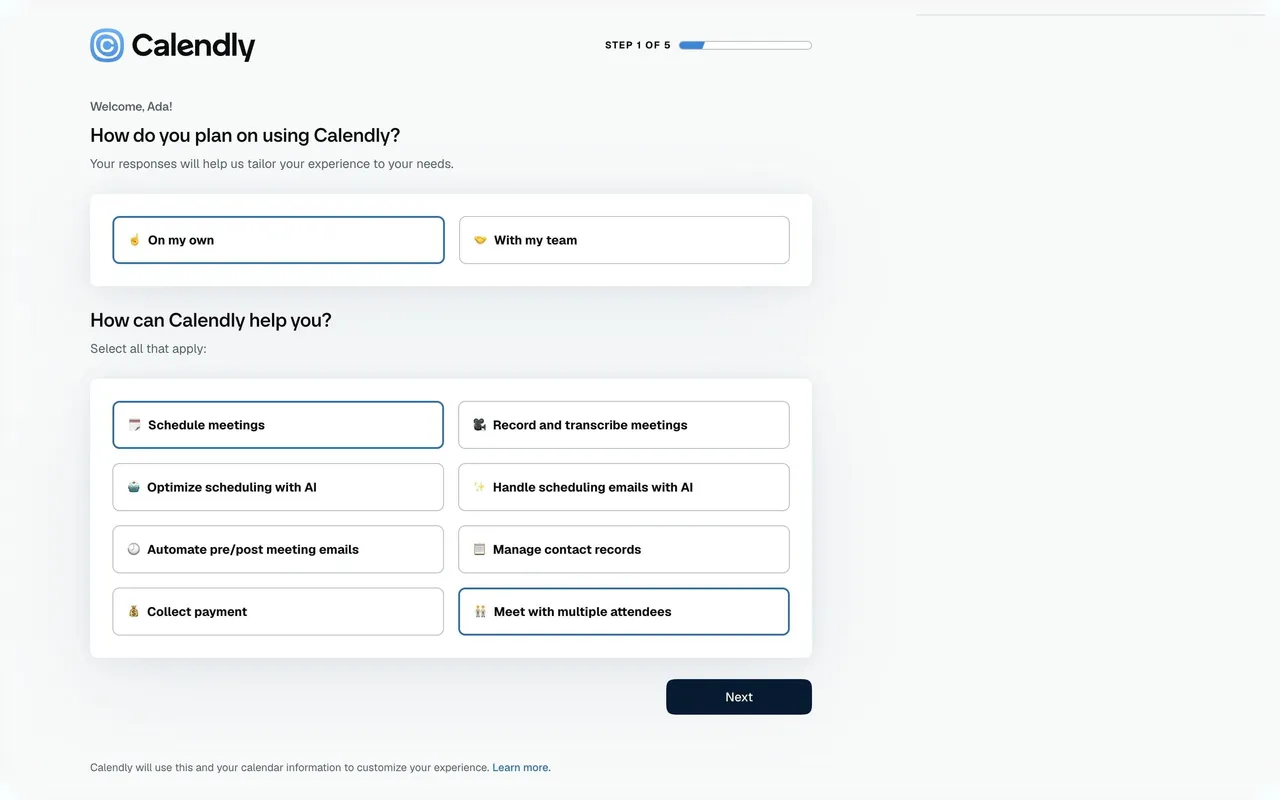
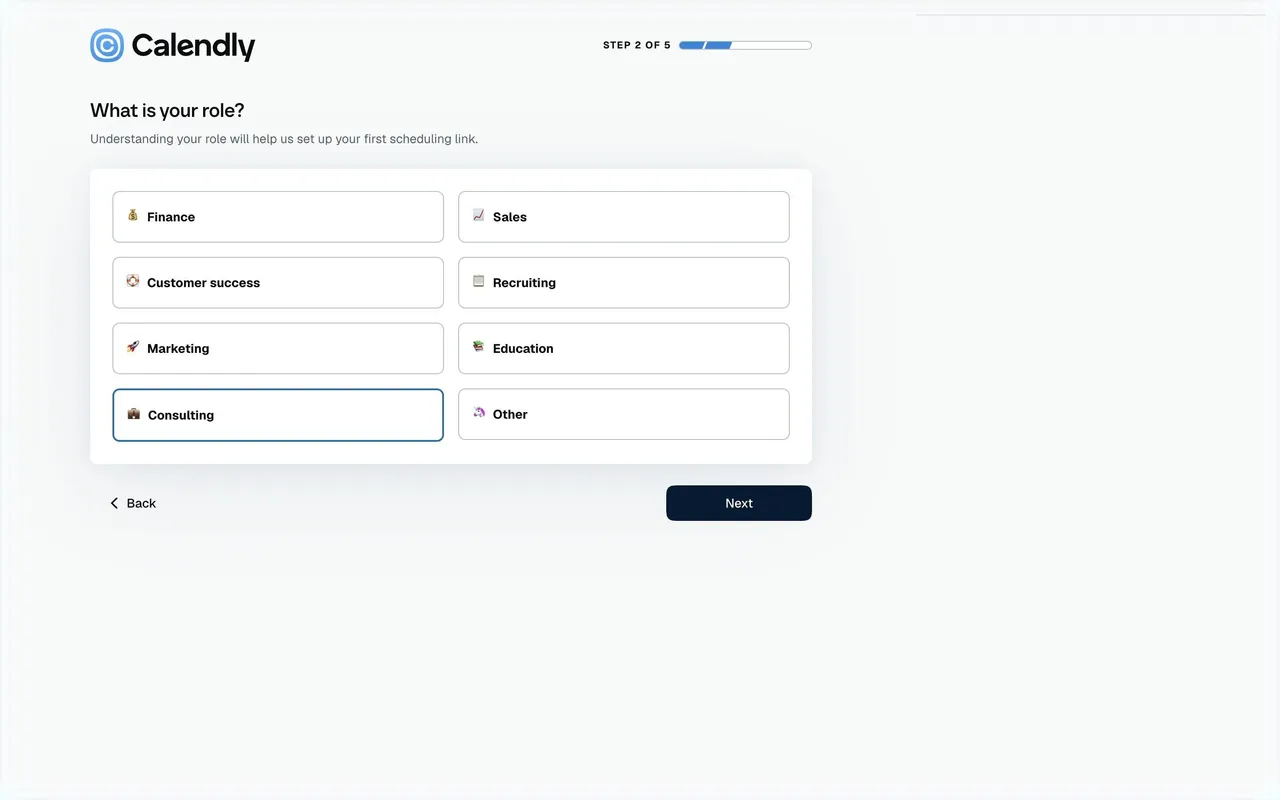
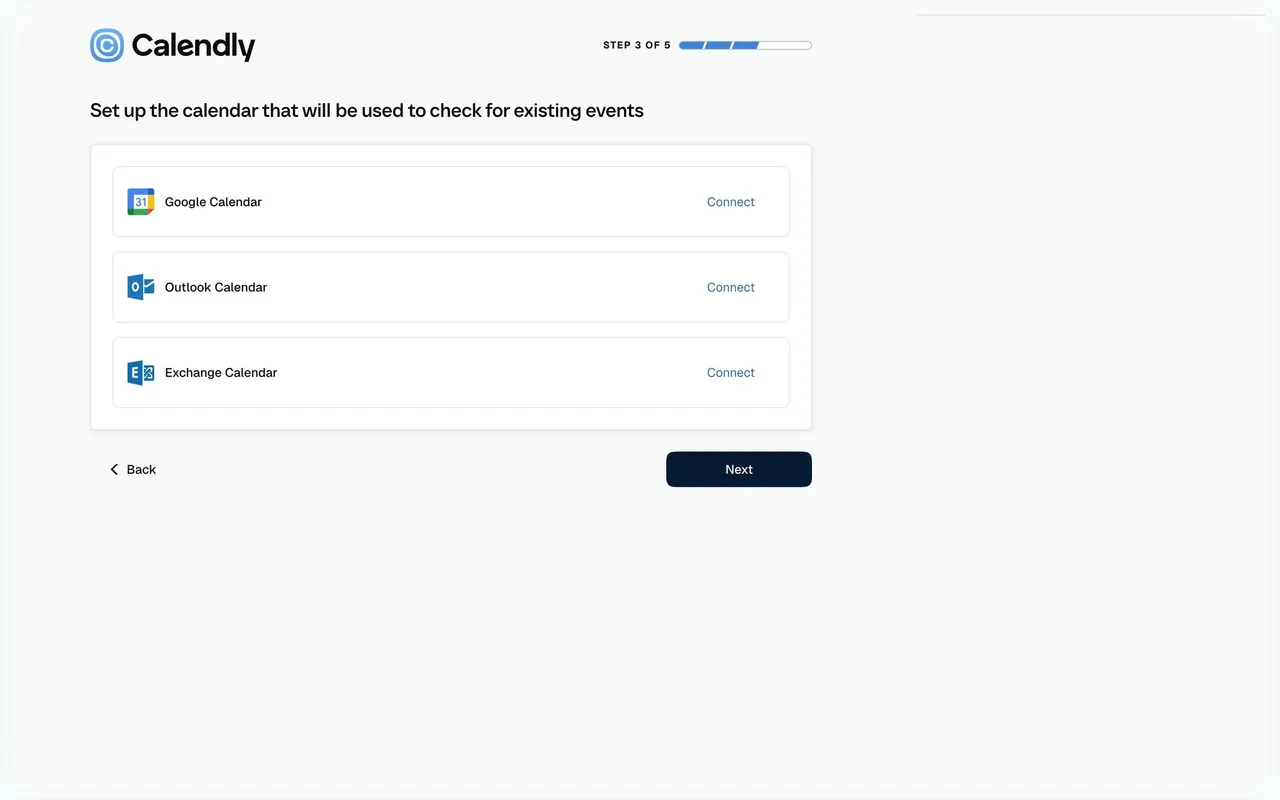
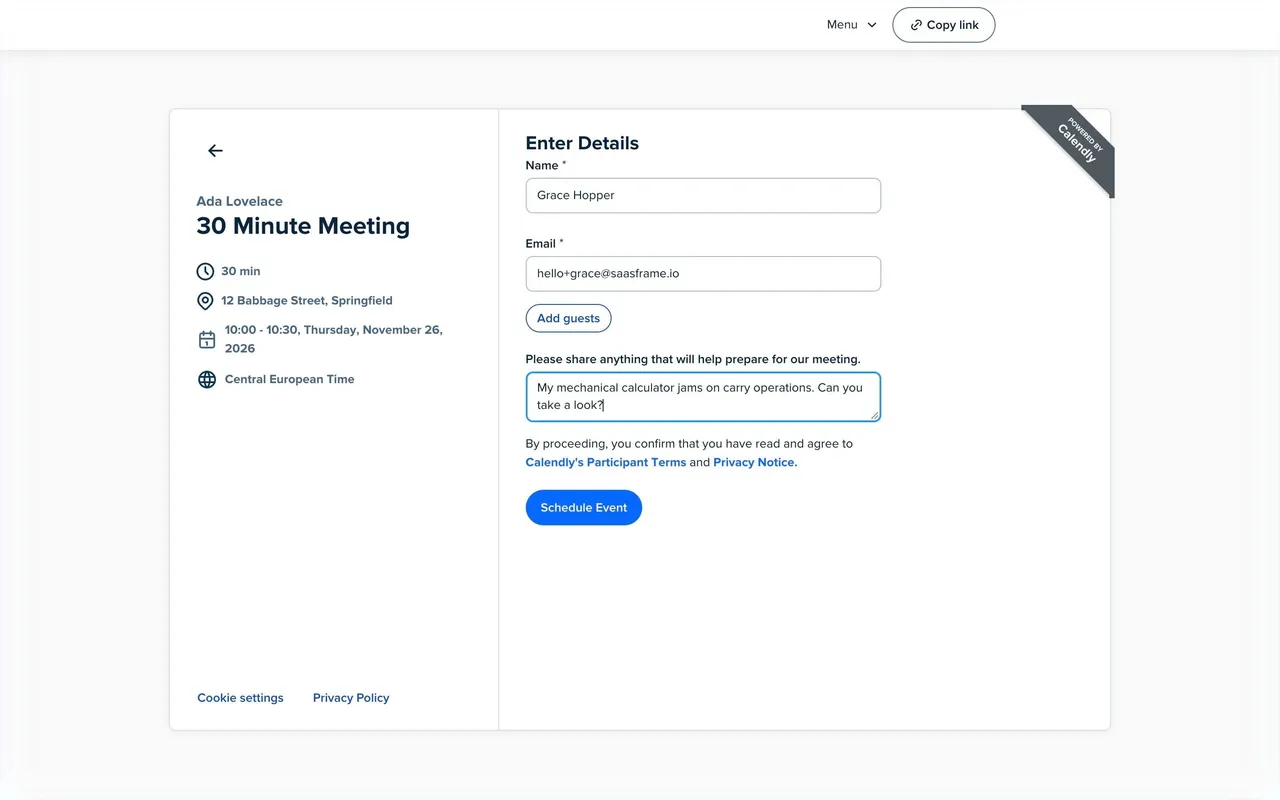
Follow Calendly’s creating an event type flow step by step: 4 real screens captured from the live product, from event types to event type preview. Use ← → to move between steps, and open any screen to see it in full.
Steps in this flow
More flows from Calendly
All Calendly Calendly Booking a Meeting
5 screens
Calendly Onboarding
6 screens