About this screen
First landing in the app
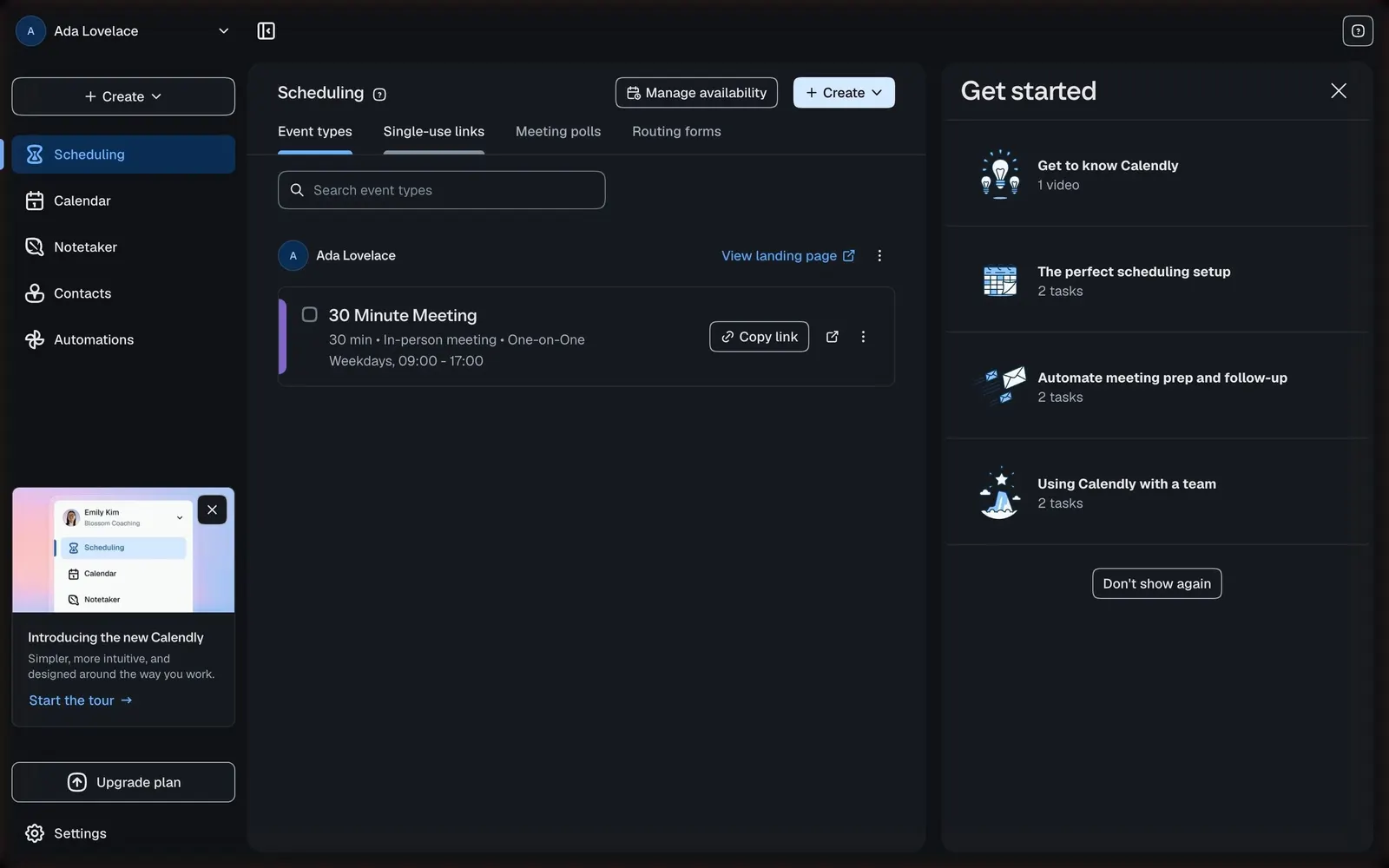
Scheduling opens in a navy theme with one event type, "30 Minute Meeting", already created from onboarding answers.
A checklist on the right
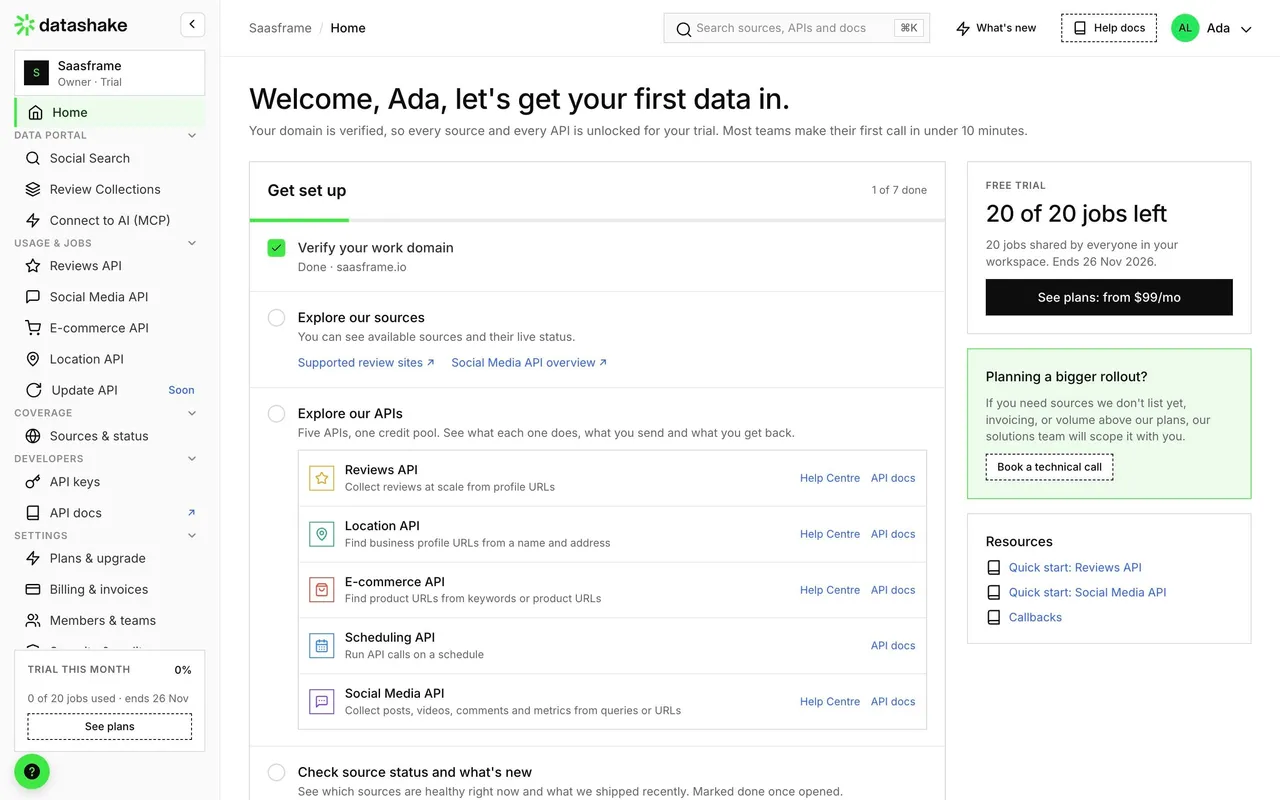
A "Get started" panel lists guides such as getting to know Calendly, the perfect scheduling setup, automating meeting prep and using Calendly with a team, each with a step count and thumbnail, plus "Don't show again".
What's new
A card bottom left introduces "the new Calendly" with "Start the tour".