Prompt 561 words Copy
# Design from Reference: Pivot 404 Page

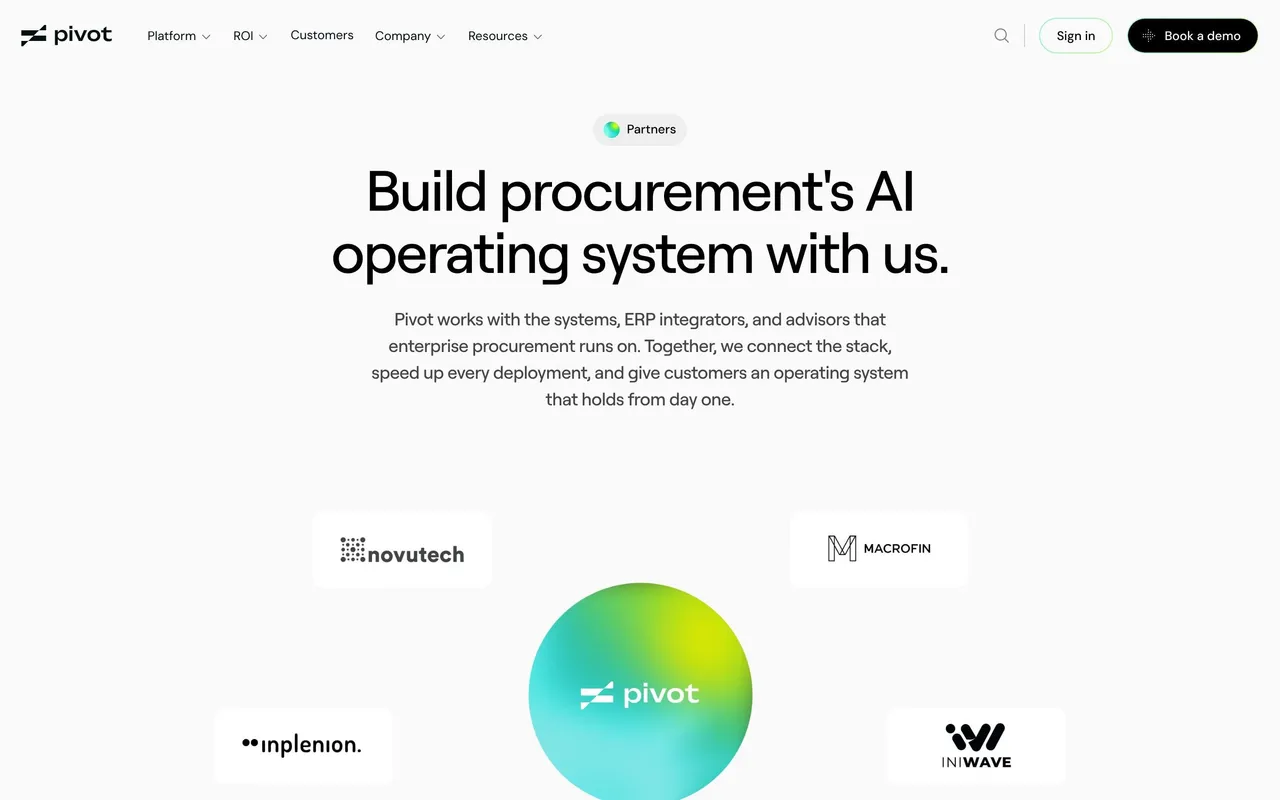
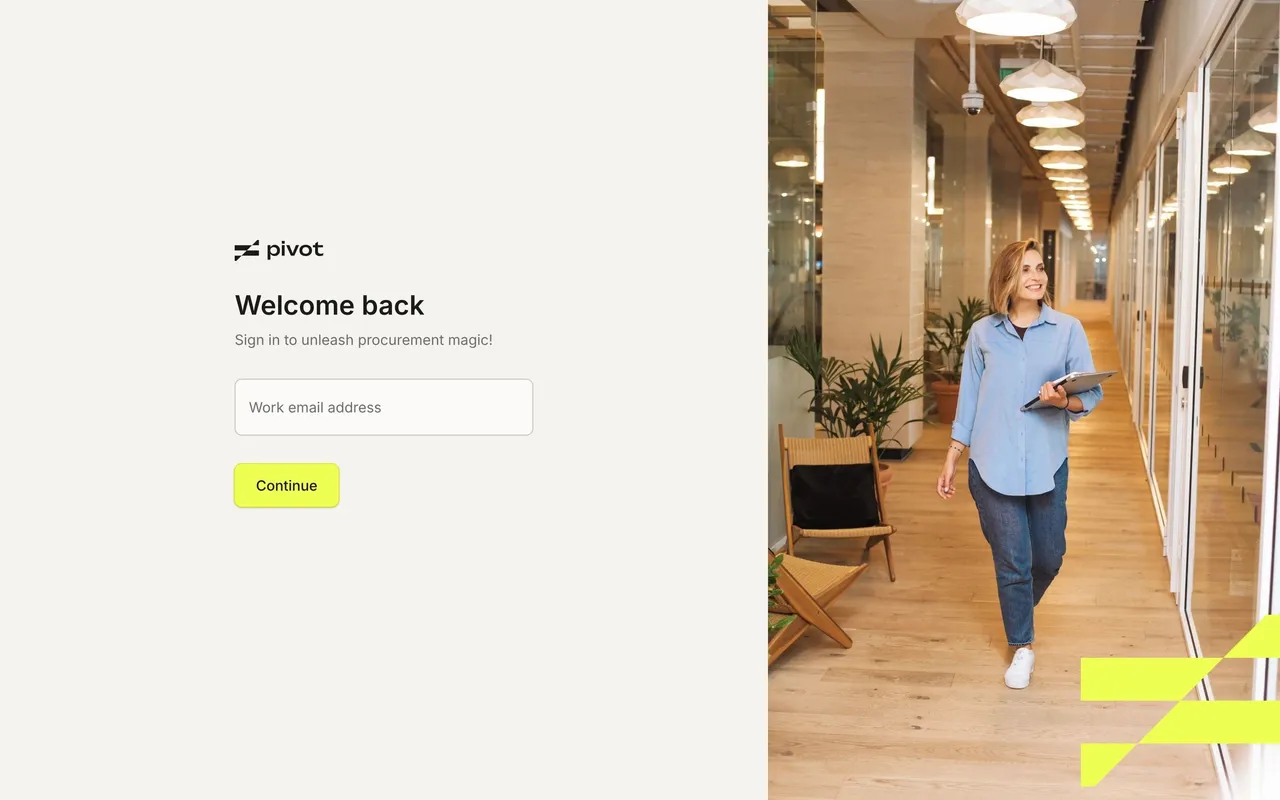
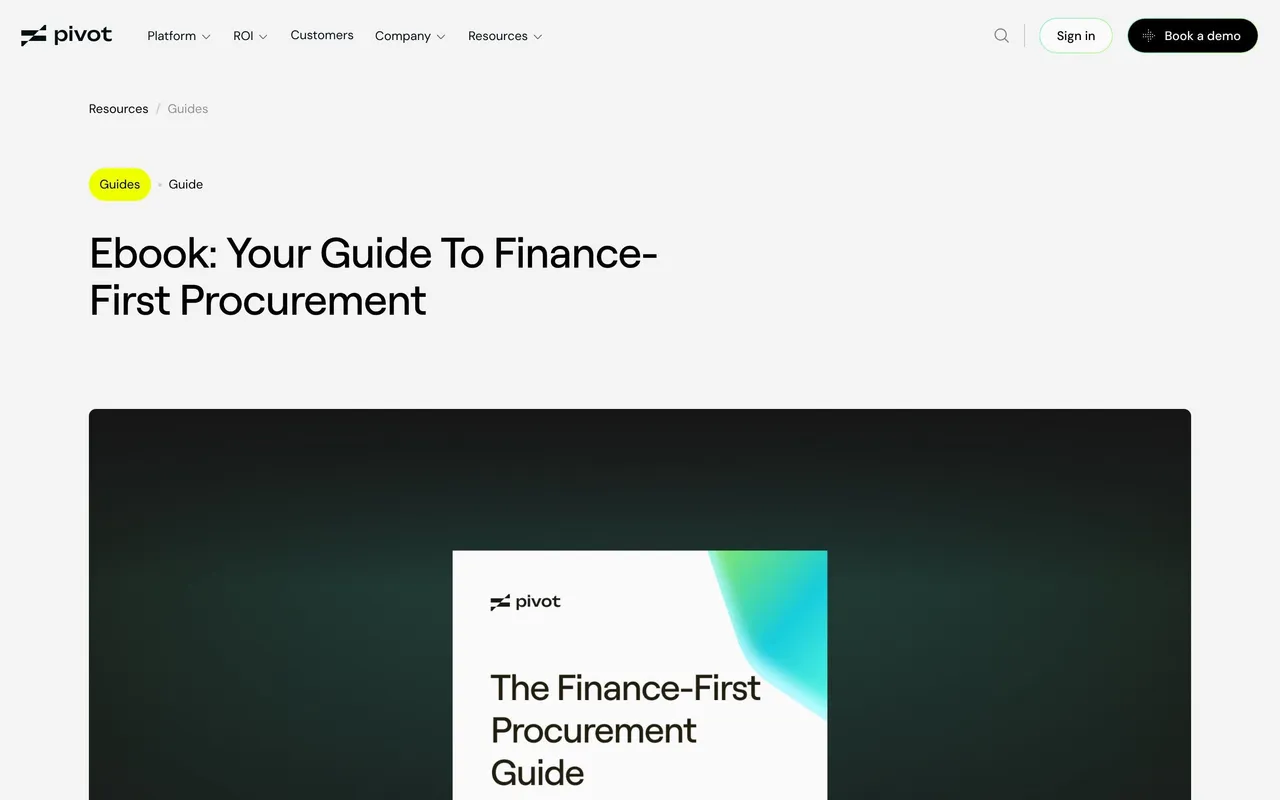
Create an original, high-fidelity visual design inspired by the reference. Prioritize composition, typography, colors, spacing, and component styling over technical implementation.

## Reference

- **Product:** Pivot
- **Category:** 404 Page
- **Screenshot:** attached to this message (also available at https://media.saasframe.io/v/8222ac31e9ec2e4b05b2-1600.webp)
- **Source:** https://www.pivotapp.ai/pricing

Analyze the attached screenshot first. If no image is attached, open the screenshot link; if neither is accessible, ask for it rather than guessing.

## Visual Design Context

### Overall aesthetic

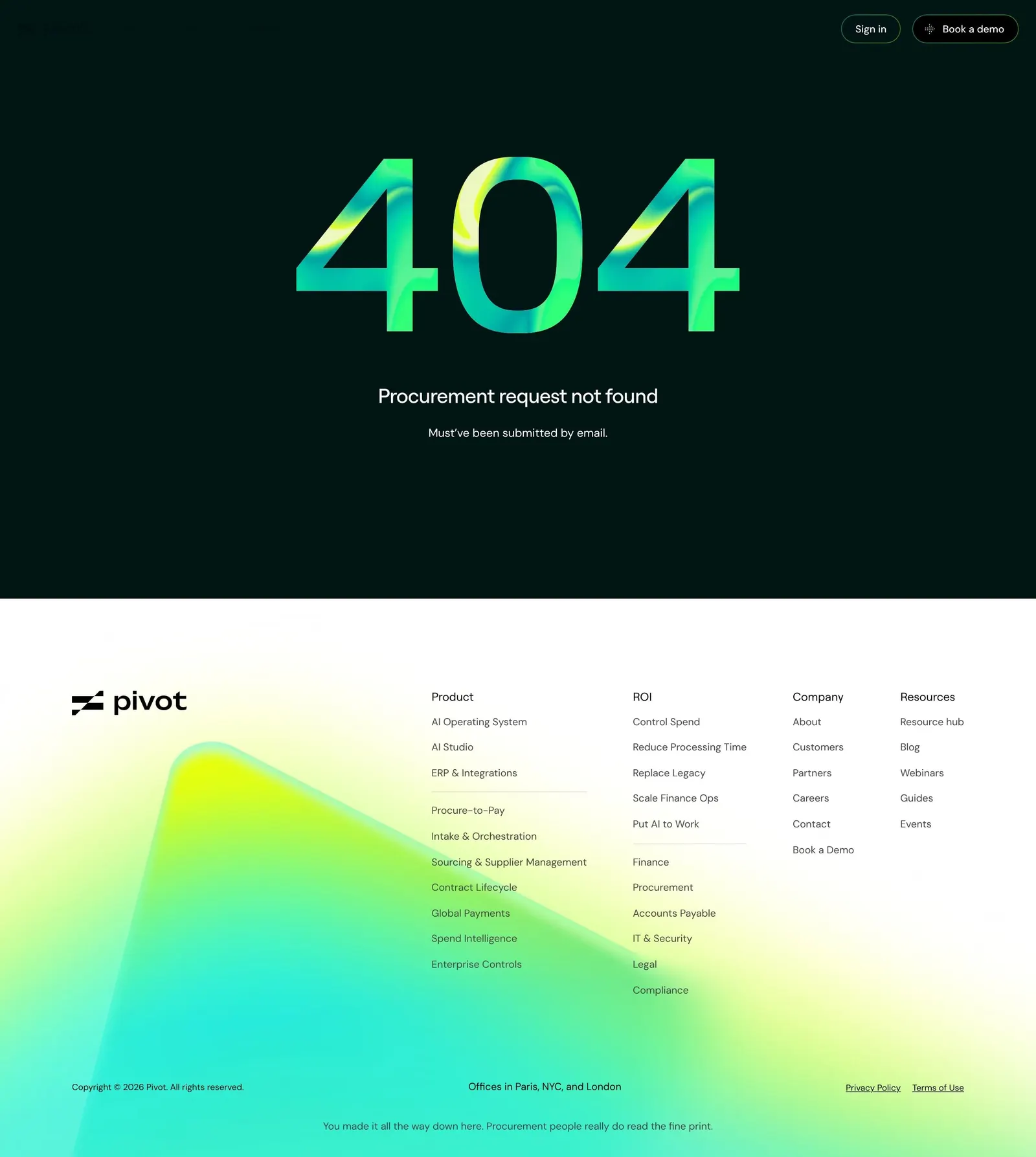
- **Character:** Dark, minimal and playful: one oversized gradient numeral on near-black, then the bright gradient footer.

### Page composition

- **Capture:** 2880 × 3216 screenshot pixels; 2× CSS scale (1440px viewport).
- **Structure:** Dark band with top-right navigation actions; centred 404 numeral, headline and one-line joke; gradient footer with four link columns.

### Information hierarchy

- **Priority:** The 404 numeral, the headline joke, then footer navigation.

### Typography

- **Families:** Roobert for headings, DM Sans for body.
- **CSS scale:** Numeral about 160px, headline 20px, subline 12px.

### Colors & surfaces

- **Palette:** Background #011515, text white, footer gradient lime to teal.
- **Accents:** Numeral filled with a glossy lime #F0FF00 to mint to cyan gradient.

### Components

- **Elements:** Gradient numeral, two nav pills (outlined Sign in, black Book a demo), footer link columns.
- **Geometry:** Dark band about 560px tall at CSS scale, content centred.

### Responsive

- **Mobile capture:** Numeral scales down and the footer columns stack.

### Adaptation guidance

- **Transfer:** Reuse your brand's signature material on the numeral and write a one-line joke drawn from your customers' daily pain.

## Content

**Instructions:**

Generate realistic example content that fits the selected design reference.

Create appropriate headlines, descriptions, labels, buttons, and supporting copy based on the type of interface being designed.

If a product or business description is provided, use it to guide the content.

Otherwise, invent a plausible fictional SaaS product appropriate for the reference.

Keep the content concise, coherent, and visually balanced.

Do not present fictional statistics, customer names, or testimonials as verified facts.

## Design Direction

**Instructions:**

Use the reference screenshot as the main source of visual inspiration rather than a strict layout template.

Preserve its most distinctive design characteristics, such as typography, visual rhythm, color relationships, component treatments, and overall aesthetic.

Feel free to modify section arrangements, proportions, spacing, and individual components to better suit my content.

Introduce original design decisions where they improve usability, composition, or brand consistency.

The result should clearly reflect the reference's visual language without looking like a direct reproduction.

Follow the visual identity of the reference design.

Use its typography, color palette, component styling, and overall aesthetic as the primary design direction.

Do not introduce an unrelated visual identity.

## Output

**Instructions:**

Generate a high-fidelity visual mockup of the requested interface.

Present the design as a polished, realistic website or product UI screenshot.

Prioritize visual composition, typography, spacing, colors, alignment, and component details.

Use the available image-generation or visual-design capabilities.

Do not replace the mockup with source code, a written design specification, or a textual description.

If direct visual generation is unavailable, clearly explain the limitation.

## Constraints

- Use the actual screenshot as the primary visual reference.
- Preserve essential messaging and factual accuracy.
- Prioritize visual quality and consistency.
- Do not invent unsupported product claims.
- Adapt structure and copy length for visual balance.
Reference image Attach it to your message: assistants can’t open image links. Open in ChatGPT ↗ Open in Claude ↗
Build it in Lovable ↗ v0 ↗ Figma Make ↗
Opening a tool copies the screenshot so you can paste it with your prompt.
 SaaSFrame