SaaSFrame
Part of Cirra Analytics Page Creation
MindCloud Cirra Analytics Home
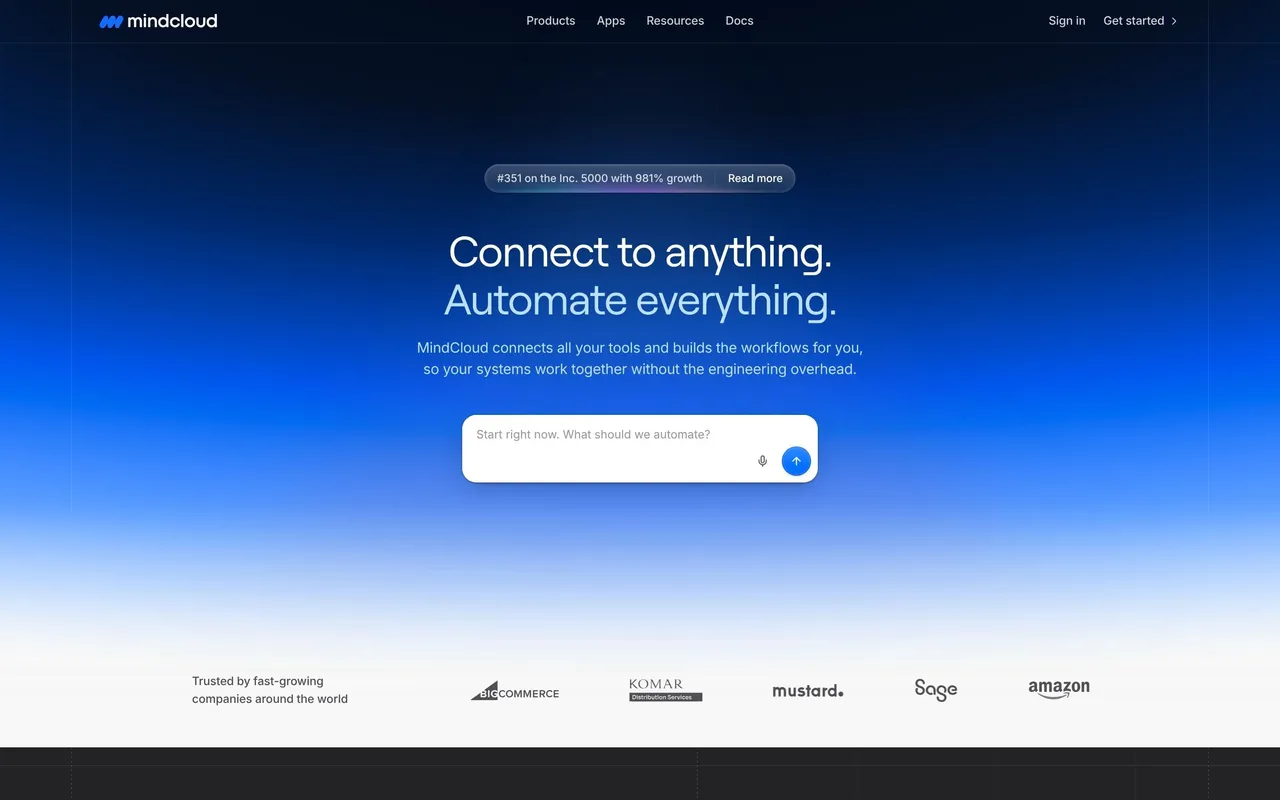
 MindCloudIntegrations and workflow automation
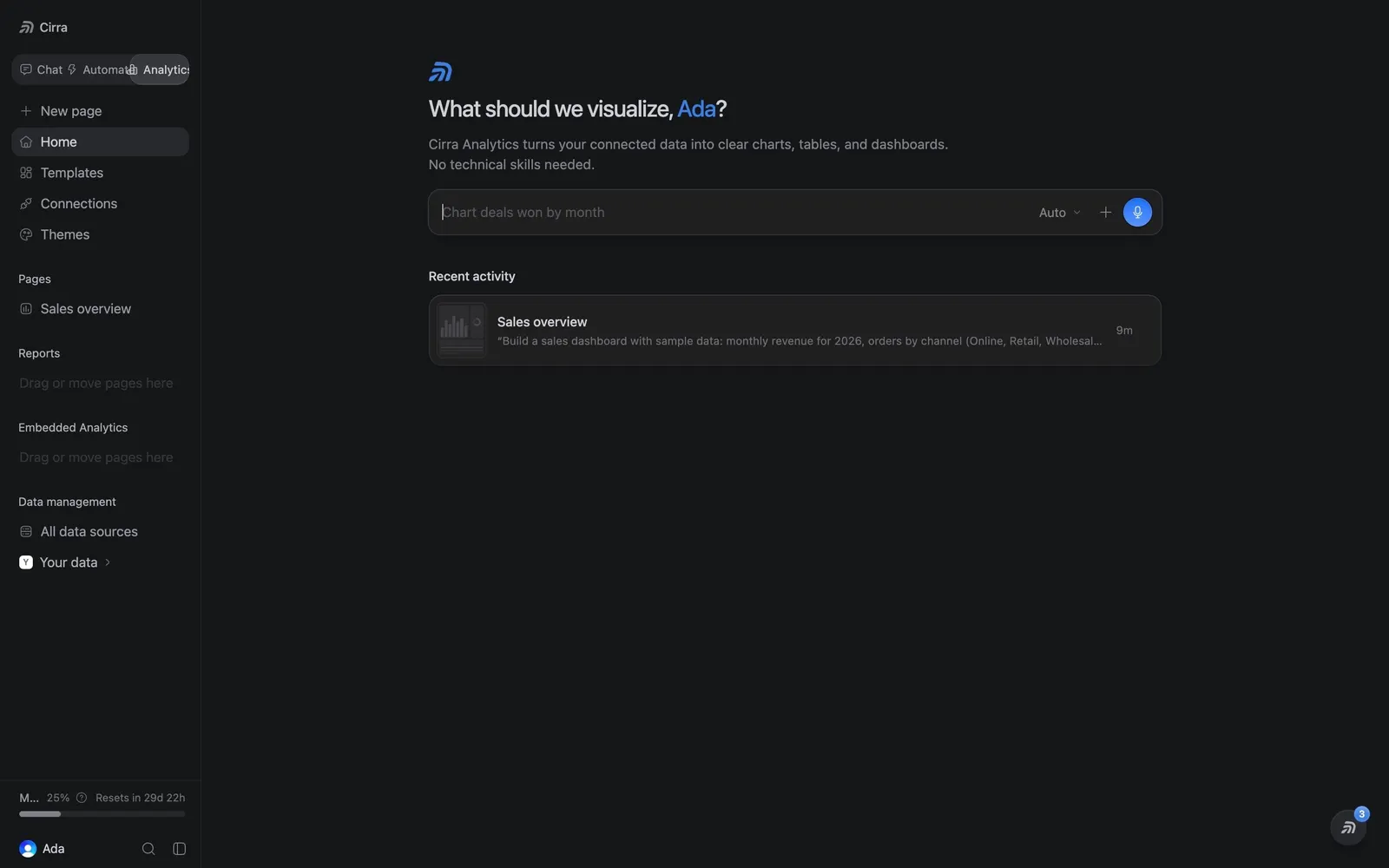
About this screen
Analytics prompt
The Analytics home asks "What should we visualize" with the account owner's name in blue, explains that Cirra Analytics turns connected data into charts, tables and dashboards, and offers a prompt with "Auto" and a blue send button.
Recent activity
One row under "Recent activity" shows the "Sales overview" page with its description and a menu.
Analytics sidebar
The sidebar lists Templates, Connections, Themes, Pages, Reports, Embedded Analytics and Data management.