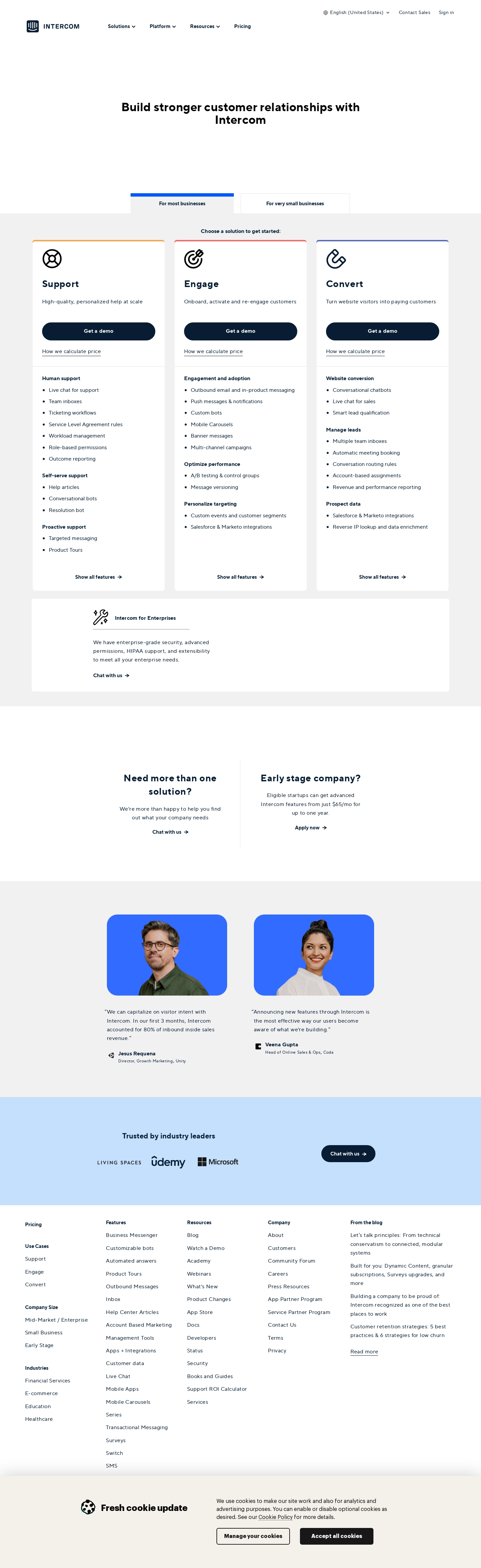
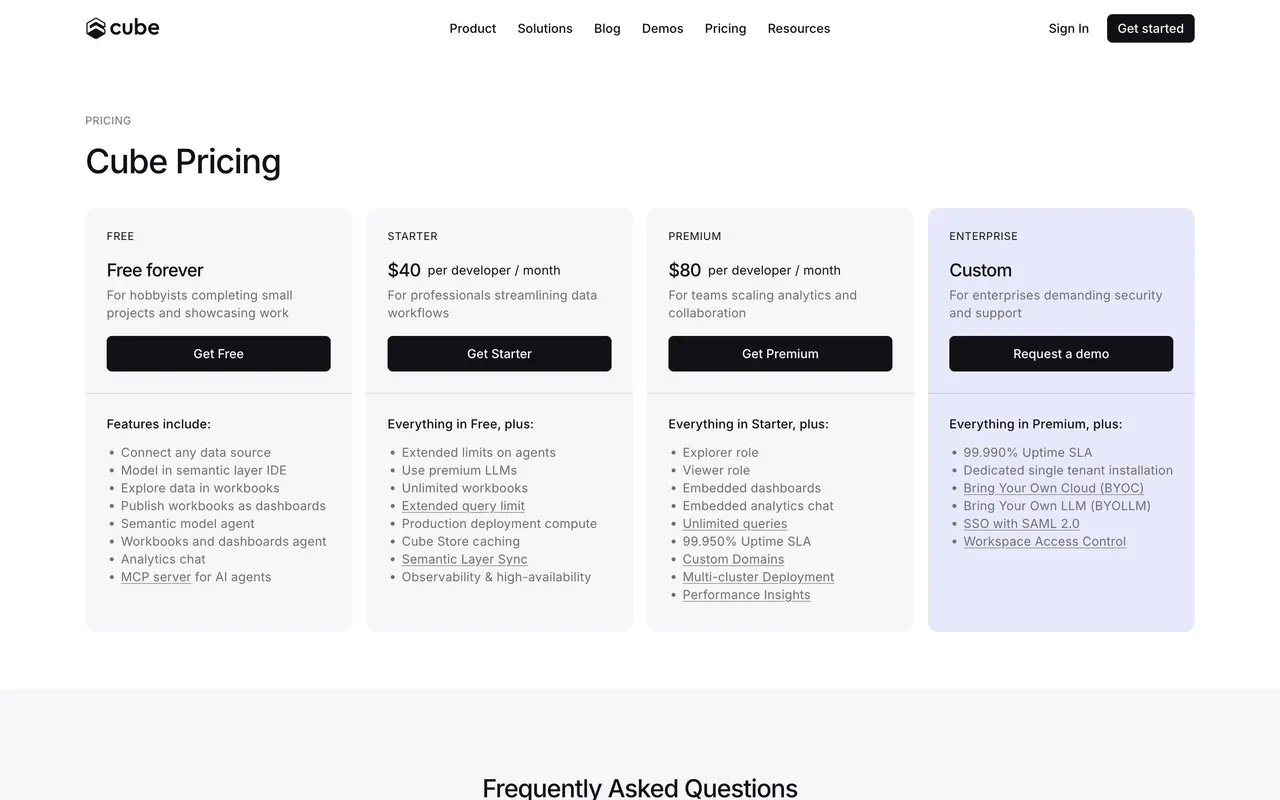
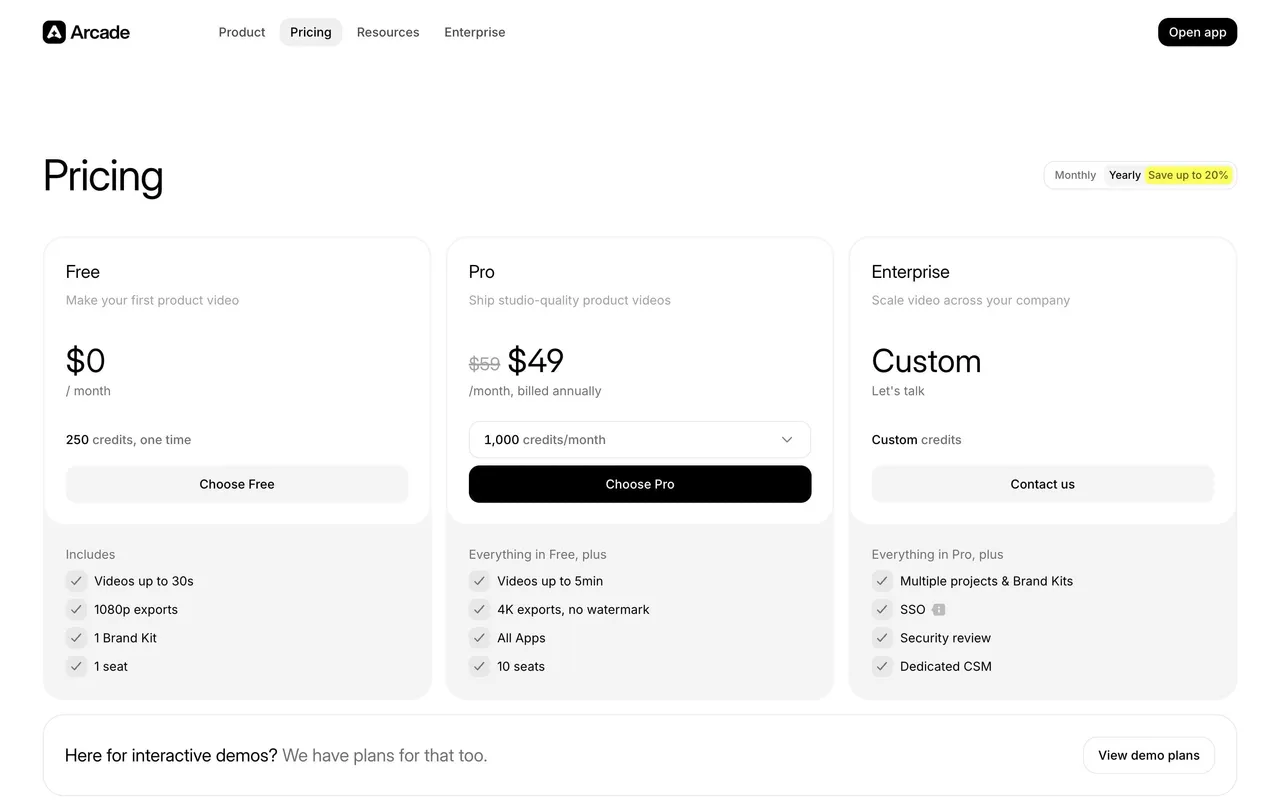
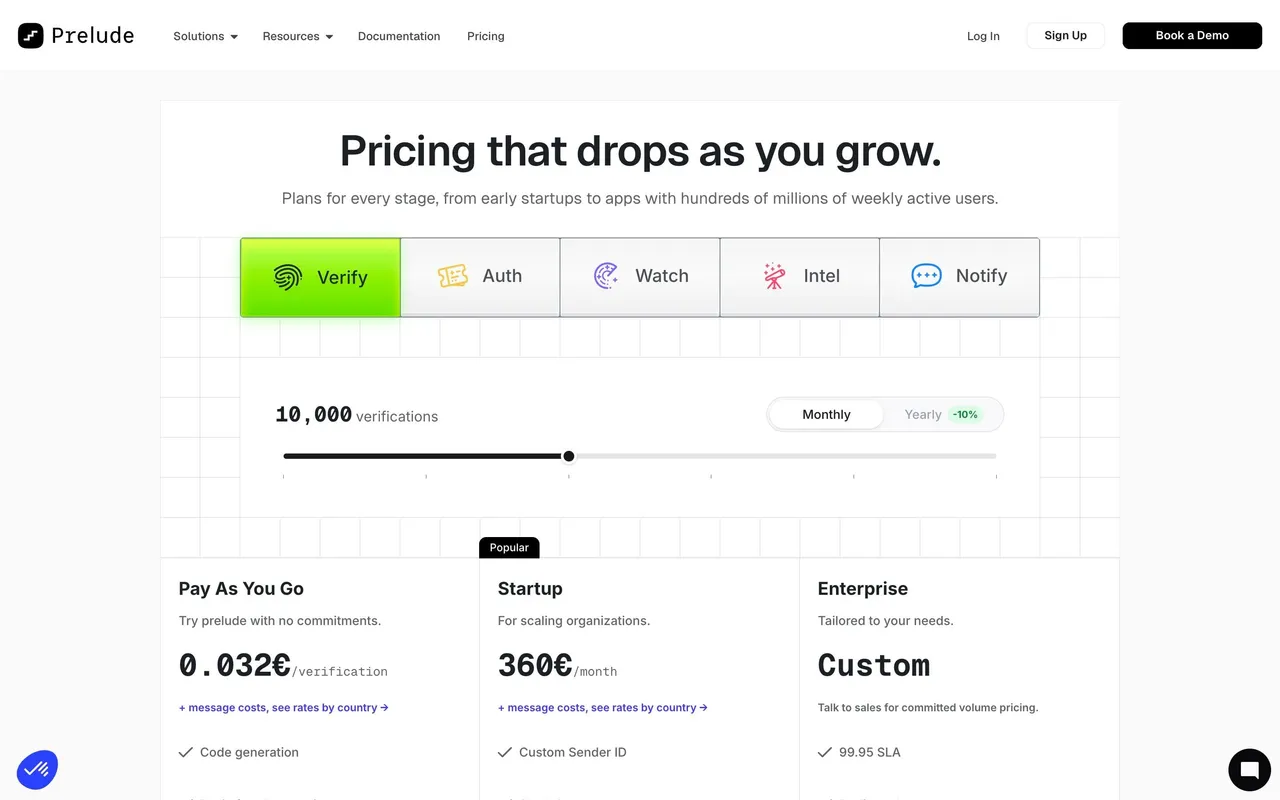
1. Header: The top of the page starts with a header that contains the Intercom logo, a navigation menu, and a call-to-action to sign up for a free trial. 2. Hero Section: This section includes a headline, a subheadline, and an animated video that explains Intercom's features. There is also a call-to-action button to request a demo. 3. Plans & Pricing Section: This is the main body of the page and contains detailed information about Intercom's plans and pricing. It starts with a heading, followed by a row of tabs that allows users to switch between different pricing plans (Start, Grow, and Scale). Each tab provides detailed information about the features and pricing of each plan. 4. Comparison Tables: Each pricing plan has a comparison table that shows the differences between the various features and pricing options. These tables are easy to read and visually engaging. 5. Feature Section: The page also has a section that highlights Intercom's various features, including messaging, chatbots, and customer engagement tools. Each feature has a short description and an accompanying icon. 6. Testimonials Section: The page has a section featuring customer testimonials. This section includes a photograph and quote from various customers that have spoken positively about their experience with Intercom. 7. Pricing FAQ Section: Lastly, the page includes a section with frequently asked questions about pricing, plans, and features. The section is divided into different categories to make it easier for users to find the information they're looking for. Each question has a detailed answer below it.
 SaaSFrame