SaaSFrame
Clerk User & Authentication Settings
 ClerkAuthentication and user management for apps
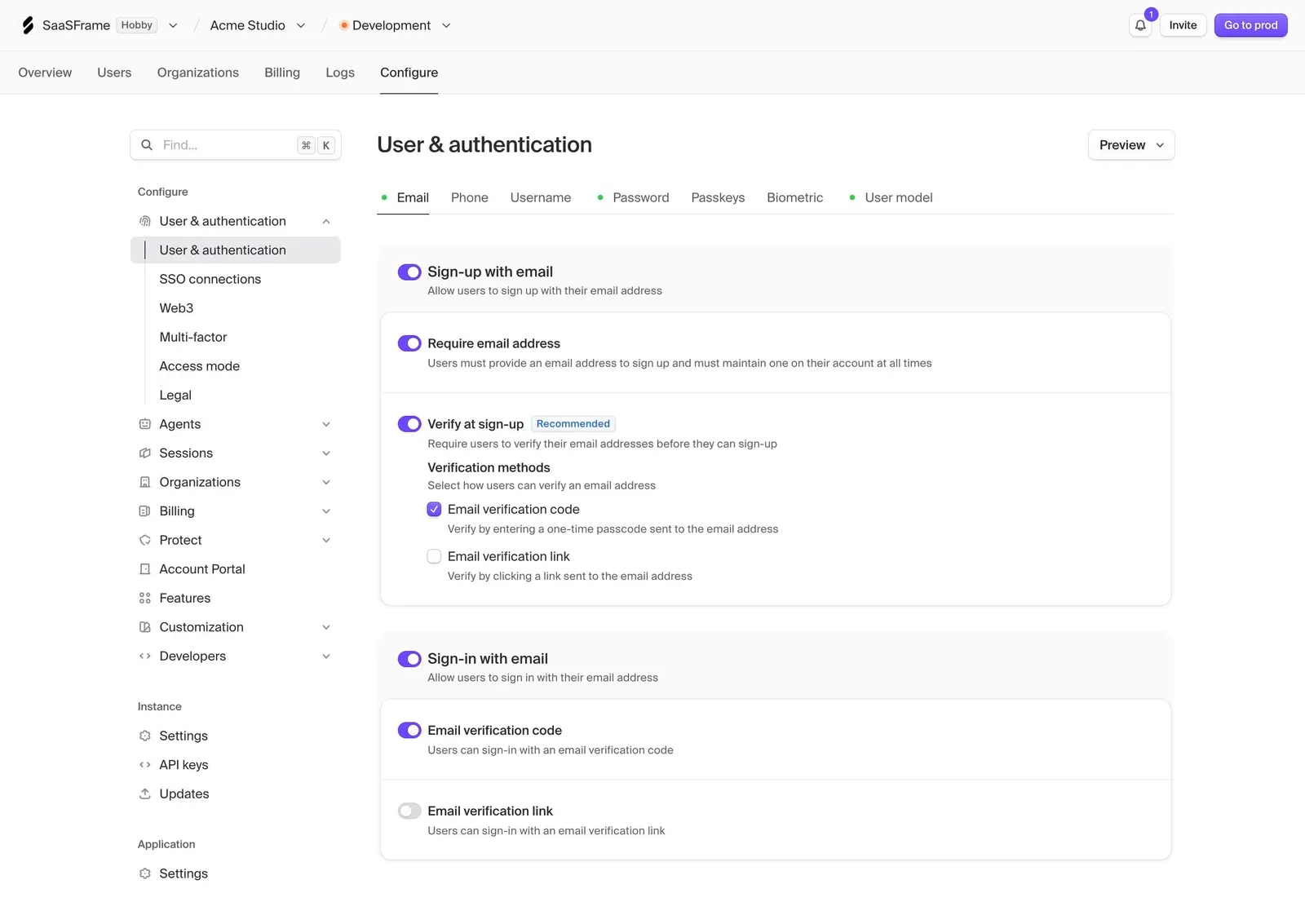
About this screen
Configure user & authentication
The Configure tab introduces a left sidebar with a search field ("Find... ⌘K") and grouped settings: User & authentication, SSO connections, Web3, Multi-factor, Access mode, Legal, Agents, Sessions, Organizations, Billing, Protect, Account Portal and more.
Email settings with toggles
The "User & authentication" page has sub-tabs (Email, Phone, Username, Password, Passkeys, Web3, User model) and stacked cards: "Sign-up with email", "Require email address", "Verify at sign-up" (Recommended) with verification methods, "Sign-in with email", "Email verification code" and "Email verification link".
Preview
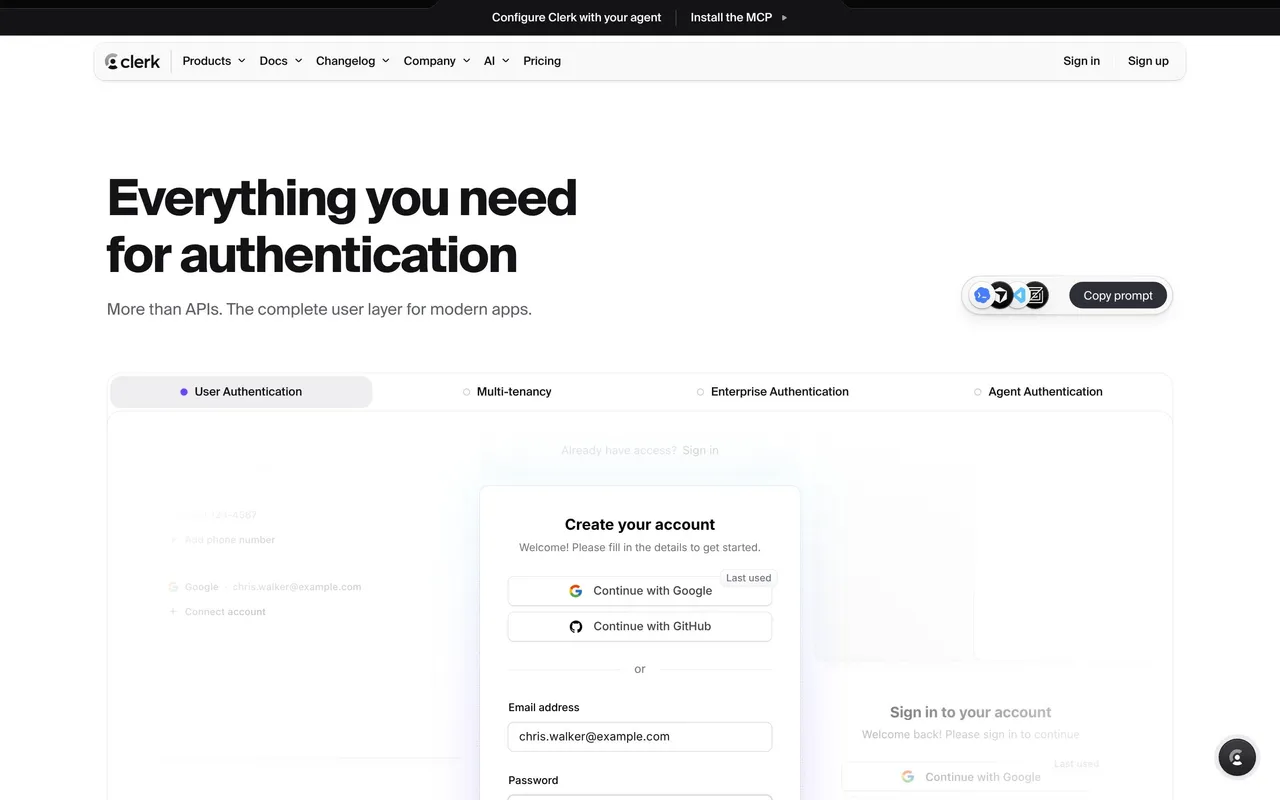
A Preview button at the top right opens the sign-in component with the current settings.