SaaSFrame
Clerk Billing
 ClerkAuthentication and user management for apps
About this screen
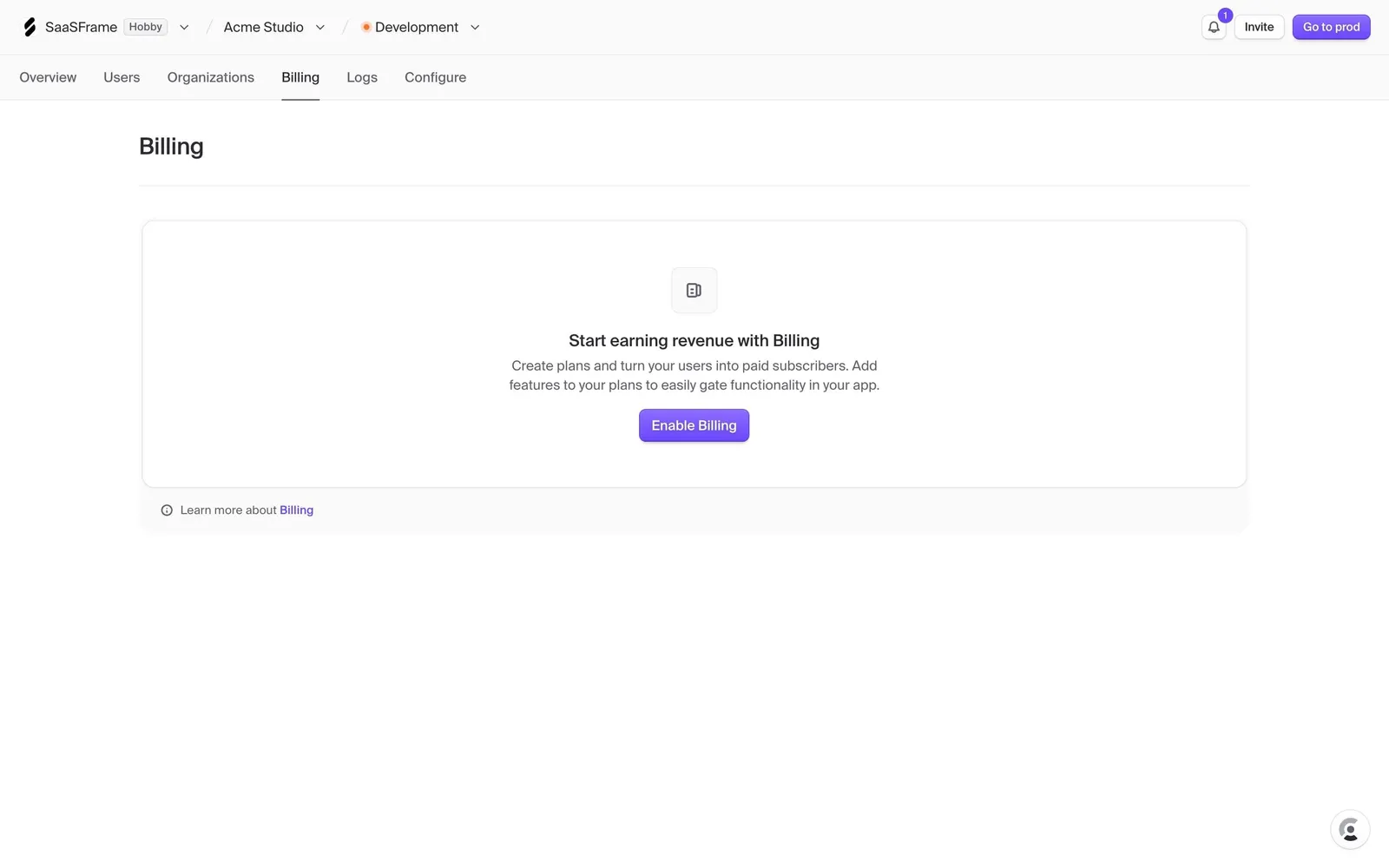
Billing waiting to be enabled
Clerk's Billing tab is a single centered empty state: "Start earning revenue with Billing. Create plans and turn your users into paid subscribers. Add features to your plans to easily gate functionality in your app."
One action
A violet "Enable Billing" button sits under the text, with a small "Learn more about Billing" link at the bottom of the card.
Minimal frame
The card uses a light border on a white page under the standard app header and tabs, making the activation decision the only thing on screen.