 SaaSFrame
12 more steps in this flow
Free accounts see the first 3 steps of each flow. Pro unlocks every step of every flow, plus every screen, section and Copy in Figma.

Hey Sign Up Flow
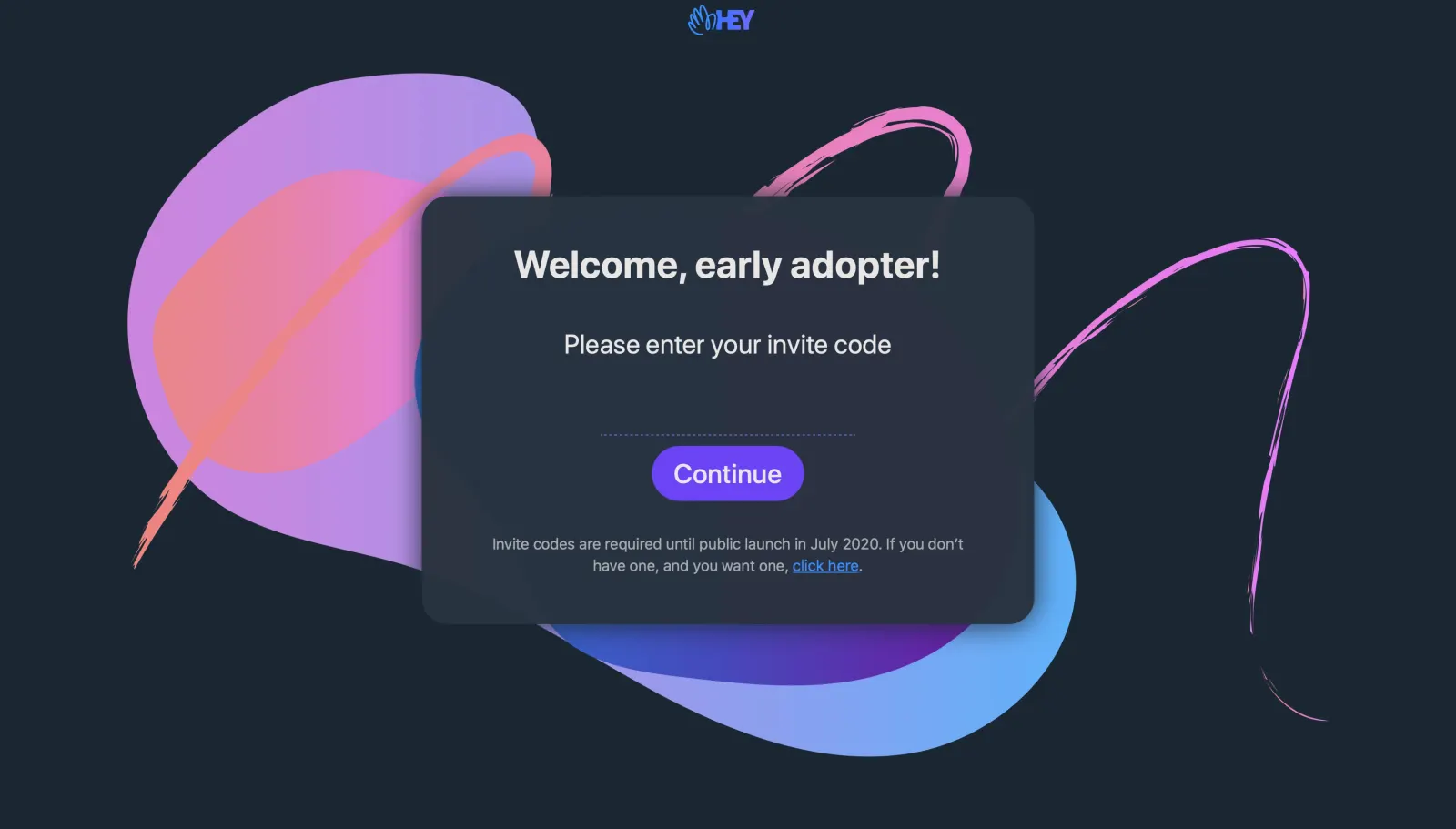
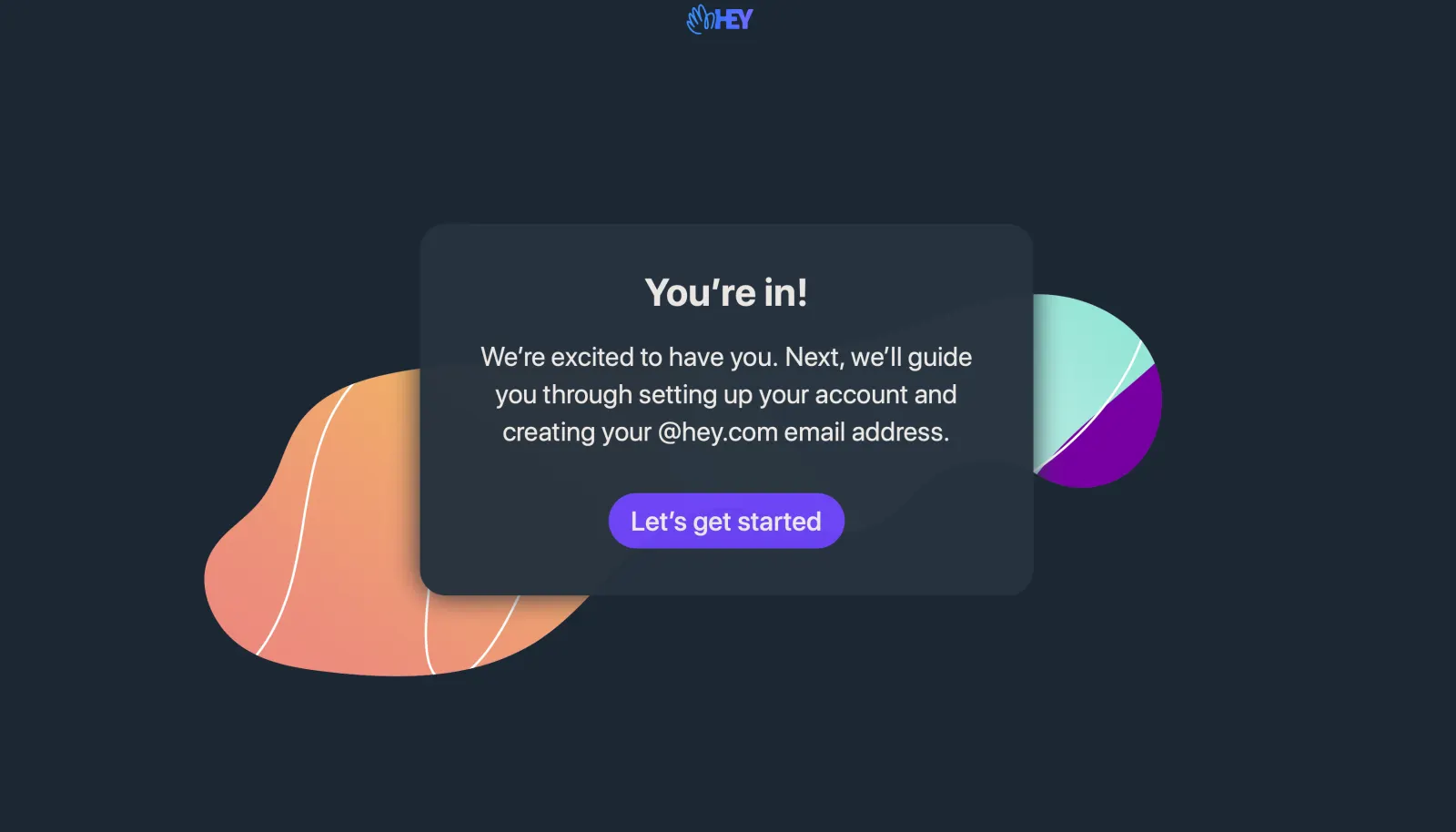
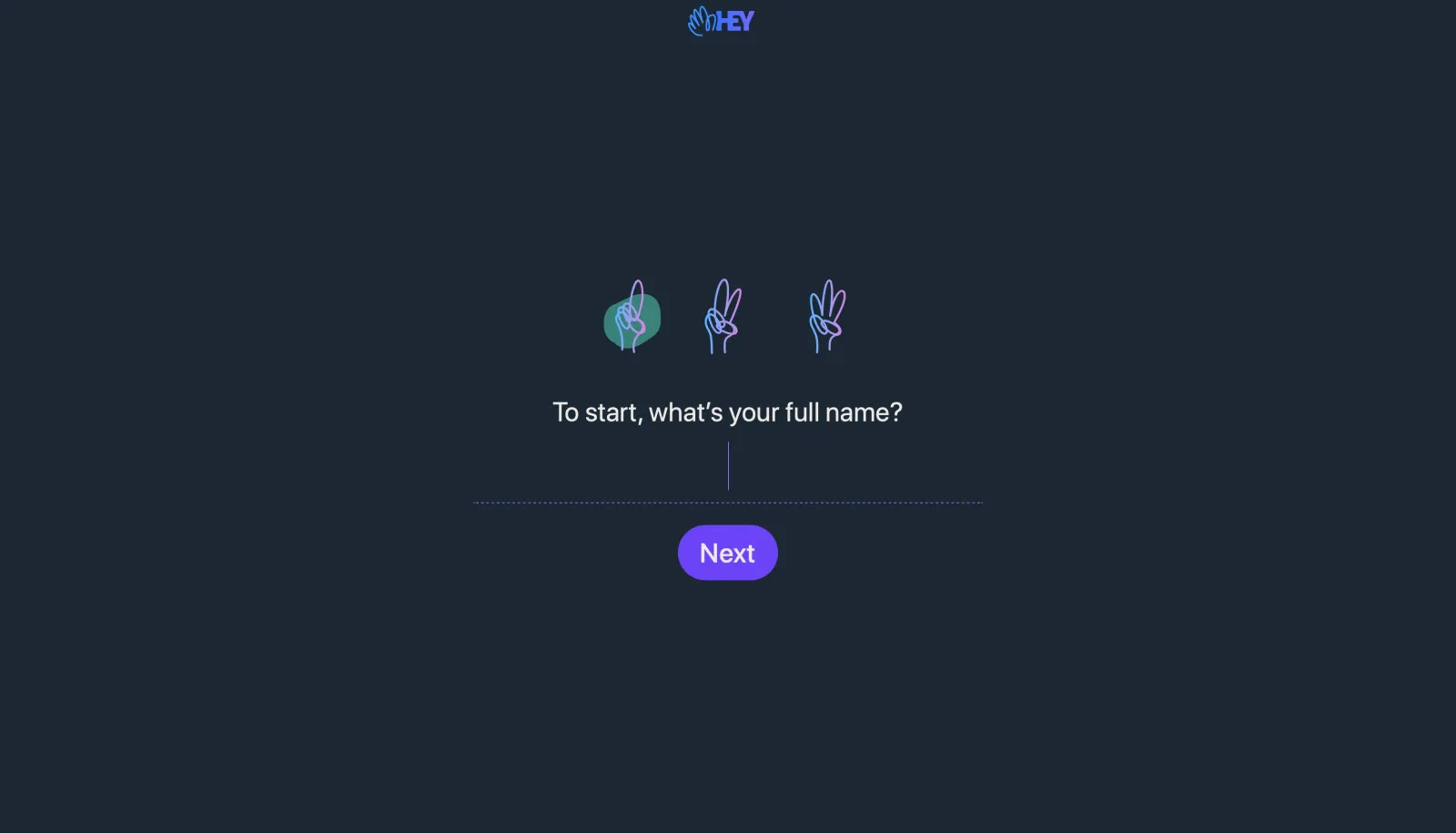
Hey's sign-up flow spans fifteen dark screens, from invite code to two-factor setup, with hand-drawn finger icons counting the steps. Each step asks one thing on a centered, borderless field with a small purple next button, and illustrated blobs frame the welcome cards. After a summary checklist, a sticky-note walkthrough opens the Imbox, then subscription, payment, 2FA and a thank-you note close it out.
Follow Hey’s sign up flow flow step by step: 15 real screens captured from the live product, from sign up page to sign up flow: thank you note. Use ← → to move between steps, and open any screen to see it in full.
Steps in this flow
- 1Sign Up Page
- 2Sign Up Flow: You're In
- 3Sign Up Flow: Full Name
- 4Sign Up Flow: Pick Email Address
- 5Sign Up Flow: Password
- 6Sign Up Flow: Backup Email
- 7Sign Up Flow: All Set Up
- 8Sign Up Flow: Imbox Walkthrough
- 9Sign Up Flow: Imbox
- 10Sign Up Flow: First Email Sent
- 11Sign Up Flow: Start Subscription
- 12Sign Up Flow: Payment Thanks
- 13Sign Up Flow: 2FA Setup
- 14Sign Up Flow: 2FA Enabled
- 15Sign Up Flow: Thank You Note