SaaSFrame
2 more steps in this flow
Free accounts see the first 3 steps of each flow. Pro unlocks every step of every flow, plus every screen, section and Copy in Figma.
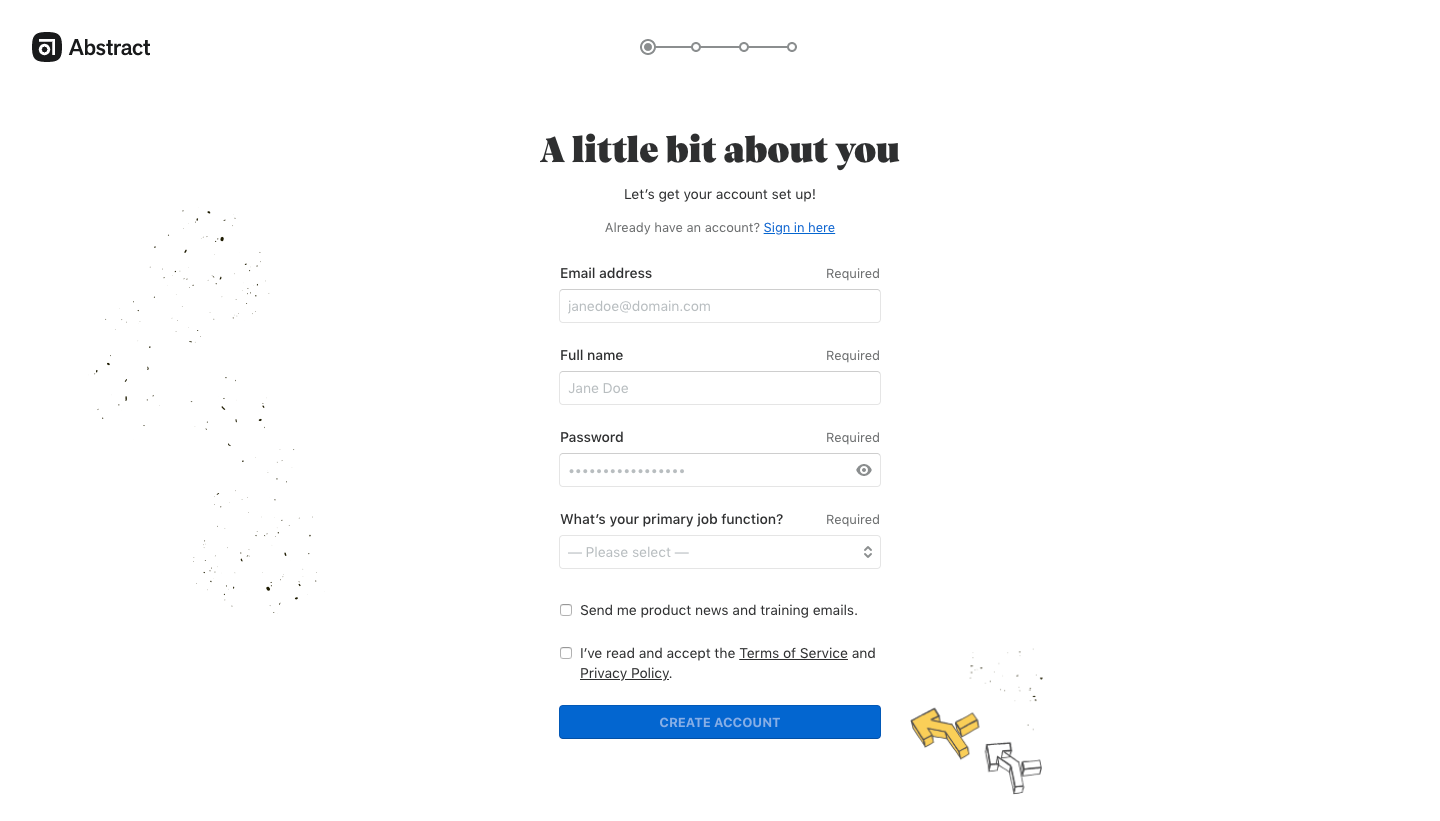
Abstract Sign Up Flow
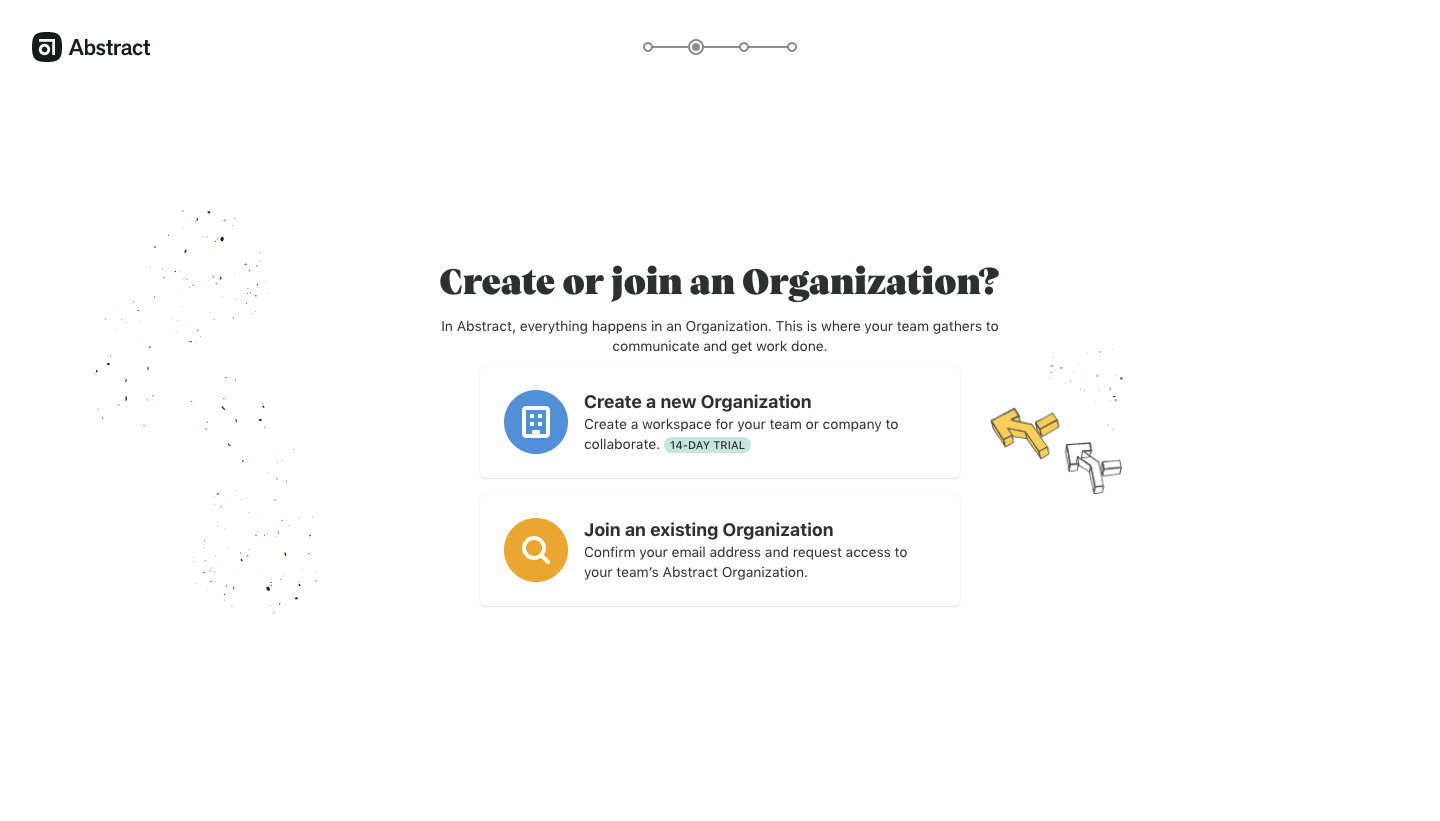
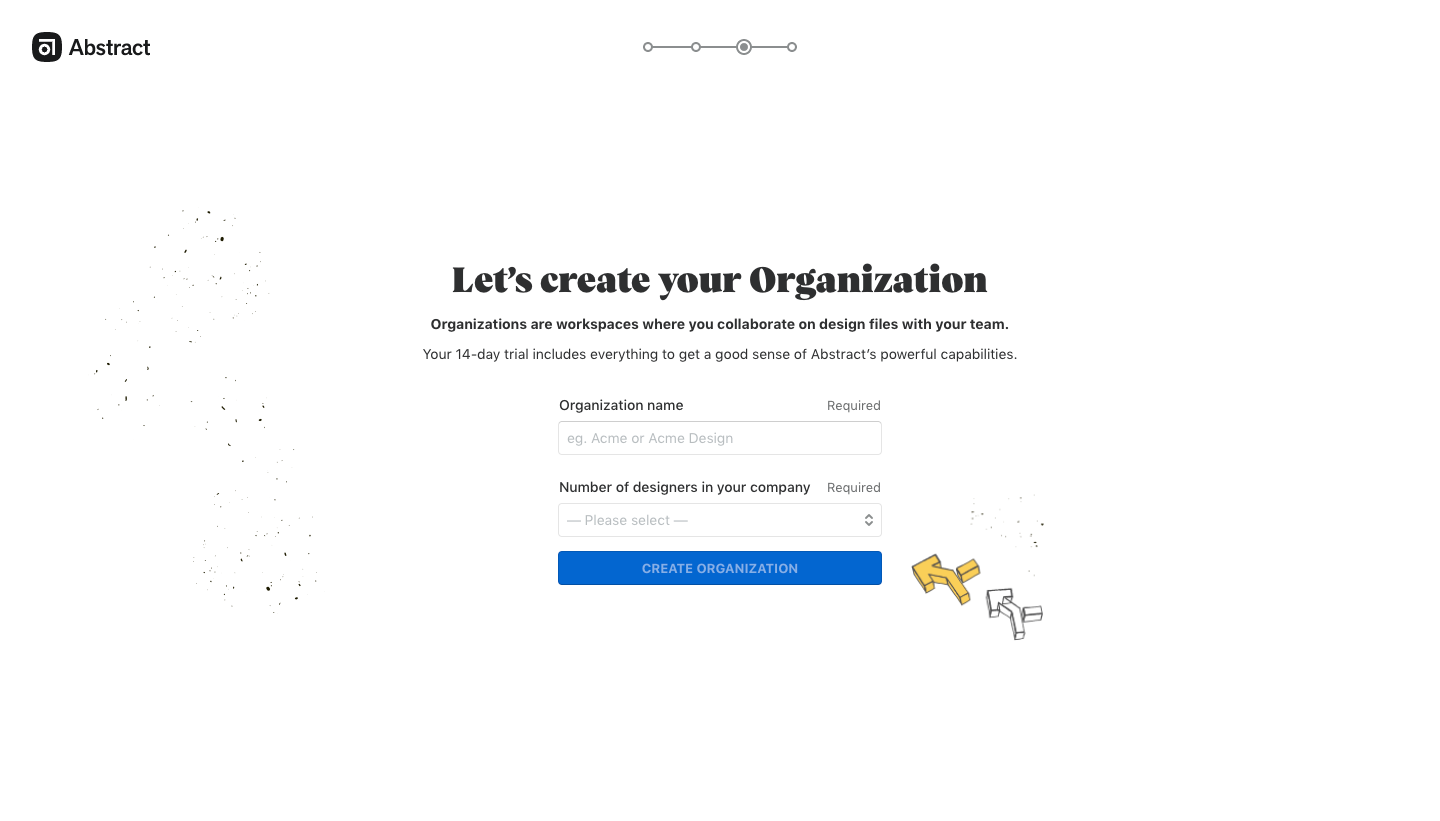
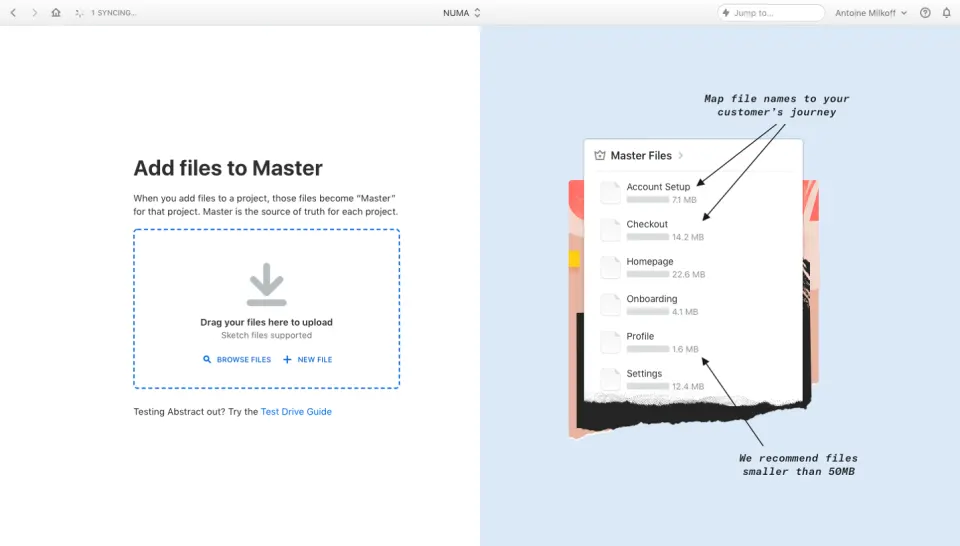
Abstract's sign-up flow takes a designer from account details to a download screen in five airy pages set in a bold serif headline font. A dotted step indicator at the top tracks progress, and a pair of hand-drawn flags plus scattered dots decorate every screen. Forms stay narrow and centered, the organization choice uses two icon rows, and the invite step offers email fields plus a copyable link.
Follow Abstract’s sign up flow flow step by step: 5 real screens captured from the live product, from sign up page to sign up flow: all set. Use ← → to move between steps, and open any screen to see it in full.
Steps in this flow
More flows from Abstract
All Abstract Abstract User Onboarding
4 screens
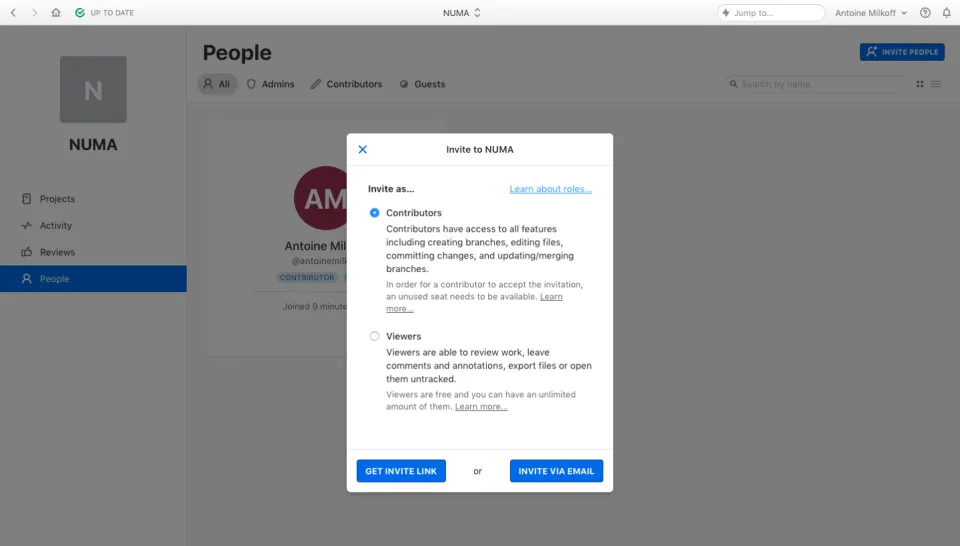
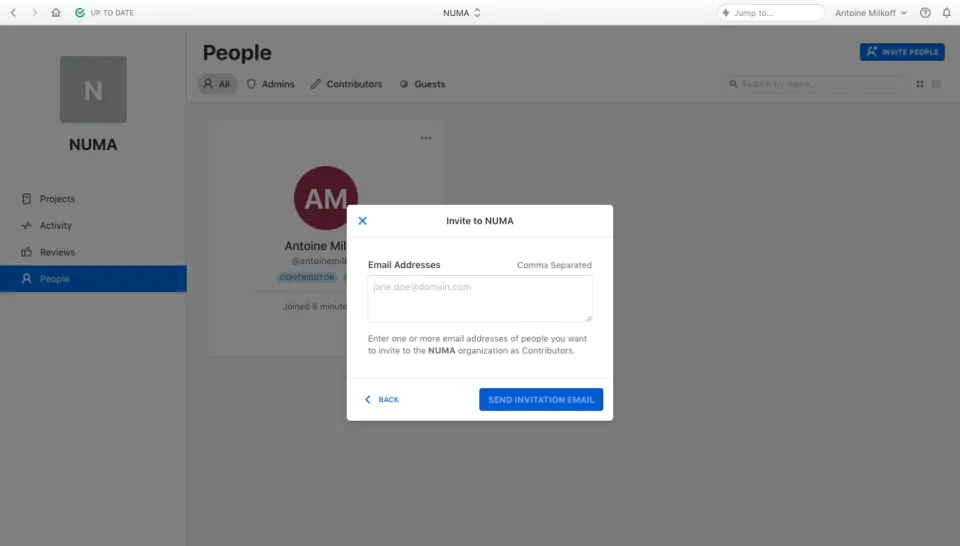
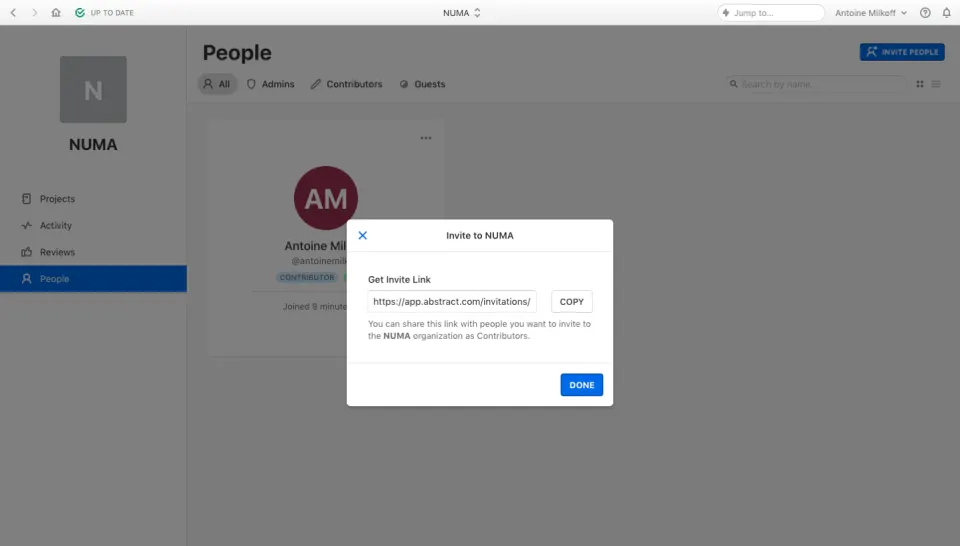
Abstract Invite Team Members
3 screens