SaaSFrame
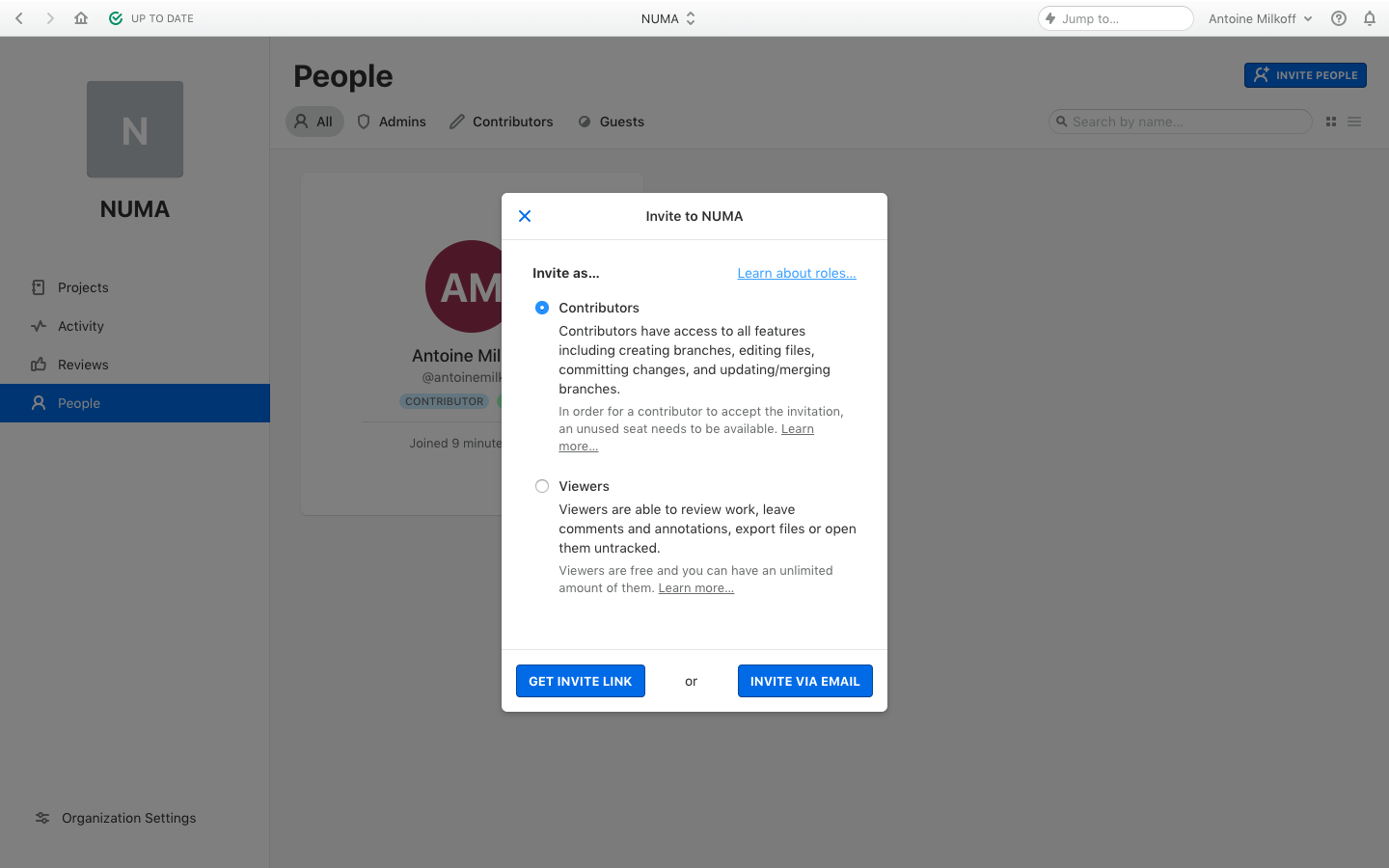
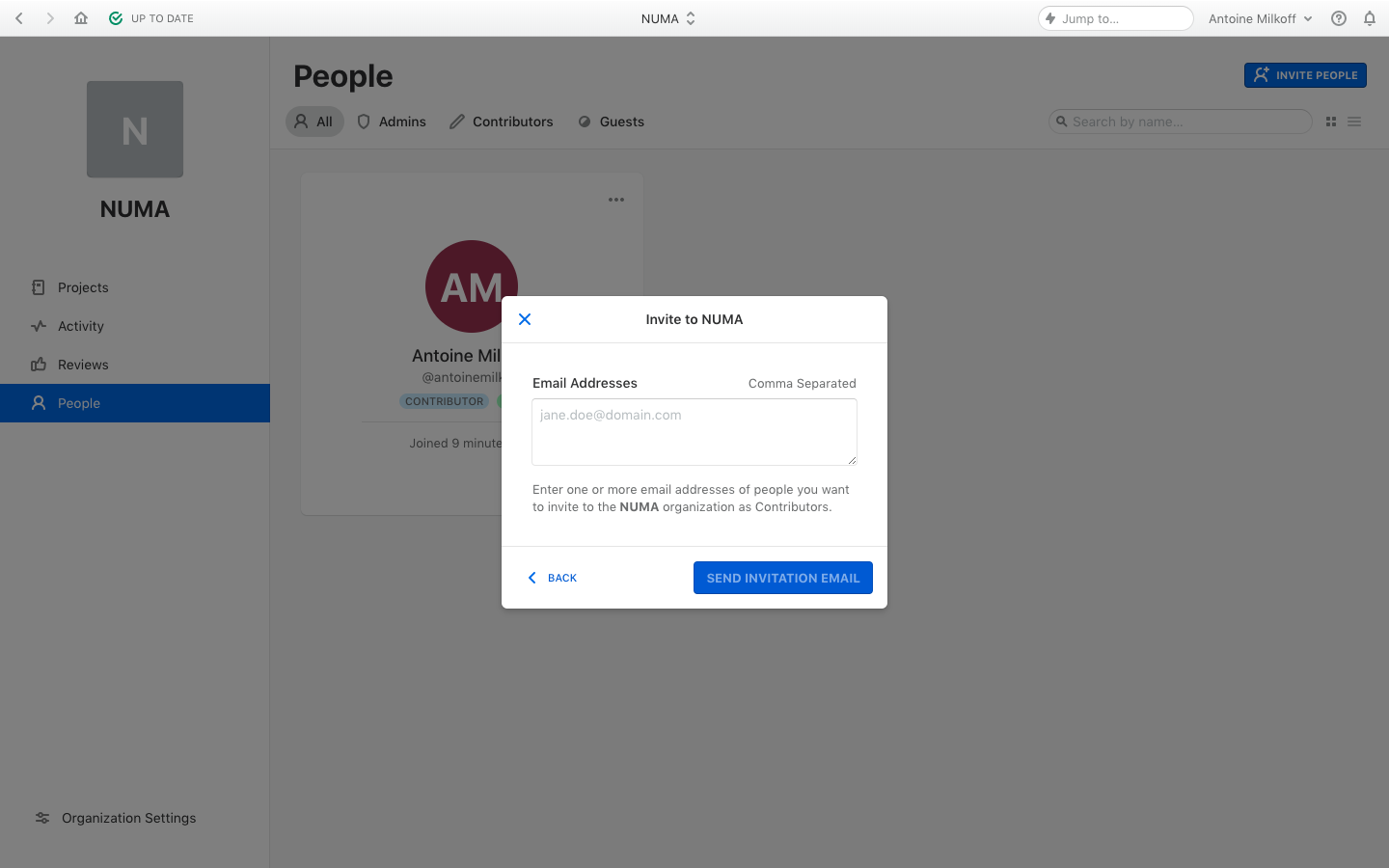
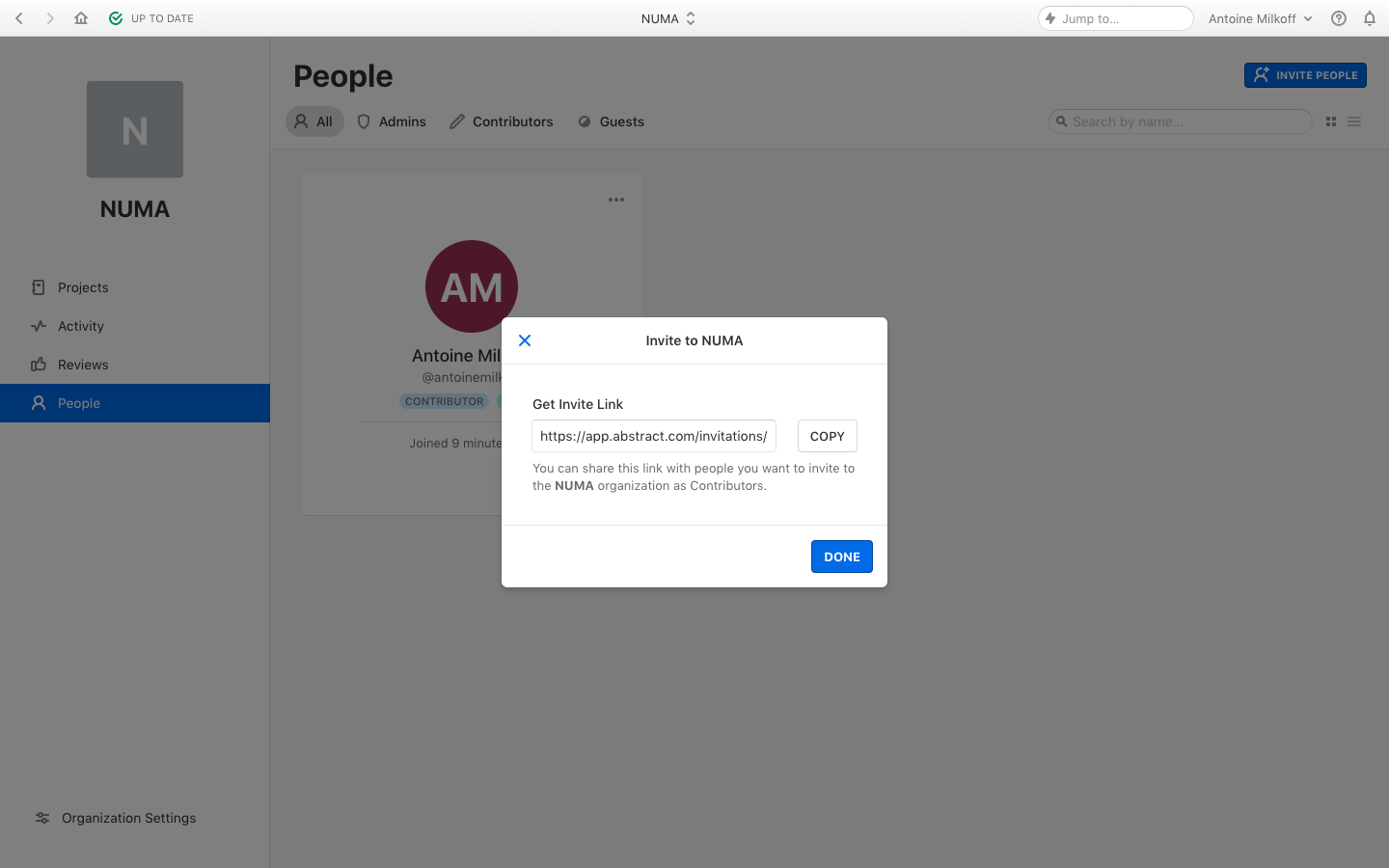
Abstract Invite Team Members
Abstract's invite flow walks an admin through choosing a role, inviting by email or sharing a link, then shows the invitation email. Small modals over the dimmed people page explain contributor and viewer roles in radio options with two blue buttons for link or email. The email is plain and compact, with an outlined accept button and a short help line.
Follow Abstract’s invite team members flow step by step: 3 real screens captured from the live product, from invite team members: choose role to invite team members: invite link. Use ← → to move between steps, and open any screen to see it in full.
Steps in this flow
More flows from Abstract
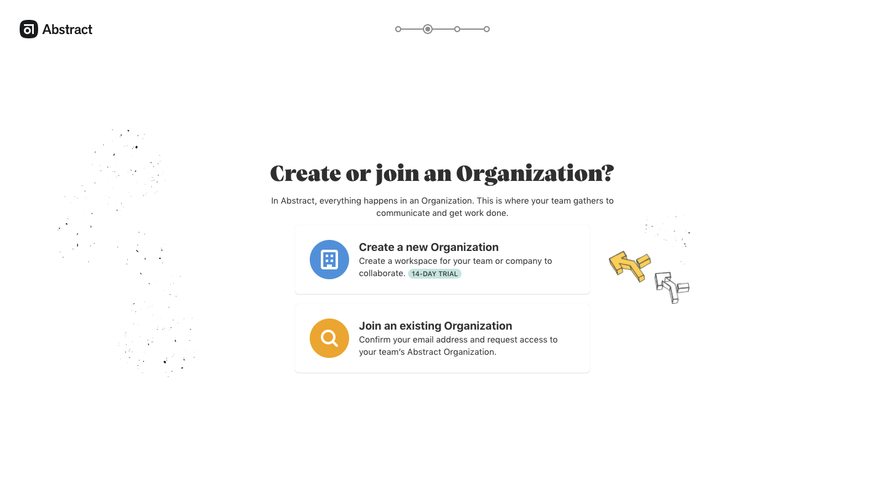
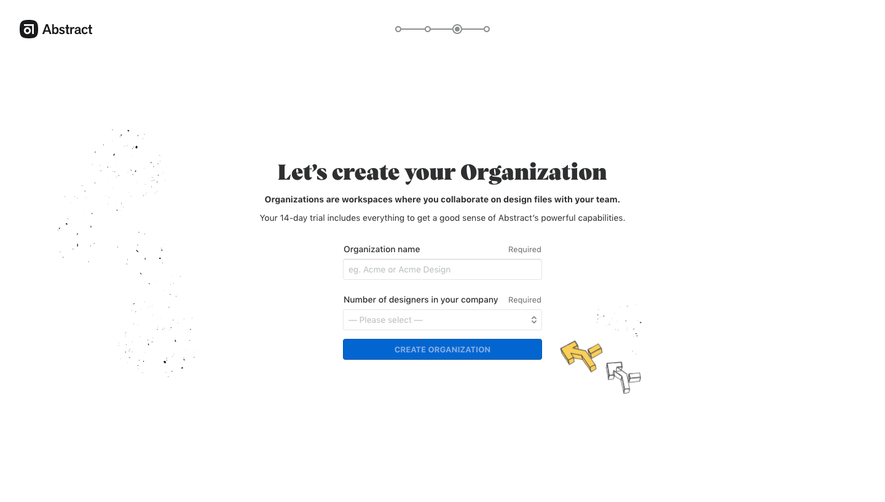
All Abstract Abstract User Onboarding
4 screens
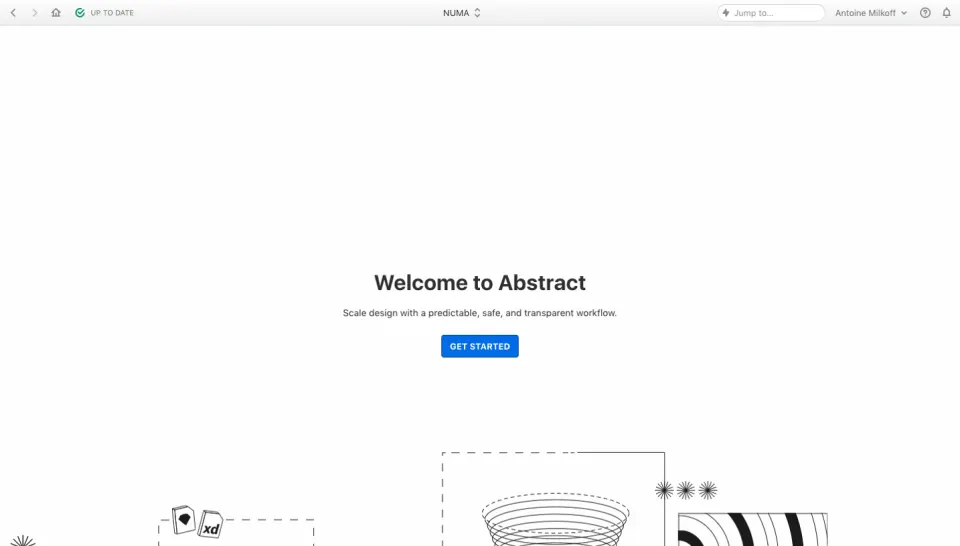
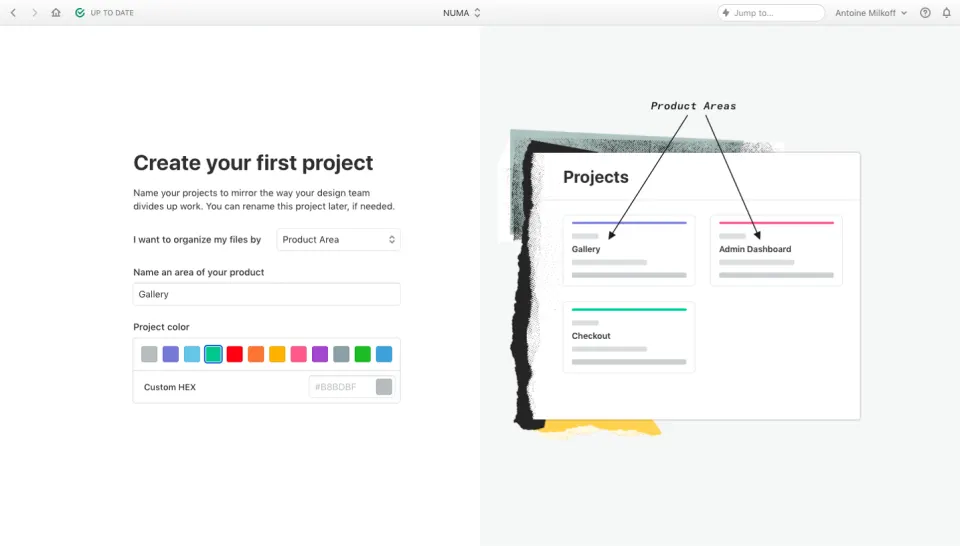
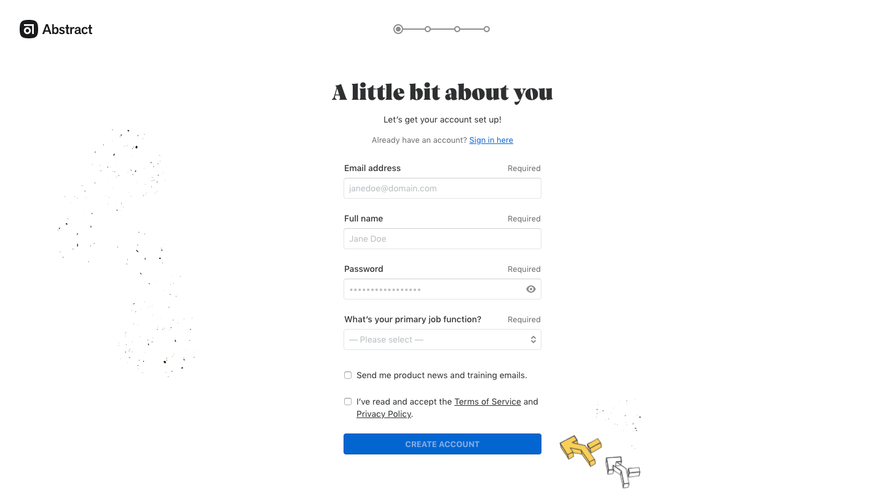
Abstract Sign Up Flow
5 screens