SaaSFrame
1 more step in this flow
Free accounts see the first 3 steps of each flow. Pro unlocks every step of every flow, plus every screen, section and Copy in Figma.
Abstract User Onboarding
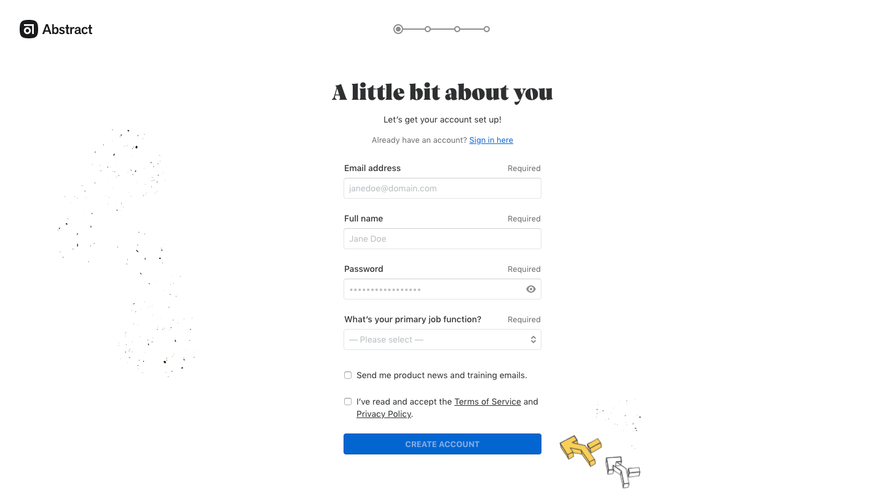
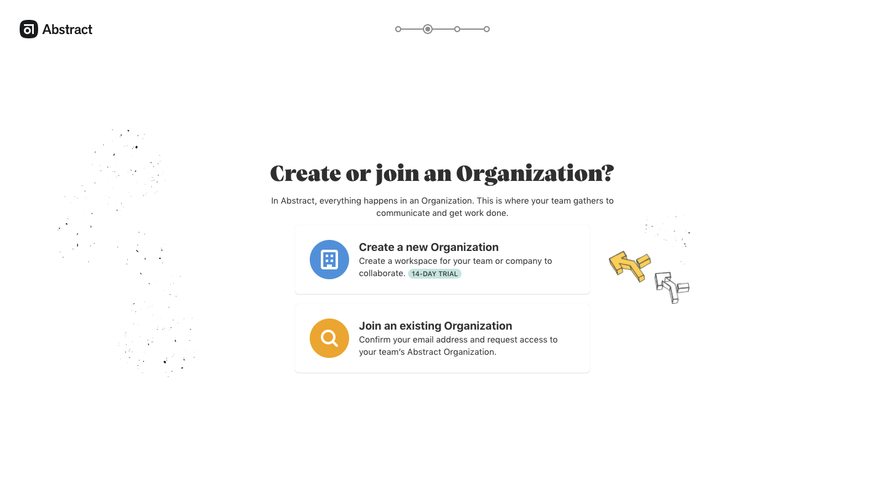
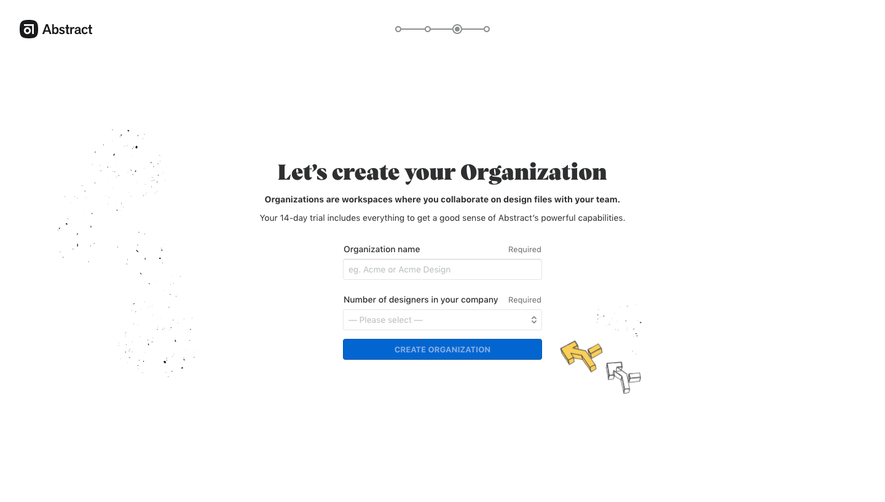
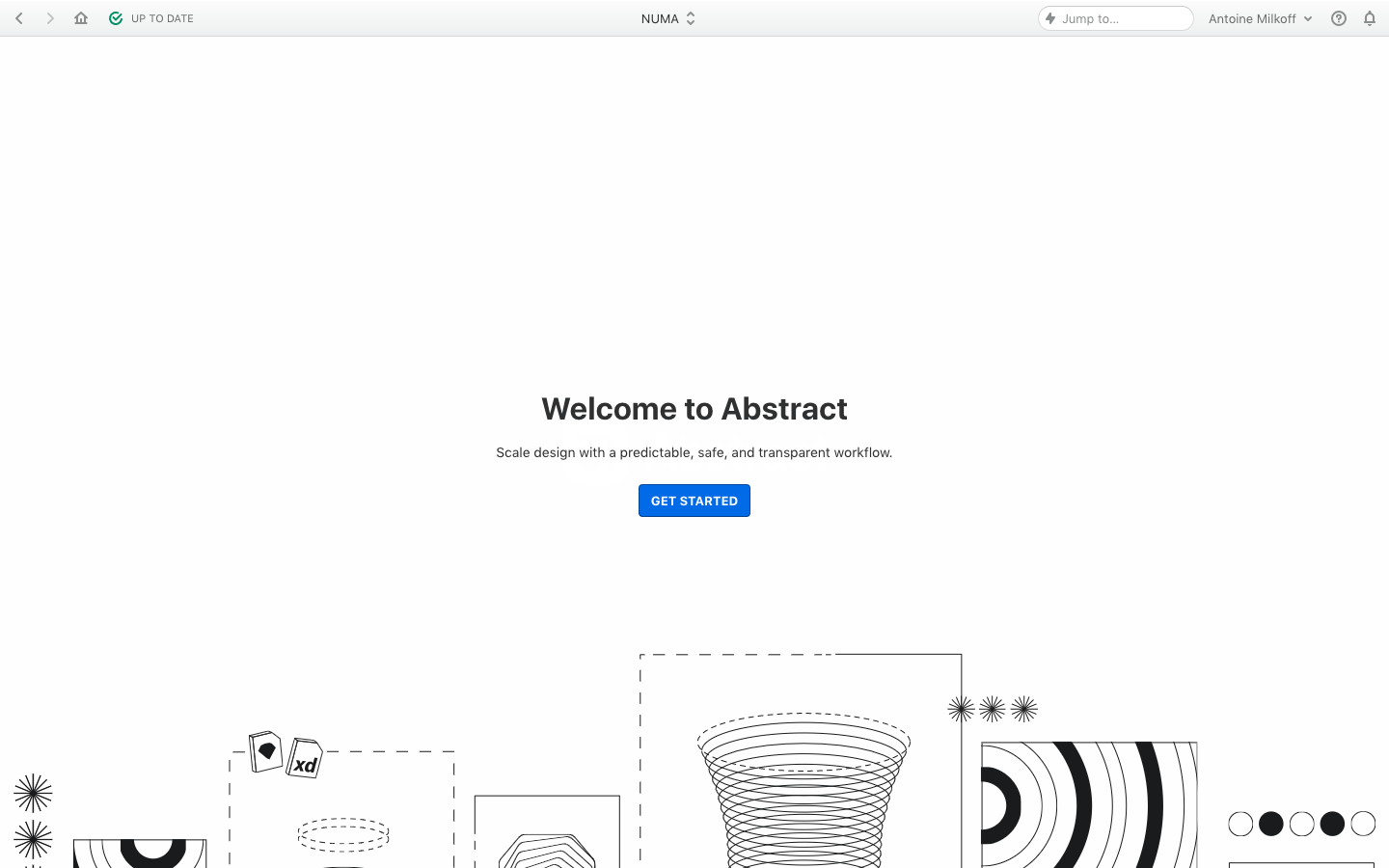
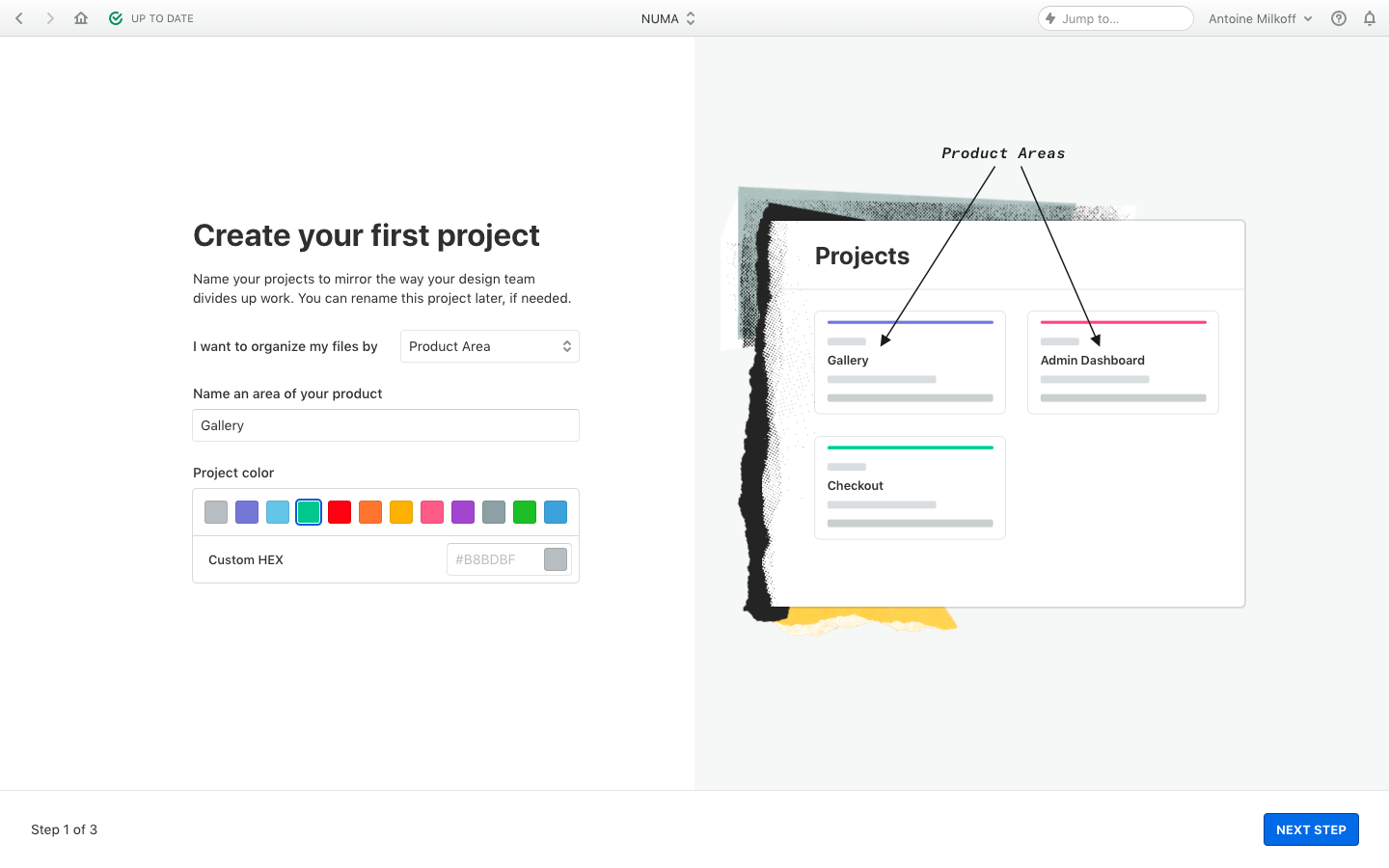
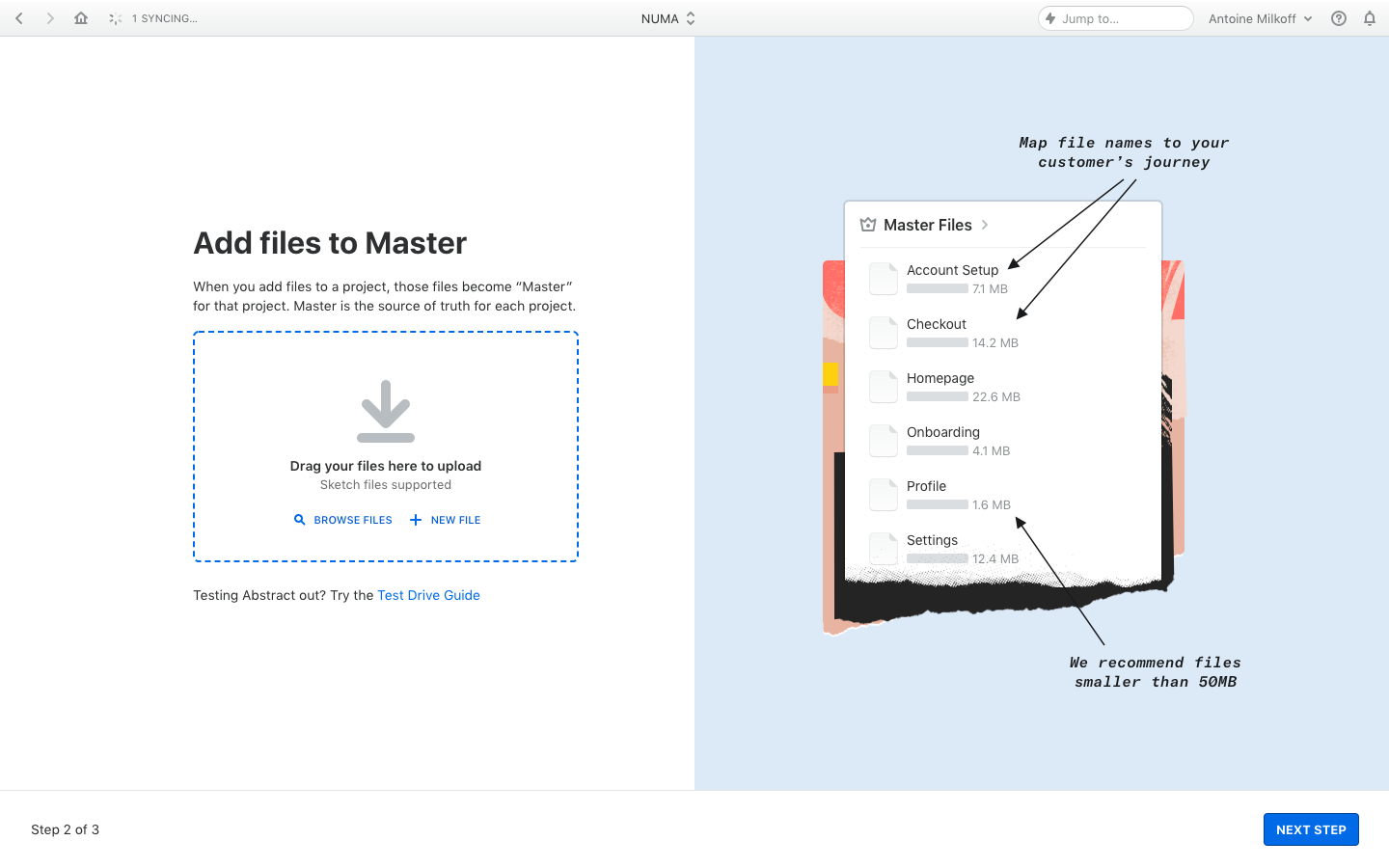
Abstract's onboarding sets up a first project in four split-screen steps illustrated with hand-annotated product diagrams. A sparse welcome screen with line art leads to forms on the left, a project name with a row of color swatches and a dashed drag-and-drop upload area. On the right, collage-style panels with handwritten arrows explain projects, master files and branches.
Follow Abstract’s user onboarding flow step by step: 4 real screens captured from the live product, from user onboarding: welcome to user onboarding: edit master with a branch. Use ← → to move between steps, and open any screen to see it in full.
Steps in this flow
More flows from Abstract
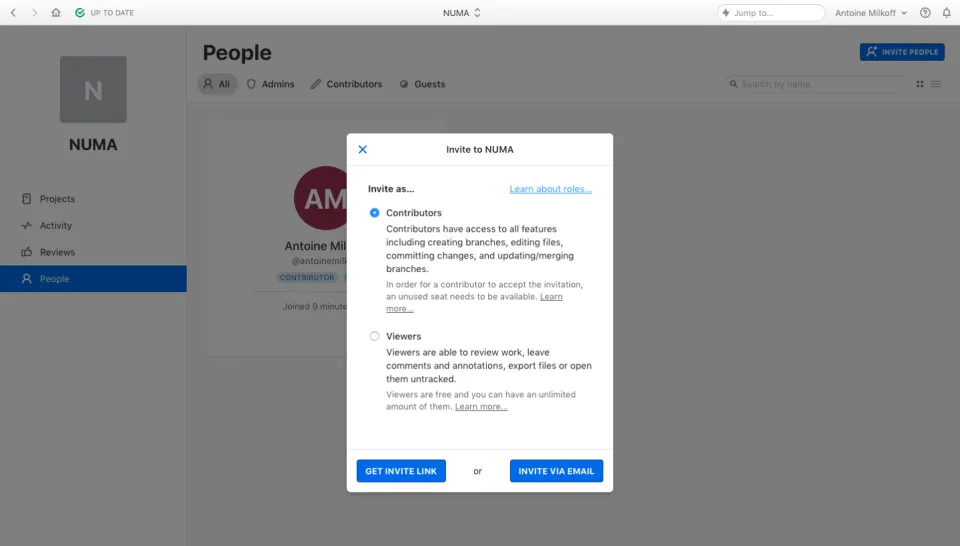
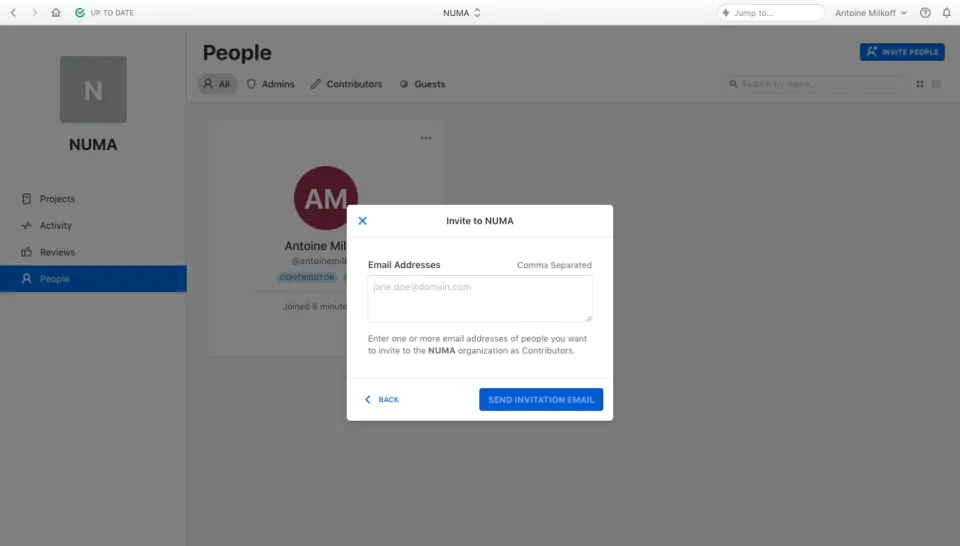
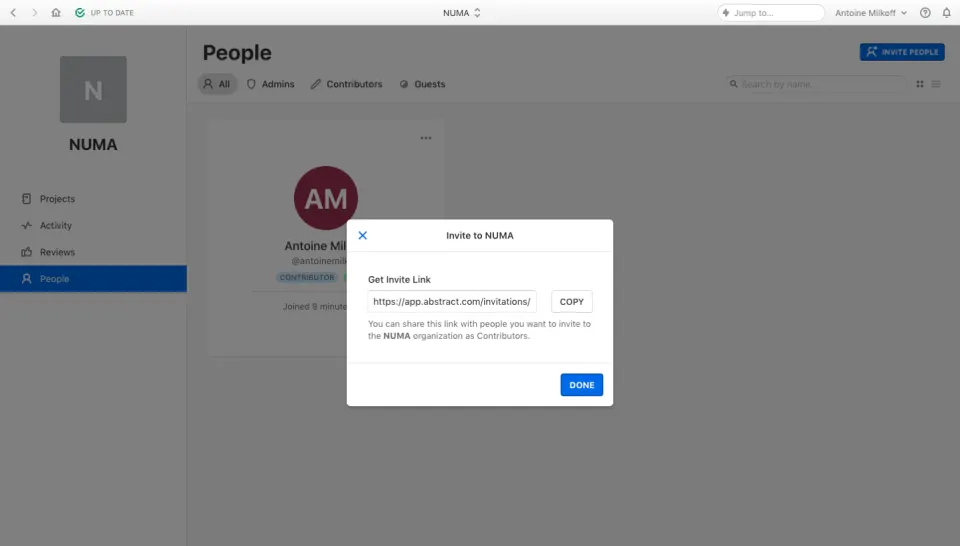
All Abstract Abstract Invite Team Members
3 screens
Abstract Sign Up Flow
5 screens