Zapier Profile Settings
 ZapierThe easiest way to automate your work
About this screen
Layout
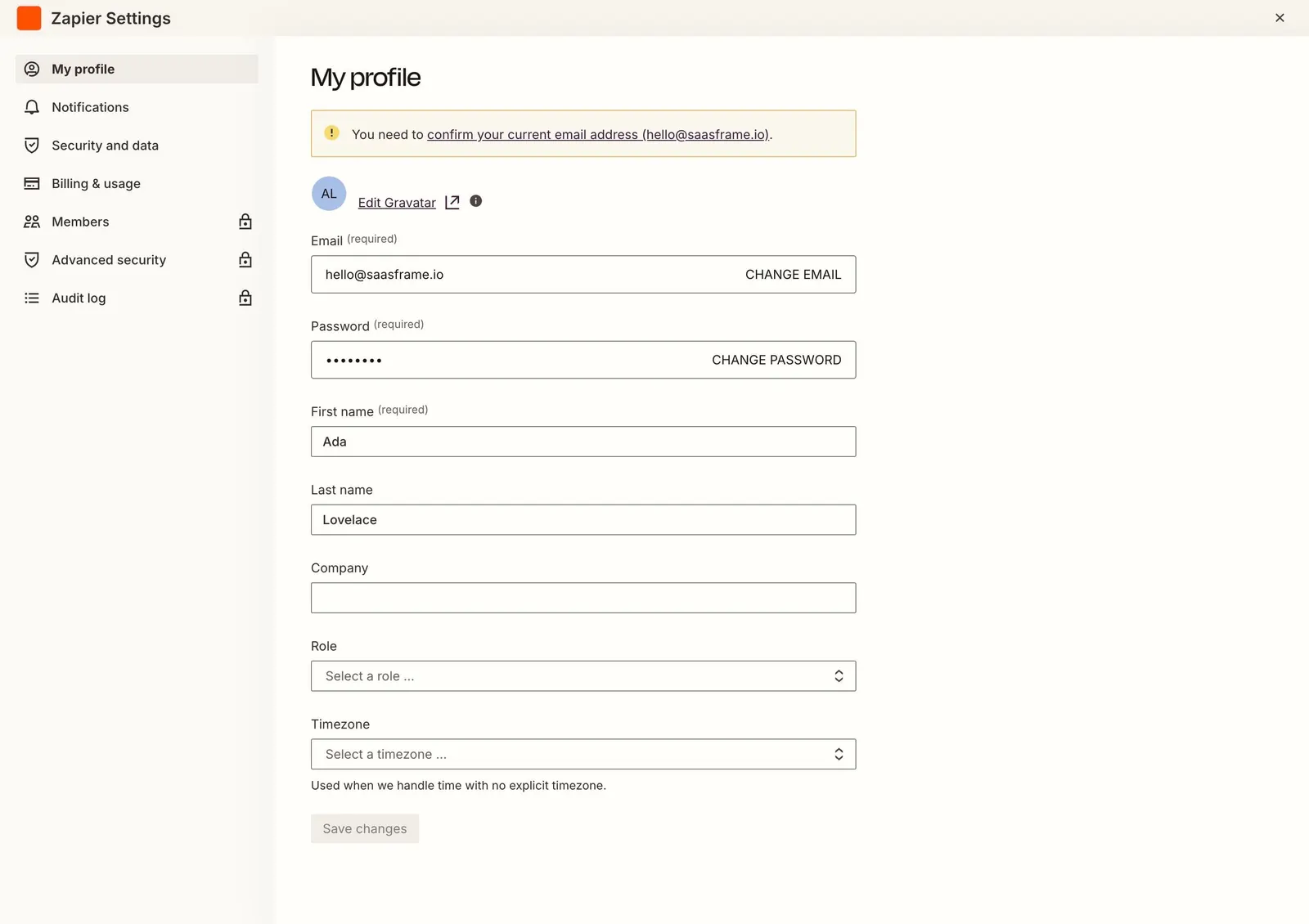
Settings layout with menu on the left and a profile form.
Content
My profile with an email confirmation notice, avatar link, email and password rows with change actions, first and last name, company, role and timezone.
Notable details
Sensitive fields are read-only rows with a dedicated change link. A notice at the top asks the user to confirm the current email address. The avatar is managed through Gravatar with a link that opens in a new tab. Required fields are marked, optional ones such as last name, company, role and timezone are plain, and the settings menu on the left stays identical to the billing page for orientation.