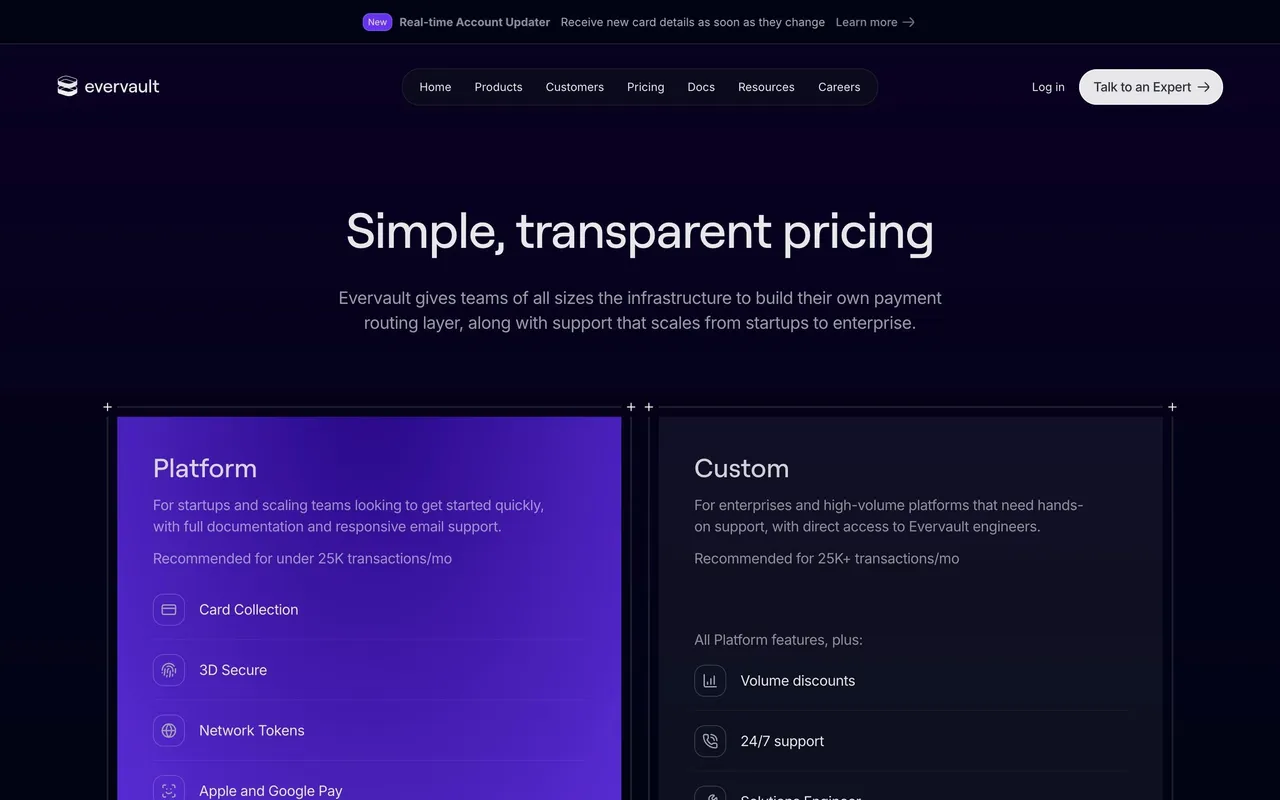
Evervault App Settings
 EvervaultEncryption Platform
About this screen
Layout
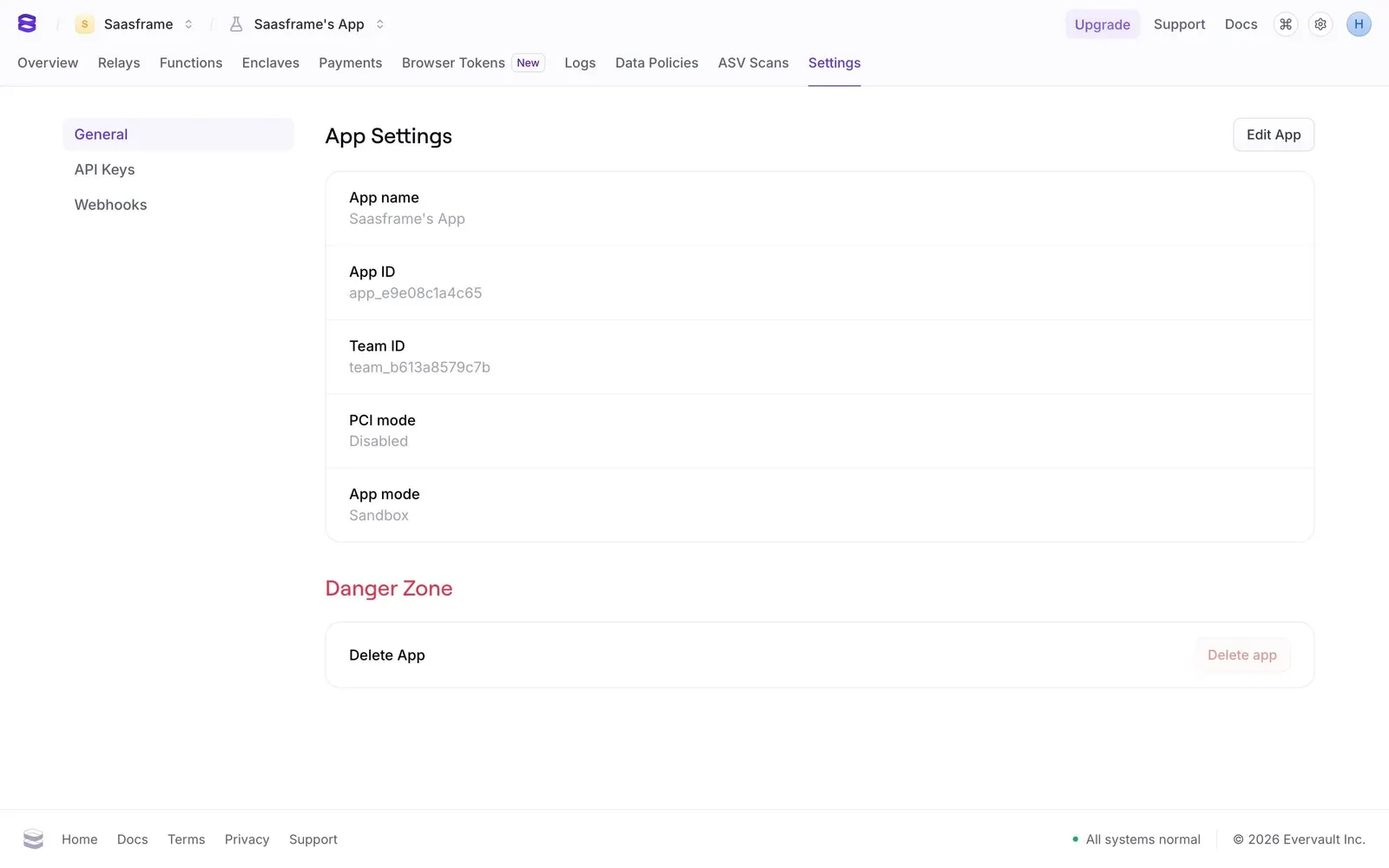
Settings with left sub-navigation and a details card.
Content
App Settings: app name, app ID, team ID, PCI mode Disabled and app mode Sandbox, an Edit App button and a Danger Zone with Delete App.
Notable details
Read-only rows with one edit button instead of inline fields. The sub-navigation lists General, API Keys and Webhooks. Values are shown in grey under each label, and the Danger Zone title is red while the Delete app button is a pale red outline, visible but not inviting. The footer and status indicator are the same as on every page of the app.