Zapier MCP Servers
 ZapierThe easiest way to automate your work
About this screen
Layout
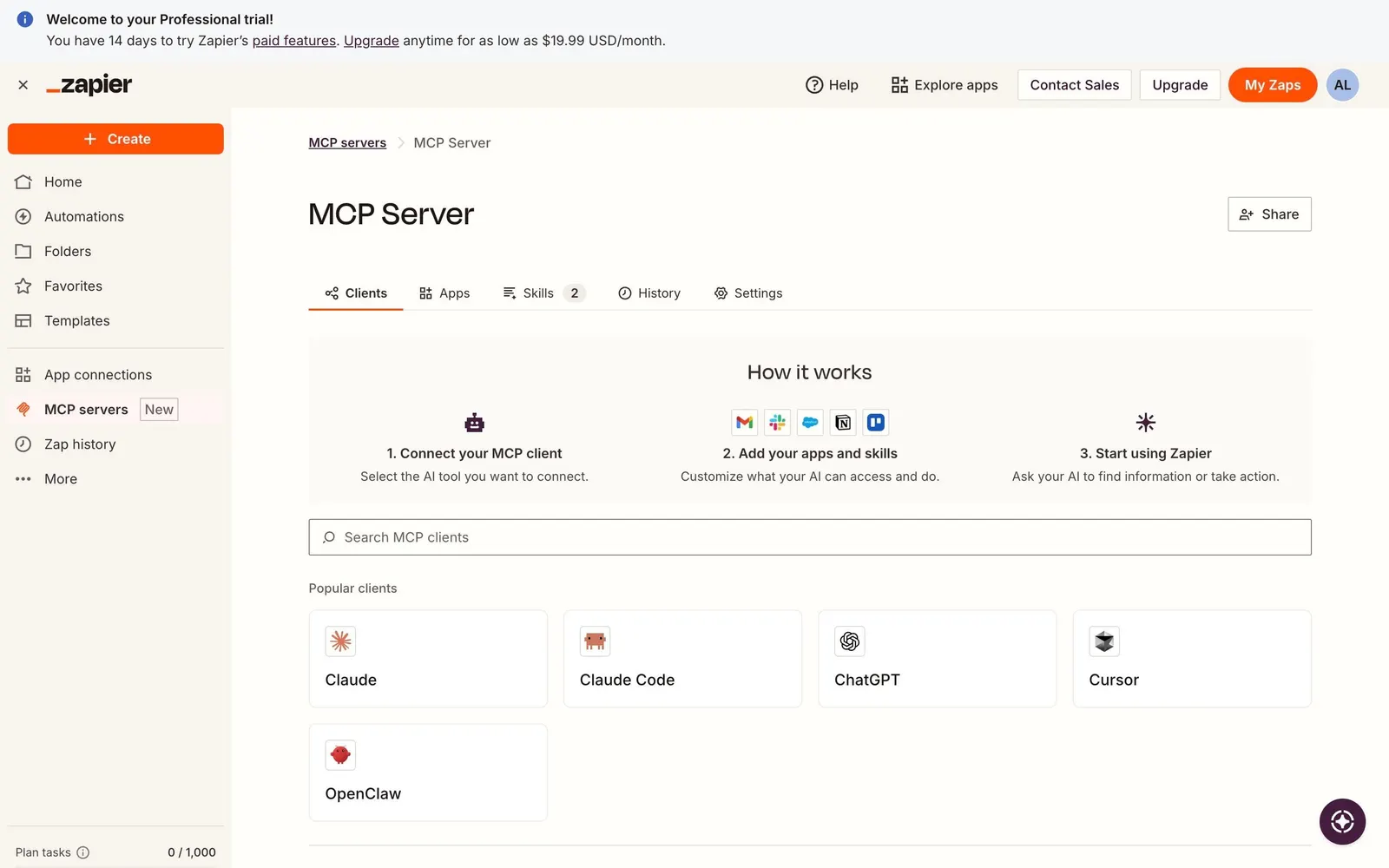
App shell with a server page: header, tabs and a how it works block above a client list.
Content
MCP Server with tabs Clients, Apps, Skills, History and Settings; three steps Connect your MCP client, Add your apps and skills, Start using Zapier; popular clients Claude, Claude Code, ChatGPT, Cursor and OpenClaw.
Notable details
Clients are shown as large tiles with their logos, making setup a pick-your-tool choice. The page sits inside the main Zapier shell with the trial banner and sidebar, under the breadcrumb MCP servers. The server header offers a Share action. The three steps are numbered with small icons and plain verbs, connect, add, start, and a search field above the client tiles lets users find a client that is not among the popular ones.