SaaSFrame
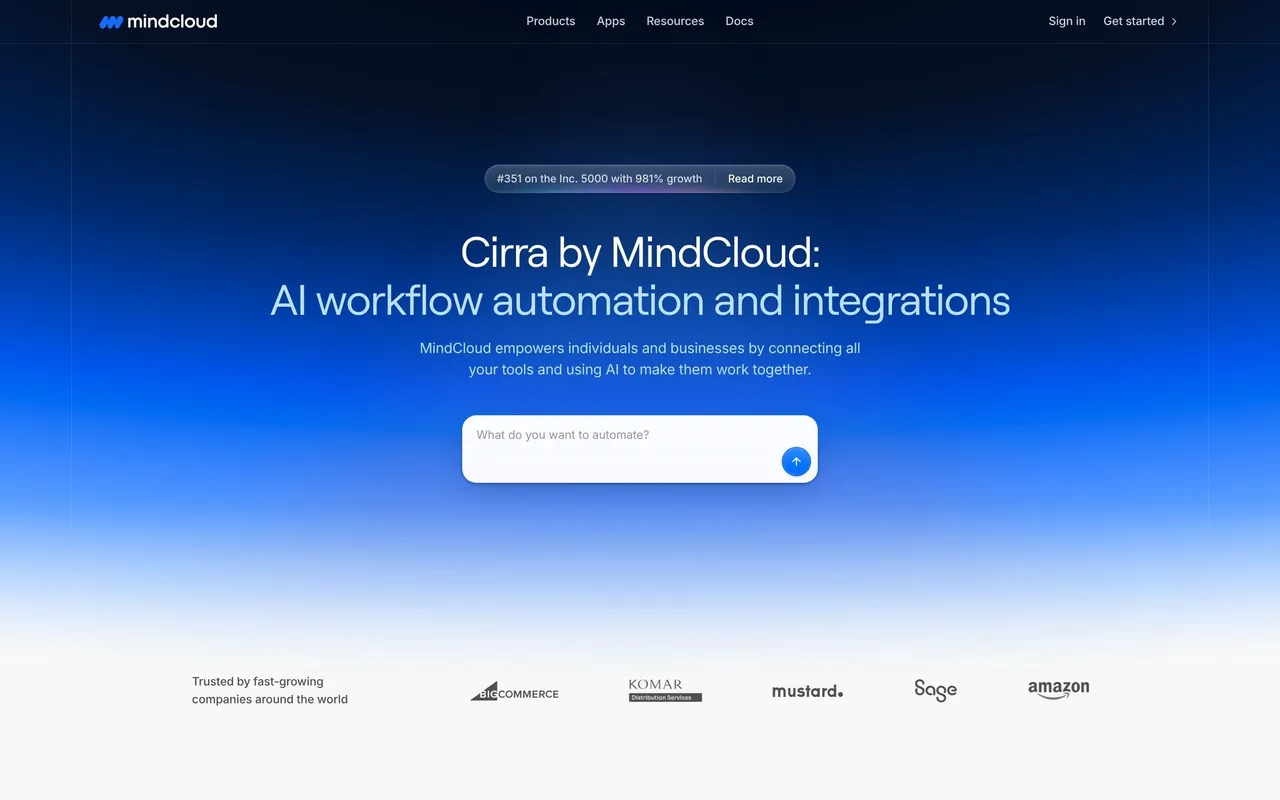
MindCloud Cirra Sign Up
 MindCloudIntegrations and workflow automation
About this screen
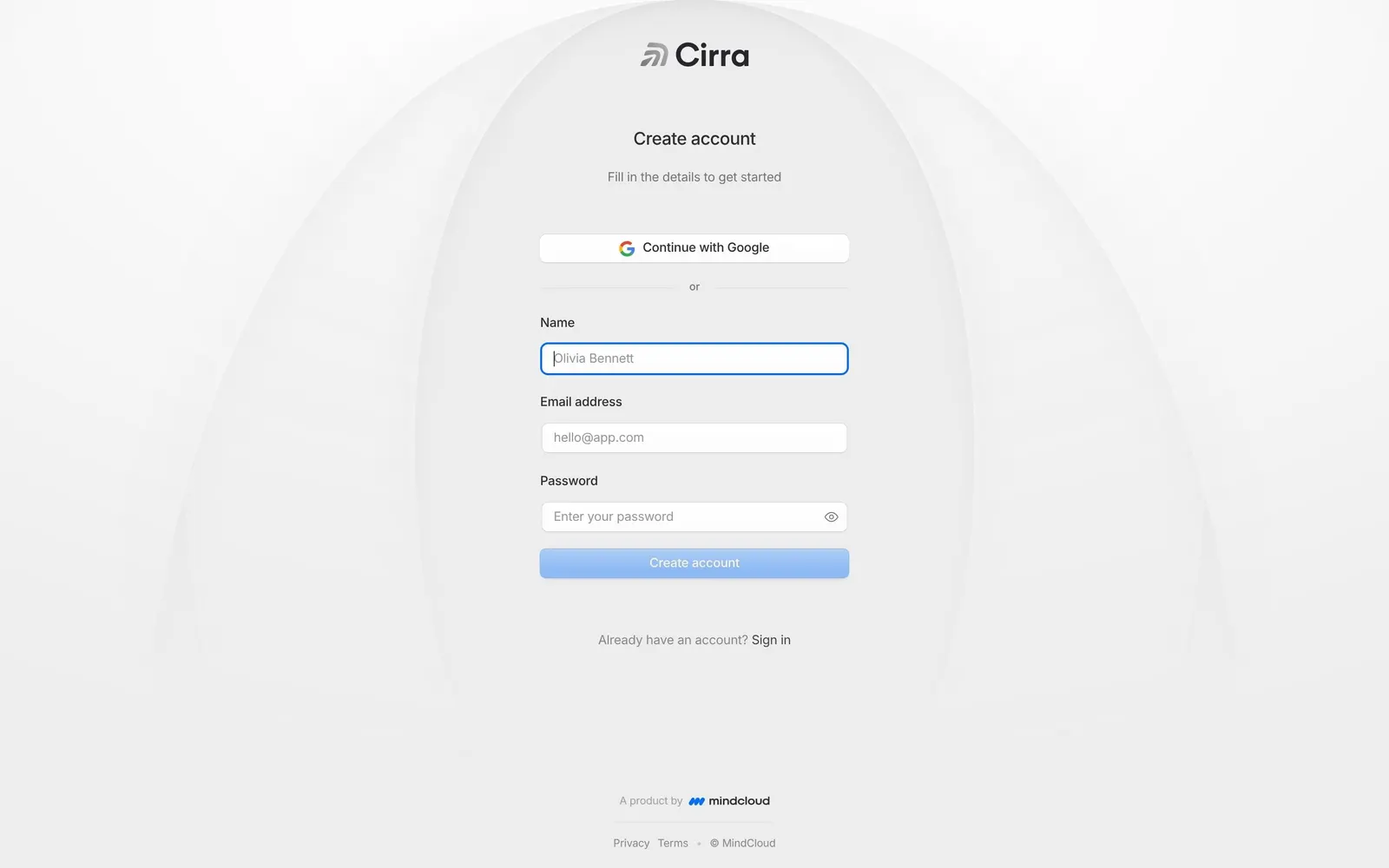
Create account
The Cirra logo heads "Create account" and "Fill in the details to get started" on the same pale gray background with faint arcs as the sign in page.
Form
"Continue with Google" comes first, then an "or" divider and "Name", "Email address" and "Password" fields, the password with an eye icon, above a pale blue "Create account" button.
Footer
"Already have an account? Sign in" sits below the form, with the MindCloud credit, Privacy and Terms at the bottom.