SaaSFrame
Langdock Changelog
 LangdockCompany-wide AI chat, agents and workflows

About this page
Dates in the margin, posts in the middle
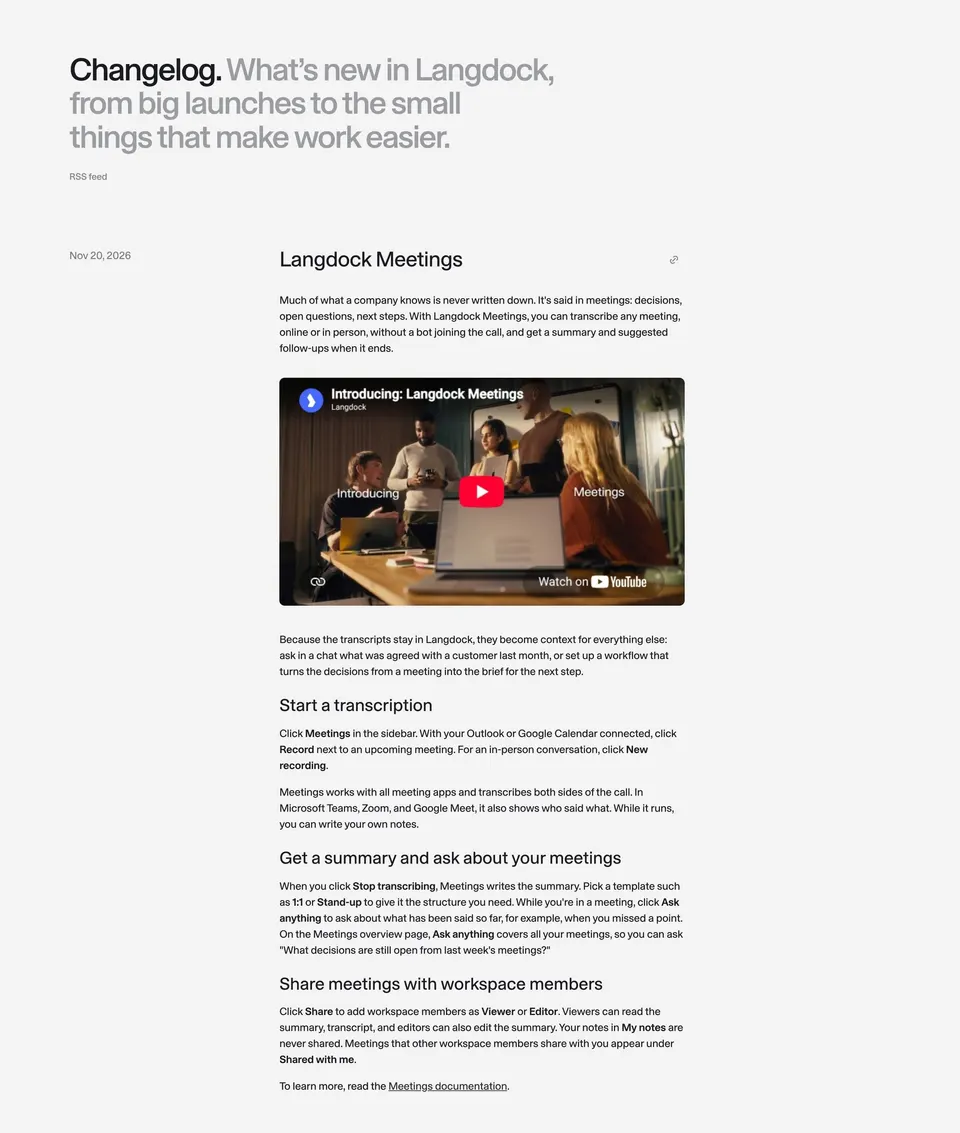
Langdock's changelog opens with "Changelog." and, in gray, "What's new in Langdock, from big launches to the small things that make work easier.", plus an "RSS feed" link. Each entry puts its date in a narrow left column and the full post in a centered reading column, with a link icon next to the title for sharing.
Full release notes, not one-liners
Entries such as "Langdock Meetings", "Langdock for Word" and "Langdock for PowerPoint" read like short articles: an intro paragraph, an embedded YouTube video, then subheadings like "Start a transcription" or "Edit only the text you select" with instructions that name the exact buttons in bold.
Docs linked at the end of each post
Every entry closes with a pointer such as "To get started, see the Word Add-in docs.", so the changelog works as a guided introduction to each feature. Model launches and smaller fixes follow the same format further down the very long page.