SaaSFrame
Gradium Translation
 GradiumReal-time voice AI API for voice agents
About this screen
Speak, then read and hear
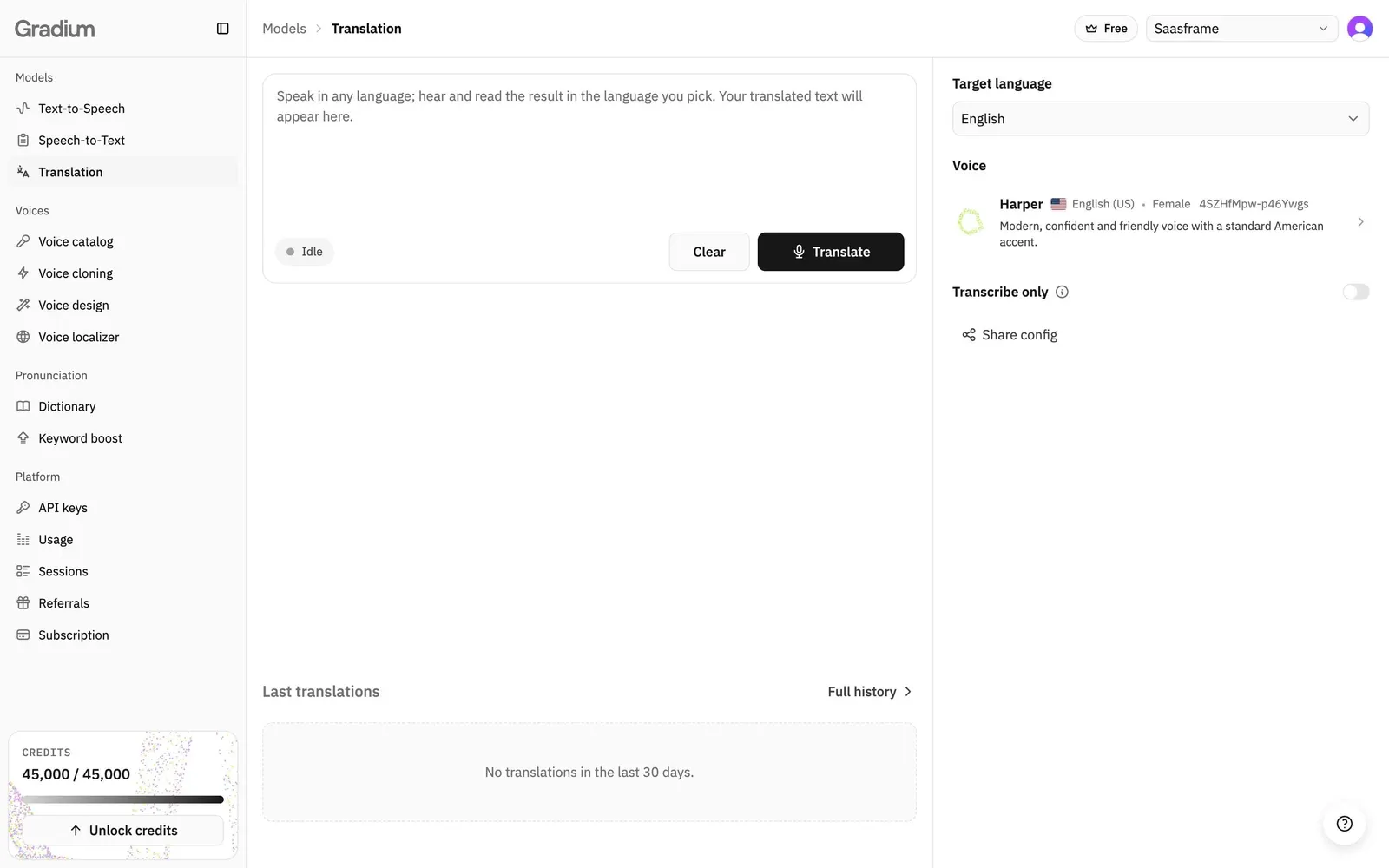
The Translation studio explains the model in one line: "Speak in any language; hear and read the result in the language you pick." The canvas shows "Your translated text will appear here." with an Idle status, a Clear button and a black Translate button.
Target language and voice
The side panel picks the Target language (English) and the voice that will read the result, with a "Transcribe only" switch for text output.
History kept for 30 days
"Last translations" says "No translations in the last 30 days", which also tells the user how long results are kept.