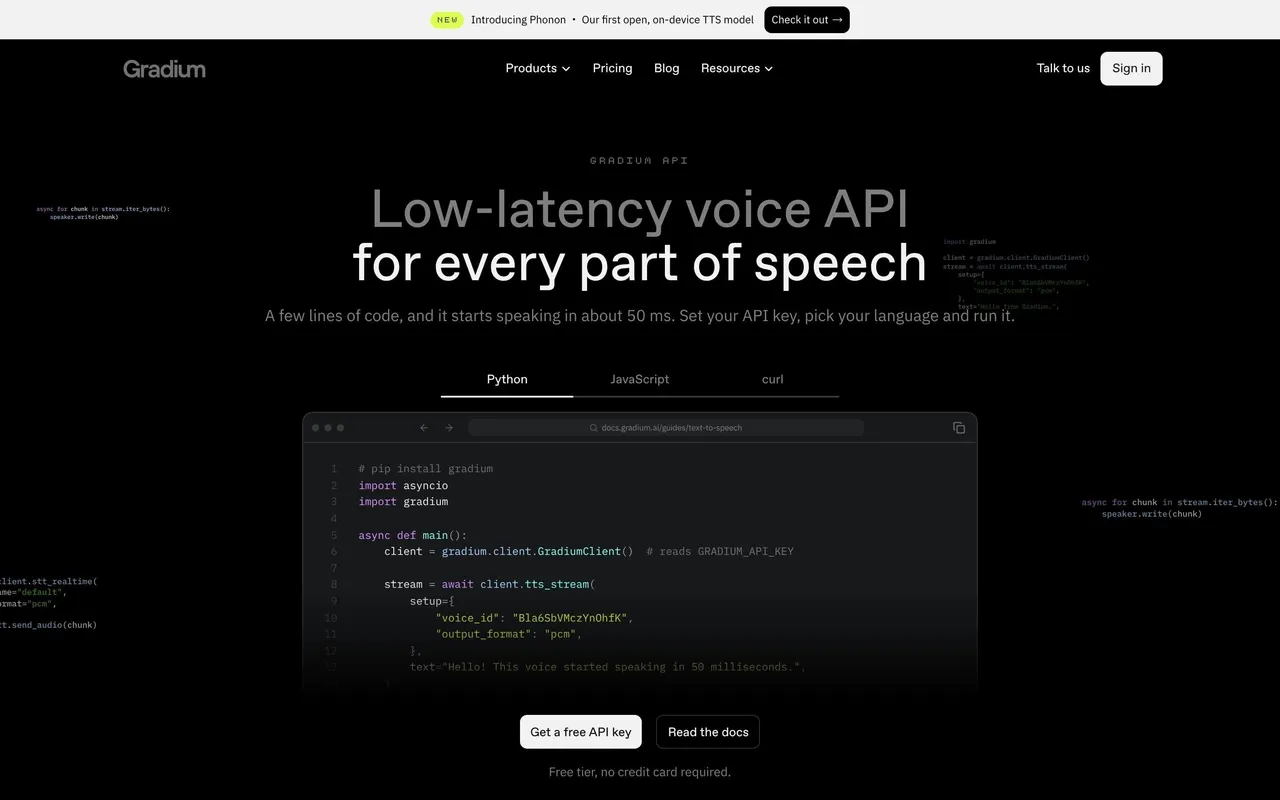
SaaSFrame
Gradium Voice Catalog
 GradiumReal-time voice AI API for voice agents
About this screen
Voices as cards
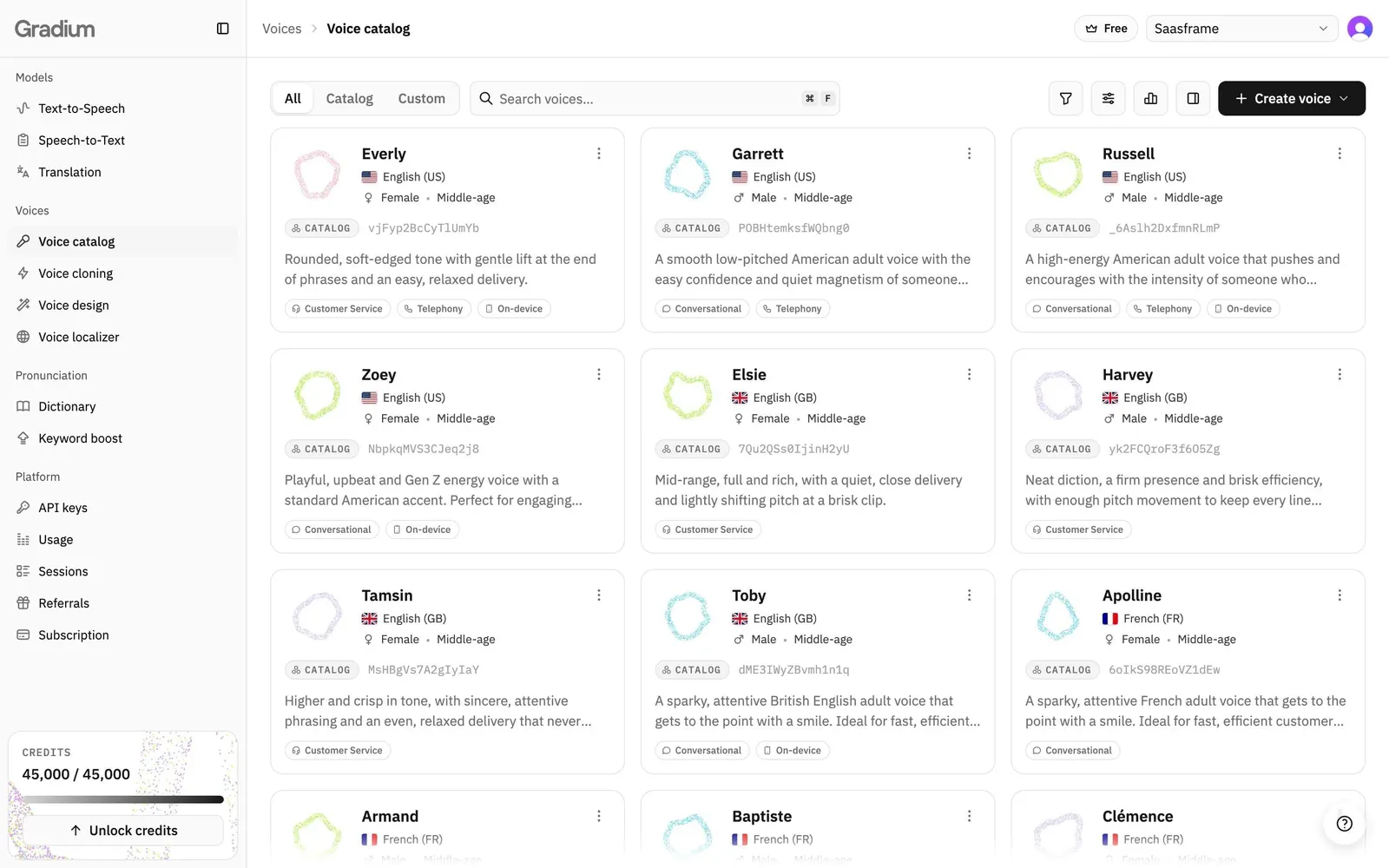
The voice catalog lays out voices in a three-column grid. Each card has a coloured ring avatar, the name (Everly, Garrett, Russell), language, gender and age, a CATALOG label with the voice id, a two-line description of the tone and tags such as Customer Service, Conversational, Telephony or On-device.
Scope tabs and search
Tabs switch between All, Catalog and Custom. A search field with the ⌘F shortcut and filter icons sit on the same row, next to a black "Create voice" button.
Descriptions that sound like the voice
Copy does the work of a preview: "A smooth low-pitched American adult voice with the easy confidence and quiet magnetism of someone who never has to raise his voice."