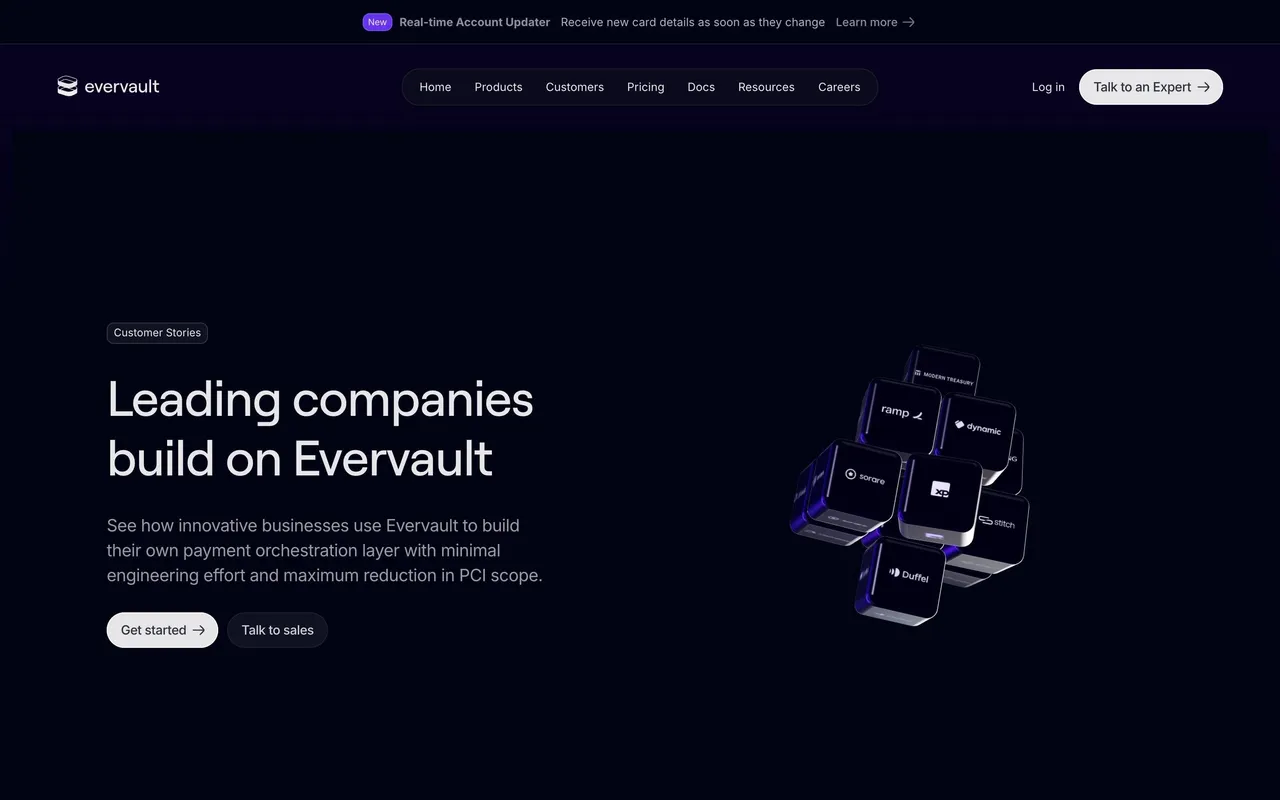
Evervault Browser Tokens Setup
 EvervaultEncryption Platform
About this screen
Layout
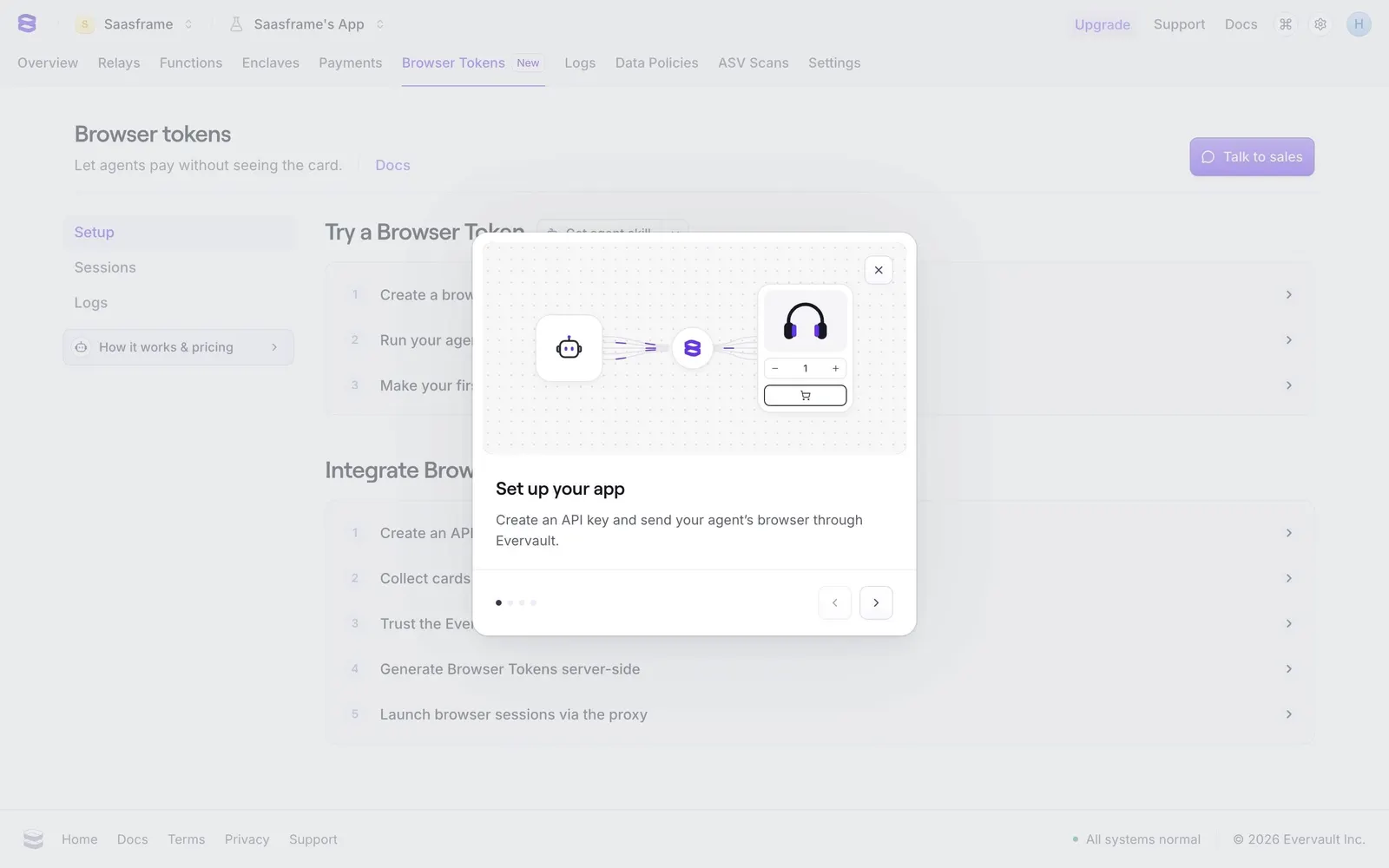
Setup checklist page dimmed behind a small carousel dialog.
Content
Browser tokens: a Set up your app step explaining how to create an API key and send an agent browser through Evervault, with an illustration, progress dots and arrows.
Notable details
Onboarding is delivered as a tiny carousel over the real checklist. Behind the dialog, the setup page lists numbered tasks under Try a Browser Token and Integrate Browser Tokens, such as creating an API key, collecting cards and launching browser sessions via the proxy. The dialog illustration shows a robot and a headset linked through the Evervault mark, and a close button sits in its corner.