About this screen
Layout
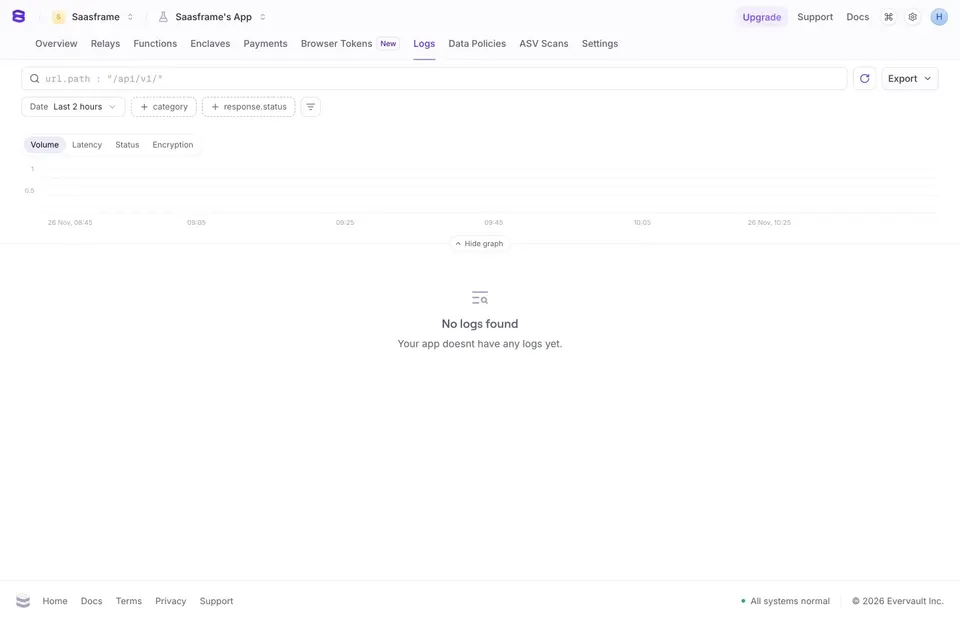
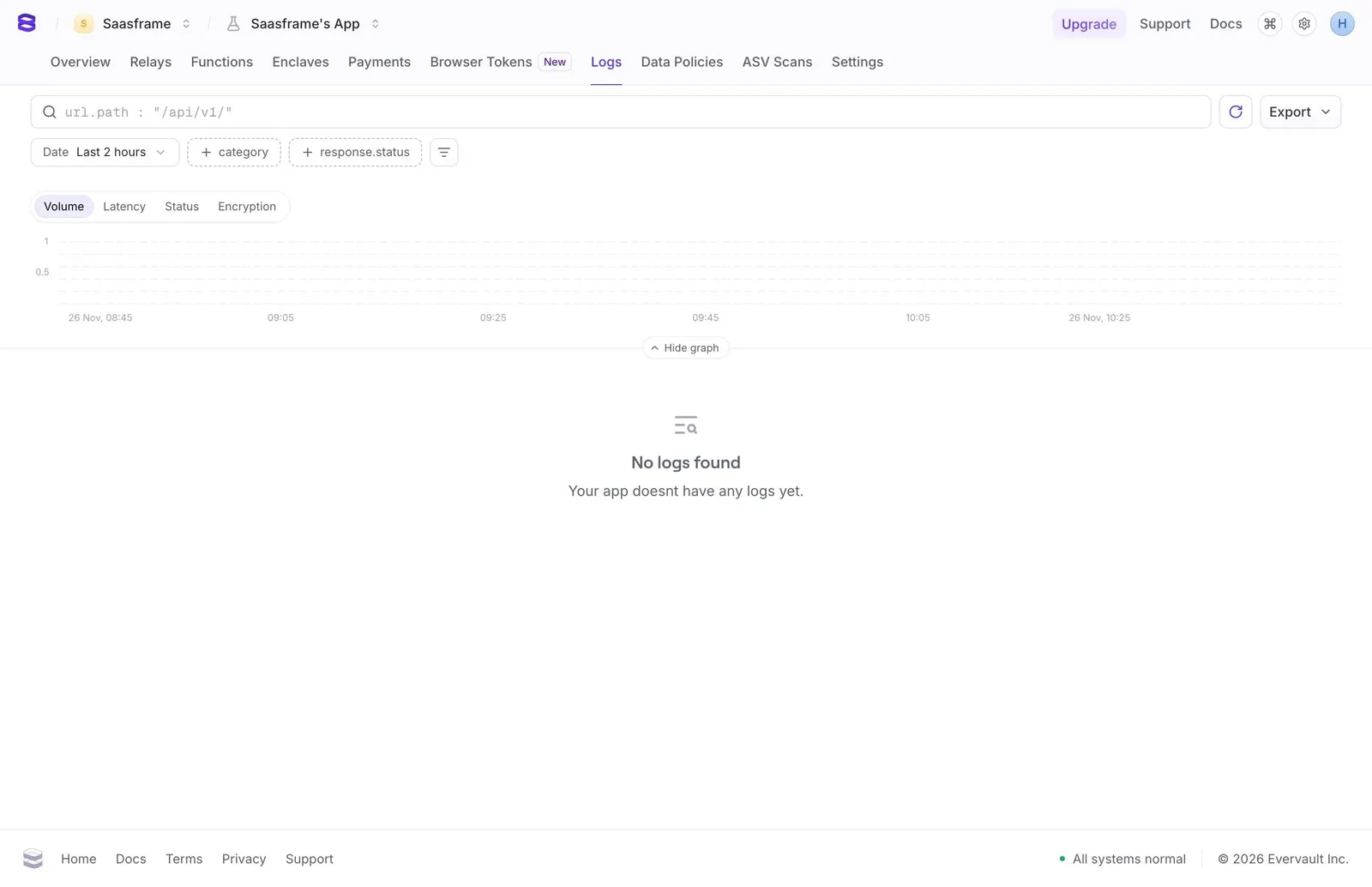
Full-width log explorer with query bar, filters, a volume chart and results area.
Content
Logs with a path query field, date, category and response status filters, tabs Volume, Latency, Status and Encryption, an empty chart and No logs found.
Notable details
The query bar uses mono text like a code input. Filters are added as chips, Date set to the last 2 hours, then category and response status, with a button to add more. The chart can be hidden with a Hide graph link. The empty message reads No logs found and explains that the app does not have any logs yet, and an Export menu and refresh icon sit at the end of the query bar.
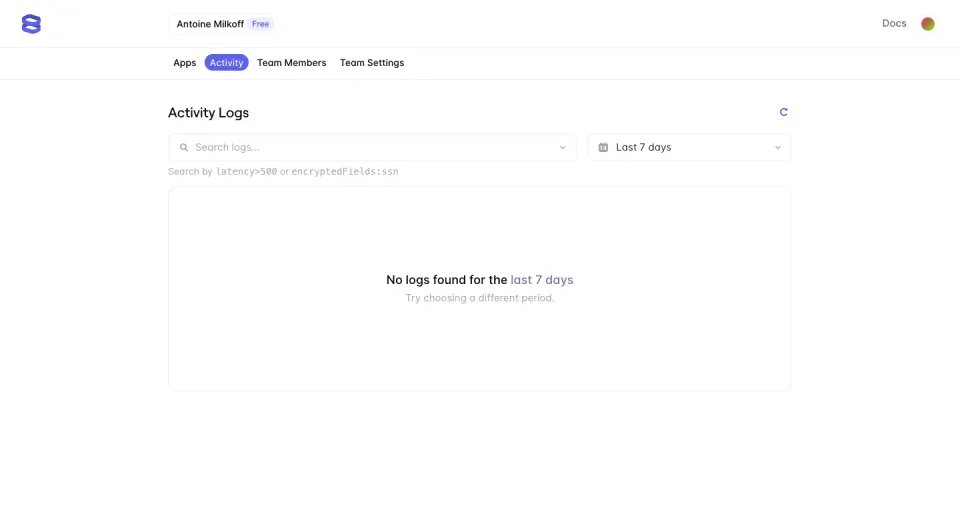
Before and after
How Evervault redesigned this screen between February 2023 and November 2026.