SaaSFrame
Clerk Roles & Permissions
 ClerkAuthentication and user management for apps
About this screen
Roles & Permissions for organizations
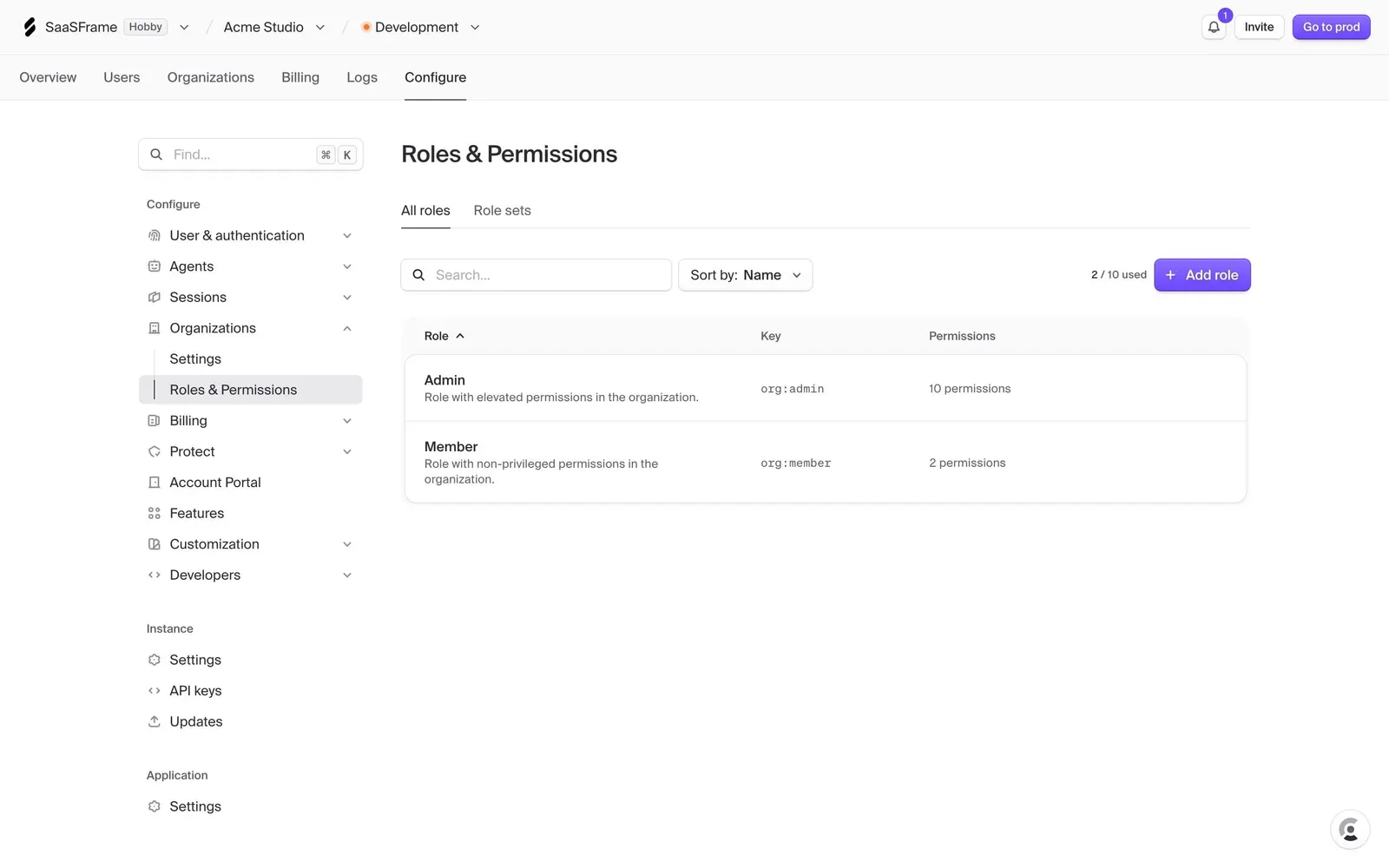
Under Organizations in the Configure sidebar, "Roles & Permissions" has tabs All roles and Role sets, a search field, a "Sort by: Name" control and a violet "Add role" button.
Two default roles
The table lists Admin ("Role with elevated permissions in the organization", key org:admin) and Member ("Role with non-privileged permissions in the organization", key org:member), each with a count of permissions.
Readable keys
Role keys are shown in a muted monospace style next to the name and description, ready for use in code.