SaaSFrame

About this screen
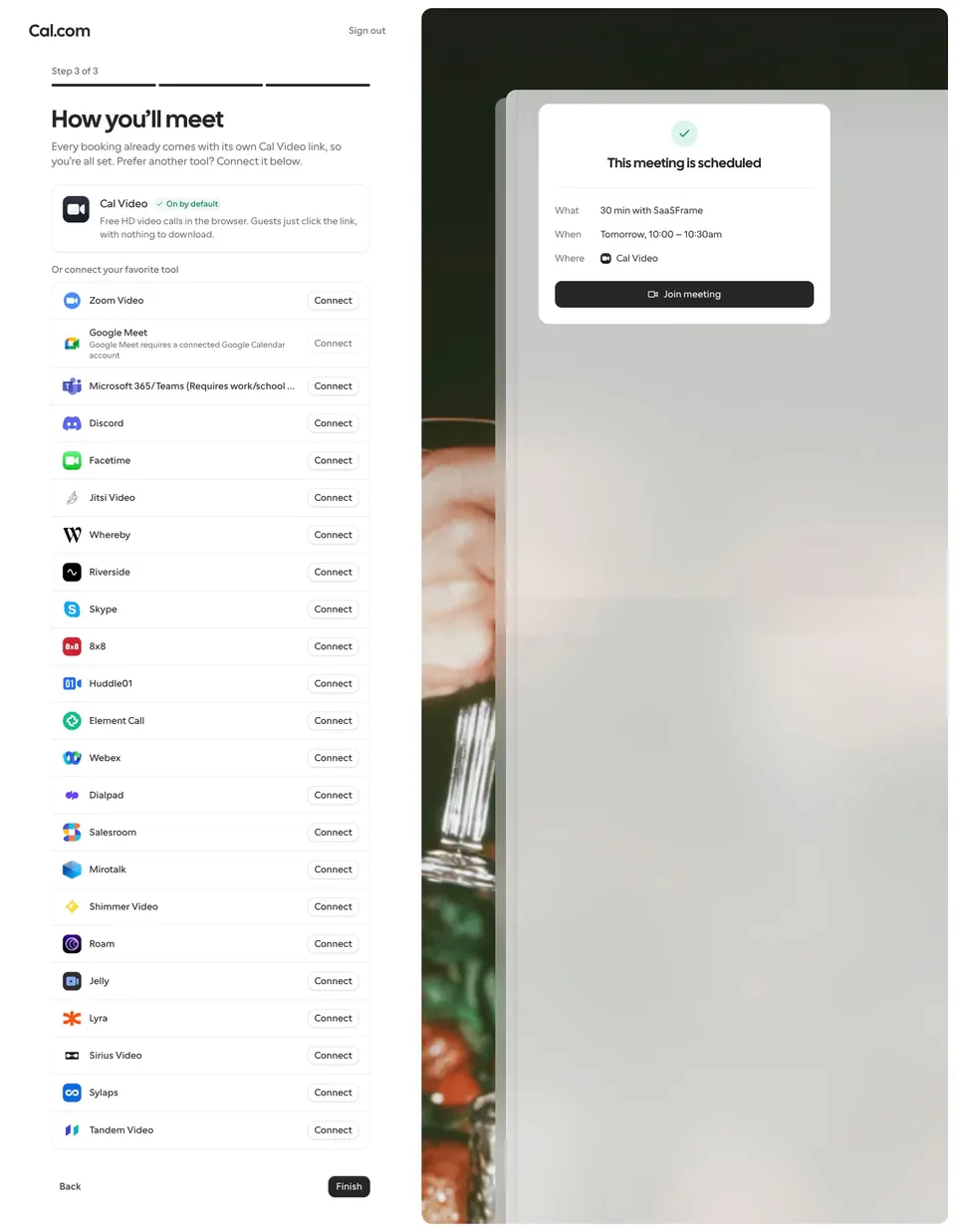
How you'll meet
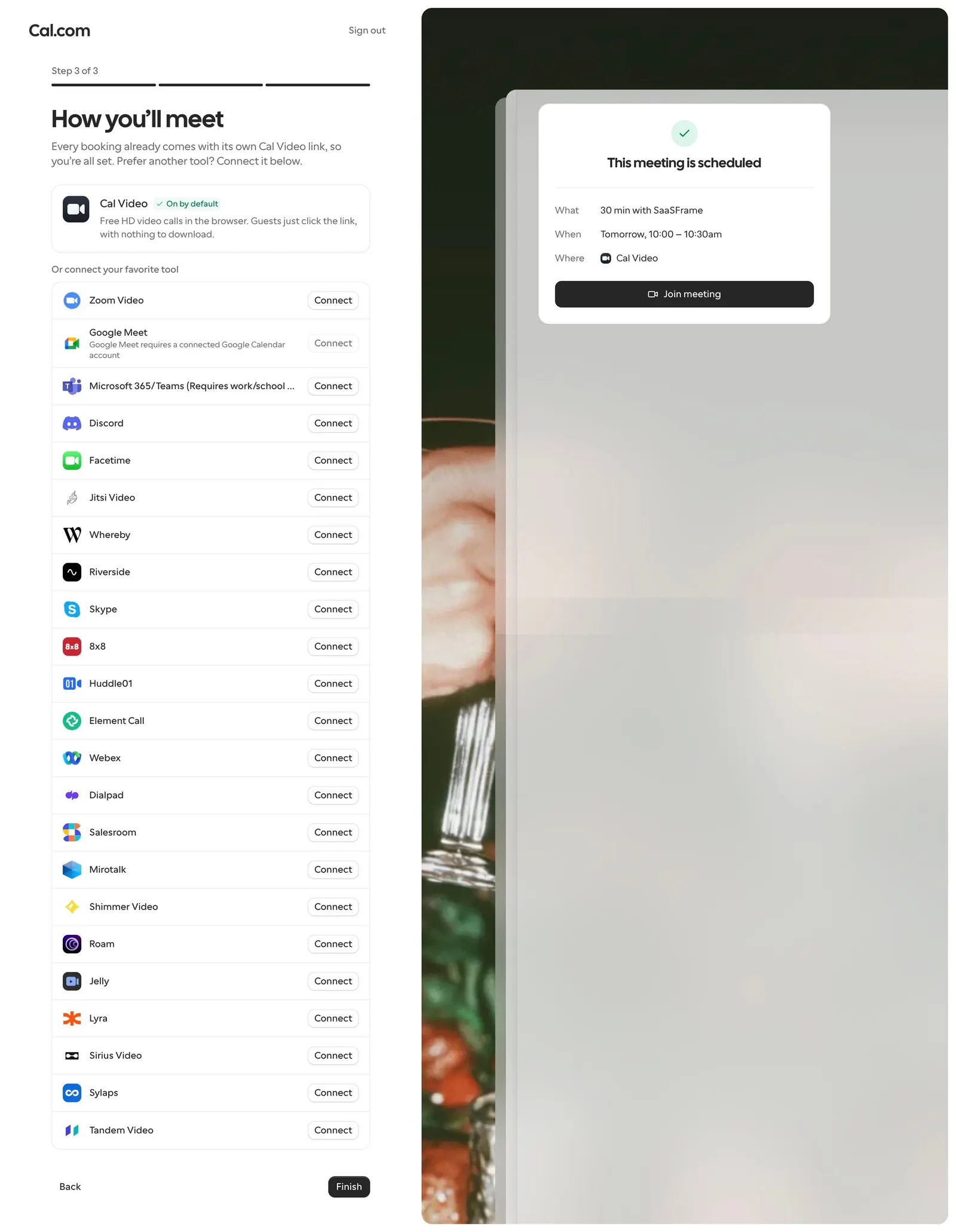
Step 3 of 3 explains "Every booking already comes with its own Cal Video link, so you're all set. Prefer another tool? Connect it below." A highlighted card presents Cal Video with an "On by default" badge: free HD video calls in the browser, with nothing to download.
A long list of alternatives
"Or connect your favorite tool" lists Zoom Video, Google Meet (which requires a connected Google Calendar), Microsoft 365/Teams, Discord, Facetime, Whereby, Riverside, Skype and many more as compact rows with a Connect button.
A confirmed meeting preview
On the right, a "This meeting is scheduled" card (30 min with SaaSFrame, tomorrow 10:00 to 10:30, Cal Video) with a black "Join meeting" button floats over a warm photo.
Before and after
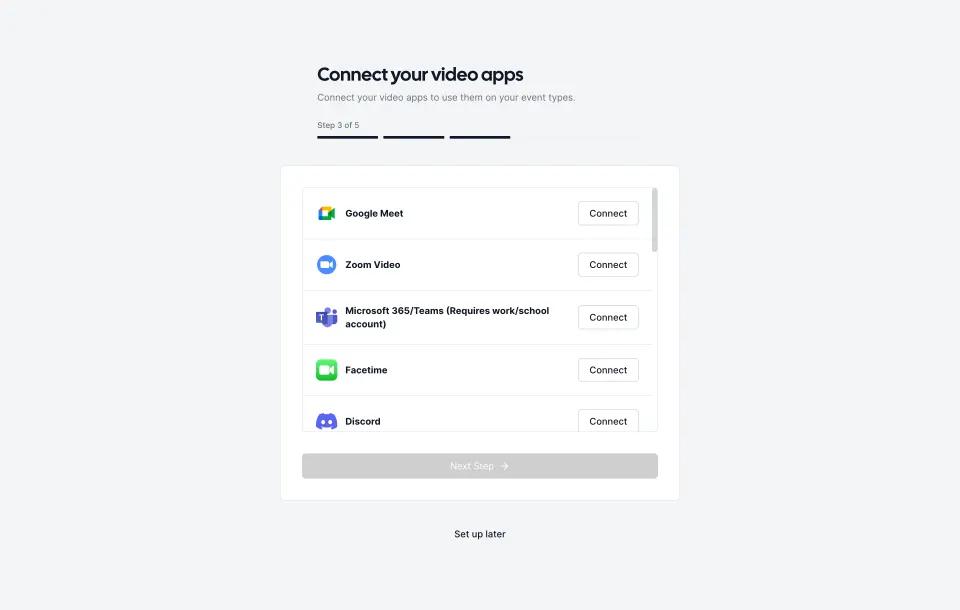
How Cal.com redesigned this screen between October 2023 and November 2026.