SaaSFrame
SaaSFrame Pro
2 more steps in this flow
Free accounts see the first 3 steps of each flow. Pro unlocks every step of every flow, plus every screen, section and Copy in Figma.
Cal.com Onboarding
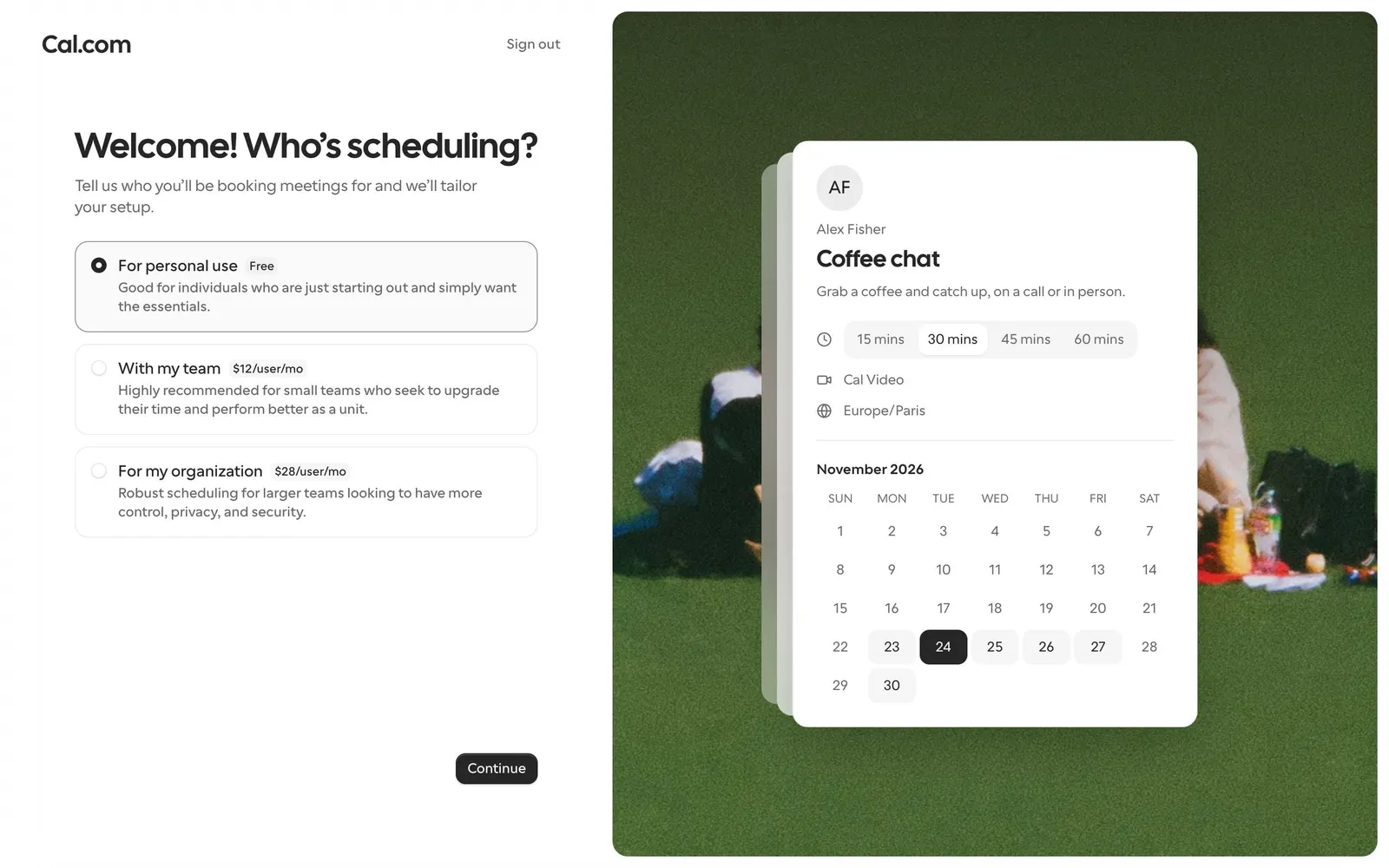
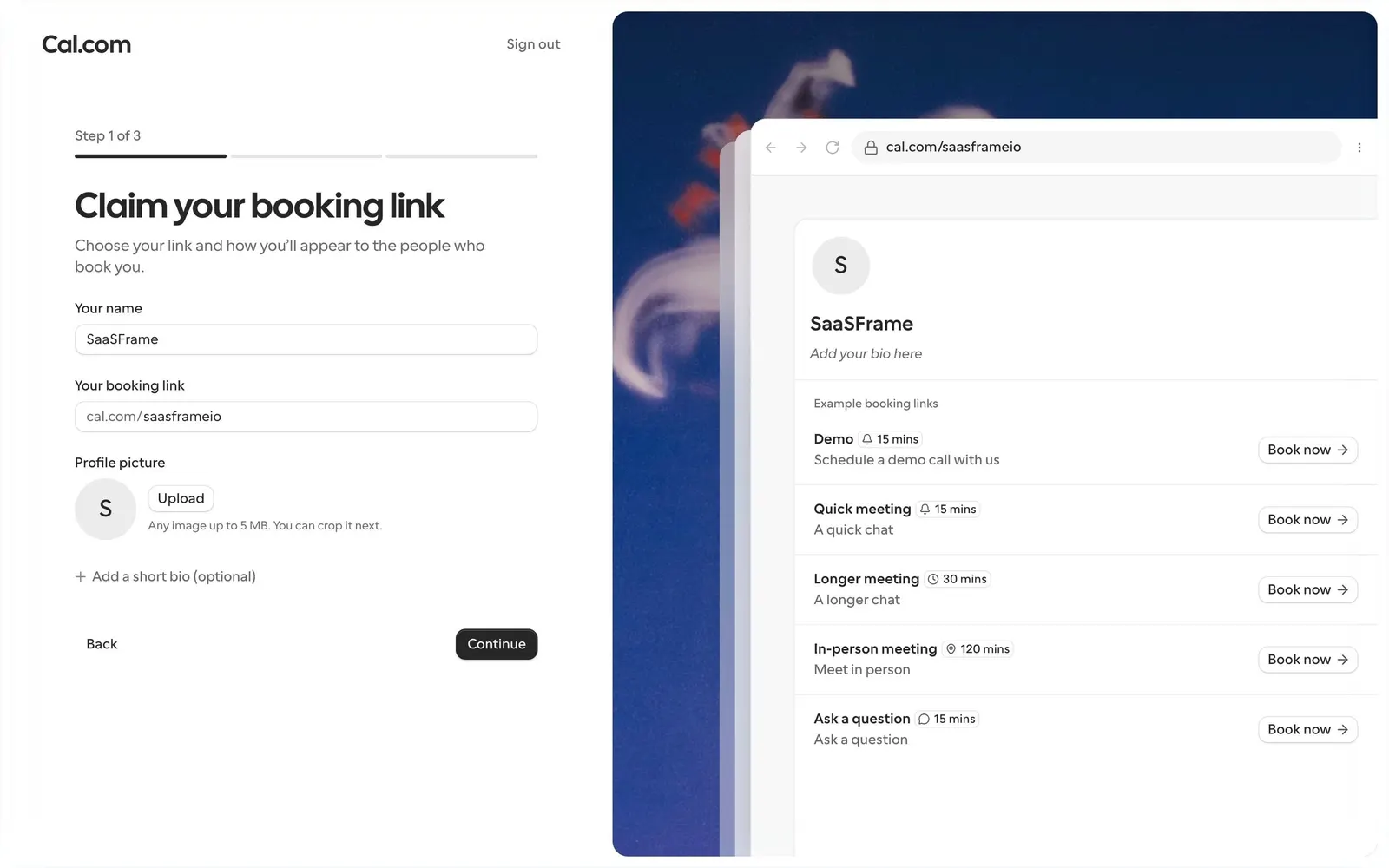
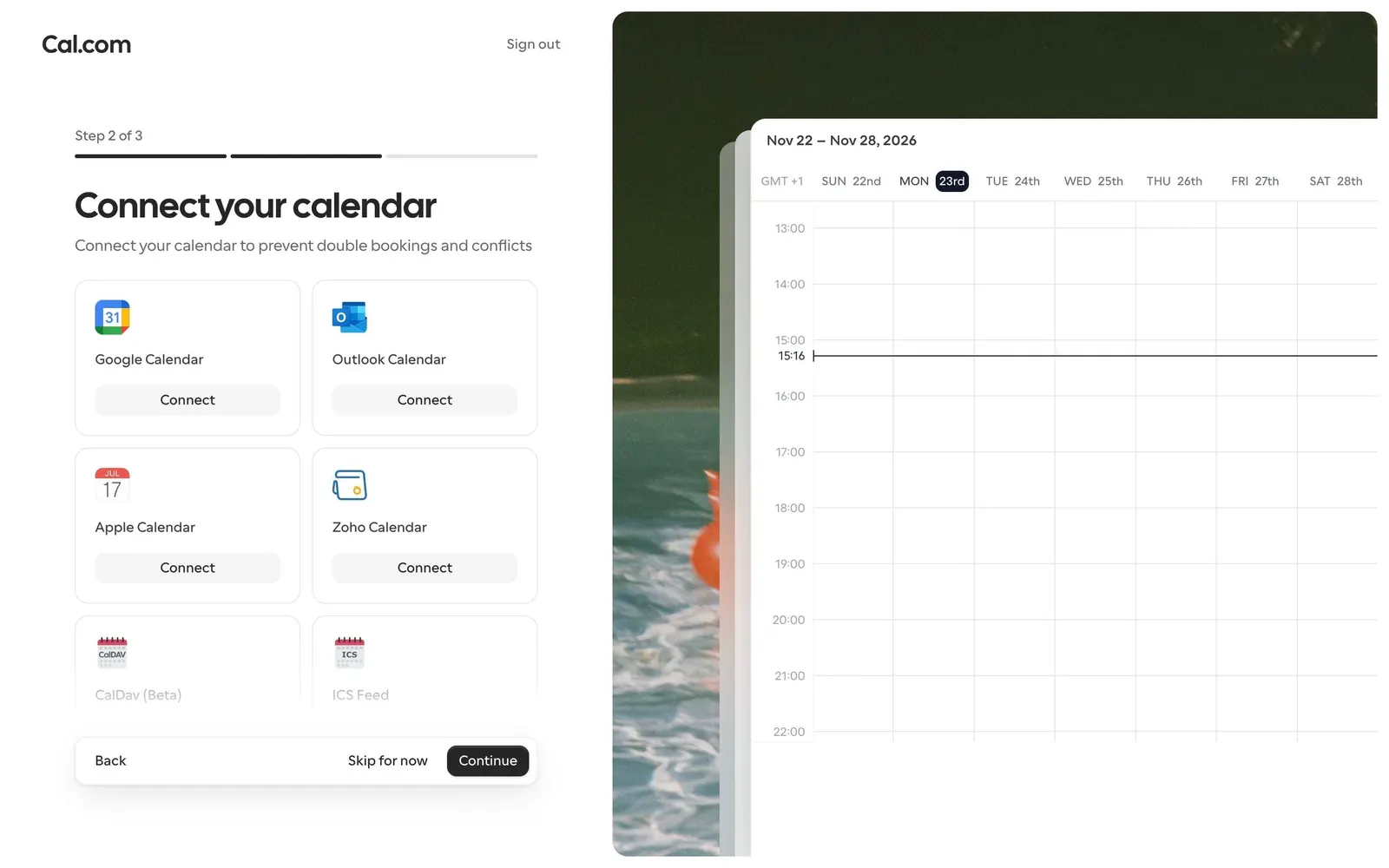
Cal.com's redesigned onboarding goes from choosing who you schedule for, to claiming your booking link, connecting a calendar and a video tool, and a welcome modal. Each step pairs a narrow white form with a full-bleed photo carrying a live mockup of the booking page, calendar or confirmation card.
Follow Cal.com’s onboarding flow step by step: 5 real screens captured from the live product, from onboarding: who's scheduling to welcome modal. Use ← → to move between steps, and open any screen to see it in full.
Steps in this flow
More flows from Cal.com
All Cal.com Cal.com Booking a Meeting
2 screens
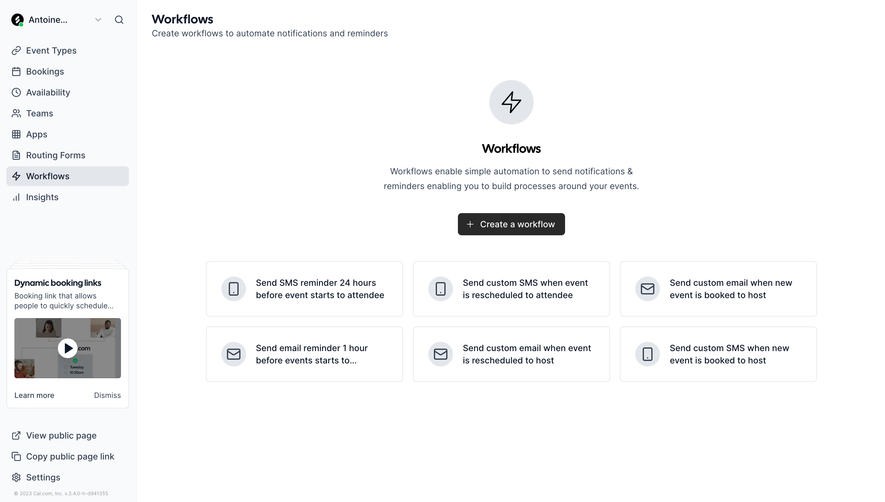
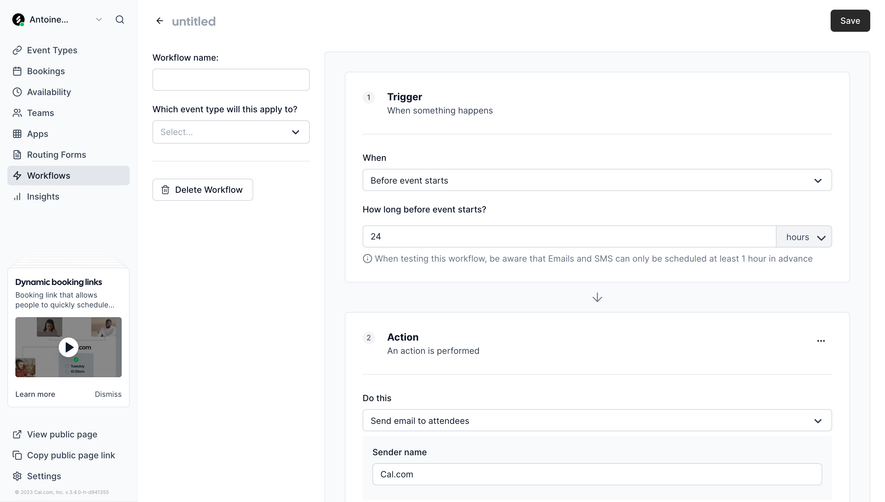
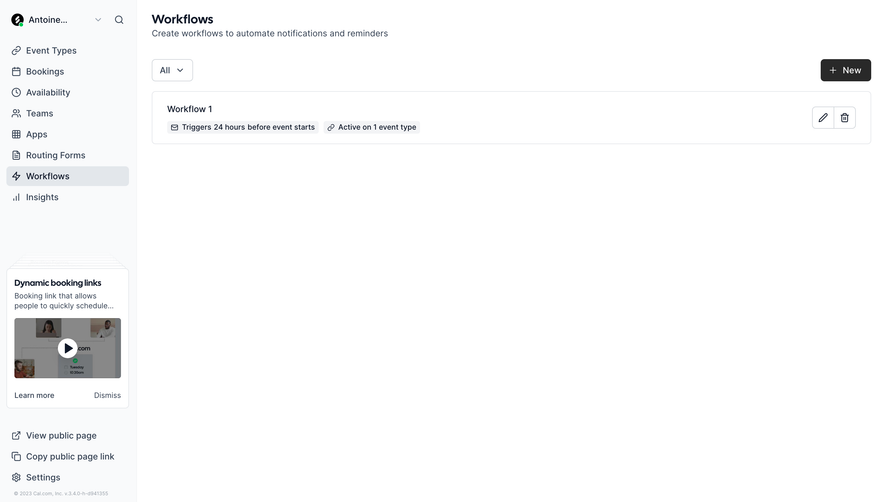
Cal.com Create a workflow
3 screens
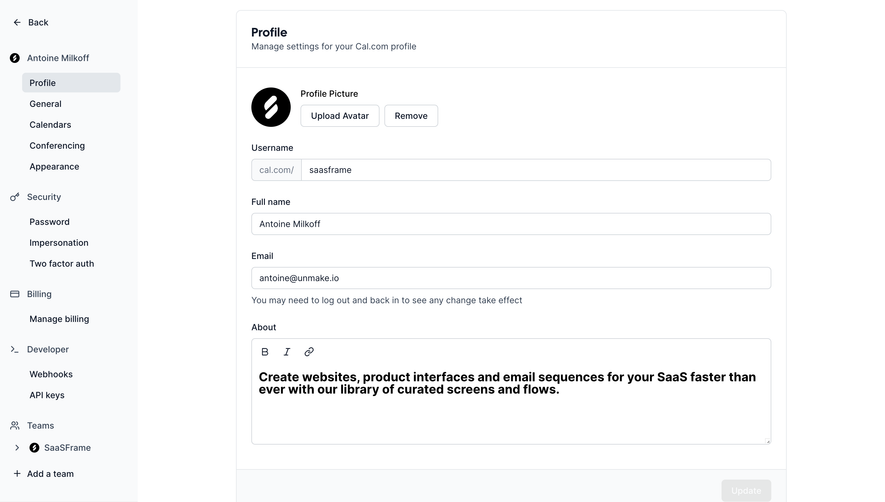
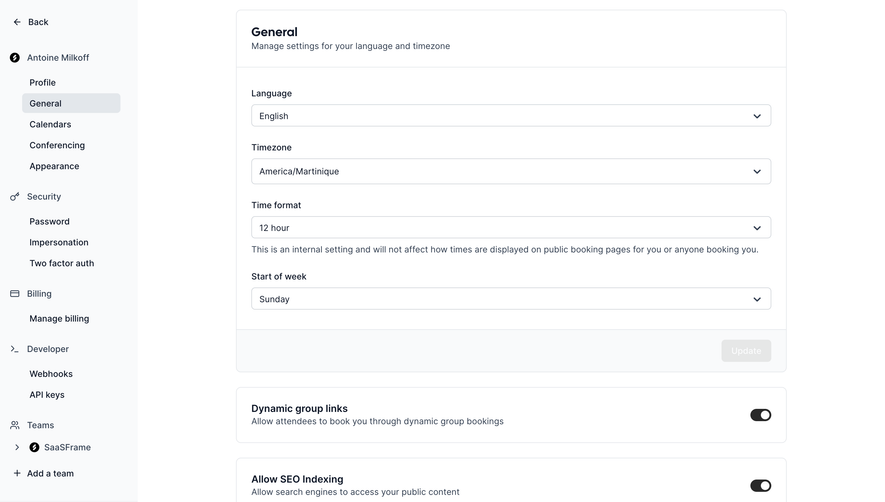
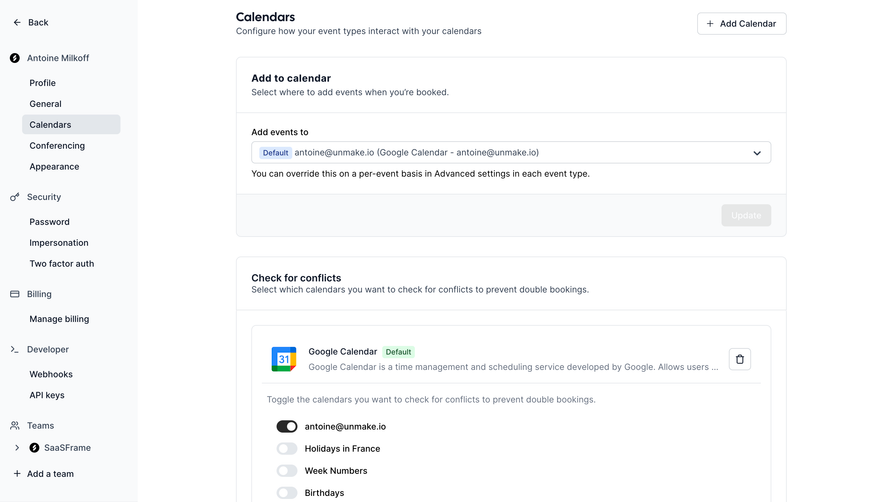
Cal.com Settings
9 screens