About this section
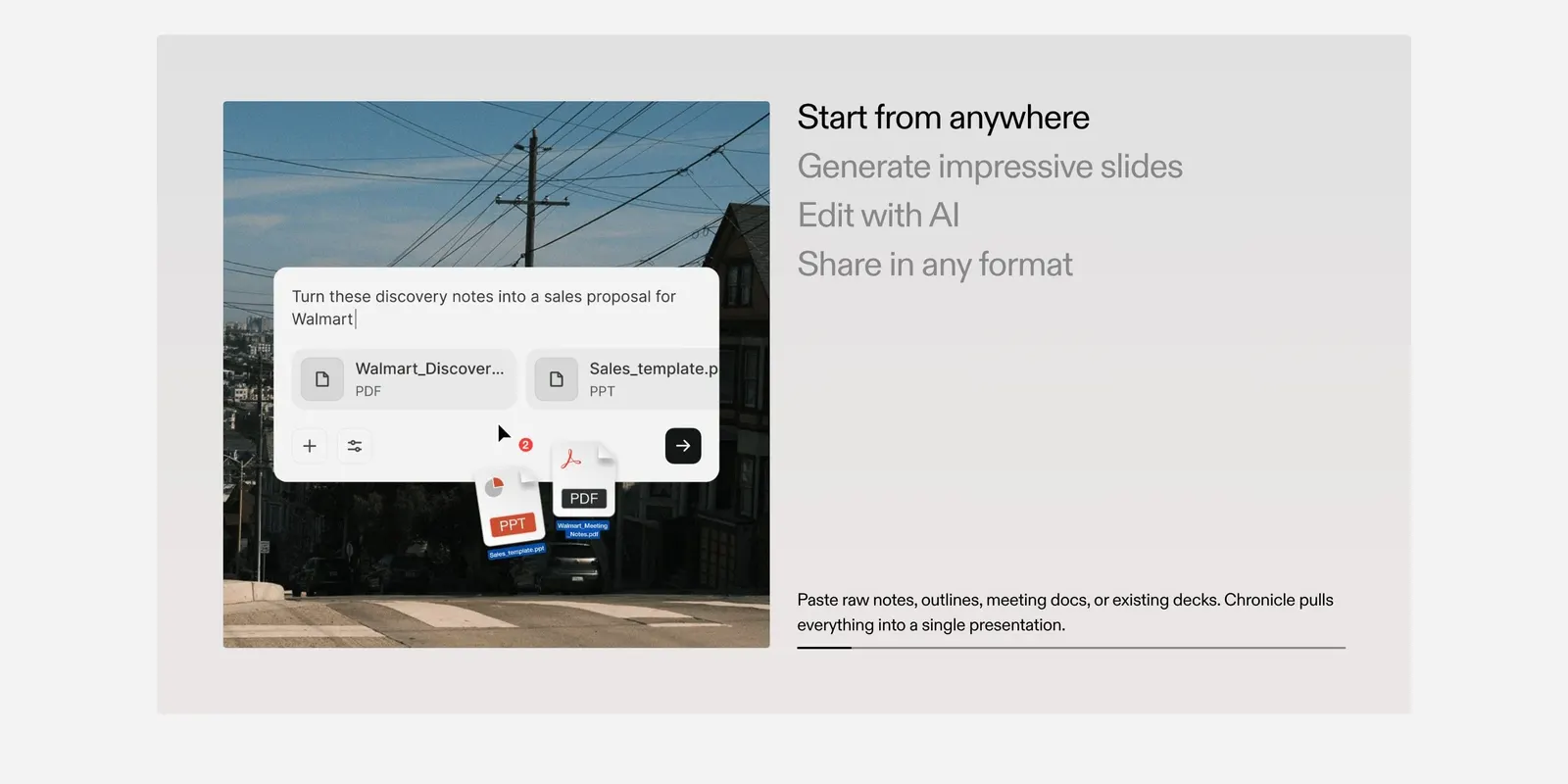
A single grey panel explains Chronicle in four stacked lines, "Start from anywhere", "Generate impressive slides", "Edit with AI" and "Share in any format", with the active step in black and the others in grey. On the left, a prompt box with attached files floats over a street photograph, and a short caption with a progress line sits at the bottom right.