About this section

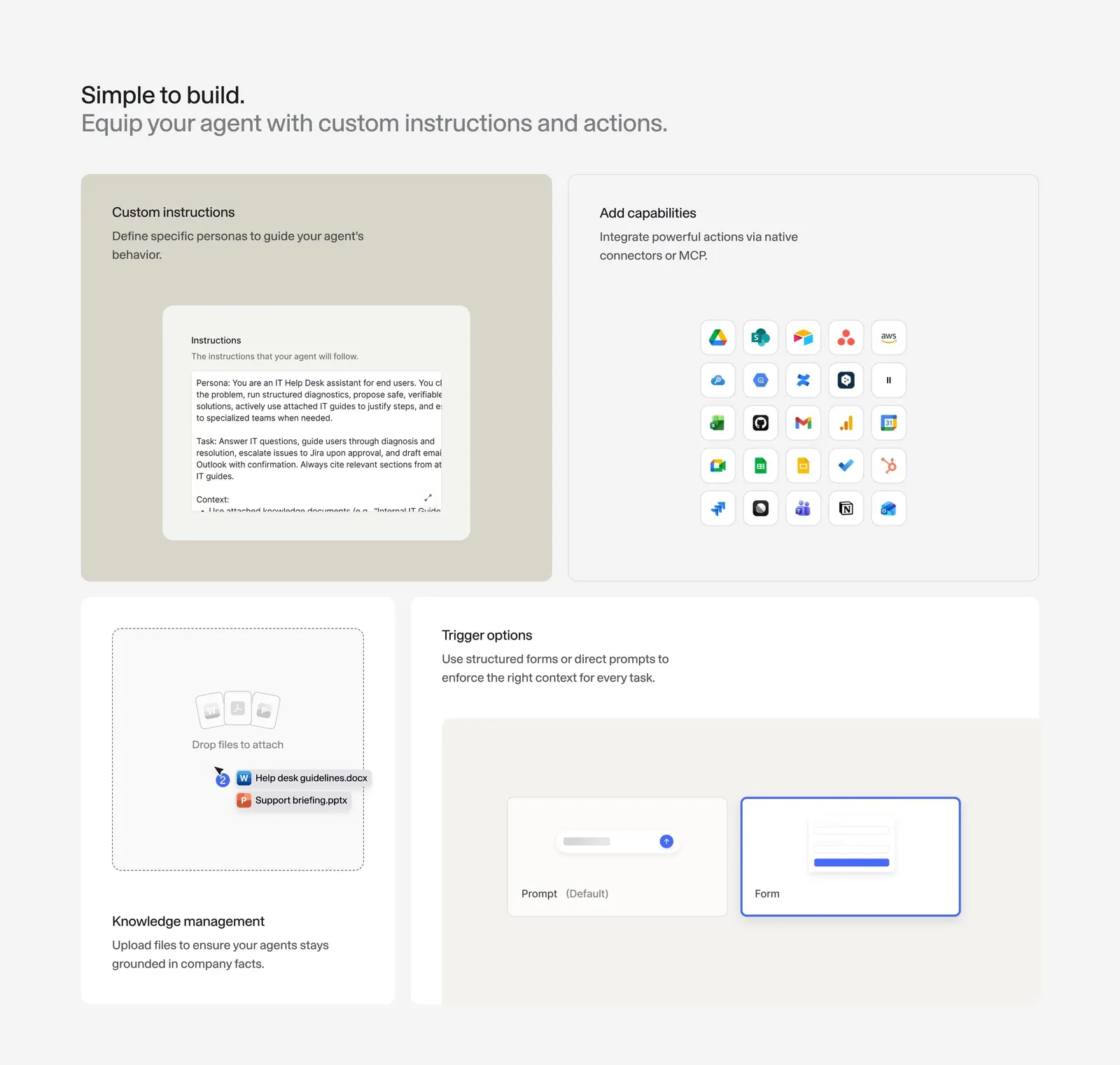
"Simple to build. Equip your agent with custom instructions and actions." splits the agent editor into four cards: a long instructions field for "Custom instructions", a grid of integration logos for "Add capabilities", an upload area for "Knowledge management" and prompt and form inputs for "Trigger options".

Other sections of this page 1

Full page

Similar How It Works sections 46

All How It Works
SaaSFrame Pro

Unlock 43 more How It Works sections

Free accounts see three sections per page. Pro unlocks every section, screen and flow, plus Copy in Figma.

More Langdock sections 23

All Langdock
SaaSFrame Pro

Unlock 20 more Langdock sections

Free accounts see three sections per page. Pro unlocks every section, screen and flow, plus Copy in Figma.