SaaSFrame
SaaSFrame Pro
2 more steps in this flow
Free accounts see the first 3 steps of each flow. Pro unlocks every step of every flow, plus every screen, section and Copy in Figma.
Vercel Sign Up Flow
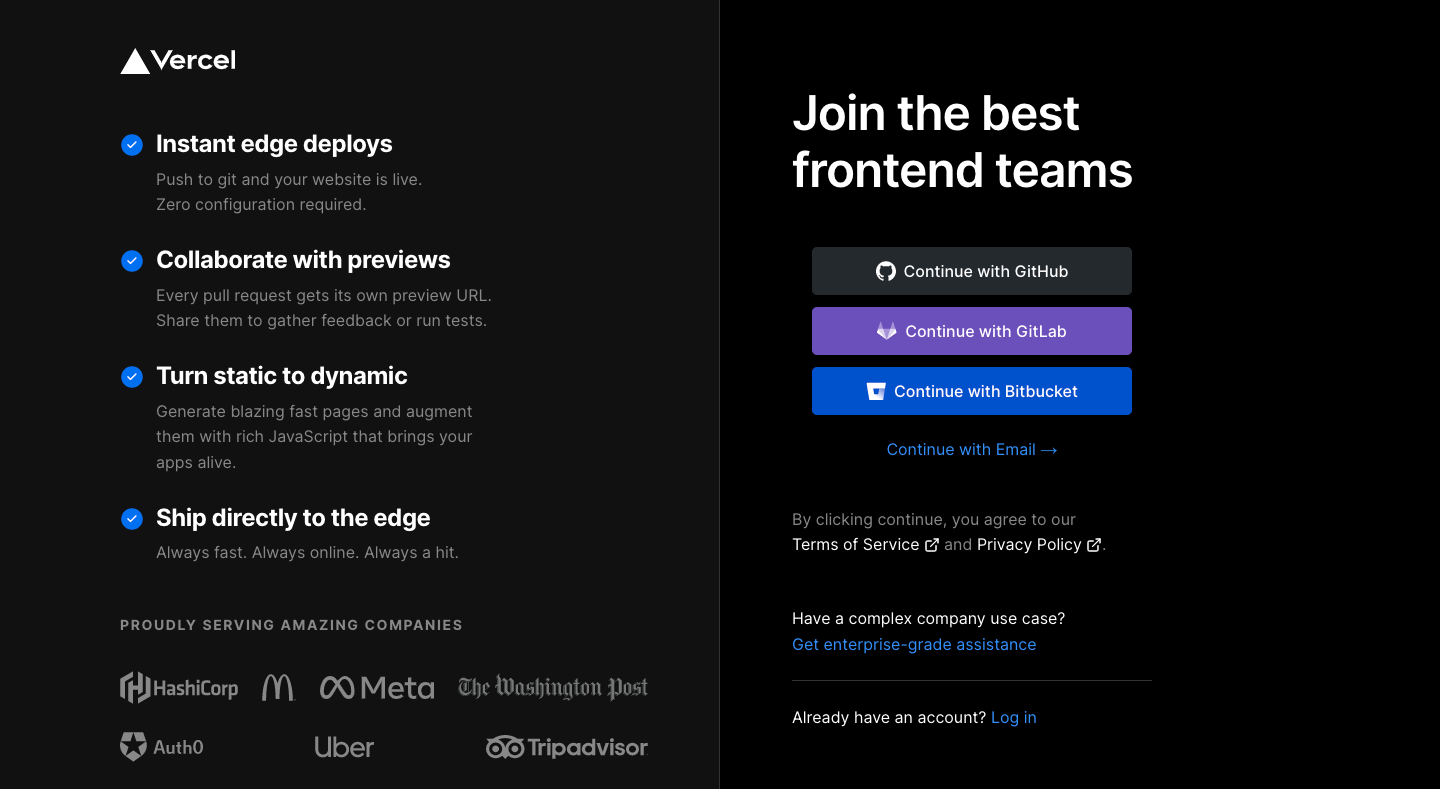
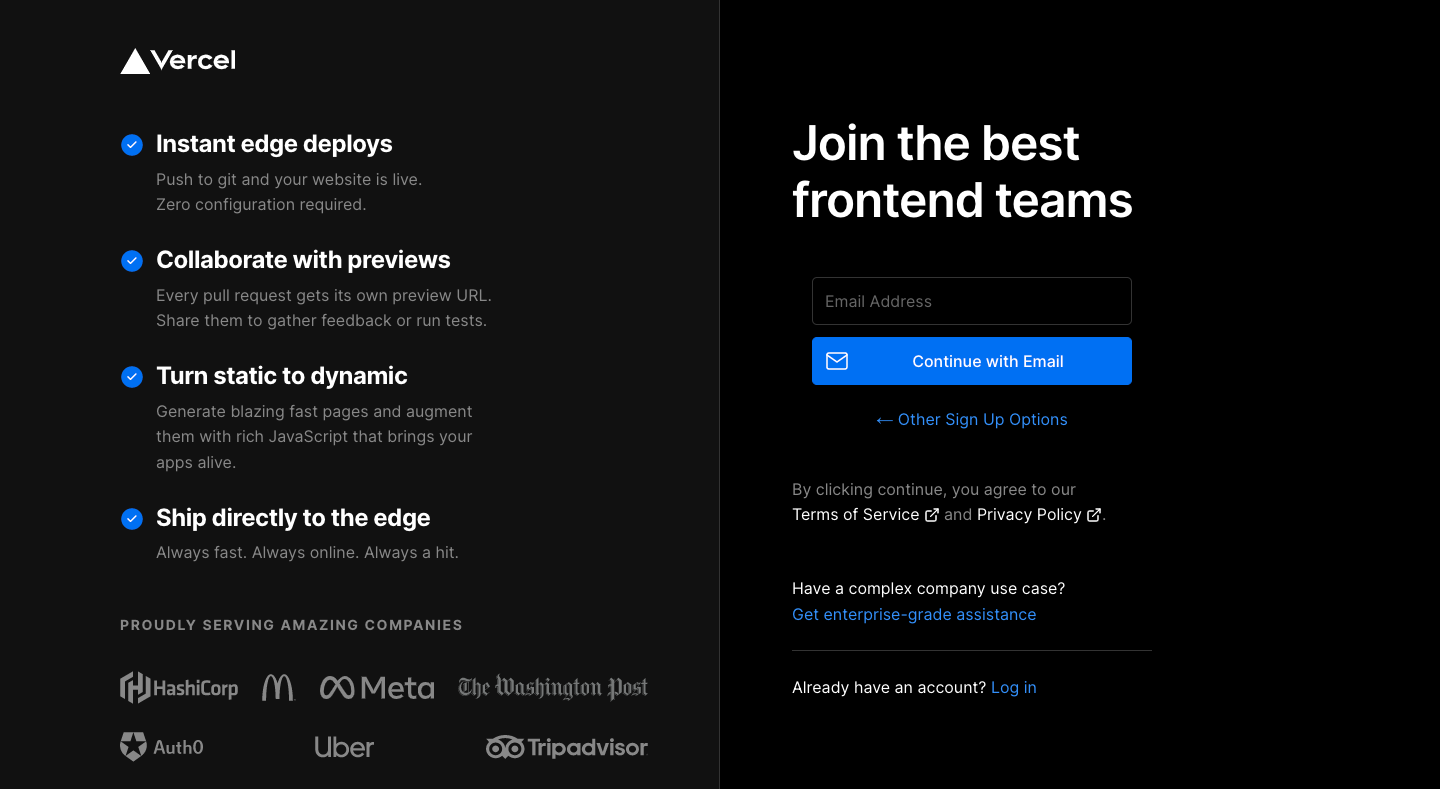
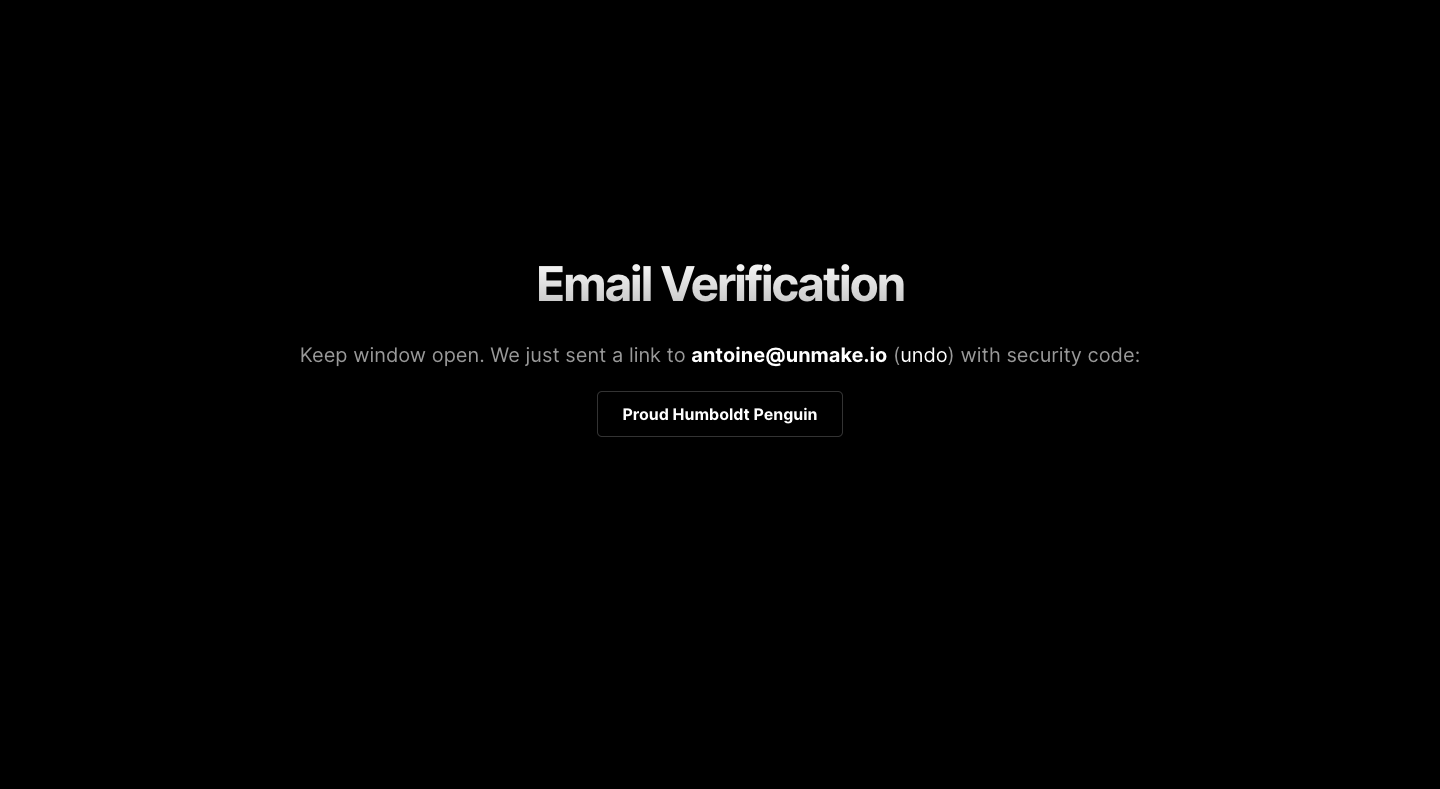
Vercel's sign-up flow offers Git provider or email sign-up and lands on a new project screen, in five black, high-contrast screens. A split layout puts a feature list and customer logos left and stacked, color-coded provider buttons right; the email option collapses to one field. Verification and success are sparse centered messages, and the welcome screen splits Git import from templates.
Follow Vercel’s sign up flow flow step by step: 5 real screens captured from the live product, from sign up options to welcome screen. Use ← → to move between steps, and open any screen to see it in full.
Steps in this flow
More flows from Vercel
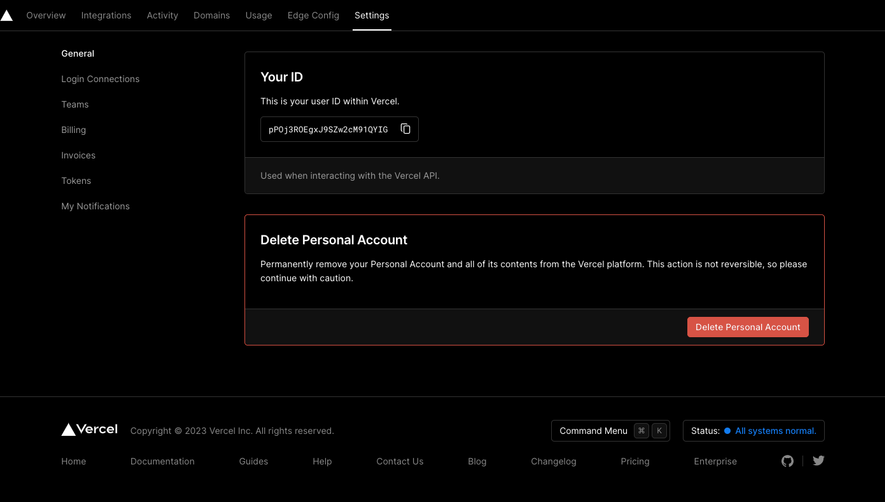
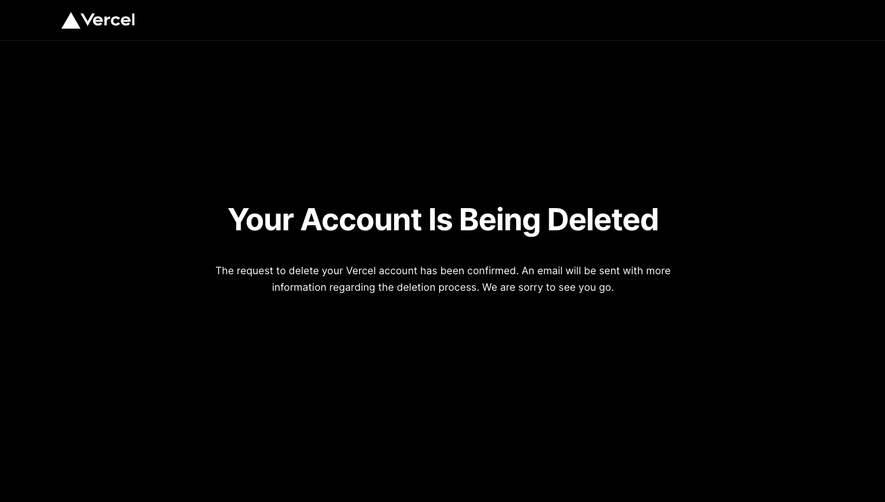
All Vercel Vercel Delete Account
6 screens
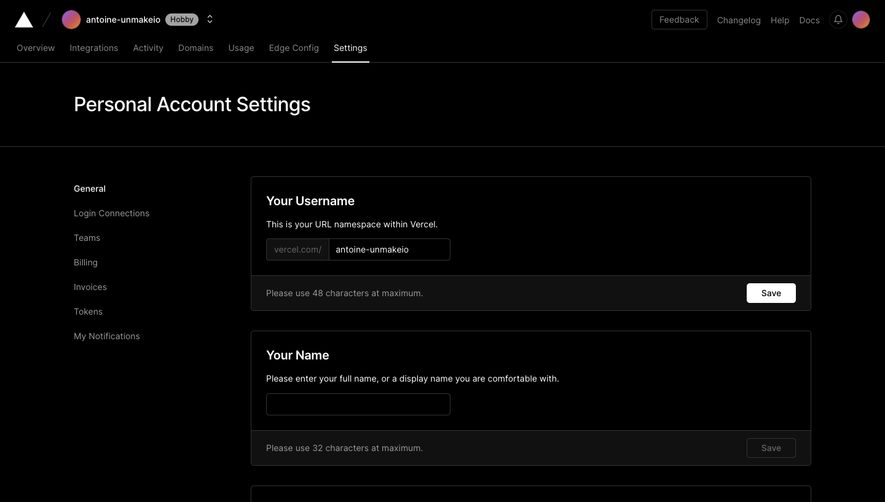
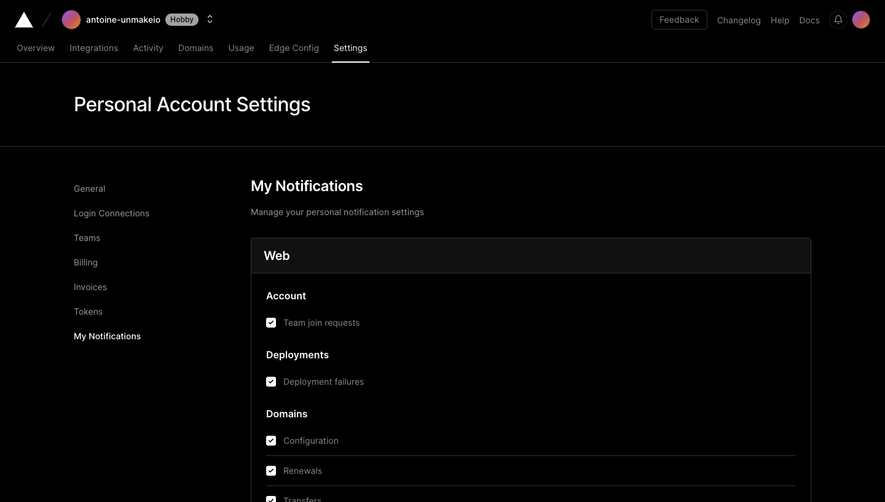
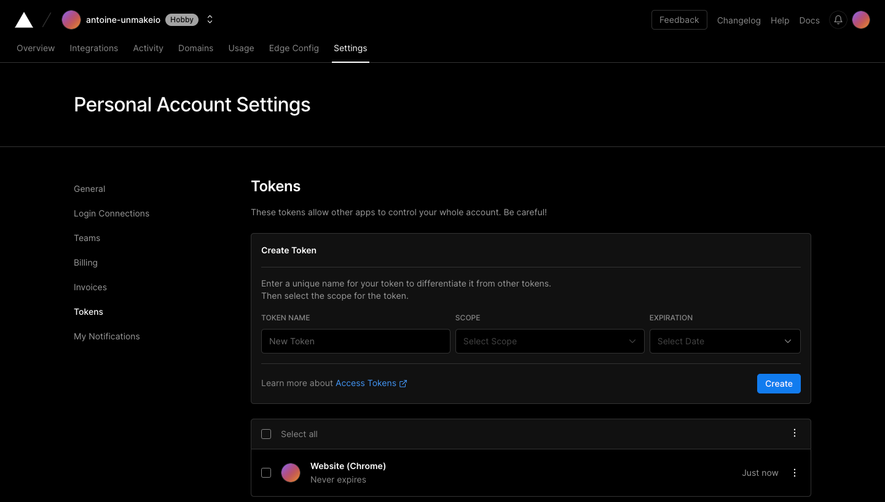
Vercel Account Settings
4 screens