SaaSFrame
1 more step in this flow
Free accounts see the first 3 steps of each flow. Pro unlocks every step of every flow, plus every screen, section and Copy in Figma.
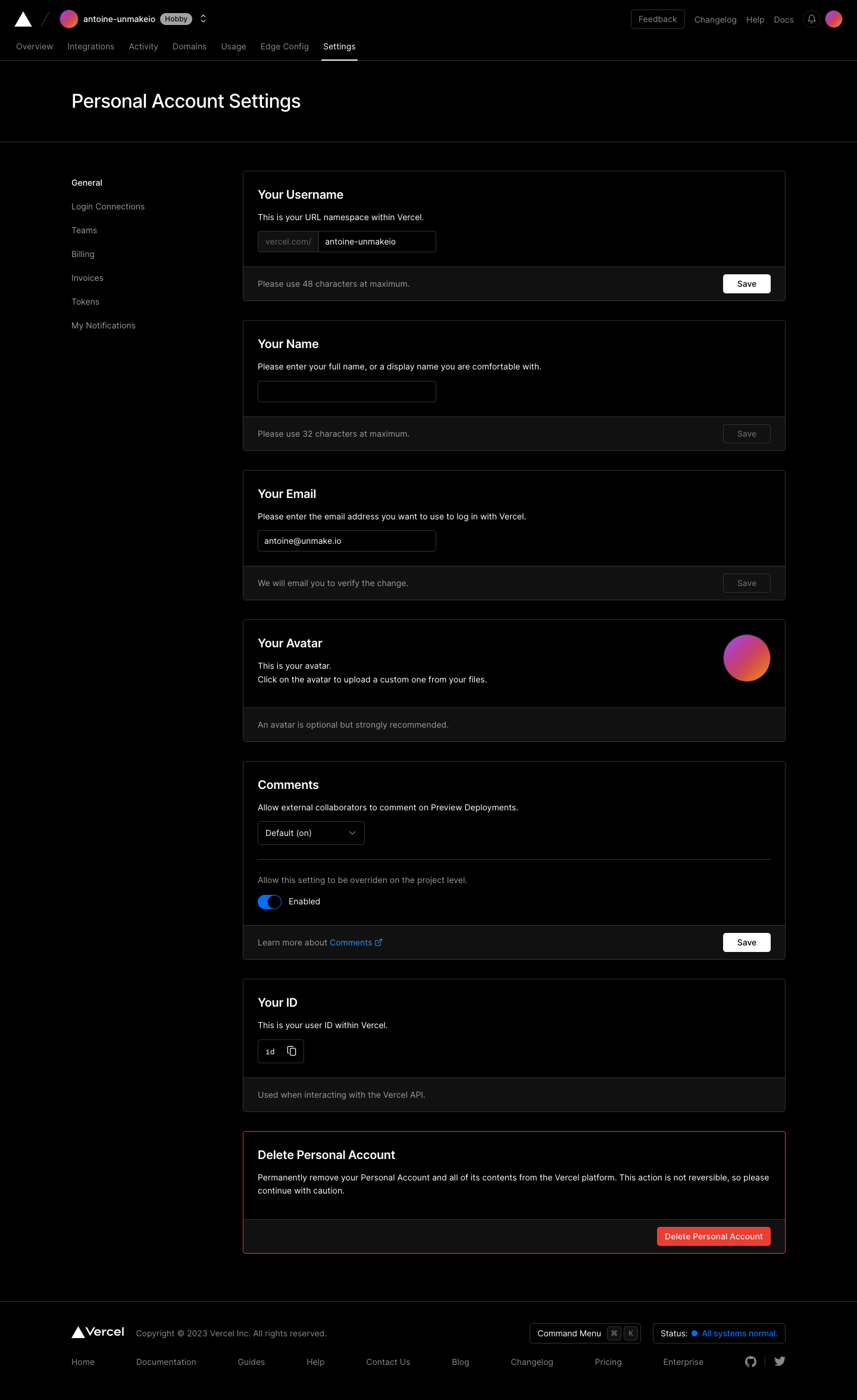
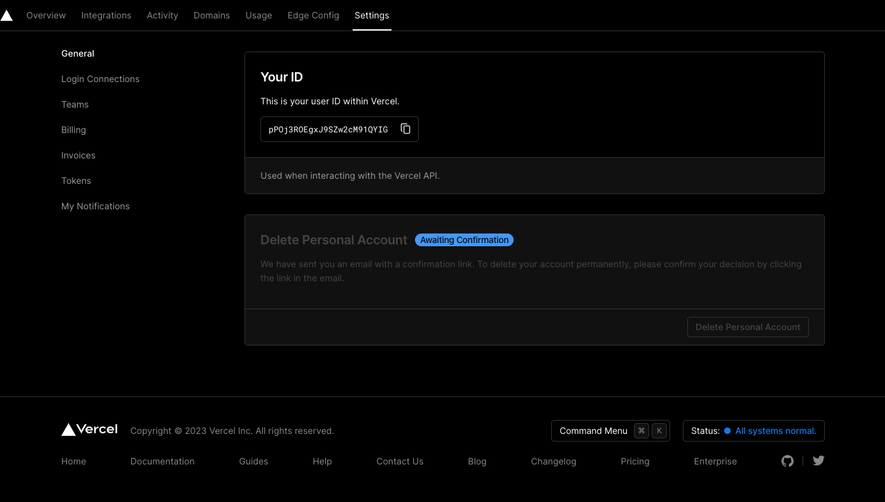
Vercel Account Settings
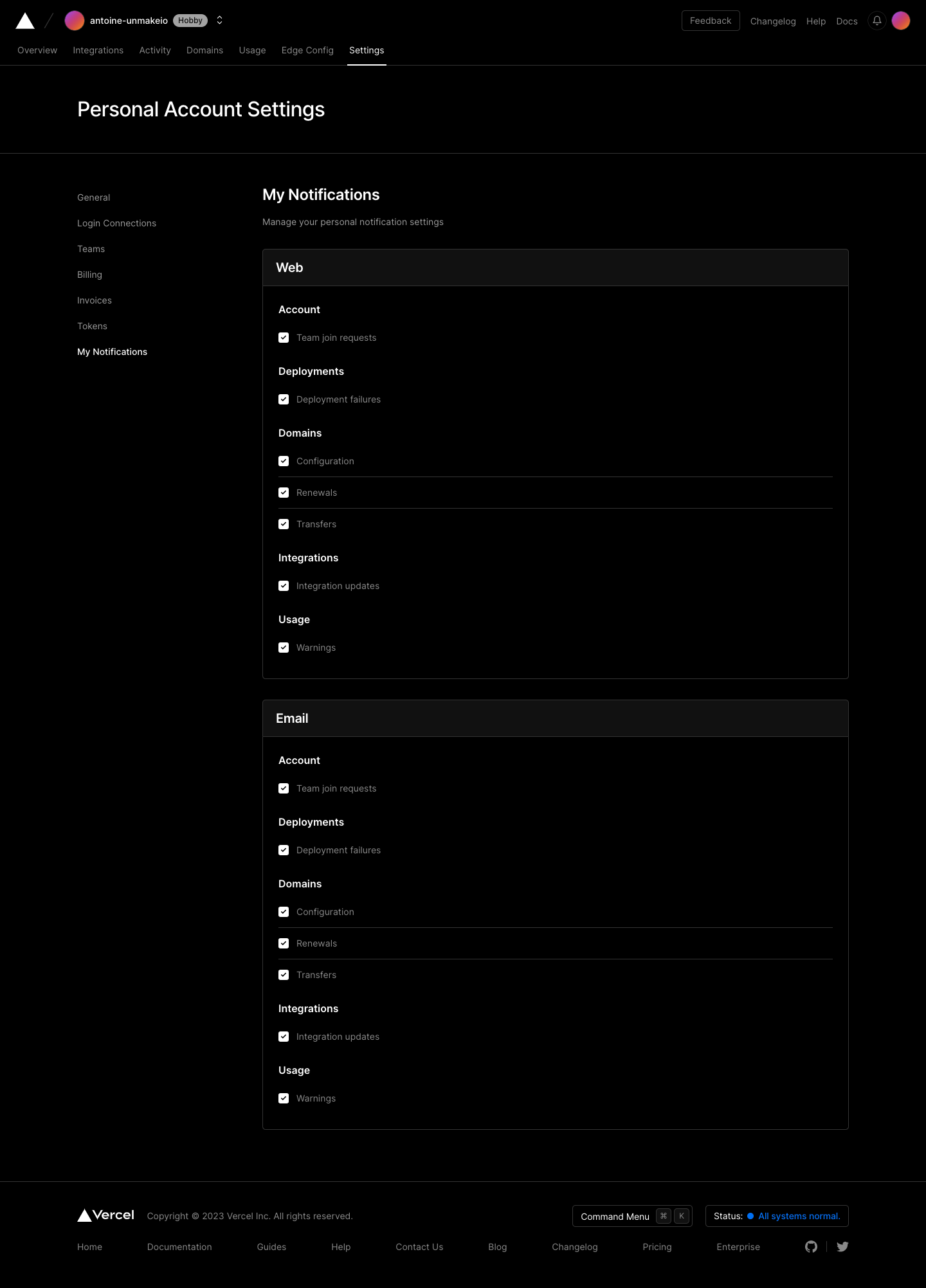
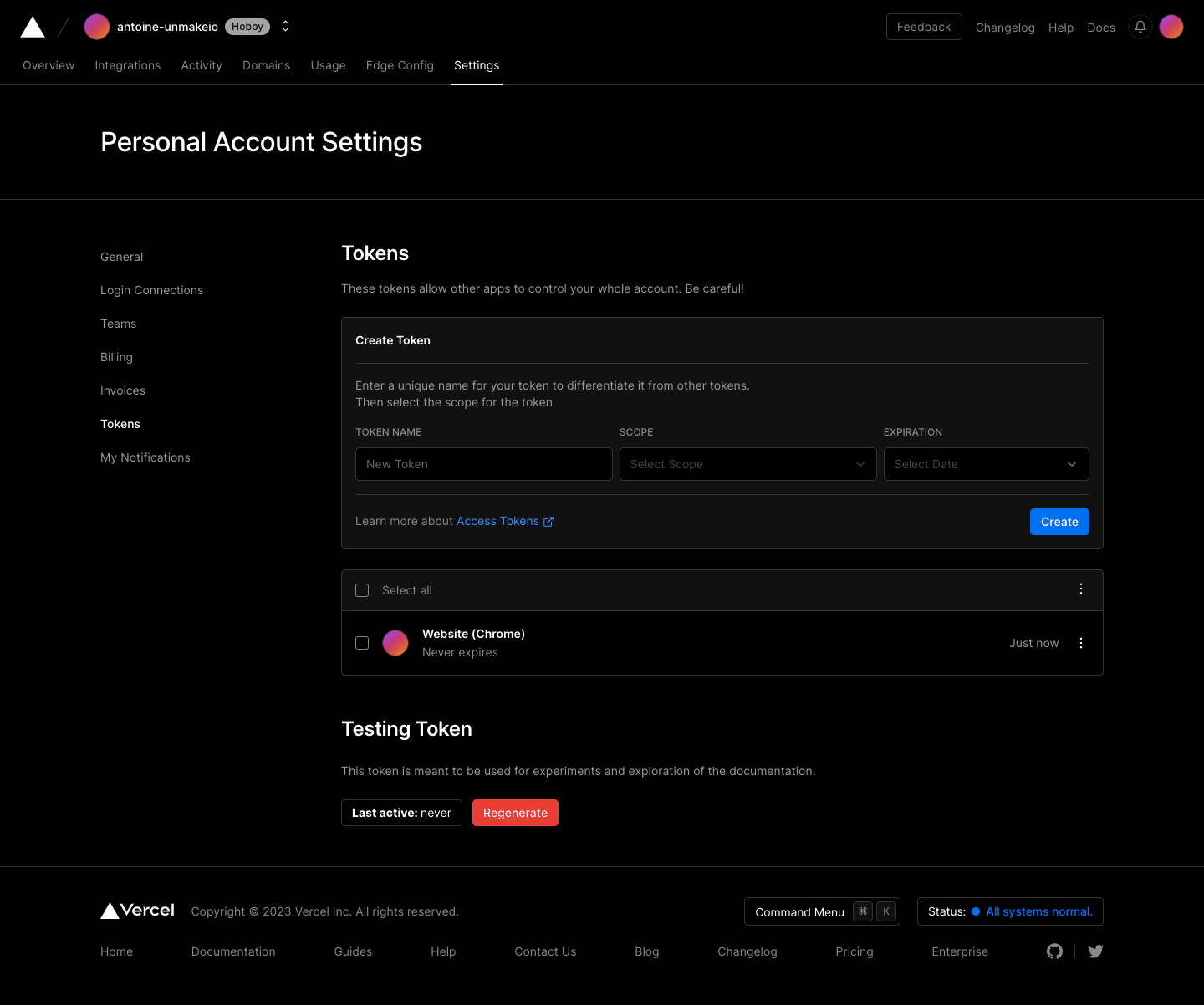
Vercel's account settings flow covers general, notifications, tokens and billing in four dark screens with a quiet left menu. Each setting sits in its own bordered card with helper text and a footer bar holding a small save button. Notifications are checkbox groups by category, tokens pair a creation form with scope and expiry dropdowns above a list, and billing shows usage meters in a grid.
Follow Vercel’s account settings flow step by step: 4 real screens captured from the live product, from account settings to billing settings. Use ← → to move between steps, and open any screen to see it in full.
Steps in this flow
More flows from Vercel
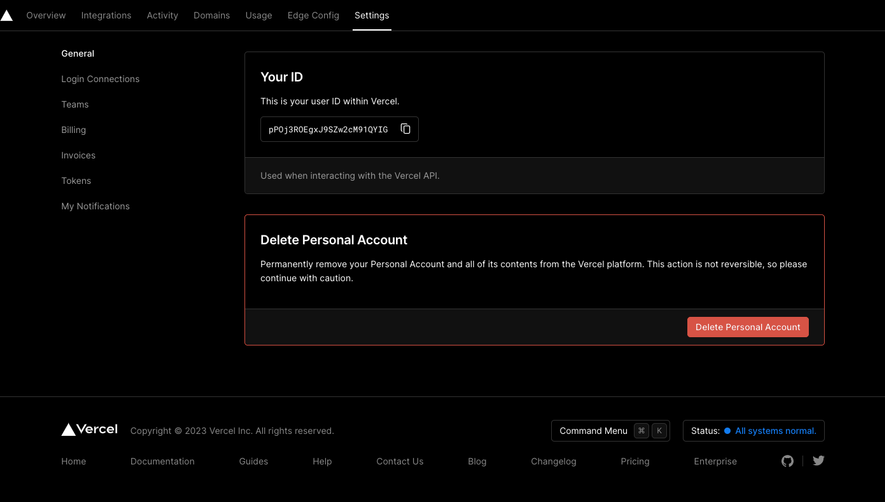
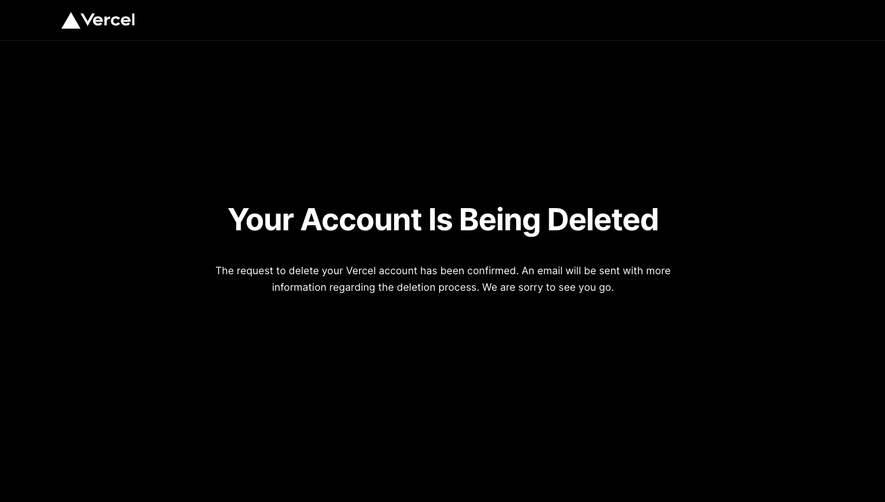
All Vercel Vercel Delete Account
6 screens
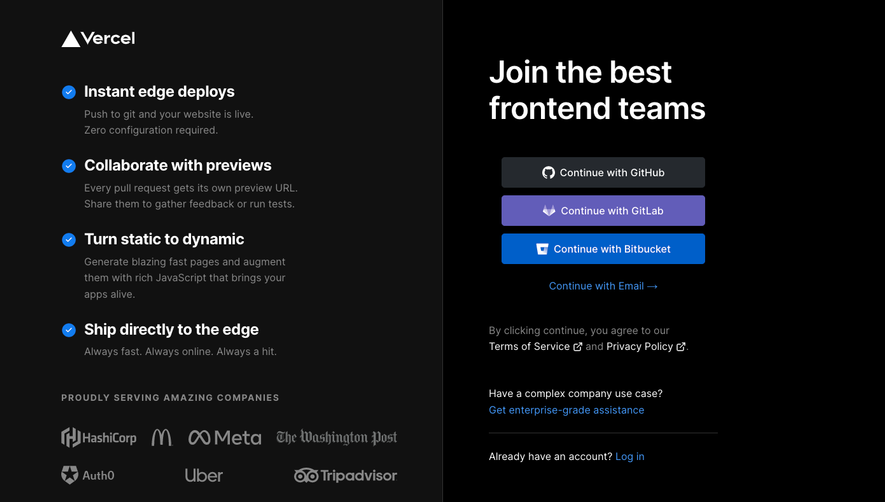
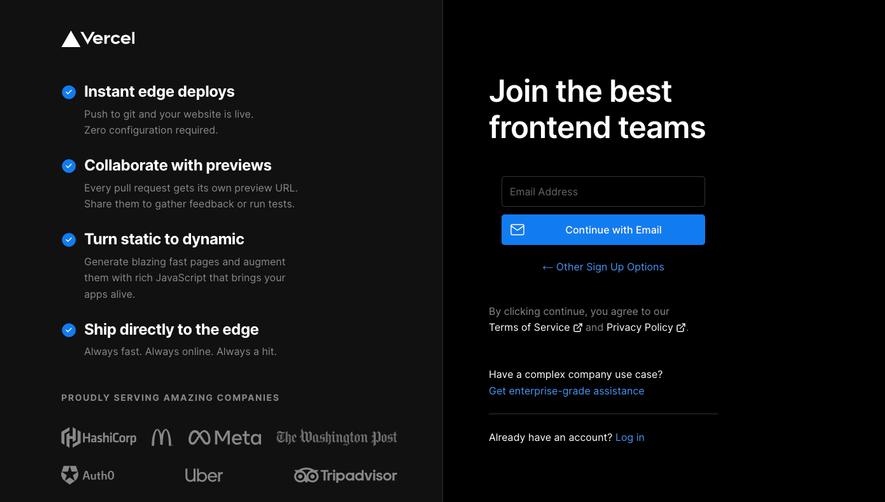
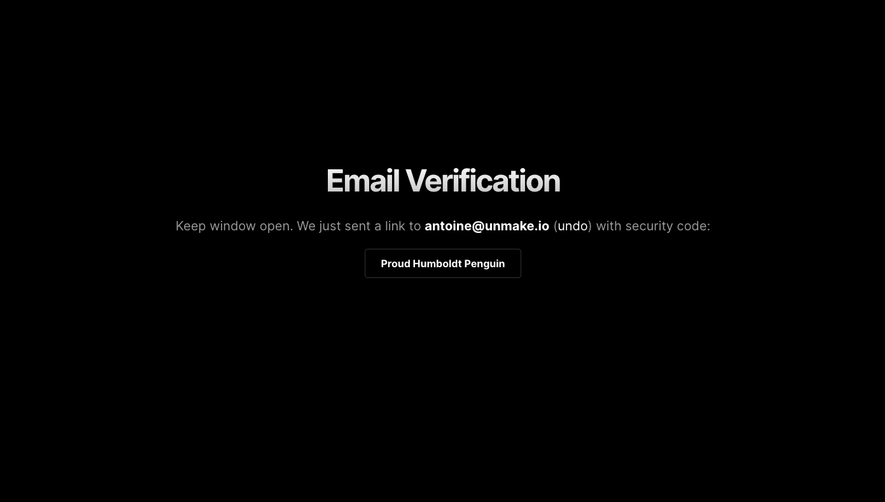
Vercel Sign Up Flow
5 screens