SaaSFrame
3 more steps in this flow
Free accounts see the first 3 steps of each flow. Pro unlocks every step of every flow, plus every screen, section and Copy in Figma.
Vercel Delete Account
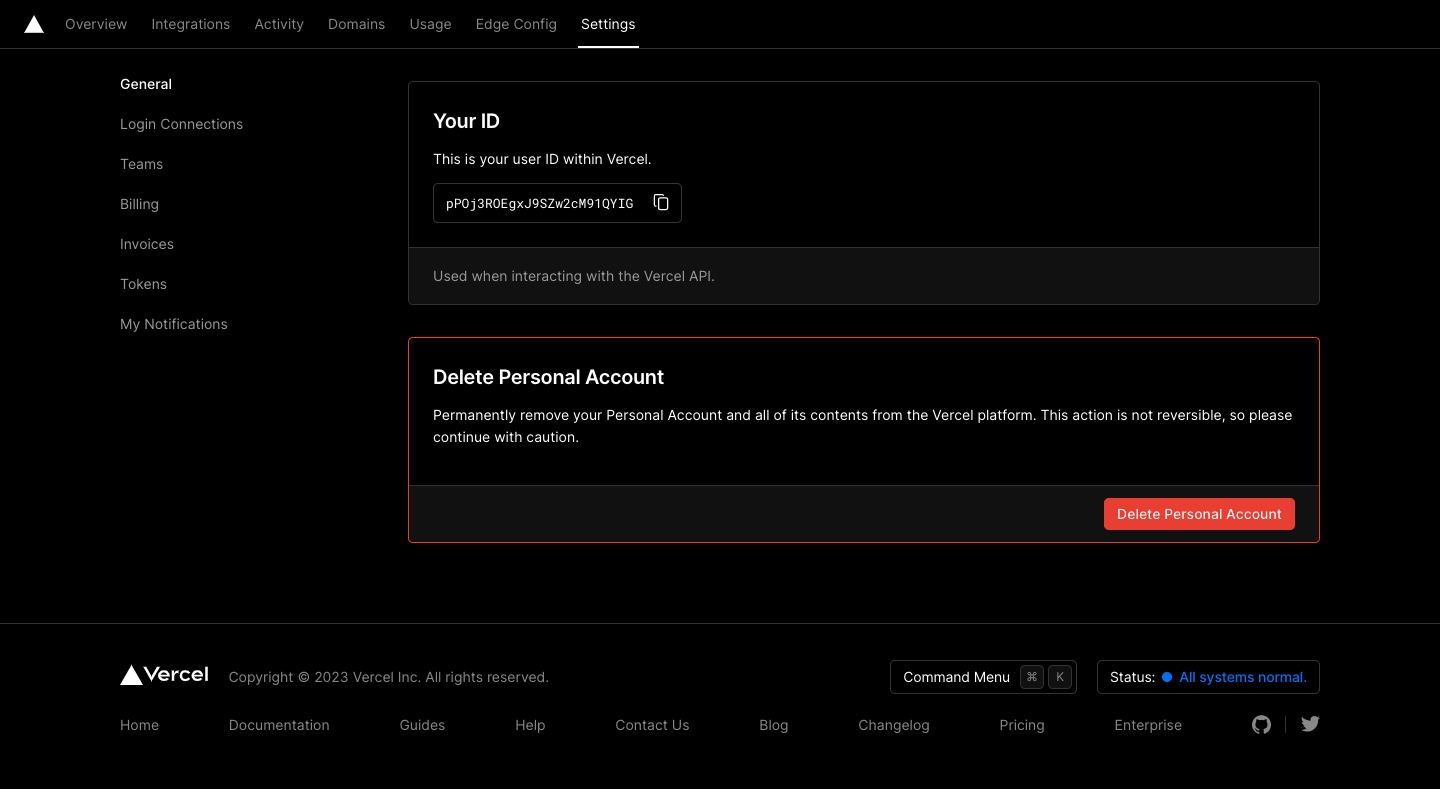
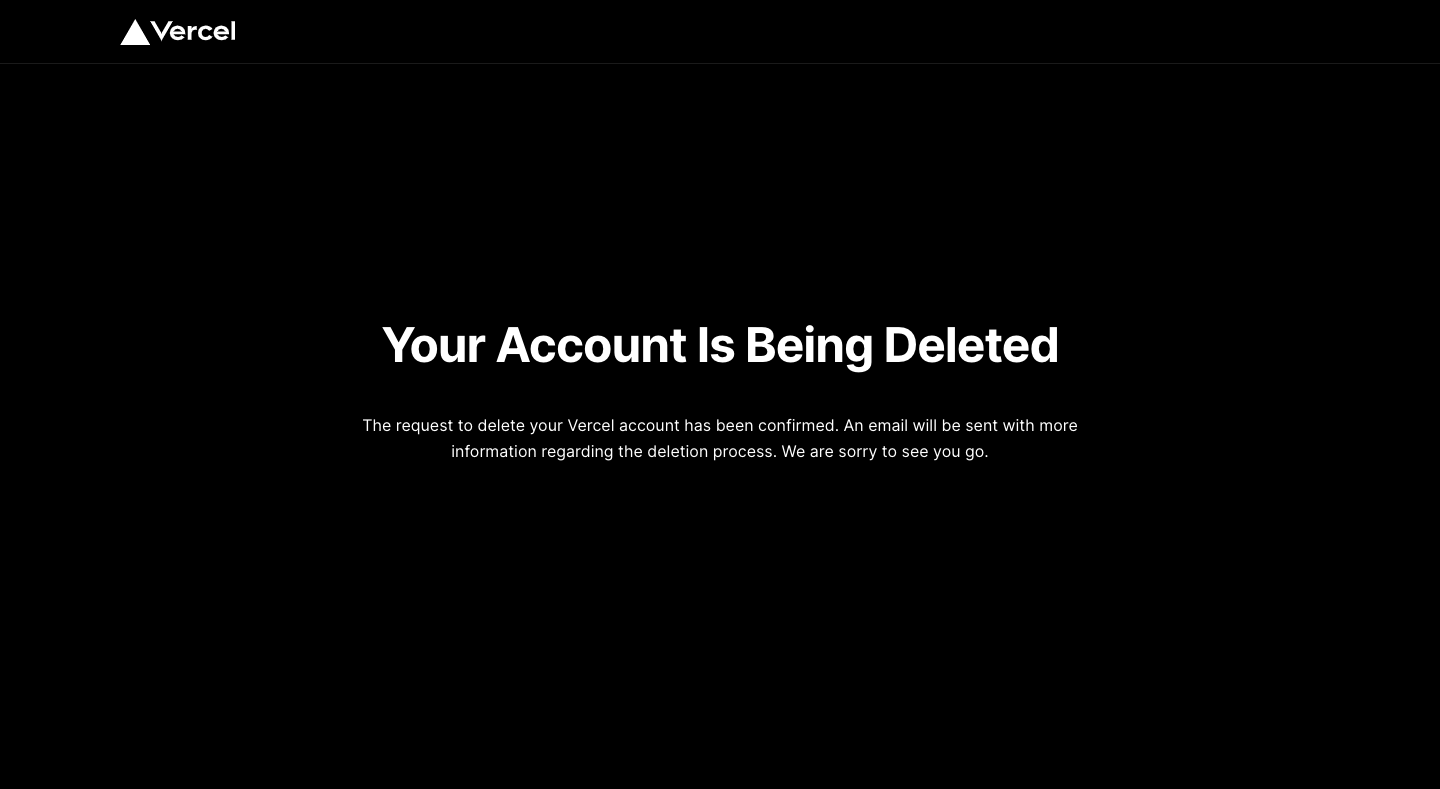
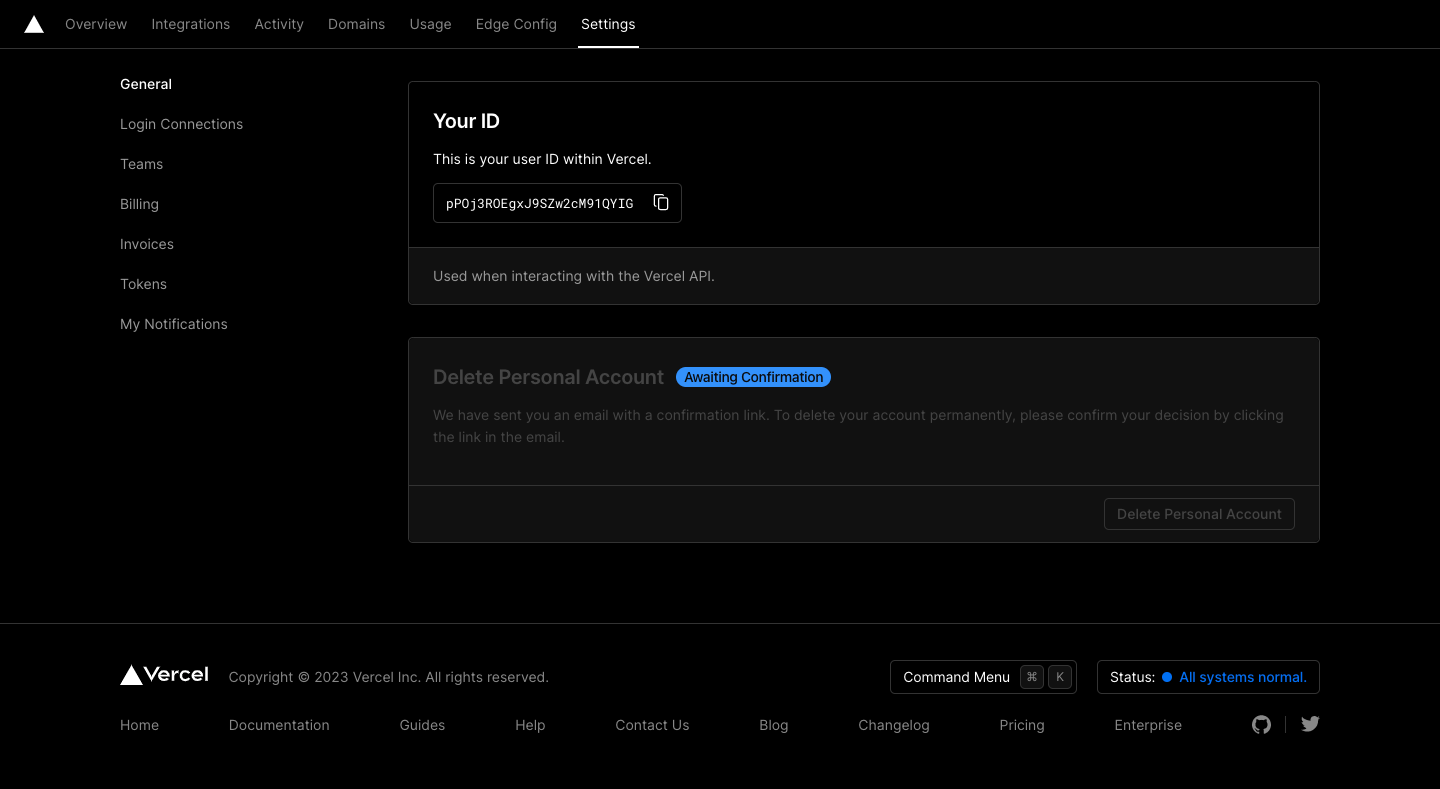
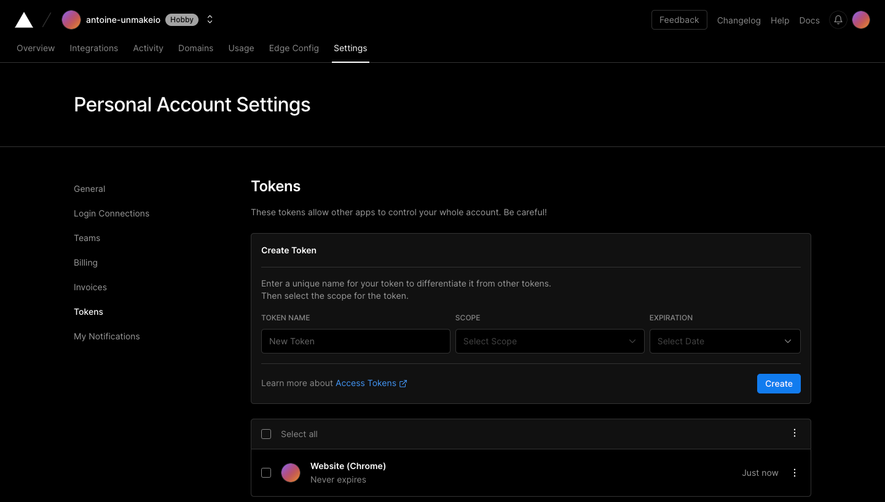
Vercel's delete account flow runs from the settings danger zone to confirmation emails in eight dark screens with layered safeguards. A red-bordered card holds the delete button, a survey modal asks why with numbered options, and a second modal requires typing your username under a red warning. A pending badge, a full-screen notice and two plain white emails close the process.
Follow Vercel’s delete account flow step by step: 6 real screens captured from the live product, from delete account: danger zone to delete account: confirm username. Use ← → to move between steps, and open any screen to see it in full.
Steps in this flow
More flows from Vercel
All Vercel Vercel Account Settings
4 screens
Vercel Sign Up Flow
5 screens